




When building an ecommerce website on WordPress, picking between WooCommerce and other platforms is crucial. Once you determine which plugin to use, you can take steps to personalize your eCommerce website to make it more effective and unique. In this post, we’ll share the best WordPress ecommerce plugins available, including WooCommerce-based options and other solutions, to help take your website to the next level.
-
1
The Best WordPress Ecommerce Plugins
- 1.1 1. WooCommerce
- 1.2 2. Easy Digital Downloads
- 1.3 3. SureCart
- 1.4 4. ShopLentor
- 1.5 5. Ultimate Store Kit
- 1.6 6. Ecwid for WordPress
- 1.7 7. MemberPress
- 1.8 8. North Commerce
- 1.9 9. Dokan Multi Vendor
- 1.10 10. FunnelKit
- 1.11 11. ShopWP
- 1.12 12. WP Gridbuilder
- 1.13 13. WP Simple Pay
- 1.14 14. ShopBuilder
- 2 Comparing All Ecommerce Plugins
- 3 Best Theme for Ecommerce Stores
- 4 What is the Best WordPress Ecommerce Plugin?
- 5 Frequently Asked Questions (FAQs)
The Best WordPress Ecommerce Plugins
An eCommerce plugin adds the ability to sell products to a WordPress website, including payment processing, order management, and product listing. These are needed to manage online stores because it is impossible to handle pricing, shipping, taxes, and automation without them. They also offer search customization, filtering, checkout streamlining, and multivendor marketplace options, resulting in a highly capable store that boosts sales and revenue.
We carefully selected this list of eCommerce plugins for WordPress to help businesses enhance their online stores with additional features and functionality. Our selection criteria included reviews, installs, support, ease of use, and compatibility with the latest WordPress version for security and stability.
1. WooCommerce
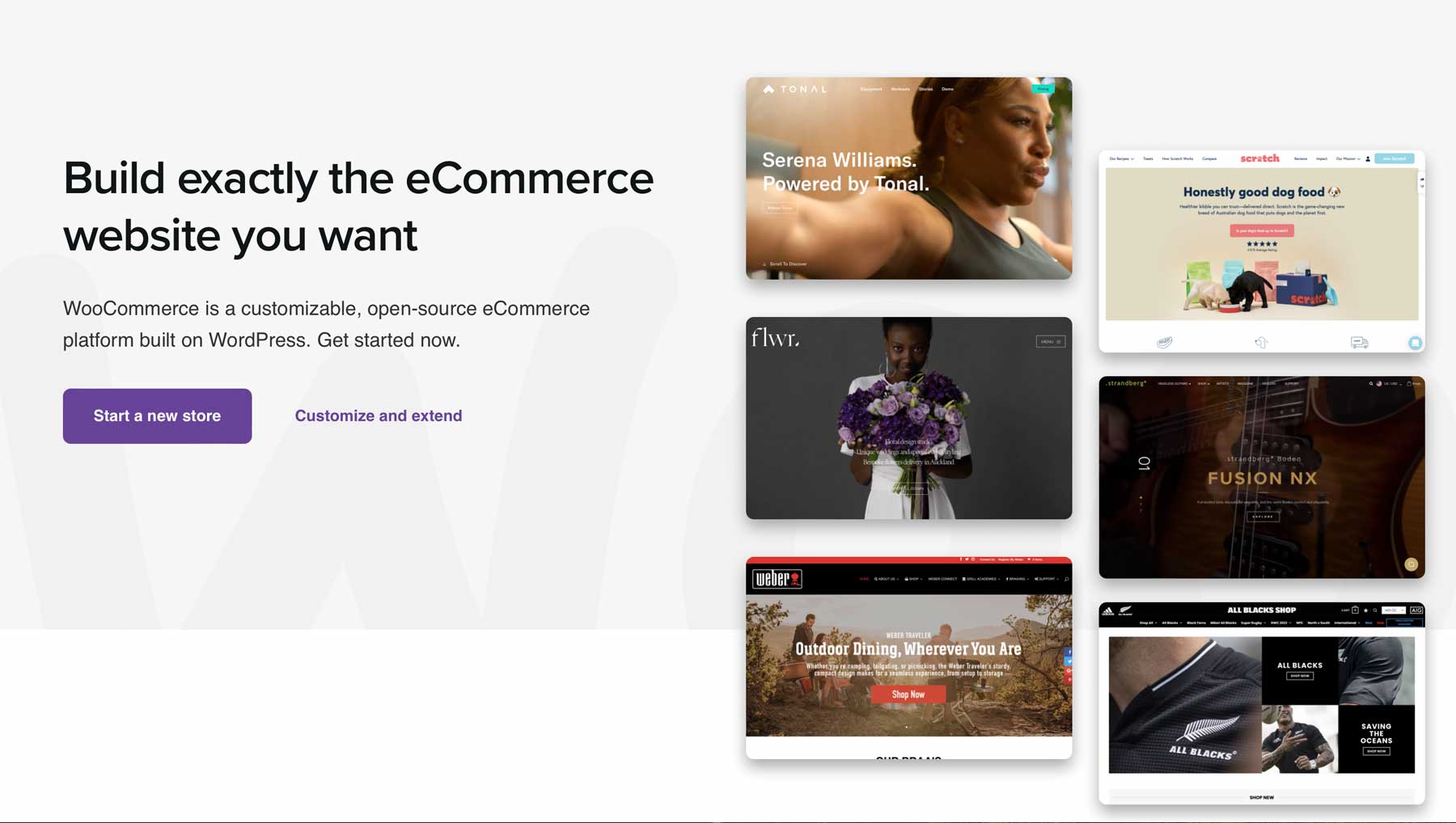
WooCommerce is the go-to ecommerce platform for WordPress sites, being the most used option. While it offers the most features and plugins, it may not be the easiest option. Configuring it and adding products, including taxes, can be tedious. Nevertheless, WooCommerce remains a popular choice for millions of WordPress sites due to the number of plugins available for it.
WooCommerce offers incredible support through helpful guides and resources on its website. Companies such as YITH make useful plugins to help make your online store unique and stand out.
Key Features for WooCommerce:
- Complete ecommerce solution for WordPress
- Lots of plugin options
- Hefty knowledge base
- Endlessly scalable
- Unmatched analytics tools

WooCommerce gives you a lot of information about how your store is doing, like how many sales you’ve made and what customers are doing. You can start with the free plugin and add more features as your business grows.
Best For:
WooCommerce is ideal for those who desire a custom ecommerce solution and have the knowledge or resources to manage and optimize their online store. It may be difficult for newbies with limited time to learn the platform.
Pricing: Free. Note that the “free” price of WooCommerce doesn’t tell the whole story. Most store owners will need to purchase a few premium add-ons, which can be pricey.
2. Easy Digital Downloads
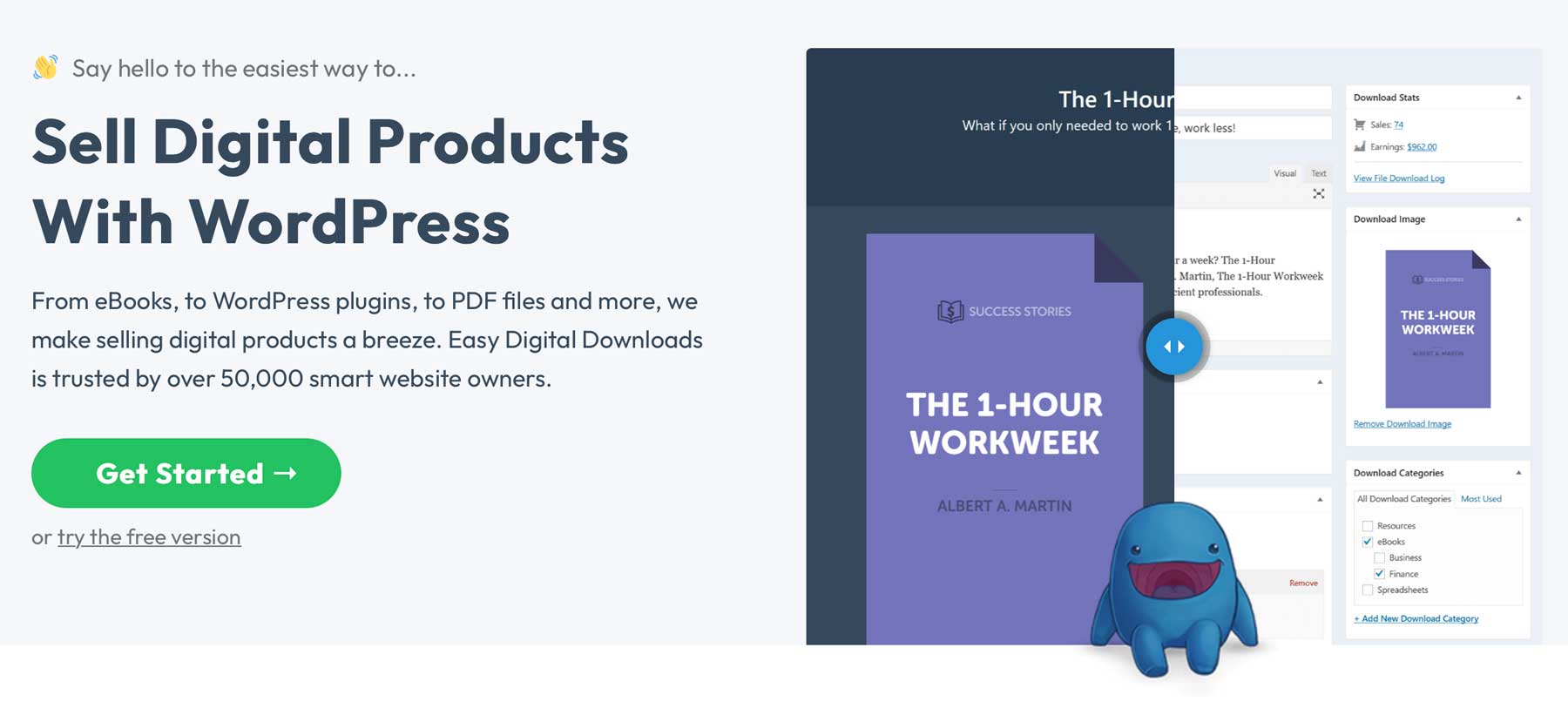
Easy Digital Downloads simplifies digital storefront management and sales, making it a must-have for ecommerce sites selling digital products. It works on its own or integrates with WooCommerce, allowing you to set single and variable pricing with immediate purchase or cart-saving options. It seamlessly works with popular WooCommerce SEO plugins such as Rank Math and Yoast SEO, optimizing product pages for better SERP visibility.
Key Features for Easy Digital Downloads:
- Multiple purchasing formats
- Functions as a standalone ecommerce solution or integration with WooCommerce
- Integrates well with Divi and other popular WordPress themes
- Multiple payment gateway options
- Addons for recurring payments, shipping, and front-end submissions
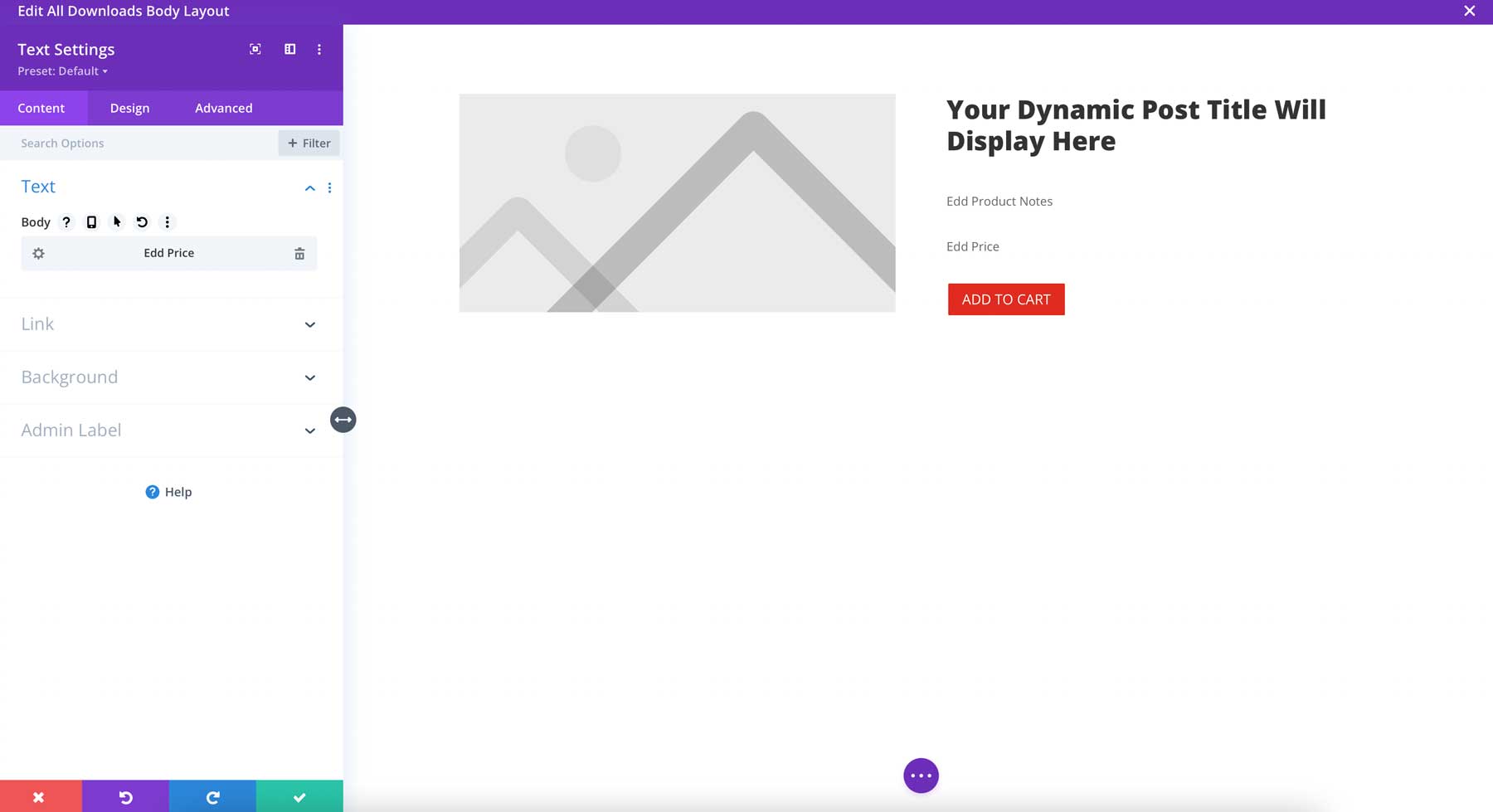
Easy Digital Downloads allows you to use any theme, including Divi. Plus, Divi’s Theme Builder lets you create customized download product templates. The platform’s dynamic content feature enables you to customize EDD fields to display download images, product descriptions, pricing, and add-to-cart buttons. Addons can be used to allow for subscription-based products, multivendor marketplaces, and seamless email opt-ins with Mailchimp integration. Easy Digital Downloads also supports several payment gateway add-ons.
Best For:
Those looking to feature digital products on their websites will find Easy Digital Downloads, one of the best WordPress ecommerce plugins available. EDD is great for selling digital products online, with multiple payment options, support for custom Divi templates, and single- and variable-product options.
Pricing: Free pro license starting at $199 per year.
3. SureCart
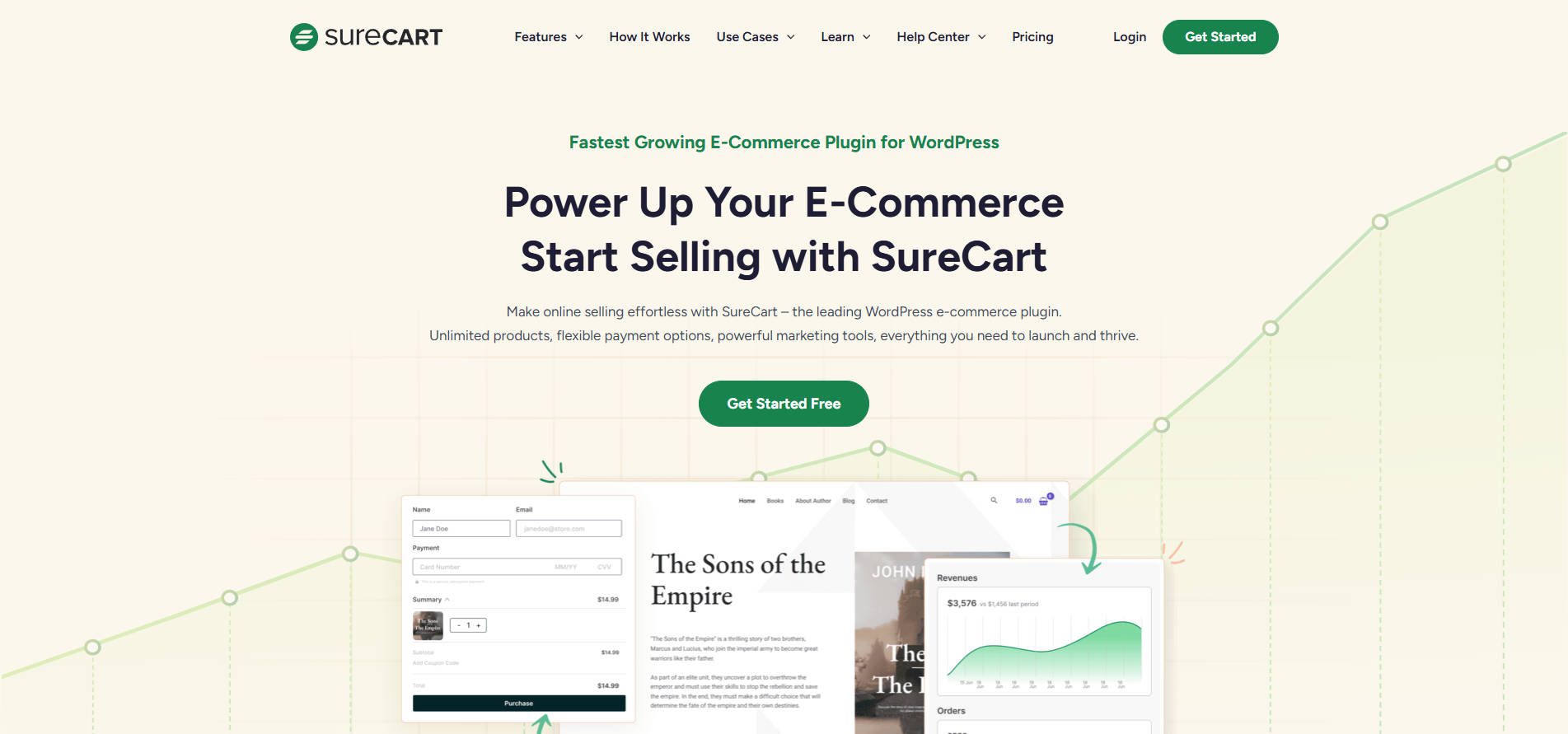
SureCart is a rapidly rising alternative to WooCommerce. It handles many of the same eCommerce features as Woo but gives users more options—especially for those who want to use a product other than an Automattic-owned product.
SureCart aims to have most of the features store owners need built in, without the need for numerous plugins (though it does have a healthy ecosystem of plugins that go with it). It also has the advantage of solving many of the pain points that WooCommerce has developed over the years.
Key Features for SureCart:
- Seamless WordPress integration: Manage subscription services directly from the WordPress dashboard.
- Drag-and-drop checkout: Build checkout forms visually with no code.
- Intuitive dashboard: The dashboard includes essential tools like product management, order processing, and sales reporting.
- Marketing tools: Included to help increase profits.
- Cart abandonment recovery: Recover abandoned carts.
- Subscription plans: Offer subscription plans.
- Multiple payment methods: Accept multiple payment methods.
- Integration options: Integrate with other services.
Best For:
Those who want a feature-rich eCommerce solution that is cheaper and more refined than WooCommerce. Also, for those who like to try something new and want to be part of an up-and-coming product’s rise.
Pricing: Free options are available with a low per-transaction rate or yearly/lifetime options (as low as $179 per year) for more features than come with WooCommerce.
4. ShopLentor
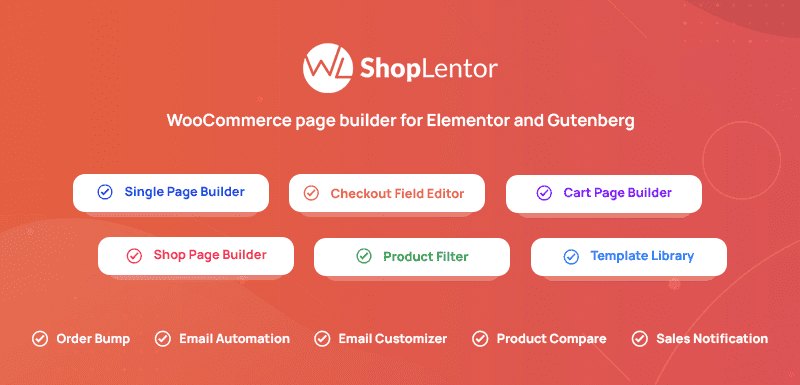
ShopLentor is a WooCommerce page builder plugin that enhances your eCommerce store setup. It combines Elementor’s drag-and-drop design capabilities with powerful WooCommerce features, giving users full control over their store layout without touching a line of code. Whether you’re building product grids, custom shop pages, or check-out designs, ShopLentor makes WooCommerce customization accessible and flexible.
Key Features for ShopLentor for WordPress:
- Full WooCommerce page builder with Elementor support
- 105+ Elementor widgets for total store customization
- Pre-designed templates and blocks
- AJAX-based search, add-to-cart, and filtering
- Built-in Sales Notification and Wishlist modules
ShopLentor provides a comprehensive collection of professionally designed templates and blocks for homepages, shop pages, single product layouts, and more. It includes over 34 responsive WooCommerce modules that are compatible with any WordPress theme, ensuring a consistent and visually appealing design across your entire website. All elements are fully customizable using the Elementor editor, allowing you to build and tailor your store without theme restrictions.
Best For:
ShopLentor is ideal for WordPress users looking to build a fully customized WooCommerce store without hiring a developer. Its drag-and-drop builder and built-in sales features make it especially useful for store owners, freelancers, and marketers.
Pricing: Free, with premium licenses starting at $99 per year.
5. Ultimate Store Kit
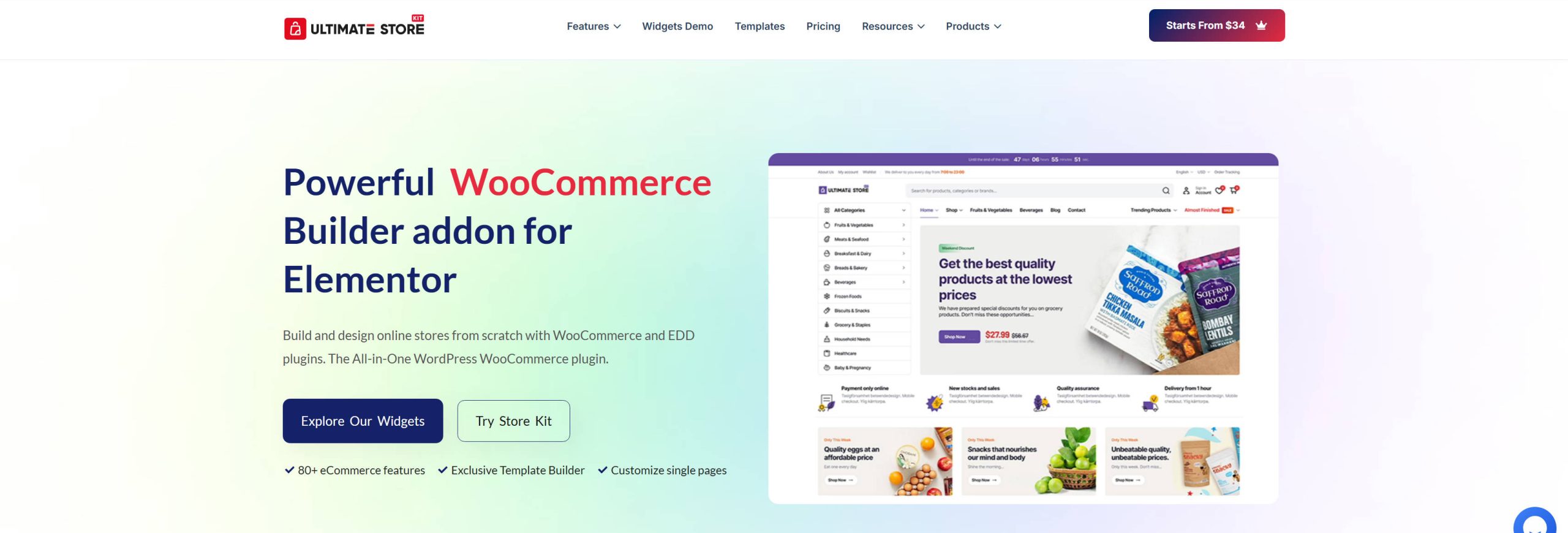
Ultimate Store Kit is an all-in-one WooCommerce and Easy Digital Downloads builder for Elementor. If you’re running Elementor and find its native eCommerce capabilities lacking, this fills that gap with 80+ store-focused widgets covering product grids, sliders, carousels, reviews, pricing tables, and checkout layouts. Instead of being locked into whatever your theme provides for shop and product pages, you get full layout control from within Elementor’s editor. It works on shop, single product, cart, checkout, and account pages without touching code. Worth noting: if you’re on Divi, this isn’t necessary since Divi ships with 20+ native WooCommerce modules (plus all modules are compatible with WooCommerce dynamic data) that cover similar ground and more.
Key Features for Ultimate Store Kit:
- 80+ ecommerce widgets for WooCommerce and EDD store layouts
- Full control over shop, product, cart, checkout, and account pages in Elementor
- Template builder for custom shop and product page layouts
- Supports both WooCommerce and Easy Digital Downloads stores
- Works with Elementor-compatible themes
When I look at the widget library in the Elementor panel with Ultimate Store Kit active, the additions are substantial. Product grids with AJAX filtering, review carousels, and checkout layout controls all show up as drag-and-drop widgets. The template builder lets you define custom layouts for product and category pages, which closes a real gap in what Elementor offers out of the box for WooCommerce stores.
What Ultimate Store Kit Excels At:
Giving Elementor users granular control over WooCommerce and EDD page layouts without custom PHP or a theme switch. If your site is already built on Elementor and you need your store pages to match the rest of your design, this is a focused solution for that specific problem.
Best For:
Store owners, agencies, and freelancers building WooCommerce or EDD stores in Elementor who need design control that goes beyond what their theme provides natively.
Pricing: Free core plugin, with premium plans starting at $49 per year for additional widgets, templates, and advanced features.
6. Ecwid for WordPress

Ecwid is a cloud-based eCommerce platform that lets businesses sell products across multiple platforms, integrating seamlessly with WordPress via the Ecwid Ecommerce Shopping Cart plugin. It offers over 40 payment options, social media selling, and comprehensive shipping and tax collection options for a reasonable monthly fee. While a free account allows up to 5 products, upgrading to a pro license is required for more. The prices for a pro license are lower than the costs of customizing a WooCommerce store.
Key Features for Ecwid for WordPress:
- WooCommerce Alternative
- All-in-one ecommerce solution
- Seamless WordPress integration
- Sell products on social media

Ecwid offers nearly 100 storefront templates, providing ample design options for your online store. It is fully compatible with all WordPress themes, allowing you complete control over the look and feel of your website. However, the editing options for Ecwid storefront themes are limited, so you may need to adjust your WordPress styling to ensure a cohesive look and feel.
Best For:
Those looking for a cost-effective alternative to WooCommerce that doesn’t require expensive plugins will find Ecwid an excellent choice. With its simple interface, setting up a full-featured eCommerce store is a breeze.
Pricing: Free, with monthly plans starting at $25 per month.
7. MemberPress
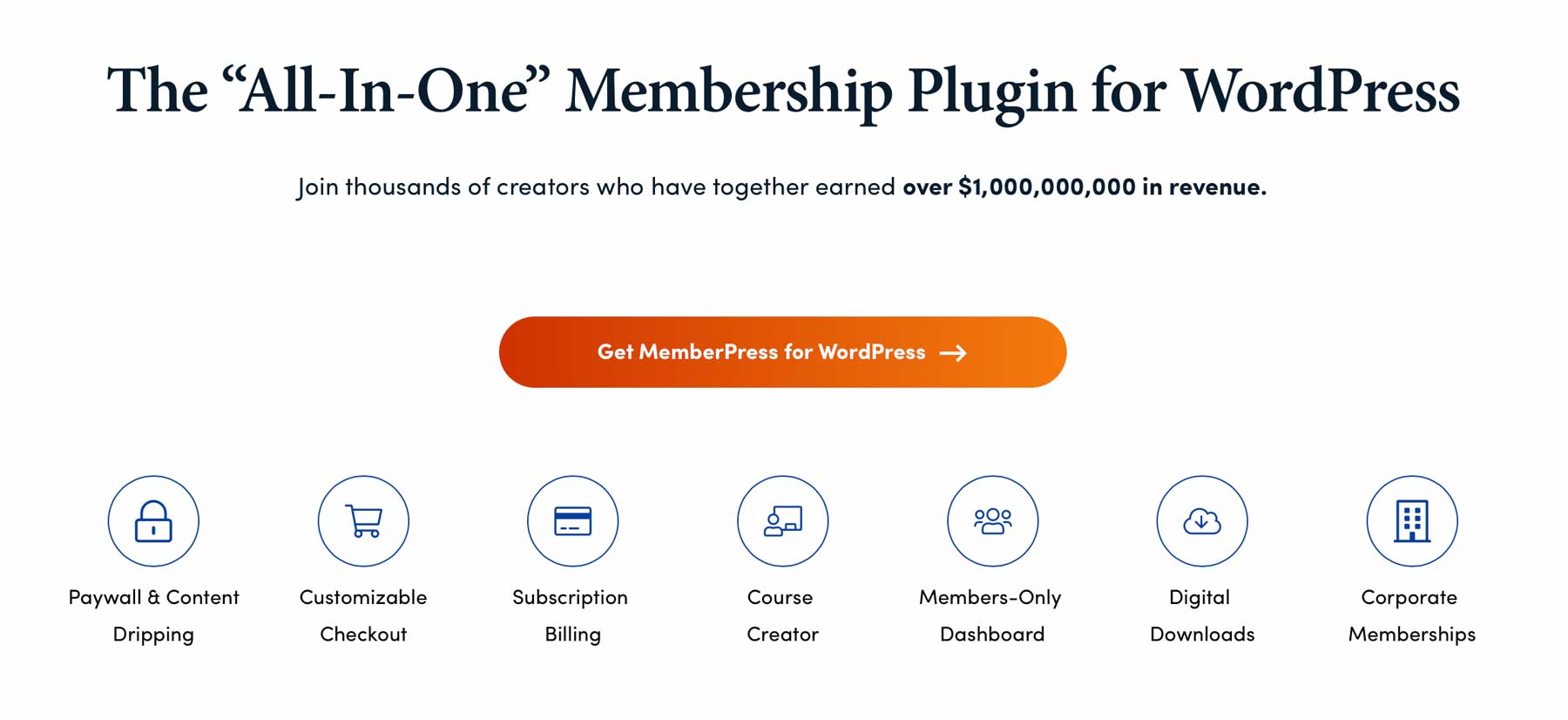
MemberPress is a top membership plugin for WordPress that offers a wide range of features, including multiple payment gateways, subscription management, digital downloads, discounts, and affiliate program integration. It integrates with popular affiliate marketing plugins like Pretty Links and can be used on its own or with WooCommerce.
Key Features for MemberPress:
- Multiple payment gateway support
- Digital downloads
- Subscription-based products
- Integrates with top affiliate plugins
- Integrates with WooCommerce, or is a standalone option for eCommerce
- Ability to create trial memberships

Another unique feature of MemberPress is the ability to offer trial memberships. By allowing potential members to test out your site, you will enable them to determine if it’s right for them. This can help increase customer satisfaction and loyalty, resulting in higher retention rates.
Best For:
For membership-based ecommerce websites, choose MemberPress as the go-to solution. It offers numerous features and is easy to set up with a configuration wizard, getting your website ready in minutes. One downside is the lack of a free plugin or demo, but they offer a 14-day money-back guarantee. That should appease those who aren’t 100% convinced that MemberPress is right for them.
Pricing: With recent price increases, MemberPress is now $399 per year.
8. North Commerce
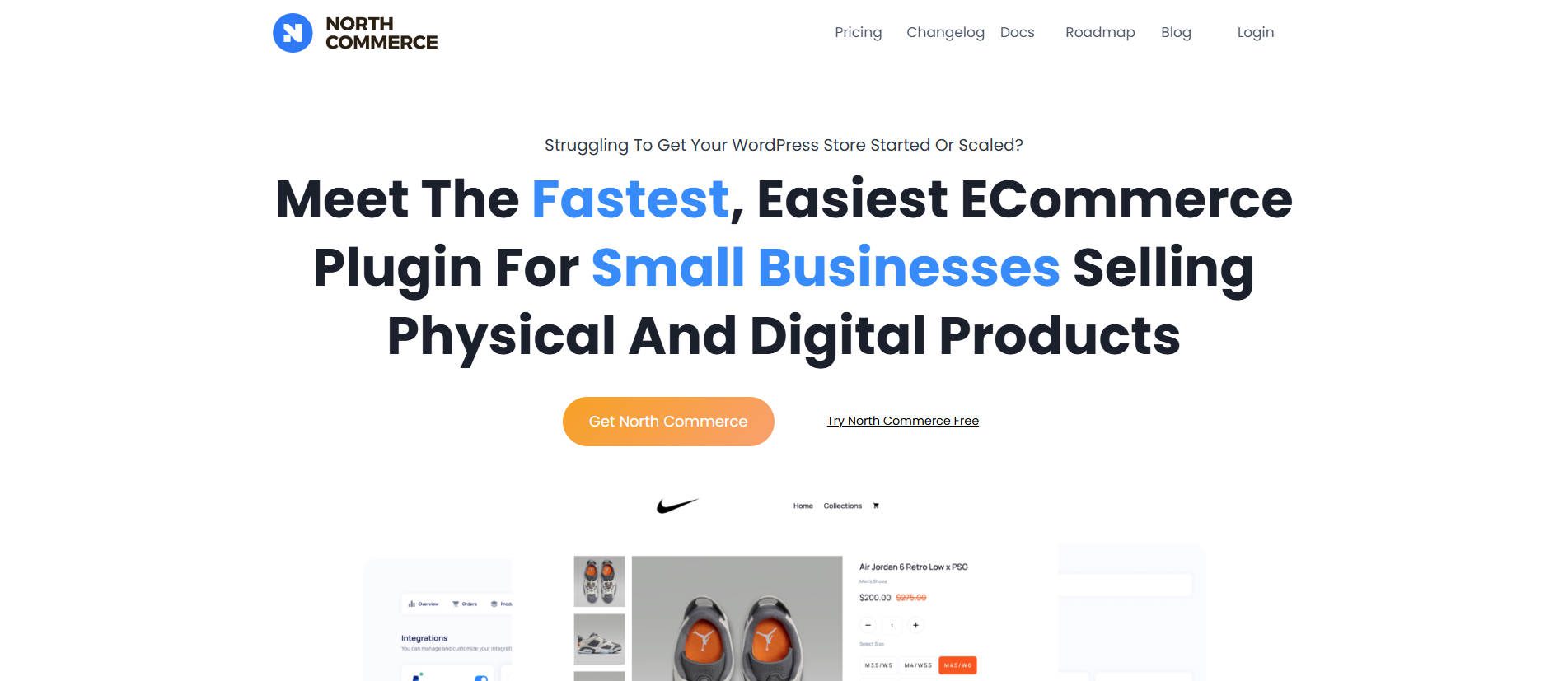
North Commerce is built for small businesses, making it an ideal replacement for the often expansive (read: confusing) WooCommerce option. It handles subscriptions, automation, taxes, coupons, and more natively. Like SureCart, Nort Commerce saw a void in the WooCommerce market and built a lower-cost solution with more functions.
Key Features for North Commerce:
- Native Gutenberg support or use with Bricks Builder
- Product Reviews
- Multi-payment processor integration
- Build funnels
- Subscriptions
- Abandoned Cart notifications
- Delivery/shipping and digital products.
Best For:
Established business that wants an all-in-one eCommerce solution without fiddling around with plugins and custom PHP functions.
Pricing: Available as a lifetime deal at $499 per site.
9. Dokan Multi Vendor
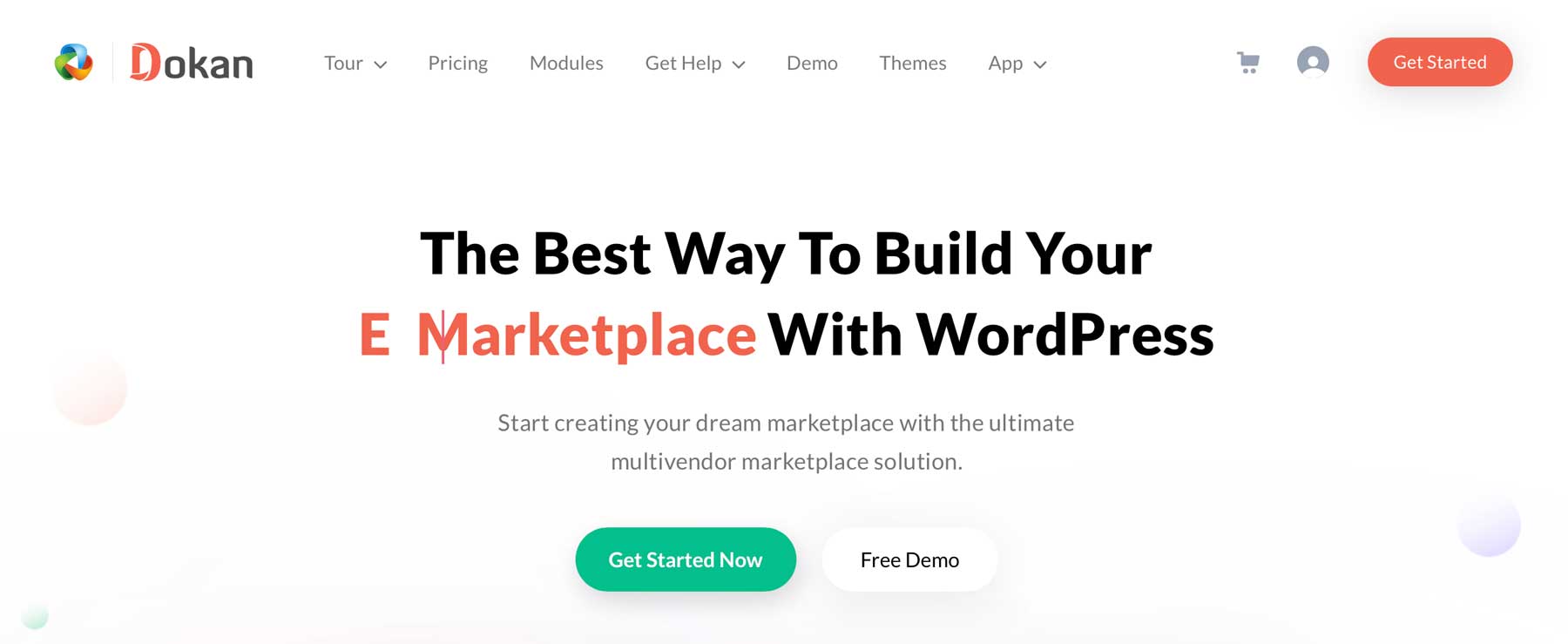
Dokan MultiVendor is the best WordPress ecommerce plugin for creating a multivendor marketplace with options to monetize through commissions and subscriptions. It requires WooCommerce and comes in both free and paid versions. The free version offers features such as unlimited vendors with individual front-end dashboards.
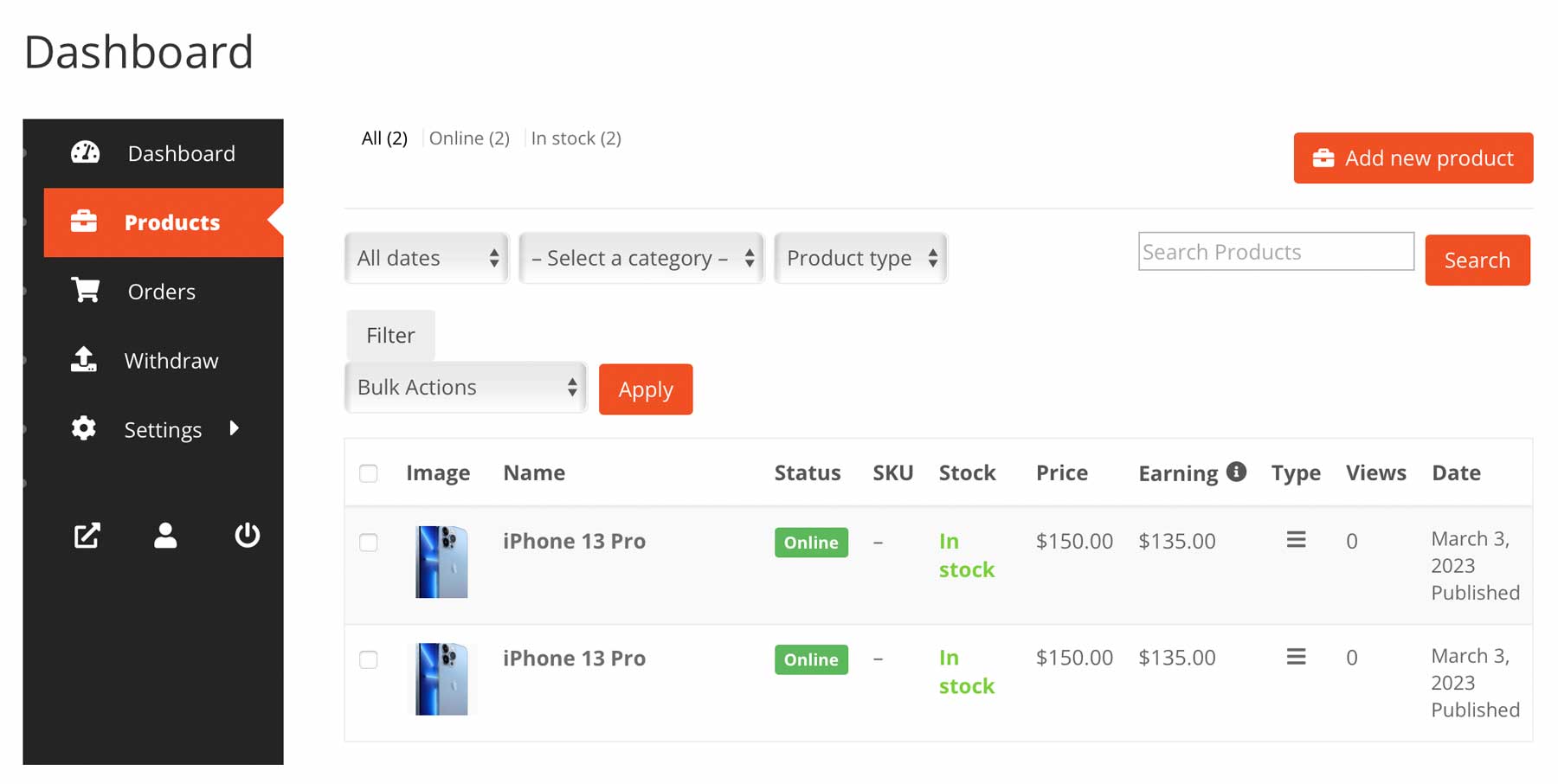
This free version also includes a comprehensive order management dashboard, various widgets, email notifications for orders, and multi-language support with WPML.
Key Features for Dokan Multi Vendor:
- Multiple product options
- Website monetization opportunities
- Comprehensive order management dashboard
- WooCommerce integration
- Multilingual support through WPML
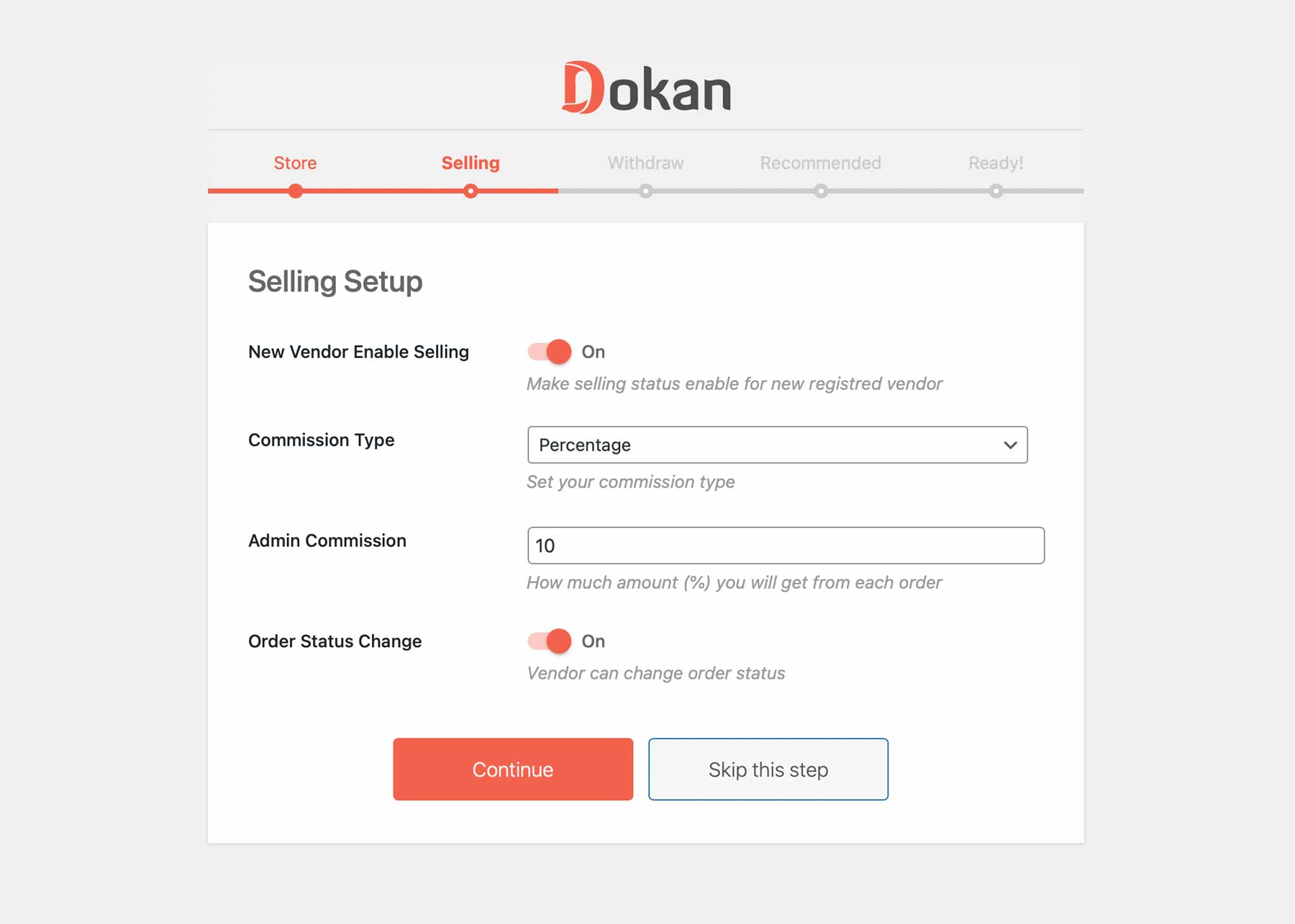
Dokan offers various features to make setting up a multivendor website a breeze, but the most compelling by far is its ease of use. With a straightforward setup wizard, you can easily configure how vendors will pay you and the level of control you want over them. To make things even easier, Dokan will install WooCommerce for you.
Best For:
Dokan MultiVendor simplifies creating a multivendor marketplace on WordPress with unlimited vendors, easy order management, and fee earning. However, the free version has limited features. The professional version starts at $149 per year before add-ons, but it is WordPress’s most versatile multi-vendor ecommerce plugin.
Pricing: Free, with a premium license starting at $149 annually.
10. FunnelKit

FunnelKit is one of the best marketing plugins for WordPress. It lets businesses create sales and lead-generation pages for ecommerce sites with various page types, including opt-in, sales, thank-you, and webinar registration pages.
Key Features for FunnelKit:
- A/B testing
- An assortment of landing page types
- Analytics dashboard

The plugin’s drag-and-drop builder makes it easy to create pages using a wide selection of design elements. Additionally, FunnelKit includes A/B testing, enabling users to compare page versions and optimize performance.
Best For:
FunnelKit is the ideal tool for boosting eCommerce sales through landing pages. Its templates, compatible with popular WordPress themes such as Divi, Elementor, and Gutenberg, make creating landing pages easy.
Pricing: Free, with premium licenses starting at $129 per year.
11. ShopWP
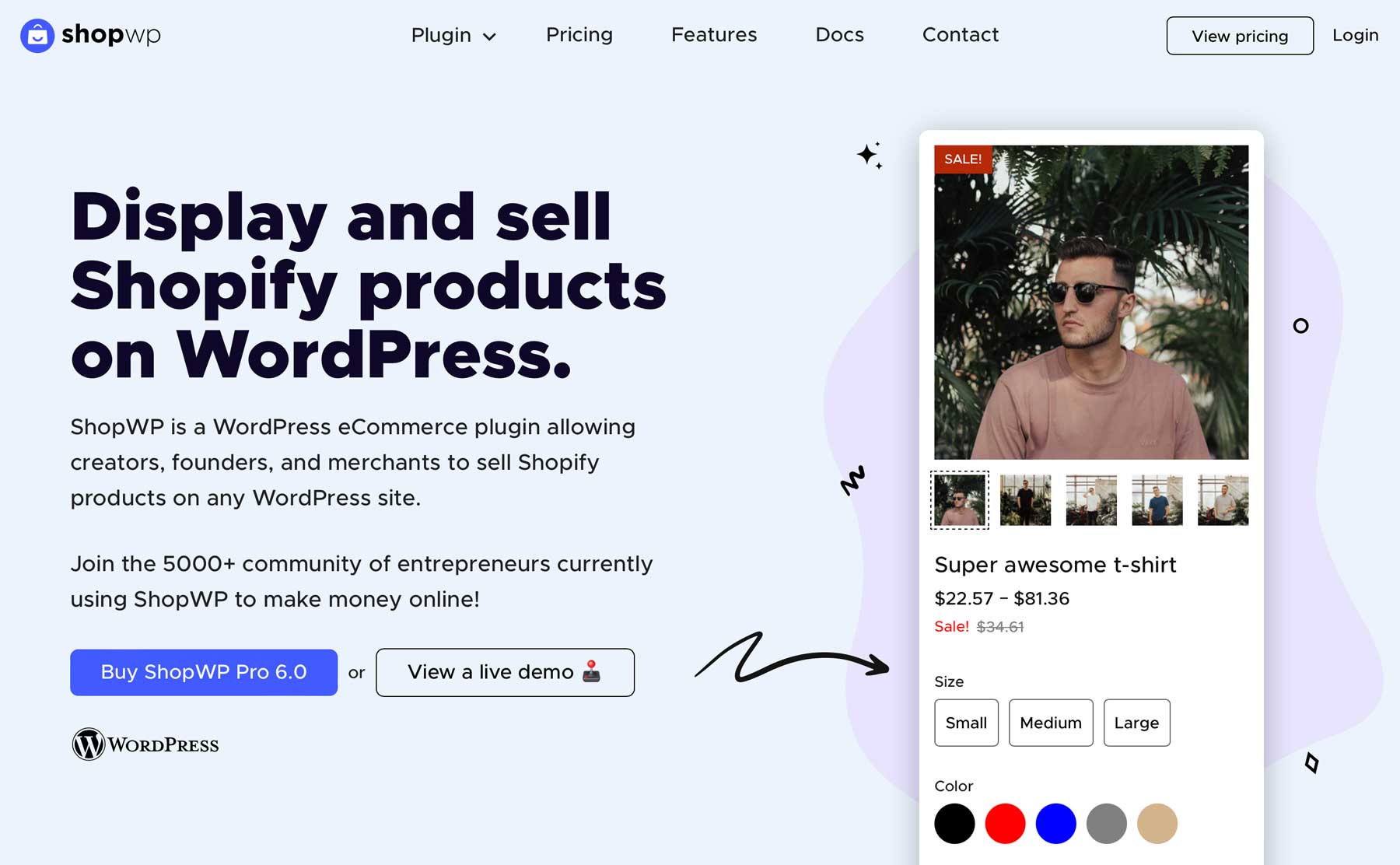
ShopWP is a full-featured ecommerce plugin that bridges the gap between Shopify and WordPress, allowing users to sell Shopify products on their WordPress site. It provides automatic product syncing, customized styling options, and a robust filtering system. The product embed interface lets you easily edit and publish Shopify products directly in the WordPress dashboard.
Key Features for ShopWP:
- Integrate Shopify into WordPress
- Automatic product syncing
- Vast styling options
- Advanced filtering options
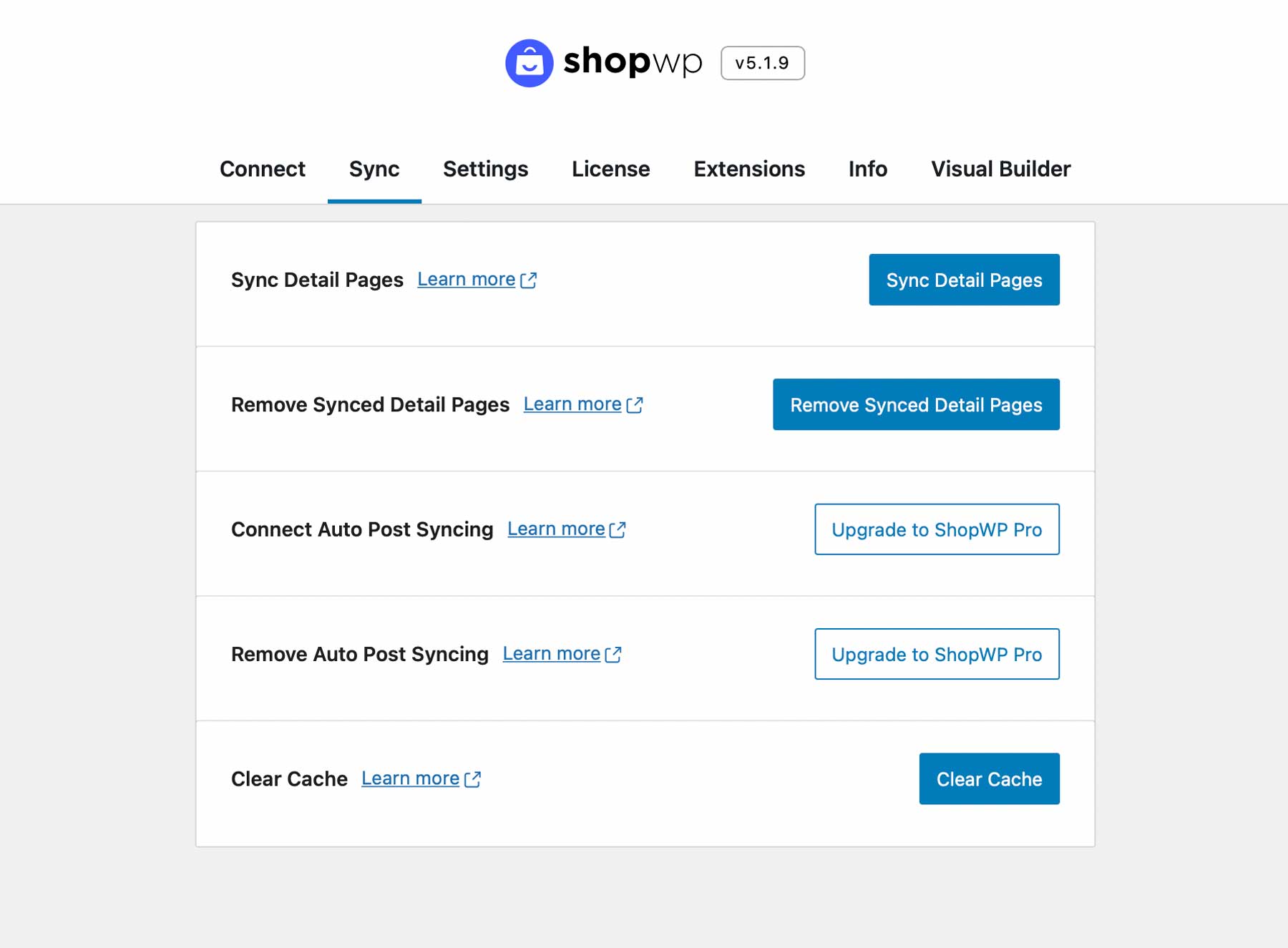
Setting up ShopWP is a breeze. If desired, connect your Shopify account, sync your products, and add extensions like Yotpo reviews or Recharge subscriptions. This is perfect for beginners and only takes a few minutes. The free version includes filtering, sorting, variants, Ajax pagination, and the Shopify cart experience, but the developer no longer supports it. Upgrade to the pro version for advanced features like image zoom and direct checkout. If you prefer Shopify to WooCommerce, this is worth it.
Best For:
ShopWP is an excellent solution for Shopify users who want to leverage WordPress’s extensive customization options.
Pricing: Only offers a pro version, starting at $199 per year for 3 sites.
12. WP Gridbuilder
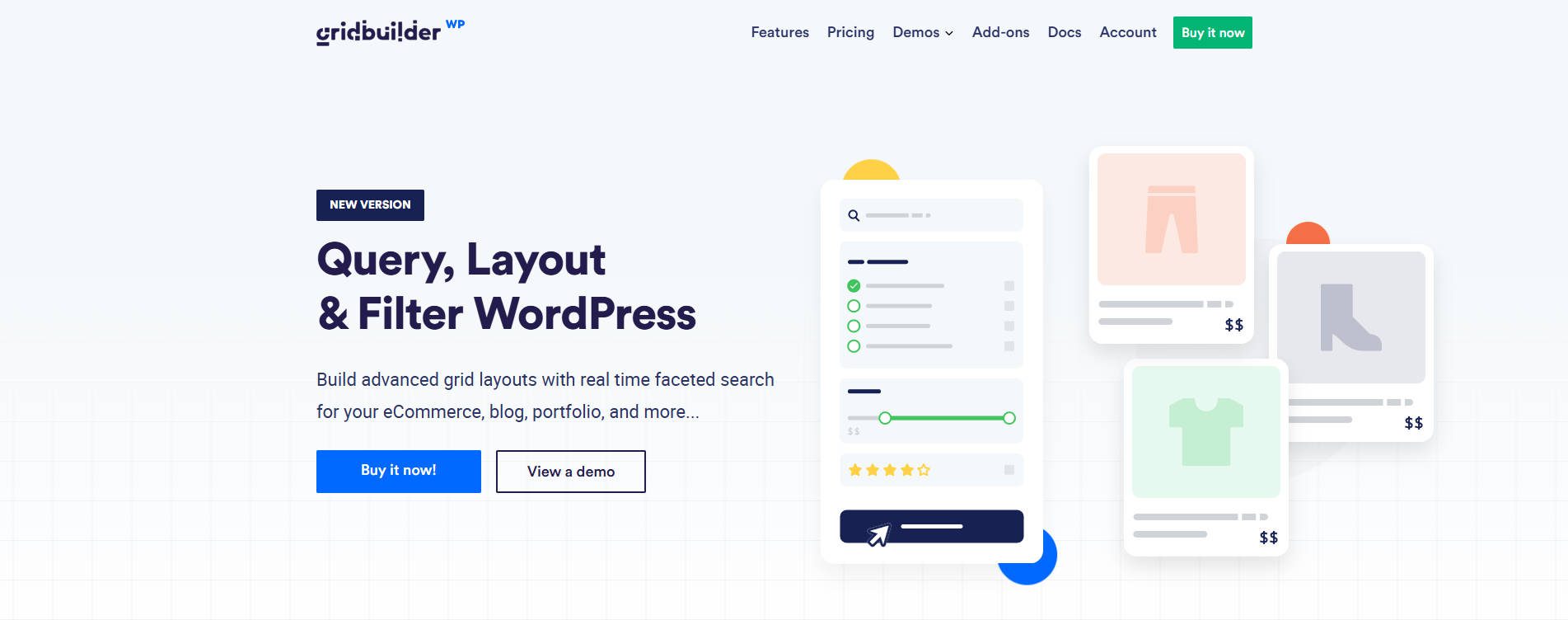
WP Grid Builder is a powerful eCommerce plugin that lets you create custom grid layouts for pages, posts, and products with a drag-and-drop interface. It comes loaded with designs that can be easily customized. Other features include lazy loading, Ajax pagination, WooCommerce integration, and many product filter options.
Key Features for WP Gridbuilder:
- Easy to customize
- Variety of design templates
- Lazy Loading, custom filter options
- Works with WooCommerce
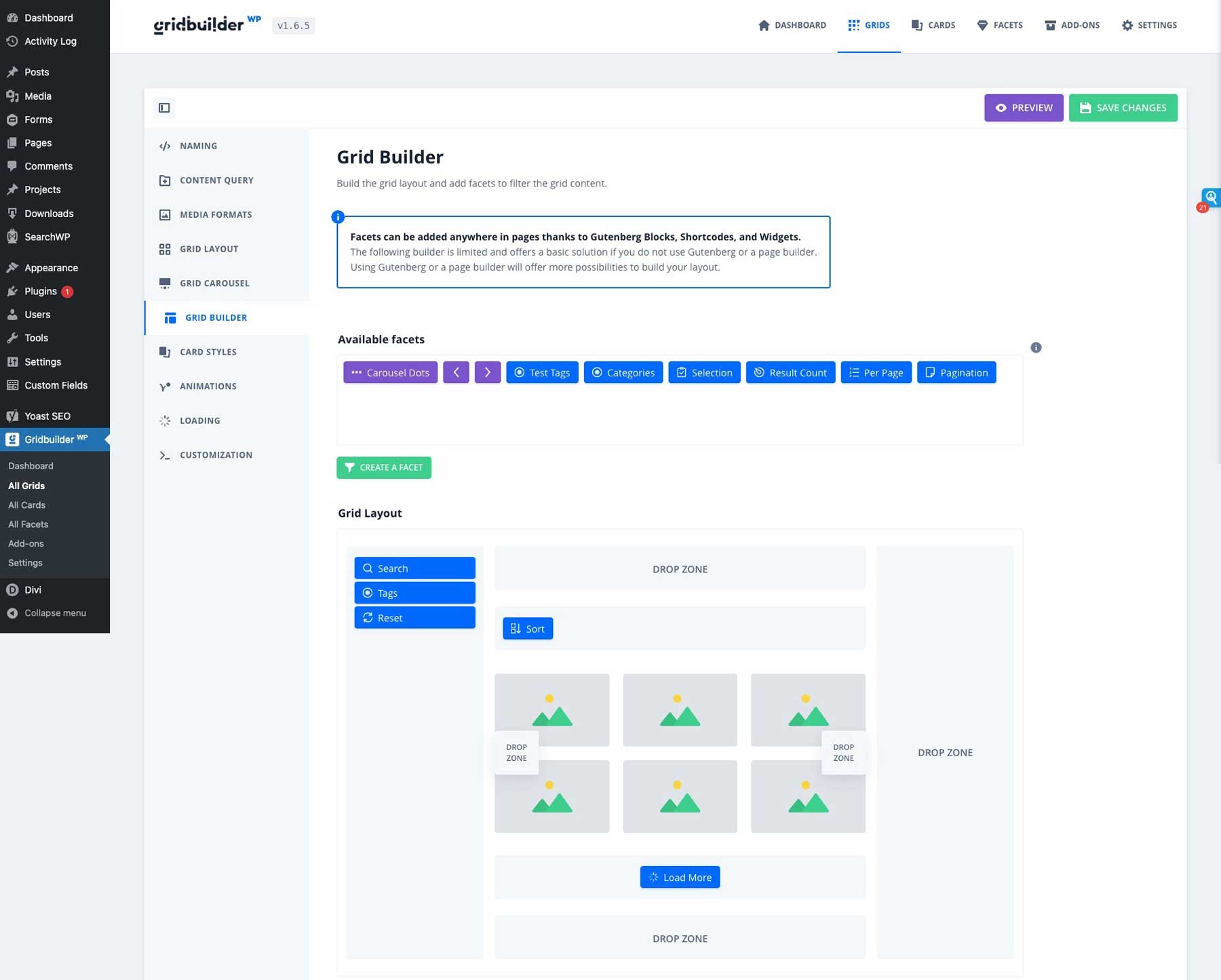
WP GridBuilder lets you fully customize your product search options. You can place them on the left, right, or top of your page. You can also add color swatches to help people with vision problems search more easily.
Best For:
WP Grid Builder is a useful ecommerce plugin for those who want to create dynamic, beautiful product layouts without coding experience.
Pricing: $49 per year.
13. WP Simple Pay
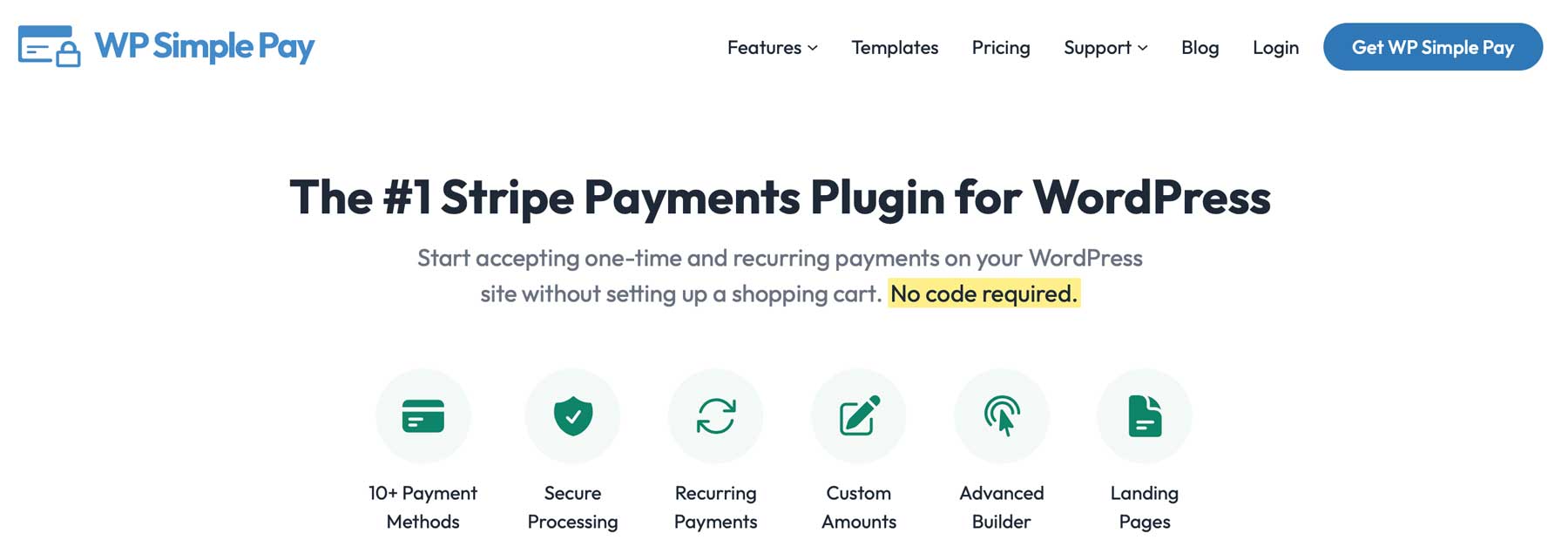
WP Simple Pay is a popular ecommerce plugin for WordPress that accepts single and repeat payments, making it ideal for subscription-based products. Its custom checkout process works easily with WordPress sites and supports multiple currencies. This makes it a top choice for any business seeking a reliable payment solution.
Key Features for WP Simple Pay:
- Multiple payment options, including buy now, pay later
- Subscription-based product support
- Multiple currency support
- Custom payment forms
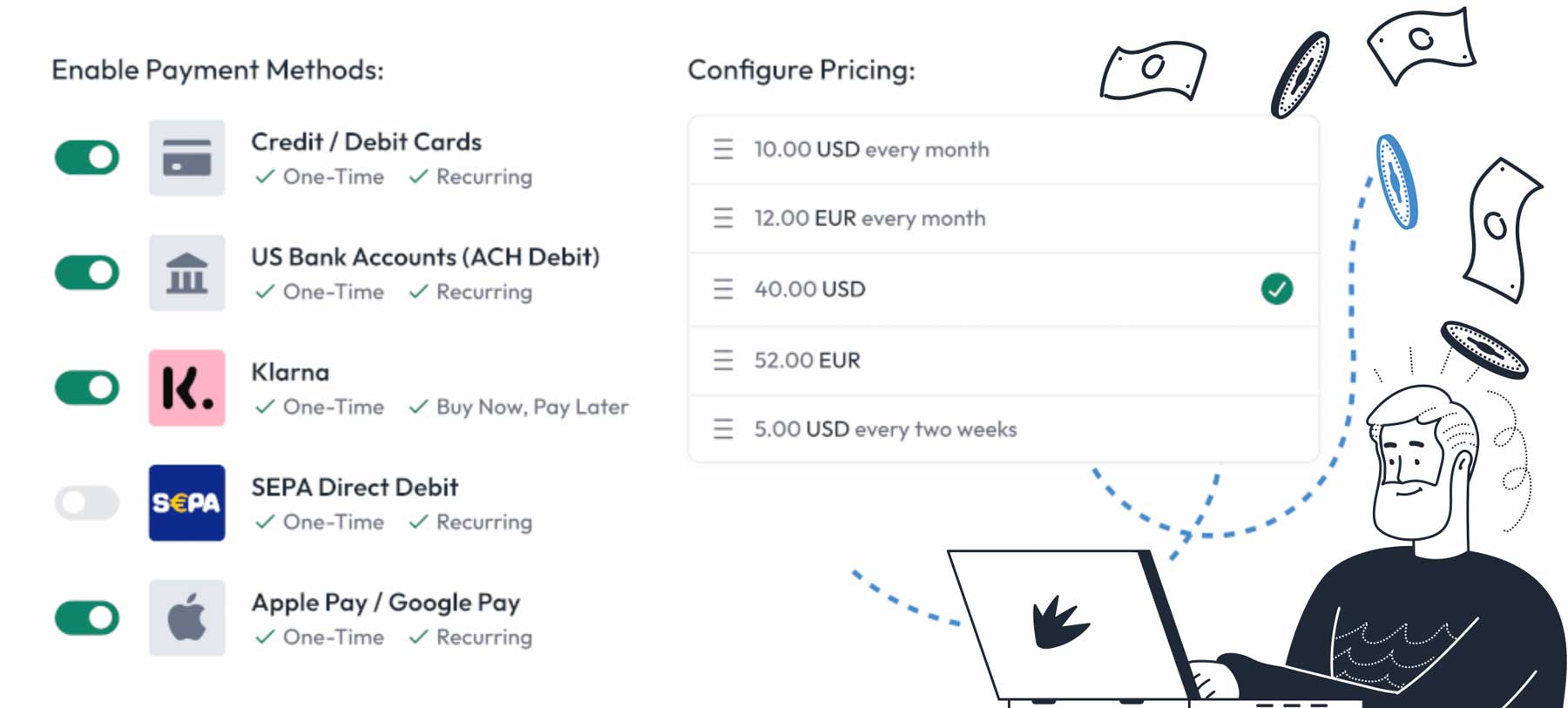
WP Simple Pay offers various payment options across both plugin versions. The free version enables payments via Stripe, while the pro version provides more options, such as Apple Pay, Google Pay, and buy now, pay later options through AfterPay, Klarna, and ACH Direct Debit. The pro version also allows custom payment forms, while the free version only permits custom payment buttons.
Best For:
WP Simple Pay is a great complete solution for collecting payments without needing a complicated plugin like WooCommerce.
Pricing: Free, with premium plans starting at $99 per year.
14. ShopBuilder
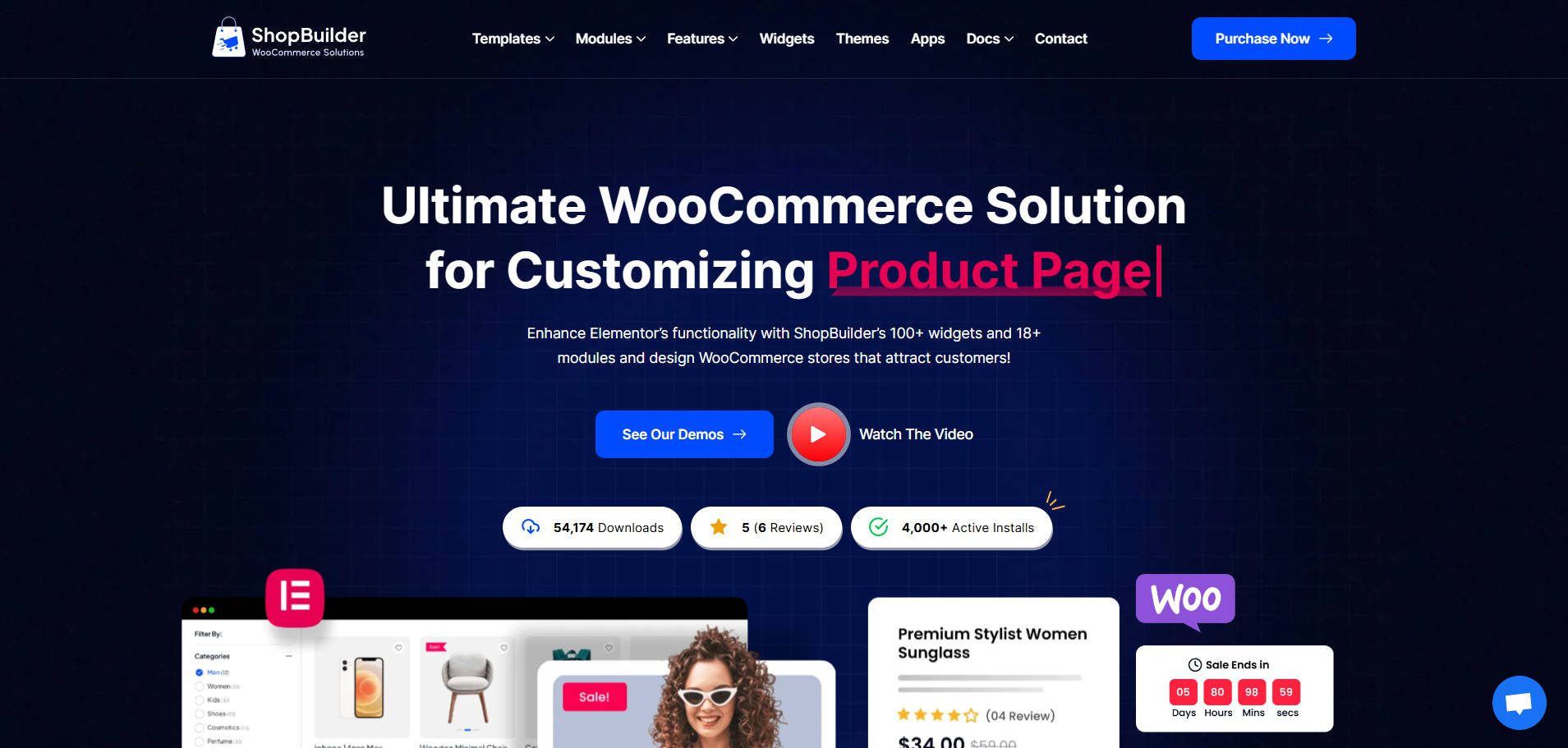
Thanks to its fantastic features, ShopBuilder is one of the best WordPress eCommerce plugins. It’s basically a WooCommerce page builder that works with Elementor. It features an intuitive, user-friendly interface that is super easy to use. Whether you want to build a shop, checkout, cart, product, or my account page, you can effortlessly accomplish this task just by dragging and dropping attractive page elements.
To speed up the store creation process, you can utilize the pre-built page layouts and develop store pages as you like. Aside from these, this plugin includes 100+ widgets and 19+ modules to enhance your ecommerce store’s functionality. So, you may reap its benefits and create stunning stores.
Key Features of ShopBuilder:
- Drag And Drop Builder
- Responsive Design
- Customizable Templates
- Inventory Management
- Order Management
- Shipping Options
- Tax Calculation
- Mobile App
- Multi-Currency Support
- Abandoned Cart Recovery
Best For:
ShopBuilder is best for people who want to quickly create highly customized WooCommerce shop, product, checkout, and other pages for a WordPress website. With its drag-and-drop editor, users can design visually appealing and conversion-optimized online stores without coding.
Pricing: The free version is available. However, we recommend you use the premium version ($41 per year) to access all its widgets, modules, and other excellent features, and to create convert stores.
Comparing All Ecommerce Plugins
Building an ecommerce platform doesn’t have to be complicated. Any of the plugins on our list can help you create the online store of your dreams. Whether you need a simple ecommerce solution or a more robust multivendor platform, an ecommerce plugin can provide the functionality you seek.
Price Comparison
We’ve covered quite a few plugins in this post. If you’re still unsure which to choose, check out our handy comparison table. It indicates which plugin offers a free version and its pricing. With so many choices, you should be able to find one that meets your needs.
| Plugin | Price | Free Option | ||
|---|---|---|---|---|
| 🥇 | WooCommerce | Free (Paid Addons) | ✅ | Visit |
| 🥈 | Easy Digital Downloads | $199 per year | ✅ | Visit |
| 🥉 | SureCart | $179 per year | ✅ | Visit |
| 4 | ShopLentor | $99 per year | ✅ | Visit |
| 5 | Ultimate Store Kit | $49 per year | ✅ | Visit |
| 6 | Ecwid for WordPress | $25 per month | ✅ | Visit |
| 7 | MemberPress | $399 per year | ❌ | Visit |
| 8 | North Commerce | $499 lifetime | ✅ | Visit |
| 9 | Dokan Multi Vendor | $149 per year | ✅ | Visit |
| 10 | Funnelkit | $129 per year | ✅ | Visit |
| 11 | ShopWP | $199 per year | ✅ | Visit |
| 12 | WP Gridbuilder | $49 per year | ❌ | Visit |
| 13 | WP Simple Pay | $99 per year | ✅ | Visit |
| 14 | ShopBuilder | $41 per year | ✅ | Visit |
Feature Comparison
WooCommerce is the most popular ecommerce plugin in the world. Although free, if you want to sell subscriptions, need extra help setting up taxes, or want to allow front-end product submissions, you’ll need an addon. However, if you want a simple store with a few products, there’s no better option than WooCommerce. Alternatively, if you are selling digital goods and want an easy, all-in-one solution, consider Easy Digital Downloads. To round out the top three, we have Dokan Multivendor. It’s an excellent solution if you aspire to create the next eBay or Amazon marketplace. No matter your needs, any of these three plugins can help.
| 🥇 WooCommerce | 🥈 Easy Digital Downloads | 🥉 SureCart | |
|---|---|---|---|
| Starting Price | Free* | $199/year | Free |
| Starting Price | Most store will need premium plugins* | $199/year | $179/year |
| Multiple Payment Gateways | ✔️ | ✔️ | ✔️ |
| Analytics | ✔️ | ✔️ | ✔️ |
| Paid Add-Ons | ✔️ | ✔️ | ✔️ |
| Page Builder Compatibility | ✔️ | ✔️ | ✔️ |
| Subscriptions | ✔️(add-on) | ✔️(pro) | ✔️ |
| Front End Submissions | ✔️(add on) | ✔️ | ✔️ |
| Active Installations | 5M+ | 50K+ | 40K+ |
| Community Rating | 4.5/5 ⭐⭐⭐⭐⭐ Read Reviews | 4.5/5 ⭐⭐⭐⭐⭐ Read Reviews | 4.8/5 ⭐⭐⭐⭐⭐ Read Reviews |
| Get WooCommerce | Get Easy Digital Downloads | Get Surecart |
Best Theme for Ecommerce Stores
Divi is arguably the best WordPress theme to natively support WooCommerce. Divi comes packed with over 20 WooCommerce modules that let you design every aspect of your site with the powerful front-end Visual Builder. As mentioned, Divi also offers its Theme Builder, which lets you create gorgeous templates for your products, categories, and shop pages.

Start Sites lets you create site designs for eCommerce stores in minutes
Divi has a few other stellar features, such as its global color management system, which lets you set default colors for your entire site to maintain design consistency across all pages. Divi includes an A/B testing tool, mobile editing tools, and over 2000 design layouts for free use within the theme. And that’s only the tip of the iceberg. Divi Pro comes with dozens upon dozens of time-saving features for businesses and agencies.
What is the Best WordPress Ecommerce Plugin?
WooCommerce is by far the most popular WordPress ecommerce plugin, and it’s a great way to get your store up and running. It’s free, but most stores will need to purchase quite a few paid add-ons that can add up.
Of course, creating your store is only the first step! You’ll also need to promote it. OptinMonster is a great way to generate leads and build your mailing list, and FunnelKit is a great way to improve conversions. And, of course, if you are looking for a great theme or page builder that works well with all of these plugins, look no further than our very own Divi!
Are you looking for more ecommerce plugin options? Check out our posts for the best WooCommerce image zoom plugins and excellent WooCommerce social media plugin options. Make sure to check out our post on the best WordPress plugins as well, we provide a top recommendation for each type!
Frequently Asked Questions (FAQs)
Before we wrap up, let’s answer some of your most common questions regarding the best WordPress ecommerce plugins. Did we miss one? Leave a question below.

 WooCommerce
 Easy Digital Downloads
 SureCart







The “really” best is forgotten: surecart
And can you explain why Divi is mentioned in a post for “Ecommerce Plugins”