

Icons help visitors find what they need at a glance, and a good set could cost you nothing. Plenty of designers give theirs away under open licenses, and this list rounds up 16 places to download them. Some sources are fully open, and some ask for a link back, so the table below shows which is which before you decide.
| Source | License | Credit Line | Free Formats | Free Limit |
|---|---|---|---|---|
| Elegant Icon Font | GPL and MIT | None | Font, SVG, PNG | None |
| Free Line-Style Icons | GPL | None | SVG, AI, PNG | None |
| Beautiful Flat Icons | GPL | None | AI, EPS, PDF, PNG | None |
| ThemeIsle | Set by the repo's license file | None; keep the license file | AI, EPS, PNG, SVG | None |
| Icons8 | Icons8 free license | Link to Icons8 | PNG up to 100 px, SVG in three categories | 100 px PNG cap |
| Flaticon | Flaticon free license | Required | PNG | Daily download limit |
| iconmonstr | iconmonstr license | None | SVG, PNG | No bulk download of the whole library |
| Fontello | Set by set, mostly SIL OFL | Varies by set; the download lists them | Icon font | None |
| Freepik | Freepik free license | Required | Varies by asset | About 10 downloads a day |
| The Noun Project | CC BY 3.0 or Public Domain | Creator credit, except Public Domain | PNG, SVG | None |
| GraphicBurger | Royalty-free | Appreciated | Varies by set | No redistribution |
| IcoMoon Free | CC BY 4.0 or GPL | Required under CC BY 4.0 | Font, SVG, PNG | None |
| Font Awesome Free | Icons CC BY 4.0, fonts SIL OFL, code MIT | Header comments in the files | SVG, JS, web font | None |
| Material Symbols | Apache 2.0 | None; keep the license file | Variable font, SVG, PNG | None |
| Lucide | ISC | None; keep the license file | SVG, icon font | None |
| Tabler Icons | MIT | None; keep the license file | SVG, web font, PNG, EPS | None |
| Bootstrap Icons | MIT | None; keep the license file | SVG, web font | None |
Want icons with no strings attached at all? Start with the open-source sets and the Elegant Themes packs. SVG files are free from those sets and a few others, and the chooser below points to five icon fonts if you would rather load one font for the whole site.
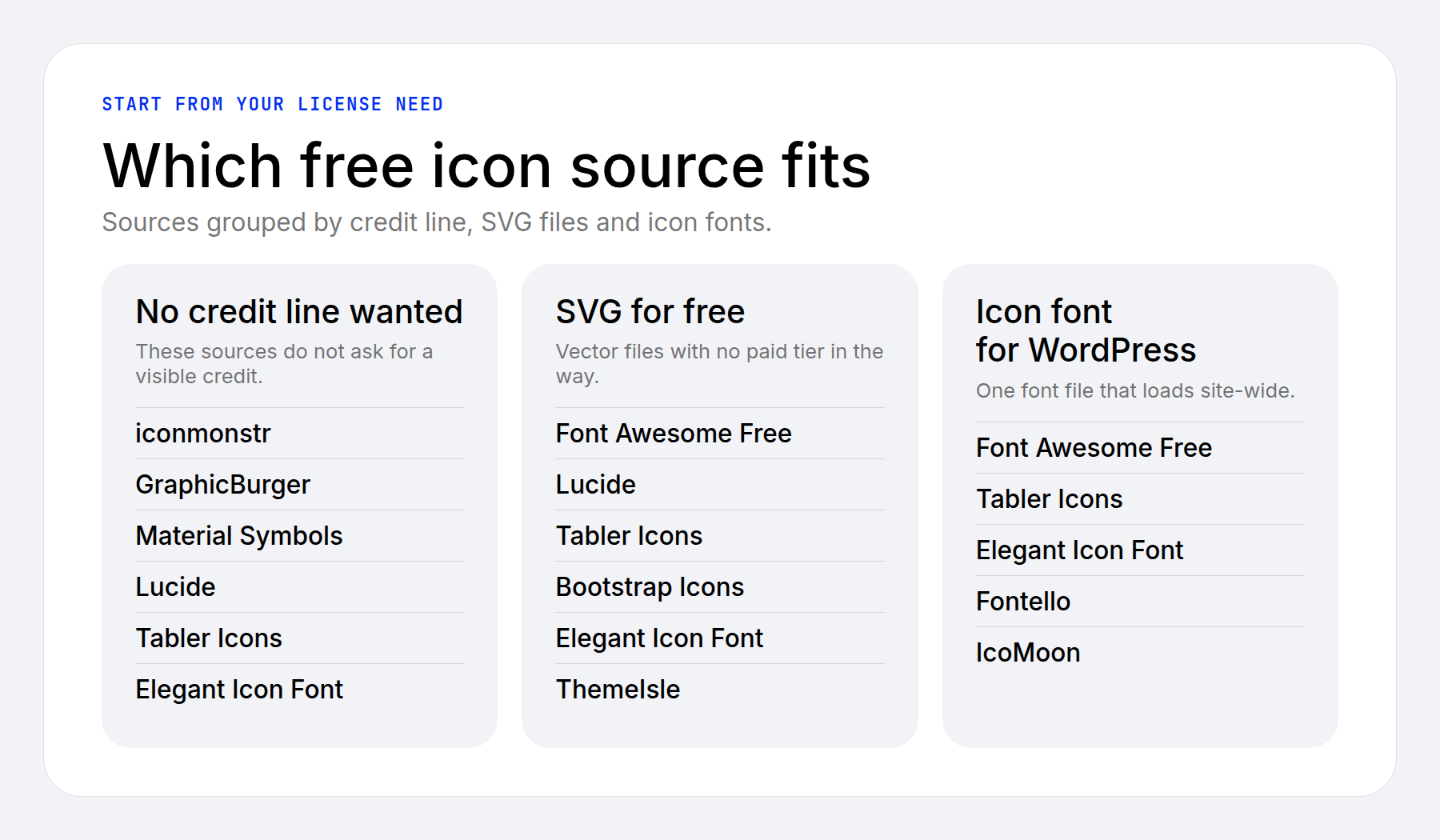
Every entry below says what you get for free, what the source asks in return, and how the files work in WordPress.
- 1 Elegant Themes Icon Packs
- 2 ThemeIsle
- 3 Icons8
- 4 Flaticon
- 5 iconmonstr
- 6 Fontello
- 7 Freepik
- 8 The Noun Project
- 9 GraphicBurger
- 10 IcoMoon
- 11 Open-Source Icon Sets You Host Yourself
- 12 Canva
- 13 Generate Your Own Icons With AI
- 14 Crediting an Icon the Easy Way
- 15 Using SVG and Icon Fonts in WordPress and Divi
- 16 Pick Your Icons and Start Building
Elegant Themes Icon Packs
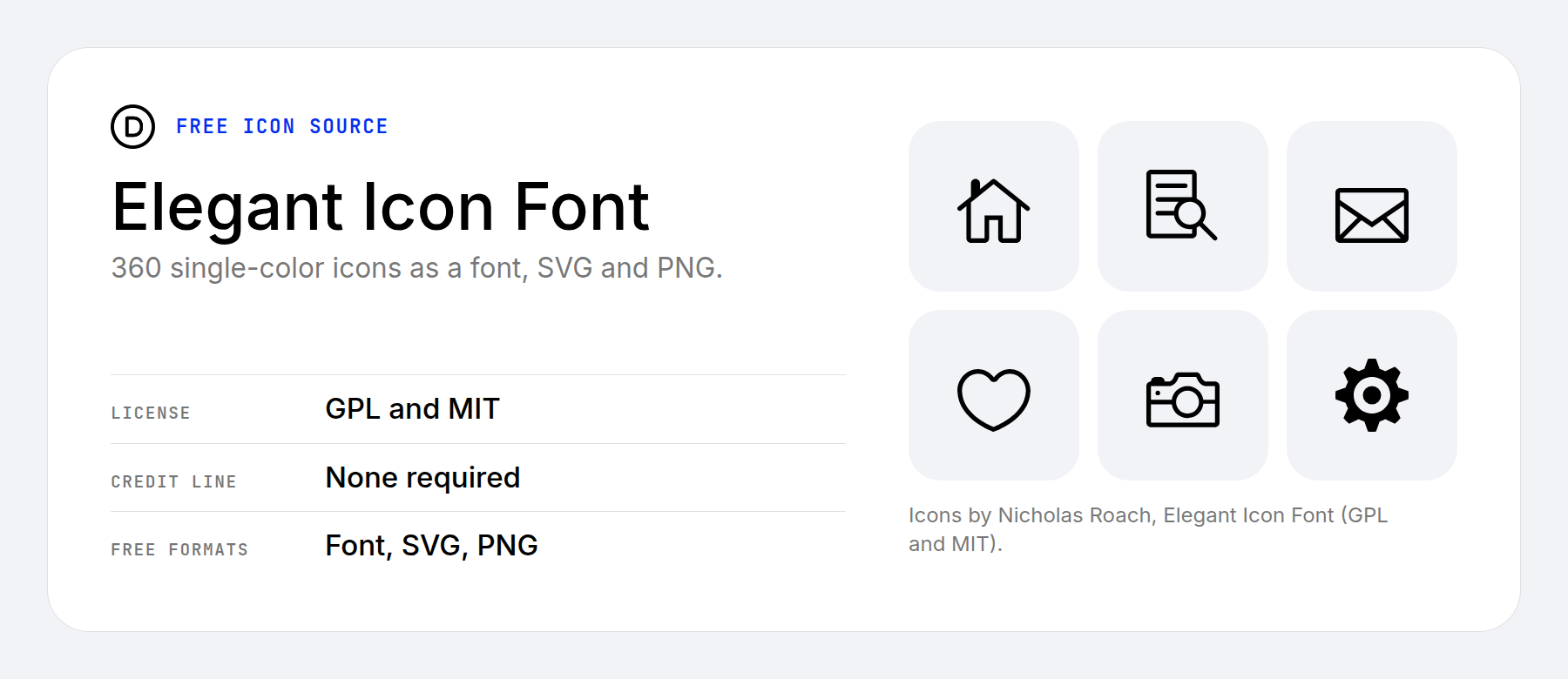
We have been giving away icons for years, and three of our packs are still worth a download. The Elegant Icon Font holds 360 single-color icons as a font, SVG, and PNG. It is open source under the GPL and MIT licenses, so use it, change it, and share it however you like.
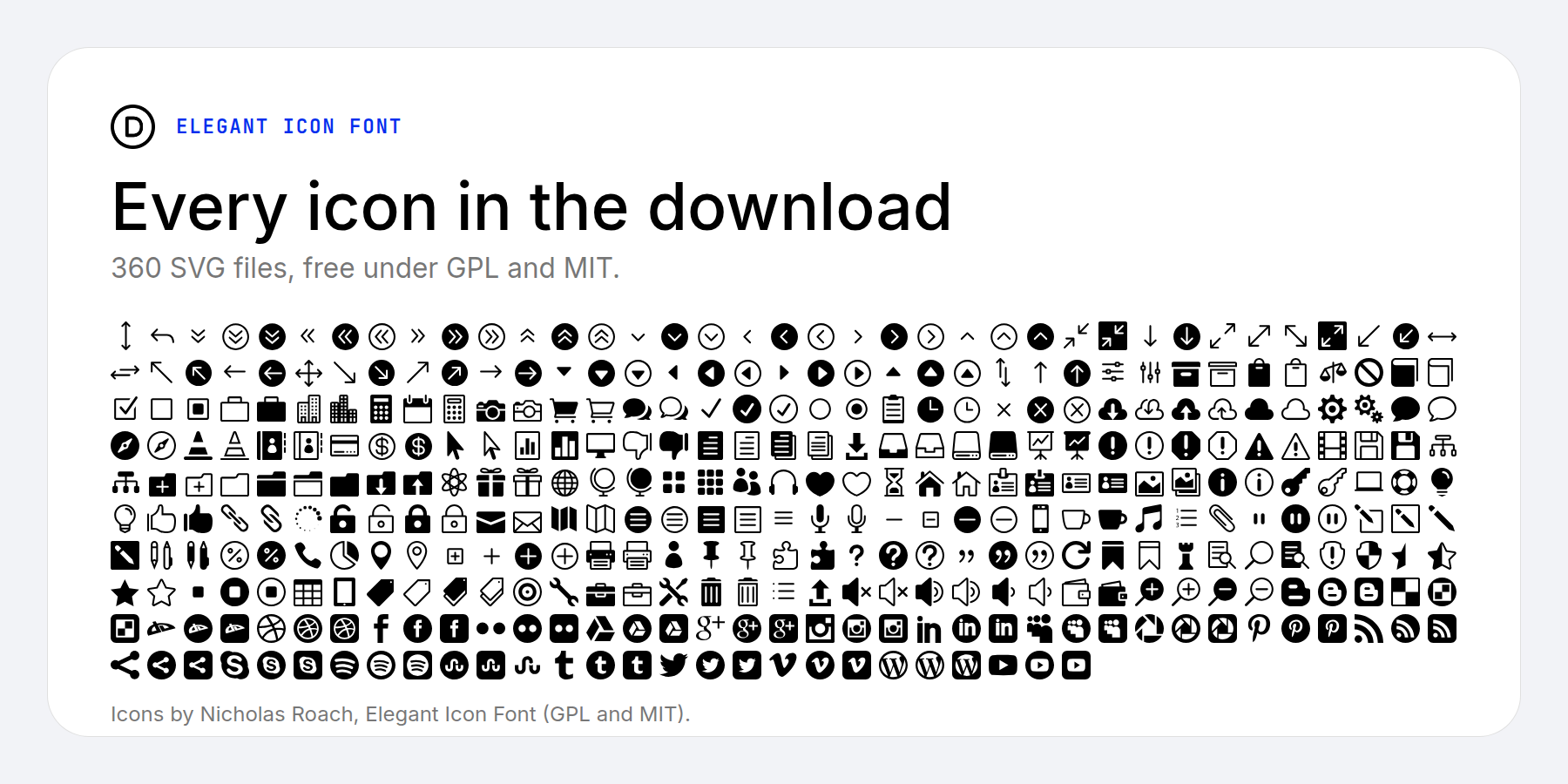
Each icon is a single color, so you can recolor them in CSS or in Divi’s SVG module. All 360 SVG files from the download appear in the sheet below.
The Free Line-Style Icons are 100 single-color icons in SVG, AI, and PNG under the GPL, drawn as outlines instead of solid shapes. The Beautiful Flat Icons are 192 designs in full color and single color, supplied as AI, EPS, PDF and PNG, also under the GPL. Pick the flat set when you want colored icons without a design tool.
Our original Elegant Themes Icon Pack of 48 x 48 px PNGs is still available too. So is a social media icon pack with 35 icons, including Facebook and YouTube. Divi’s own icon library is the better pick for new Divi work, and these packs shine when you want files you can host and edit yourself.
ThemeIsle
ThemeIsle is a WordPress theme and plugin developer that also shares 100 free icons. They come as AI, EPS, PNG, and SVG files, and the GitHub repository adds an icon font through npm and jsDelivr.
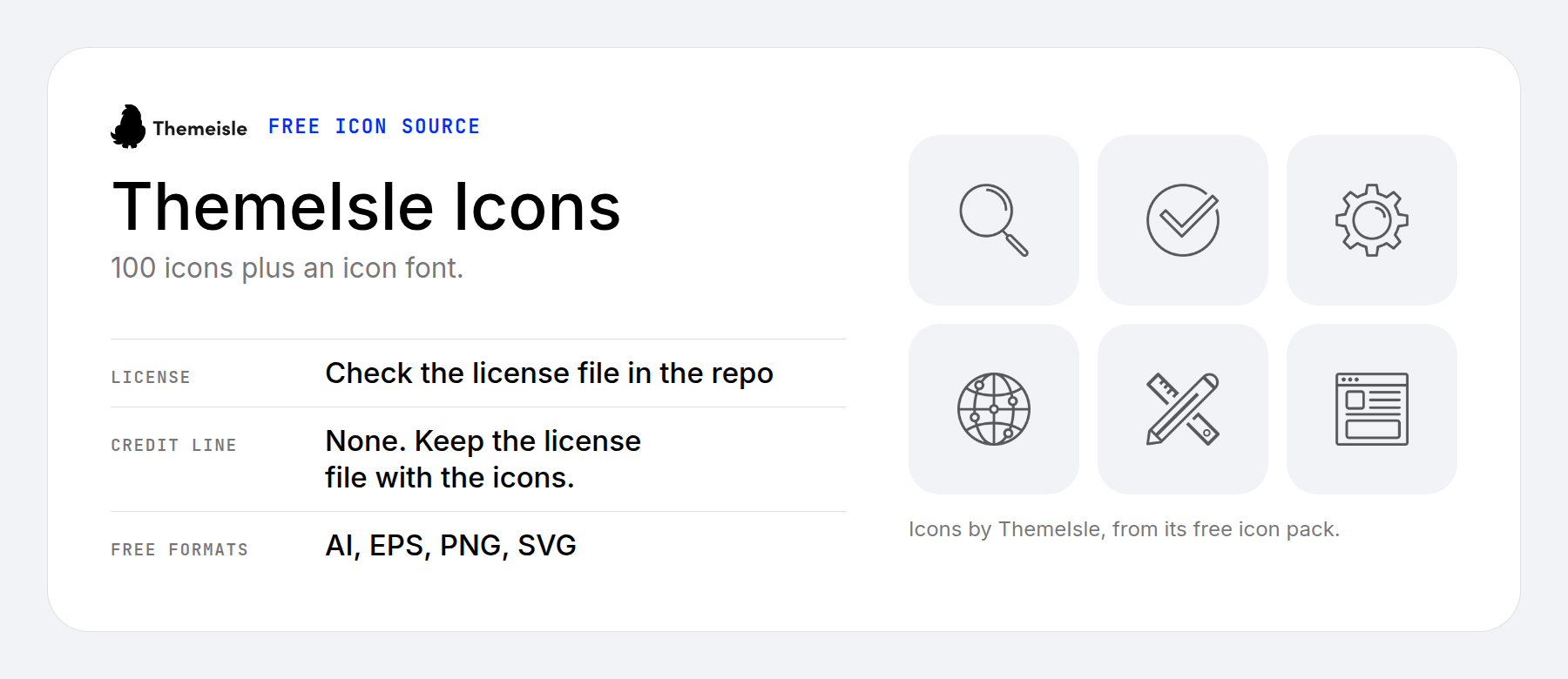
ThemeIsle calls the icons free for personal and commercial use. Its pages name more than one open-source license, so open the license file in the download and keep a copy with the icons.
Icons8
Icons8 has about 1.5 million icons in many visual styles, which makes it easy to find a set that matches your branding.
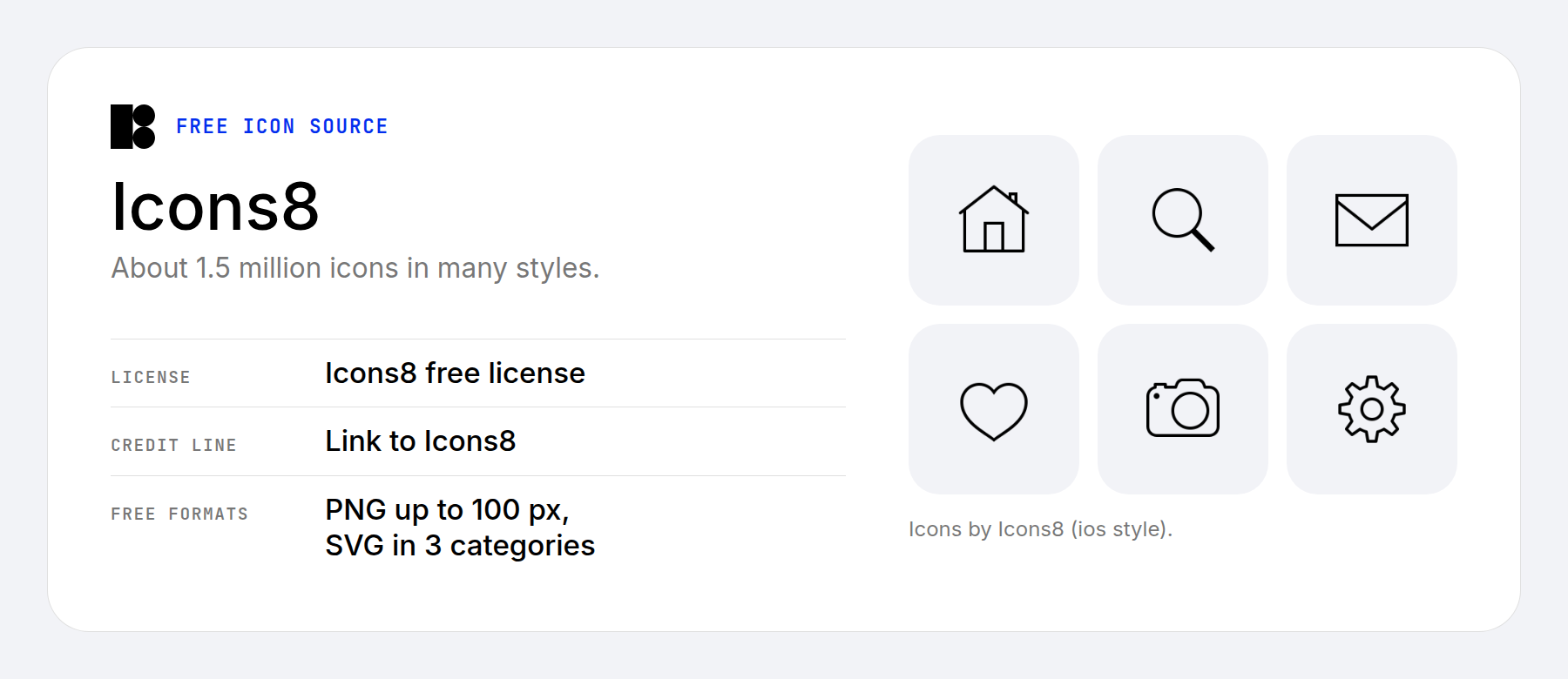
When you use a free icon, Icons8 asks you to add a link back to Icons8, and a link in your footer does the job. The free tier gives you PNG files up to 100 px and SVG in the Popular, Logos and Characters categories. Paid plans lift those limits if you need big PNGs or SVG elsewhere.
Flaticon
Flaticon lists millions of icons and stickers in a huge range of styles. Free icons come as PNG files, and Flaticon asks you to credit it with a link when you use one. The site hands you the exact link to paste in.
SVG, EPS, and PSD files are included with the Premium plan, which also removes attribution and increases the daily download limit. The free license bars using the icons to train AI models.
iconmonstr
iconmonstr is a generous collection of black-and-white icons on a 24 px grid. Download them as SVG or PNG and use them commercially without attribution.
The license has a few boundaries. You cannot use the icons in a logo or trademark, resell them, or bulk-download the entire library. For a handful of interface icons on a client site, none of that gets in your way.
Fontello
Fontello builds a custom icon font from the open-source sets you pick, with no account needed. It draws on about 14 sets, including Font Awesome, Entypo, Typicons, and Elusive, and you download one font file with only your icons in it.
A trimmed font loads faster than a full one, which makes Fontello a good fit for a short list of icons. Its Font Awesome set is version 4. Every set keeps its own open-source license, mostly SIL OFL, and the download includes a LICENSE.txt that lists them.
Freepik
Freepik is the stock platform behind Flaticon, with its own library of icons and vectors, plus stock photos. Free accounts credit Freepik when they use an icon and get about ten downloads a day.
It makes sense when you need one source to cover icons, illustrations, and photos for the same project. For icons alone, Flaticon shares the publisher, so pick whichever library has the style you want.
The Noun Project
The Noun Project holds about 10 million icons from creators around the world. Free downloads come as PNG and SVG.
Many icons use CC BY 3.0, which means crediting the creator or paying to skip it. Icons marked Public Domain require no credit. The license sits on each icon page, so check it as you go. Search for universal symbols and you will find creators from many countries, which helps when you want icons that read across cultures.
GraphicBurger
GraphicBurger publishes colorful, detailed icon collections, all royalty-free. Its Magicons set alone has 2,867 flat icons.
Credit is appreciated but not required, and the files are yours to use but not to resell or redistribute. The style is more illustrative than the line sets in this list, which suits landing pages, feature sections, and other places where the icon is a visual in its own right.
IcoMoon
IcoMoon Free is a pack of 491 general-purpose icons, and you can pick CC BY 4.0 or the GPL. The designs are plain, which works well for navigation menus and other basic interface elements.
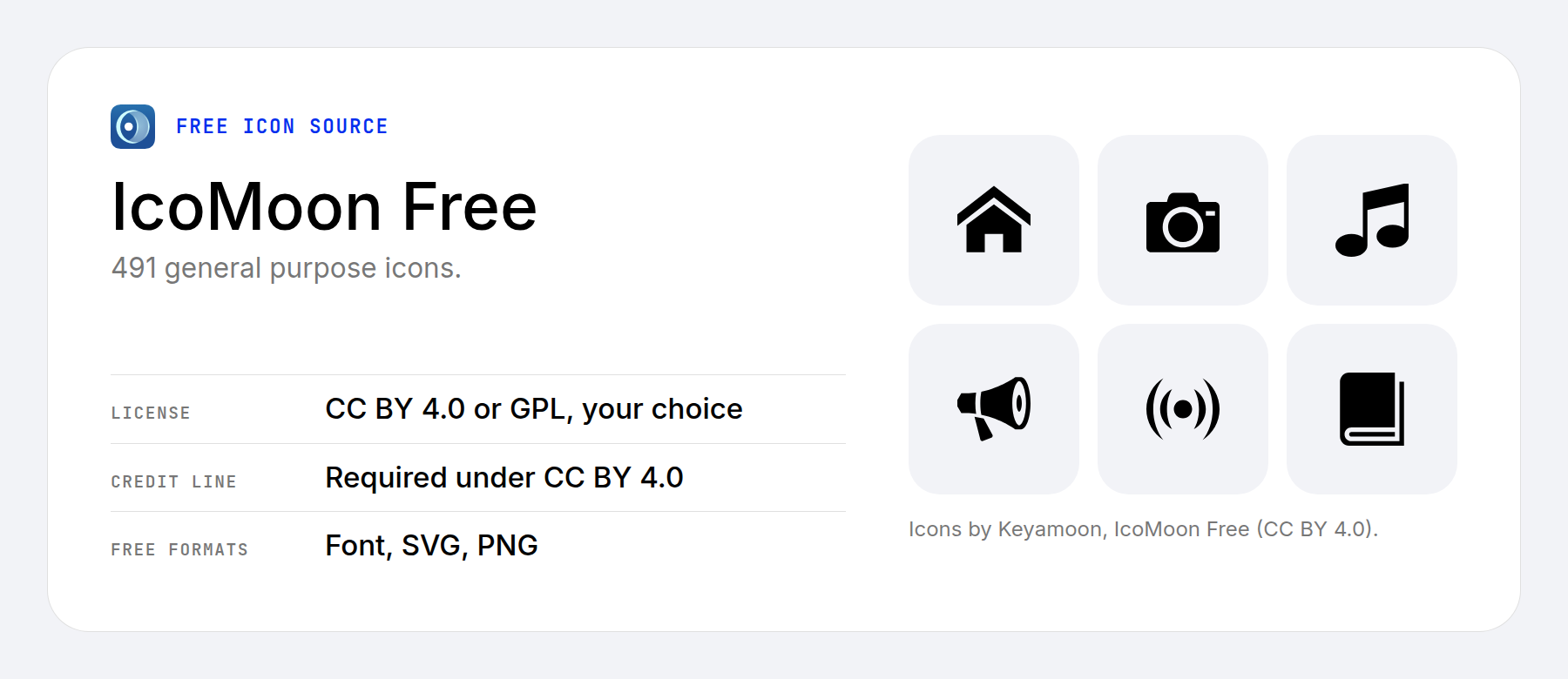
The IcoMoon app needs no signup and exports icon fonts, SVG, PNG, and code for frameworks. It also holds more than 20,000 open-source icons, each keeping its own license, though none of IcoMoon’s icons appear in Divi’s icon picker on their own. The IcoMoon in WordPress guide shows how to use exported SVGs or a plugin in the Code module. Under CC BY 4.0, you credit the creator.
Open-Source Icon Sets You Host Yourself
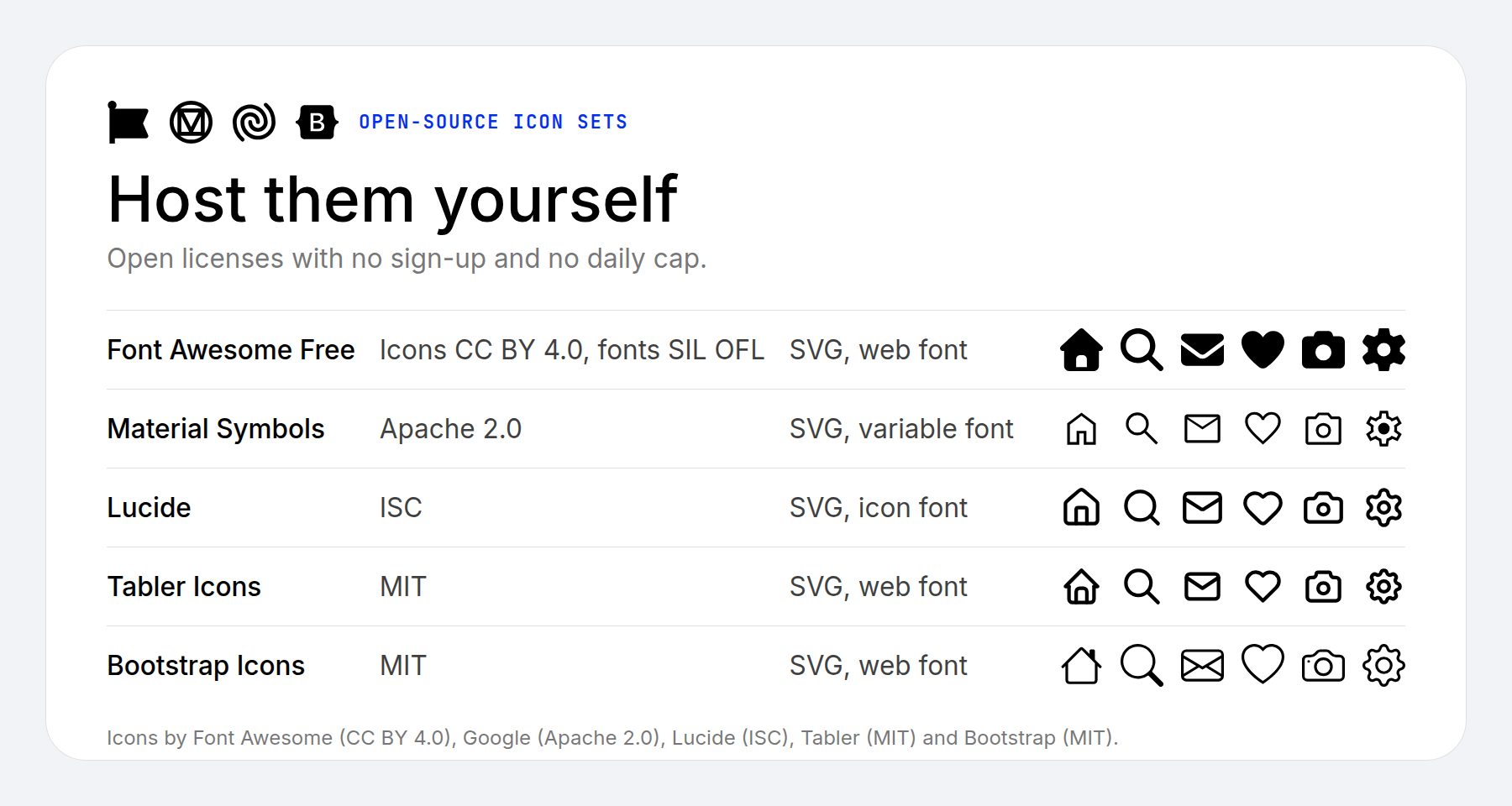
Open source is where free icons shine. These five sets require no sign-up, have no daily cap, and come as SVGs or web fonts, so you can download them once and serve them from your own site.
Font Awesome Free
Font Awesome Free has 2,163 icons in version 7. The icons use CC BY 4.0, the fonts use SIL OFL, the code uses MIT, and the comments in the files cover the credit. Our Font Awesome in WordPress guide covers how to add it to a site.
Material Symbols
Material Symbols offers more than 2,500 icons from Google as a variable font, SVG, and PNG. The Apache 2.0 license asks only that you keep its notice with the files.
Lucide
Lucide has about 1,800 line icons under the ISC license, available as SVG and, through the lucide-static package, as an icon font.
Tabler Icons
Tabler Icons is the largest set here, with 6,220 icons under the MIT license. It ships SVG, a web font, PNG, and EPS.
Bootstrap Icons
Bootstrap Icons has more than 2,000 icons under the MIT license, as SVG or a web font.
Canva
Canva is a design tool, not an icon pack, so it serves a different purpose than the sources above. It does come in handy for infographics and other visual content, and its photo editor covers the images around them.
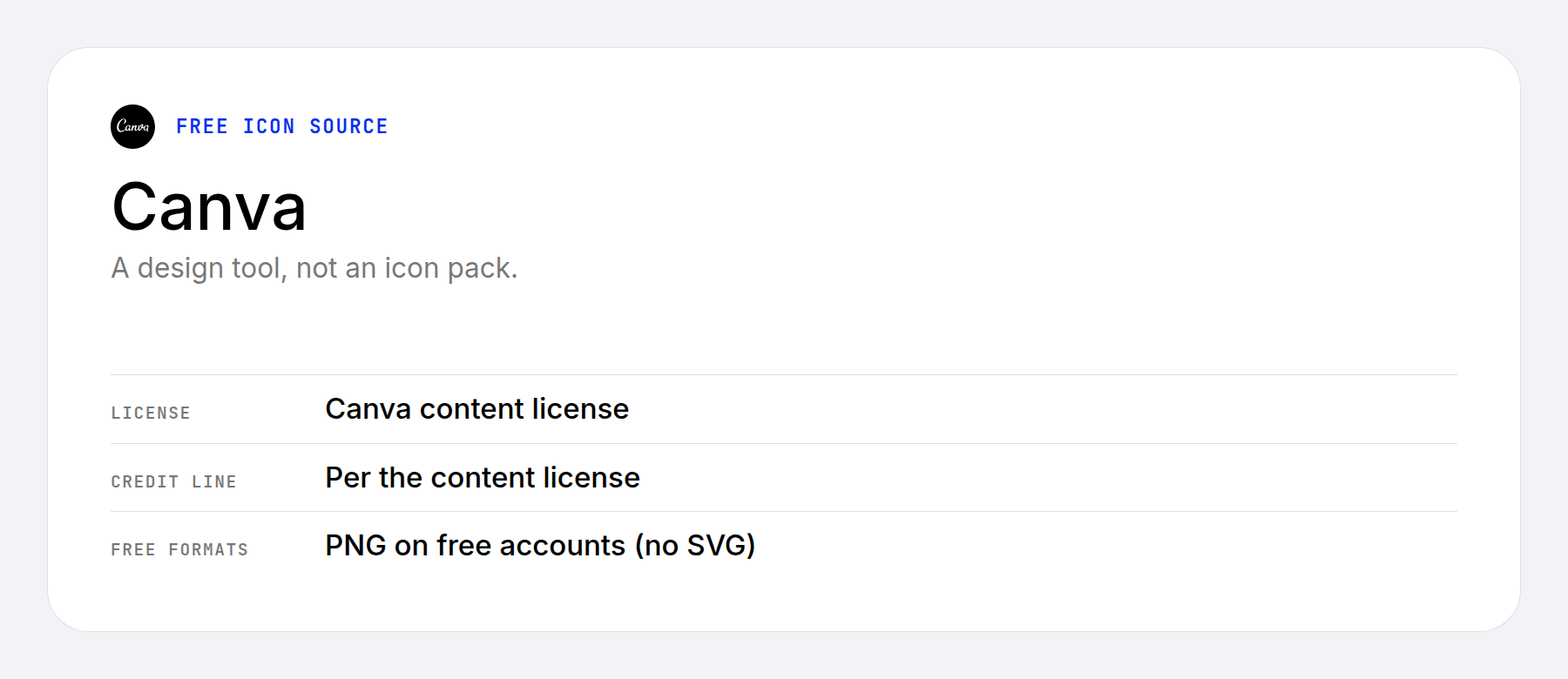
Free accounts cannot export SVG, which is limited to Pro, Teams, Business, Education, and Nonprofit plans. Some assets are premium only. Free content can be reused and downloaded on its own, so a PNG export covers a graphic for a single page.
Generate Your Own Icons With AI
An AI generator can draw an icon that no library has, which helps when you need one specific object. Two tools produce vector files that WordPress can use.
Recraft generates vector icons from a text prompt. Its terms allow free-tier images for personal use only, and they appear in a public community gallery. Paid plans give you ownership of what you generate, so a client site needs one.
Adobe Illustrator’s Text to Vector Graphic generates editable vector icons from a prompt through the Firefly Vector model. Adobe trained it on licensed content and designs it for commercial use. It needs a Creative Cloud plan.
Look over any generated icons before you upload and use them. Check that a set shares one stroke weight and corner style, and keep the plan’s terms with the project, the way you would a license file.
Crediting an Icon the Easy Way
When a source asks for a credit, one line is enough. Name the creator and link the source, or use the link Icons8 or Flaticon gives you. In WordPress, you can add that line as a caption on the image, or use a plugin such as Image Source Control to keep every credit in the media library and list them all on one credits page. Open-source sets under MIT, ISC, and Apache 2.0 only need their license file kept with the files you host.
Using SVG and Icon Fonts in WordPress and Divi
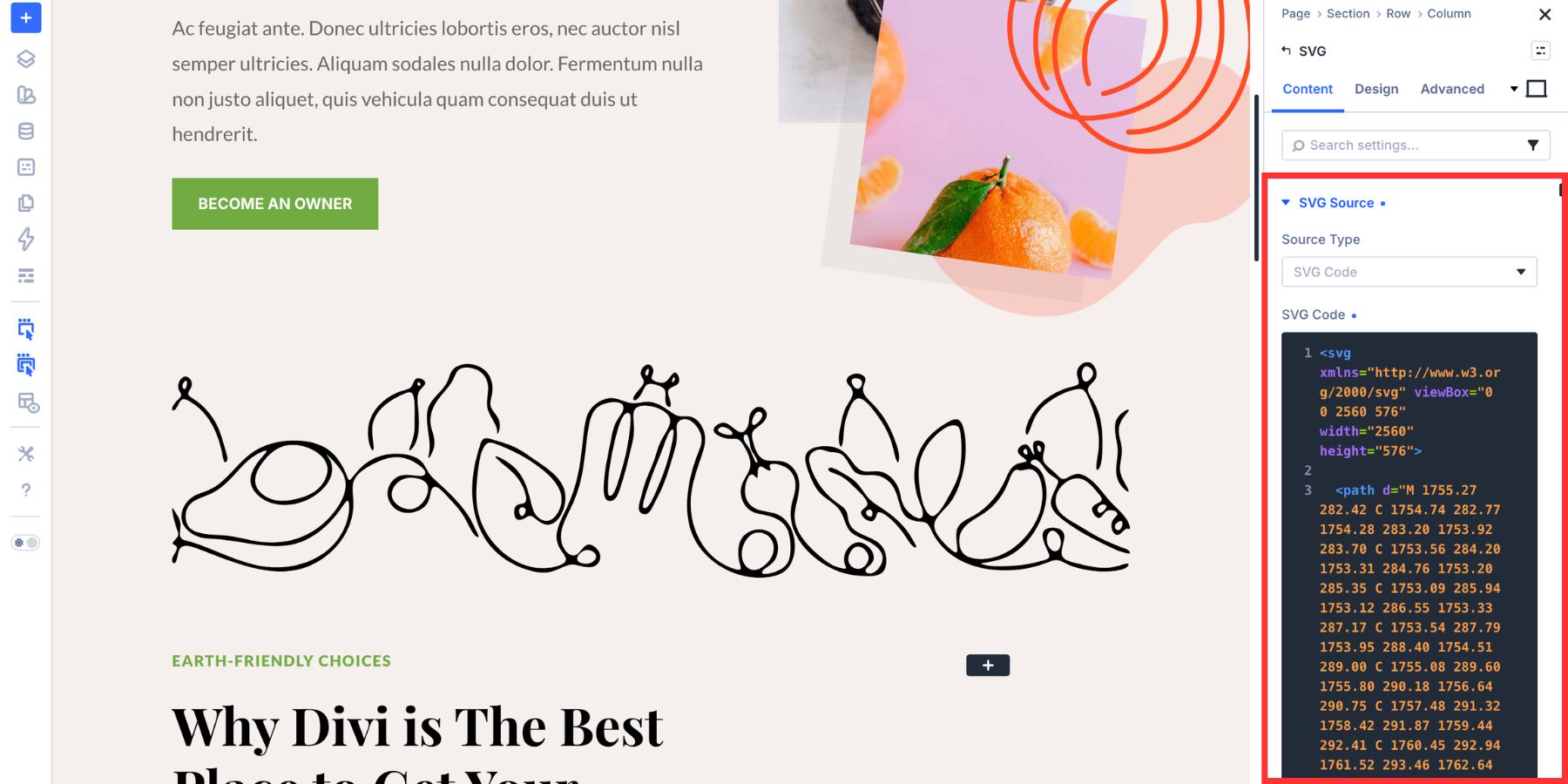
WordPress does not accept SVG uploads by default, so a site that needs SVG files in the media library needs a plugin or a code snippet. Divi 5’s SVG module gets around that, because you can paste the SVG code into the module and style its fill and stroke in the builder. An icon font avoids the upload issue too. Upload the font through your theme or a plugin, then add the icon’s class or character to a module.
Divi already includes its own icon picker, covered in the Divi Icon Library highlight. Reach for an outside set when you need a specific icon that the built-in library lacks. Custom icon sets can live in the icon pickers of Divi modules, too. A third-party plugin, such as WP and Divi Icons Pro, lets you upload an icon set made with Fontello or IcoMoon and pick from it in modules like Blurb and Button. Check which Divi version a plugin supports before you buy. Our free Icon List sections for Divi 5 show icons in the Icon List module across five ready-made layouts.
Pick Your Icons and Start Building
A free icon set can cover your navigation, feature lists, and buttons, and you do not have to draw your own. Take your pick of the open sets, credit the sources that ask, and keep the license files with your project. If you are choosing icons for an app rather than a website, our list of the best app icon collections covers sets built for that job. For a Divi site, the Divi icon library is a good first stop.



This is a post I shall be saving for future reference – many thanks.
You’re welcome, Brian! Happy to hear you found it useful.
Thanks for this, but where do we find the icons featured in the lead imagine?
Hi Bakari! Unfortunately, that’s an image from Shutterstock (see the credit at the end of the article) and to my knowledge, it does not correspond to any icon pack available for download. If you want to look for something similar in style, I could try Icons8, Flaticon, or GraphicBurger.
Cool! Thank you Will!
Sure thing, Ramon! Happy to help.