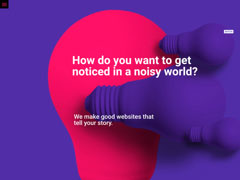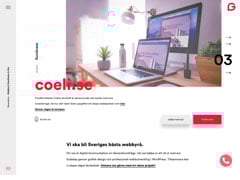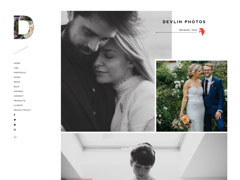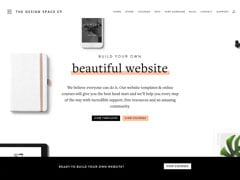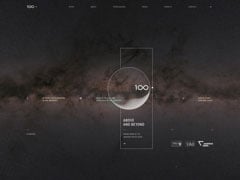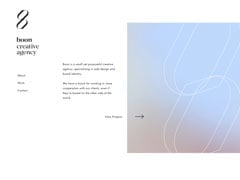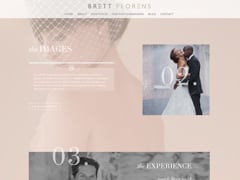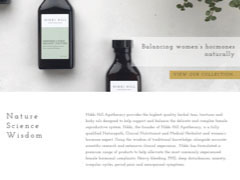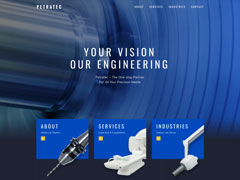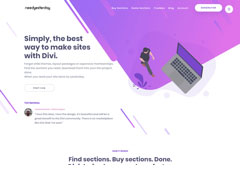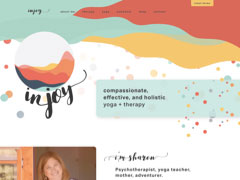
You've never built a WordPress website like this before. Divi is more than just a WordPress theme, it's a completely new website building platform that replaces the standard WordPress post editor with a vastly superior visual editor. It can be enjoyed by design professionals and newcomers alike, giving you the power to create spectacular designs with surprising ease and efficiency.
Try The Free Builder Demo!
Add, delete and move elements around on the front end of your website. No coding and no confusing back end options.

Design your page in real time and see the results instantly. Create and customize your pages using intuitive visual controls.

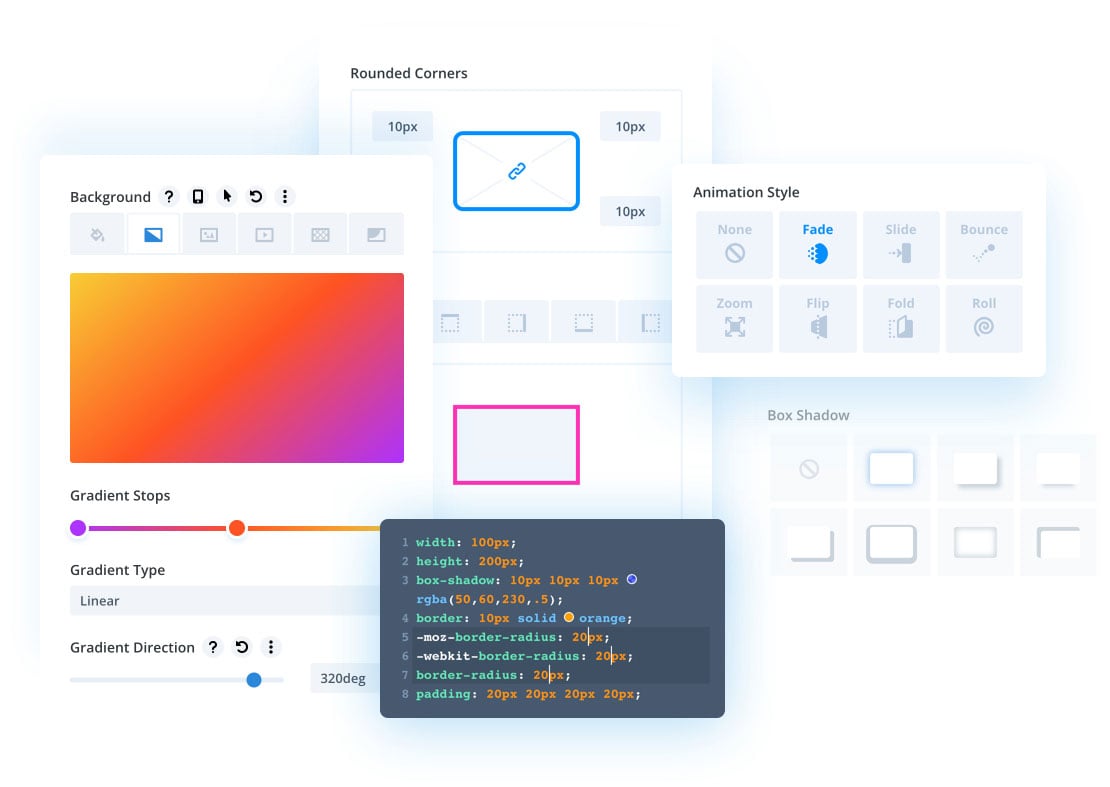
Developers can easily combine Divi's visual design controls with their own custom CSS. Divi's interface is simple yet not limiting.

Building beautiful responsive websites is easy. Divi is responsive by nature and also gives you full control over how your website looks on mobile devices.

Enjoy dozens of unique page elements and thousands of design options. Divi gives you full design control over your website.

Just click and start typing! Editing your page has never been this easy. Draft pages on the front end and see the results instantly as you type.

Save and manage unlimited custom designs. Easily re-use them to jump-start new pages. Create advanced design systems and streamline your work flow.

Manage your entire website's design using global elements and website-wide design settings. Divi isn't just a page builder, it's a website design system.

Divi works like a modern software application. Easily undo, redo and travel through your entire editing history. If you make a mistake, Divi has your back.
Divi makes building websites for your clients so much easier, faster and more enjoyable. With Divi, you can build anything using a single platform, instead of managing dozens of different themes.
Divi makes building websites faster and more efficient. It will streamline your design process and improve team collaboration. It's also amazingly affordable. Build unlimited websites for your clients on a single membership.
Divi makes building websites easier. For beginners and website owners, Divi gives you the freedom to bring your own visions to life. Anyone can jump into Divi thanks to its visual editor and hundreds of pre-made designs.
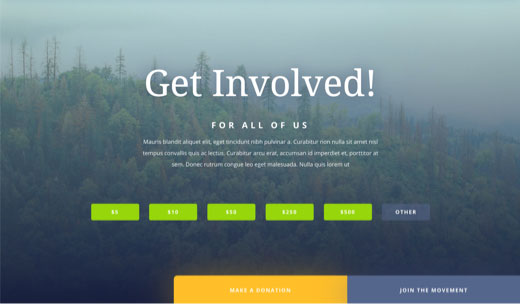
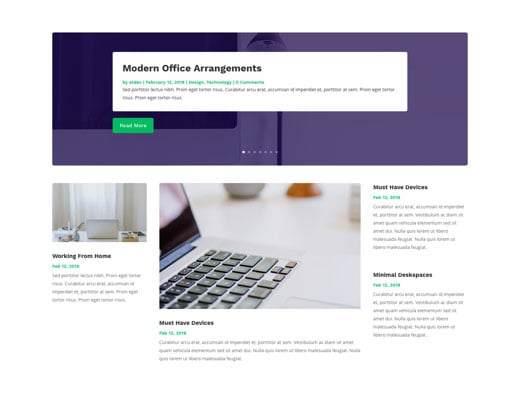
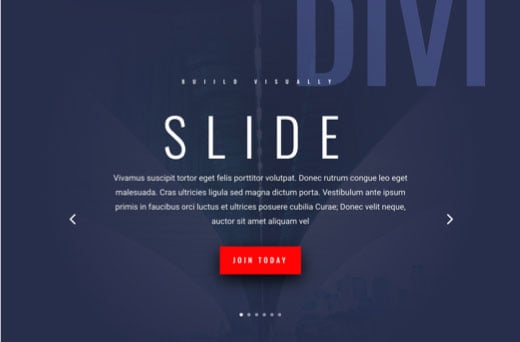

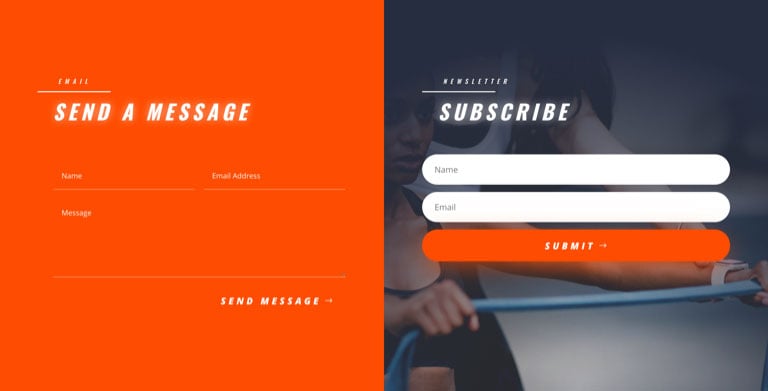
Over 2,000 pre-made website layouts come packaged right inside of Divi for free. Brand new layouts are added weekly along with royalty free photos, icons, and illustrations. Learn How They Work!
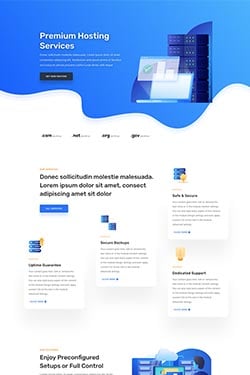
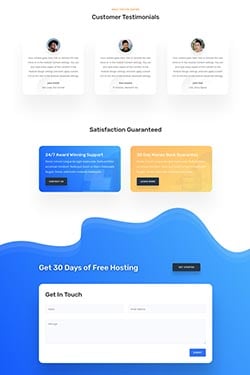
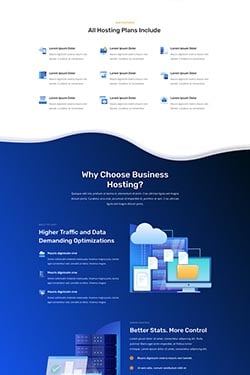
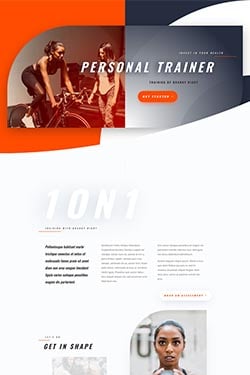
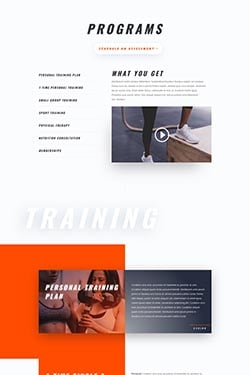
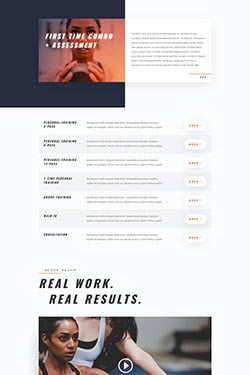

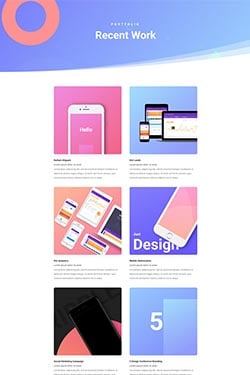
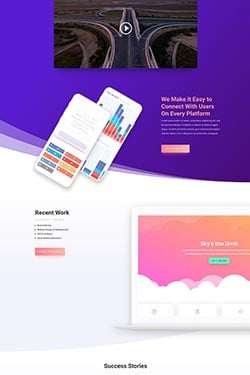
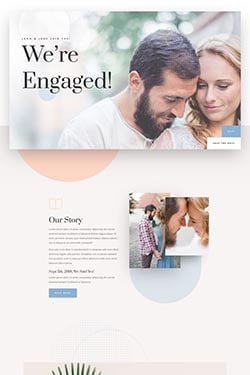
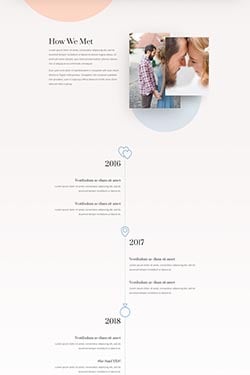
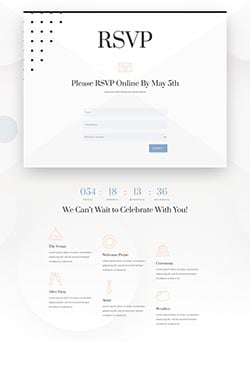
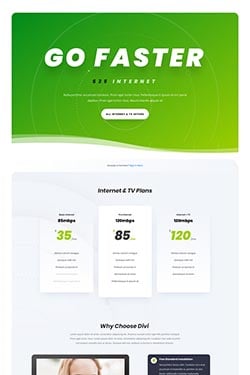
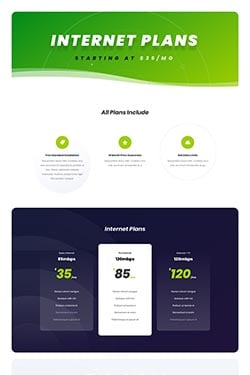
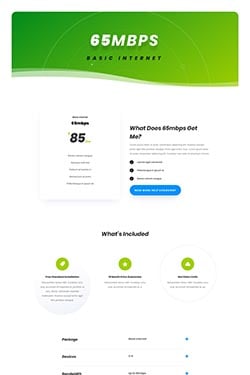
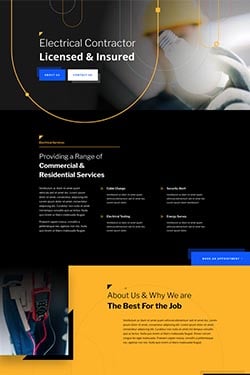
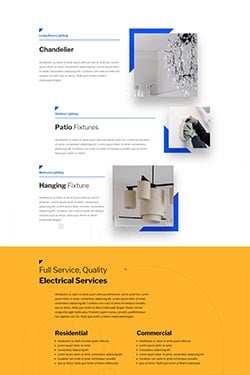
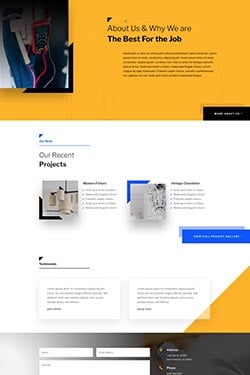
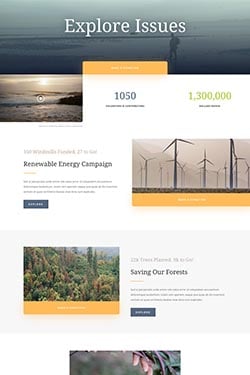
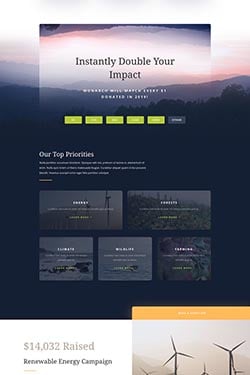
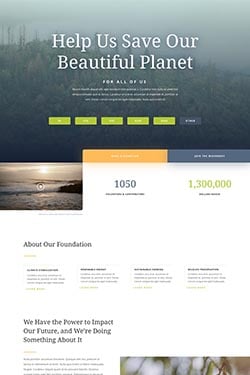
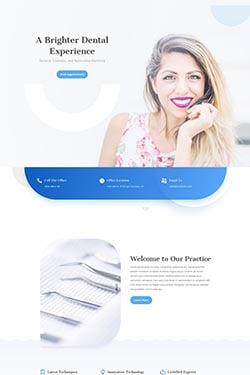
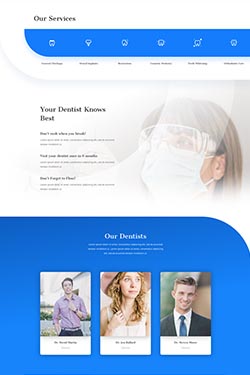

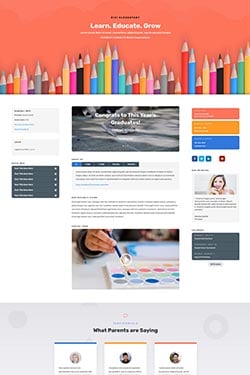
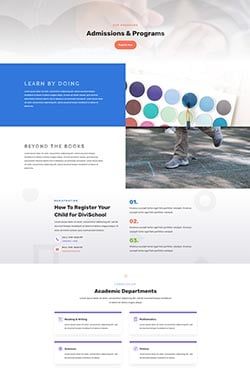
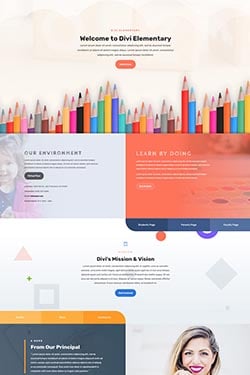
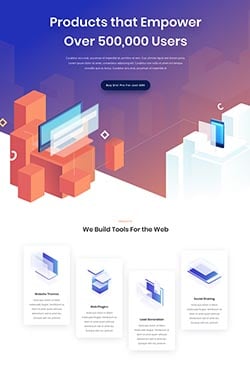
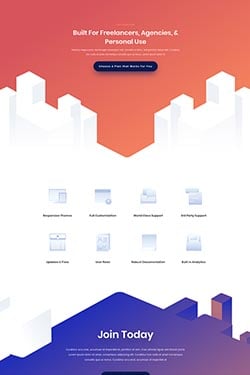
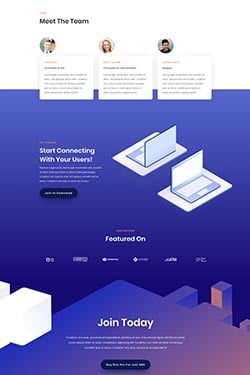
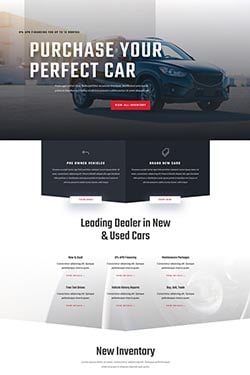
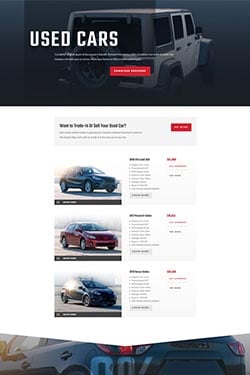
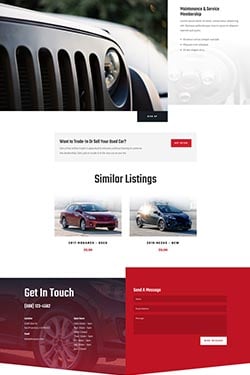
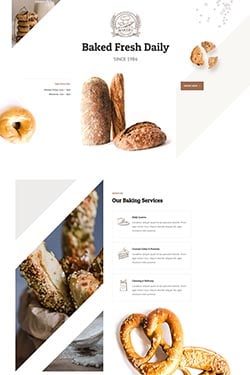
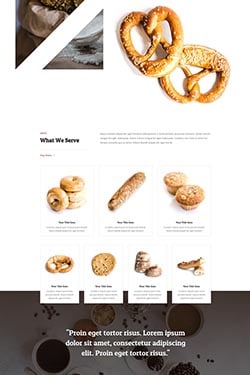
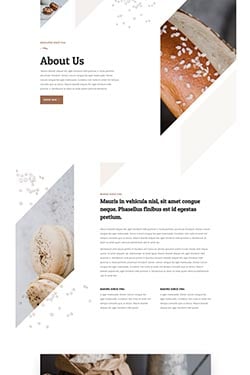
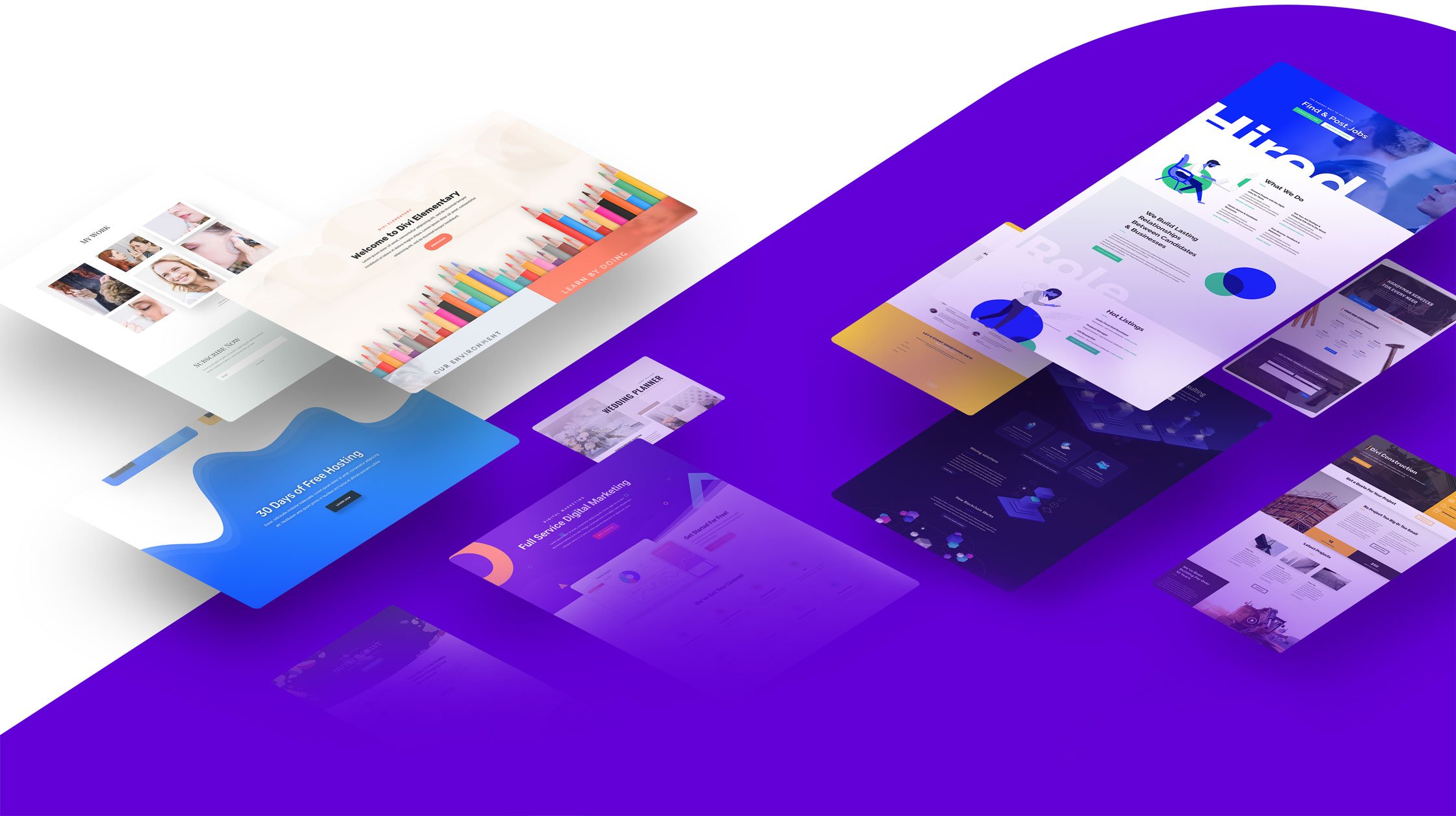
Divi isn't just a WordPress theme, it's a complete design framework that allows you to design and customize every part of your website from the ground up. You have control over everything down to the finest detail. Create the perfect websites for you and your clients.
Divi not only comes with powerful design tools, it also helps you make your website a success. Build your marketing lists with Bloom pop-ups. Promote your website on social media with Monarch social sharing. Increase website conversions with Divi Leads split testing.
If you are a web design professional, you will be amazed by Divi's speed and efficiency. Divi isn't just an easy-to-use website builder for beginners, it's an advanced design system that can help take your team's work flow to the next level.
Using hover options, you can create stunning hover effects and transform Divi modules into fun and interactive elements. Our hover option interface is unique and amazingly easy to use. Every design setting in Divi that supports transitions can now be customized on hover with ease.
Making responsive websites is easy with Divi. Divi is responsive by default, but takes responsive design a step further by giving you complete control over every design setting on each mobile device. This allows you to perfectly tailor the appearance of each element on computers, tablets and smart phones.
Enjoy a full range of text and font options. Pick from hundreds of web fonts or upload your own. Customize text sizes, letter spacing and line height. Change font weights and text styling. Control all standard text elements, such as anchor links, lists and block quotes.
Add custom shapes and effects to your pages, creating dynamic transitions between blocks of content and adding that extra bit of personal flare to your website. Shape Dividers can be placed above and below each section on your website, allowing you to easily build stunning transition effects between different parts of your page.
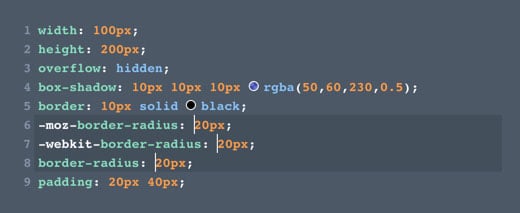
Add borders to any element using Divi's robust border editor. Create rounded corners. Control border sizes, colors and styles and create unique effects by adjusting each edge of your element individually.
Divi gives you the power to transform elements right on the page in ways that would typically only be possible in graphic design programs like Photoshop and Sketch. You can move elements around, scale them up and down, rotate on three different axis, as well as skew and adjust the transform origin with ease. All of this is done using a super slick interface that makes each transformation easy to perform and understand.
Enjoy a fully-featured code editor that makes writing and editing code so much easier and enjoyable. Features include syntax highlighting, error reporting, auto-complete, color picking, multi-line select, search, find and replace and more. Add custom CSS to any element or add your own code to any page using the Divi code module.
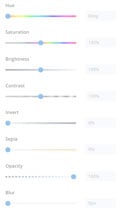
Easily adjust and enhance the appearance of any element using a range of filters and effects, including Hue, Saturation, Brightness, Contrast, Invert, Blur, Opacity and Sepia. Create stunning designs using background blend modes.
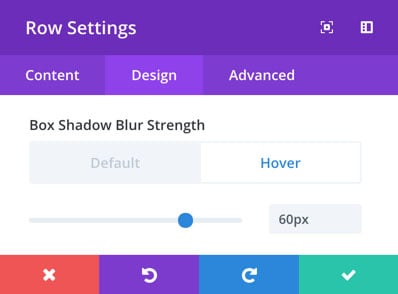
Add depth to your page by creating custom drop shadows. You have full control over the size, position, color and intensity of the shadow. They're easy to create and you don't have to mess with any graphic design programs!
Create stunning text effects using text shadows. Easily apply text shadows to any element using Divi's simple presets, or create your own custom text shadows using the full set of controls.

Easily add animations to any element. Apply simple animations using Divi's animation presets, or build your own animations by customizing the animation type, speed and direction. Wow your visitors as they scroll down the page with stunning animations that trigger when elements come into view.
Apply custom background colors, background gradients, background images and background videos to any element. Create fun overlapping gradient and image effects or use background blend modes to merge colors and images to create unique designs.
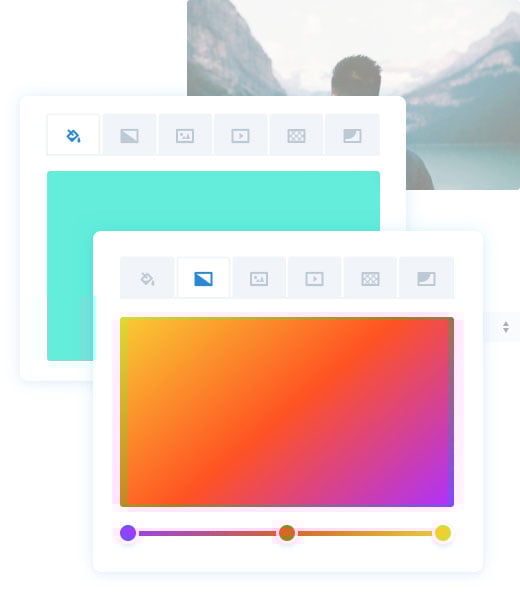
Background masks can be used to mask background images, gradients or videos to create new shapes. This opens up a huge range of design possibilities and allows you to create beautiful, lightweight shapes inside the builder without having to use graphic design programs like Photoshop. Masks can be combined with patterns, which add texture on top of your background elements.
Sticky elements “stick” to the screen as a user scrolls up and down the page. You can stick elements to the top and bottom of the browser and even let them stack up. Highlight relevant information, such as menus and navigation, or surface relevant content and build a narrative as users scroll down your page.
Craft stunning motions effects that interact with your visitors as they scroll up and down the page. These aren’t static animations, they are alive and change based on user interaction. Using Divi’s motion effects, you can create some truly stunning designs that grab your visitors attention and keep them engaged.
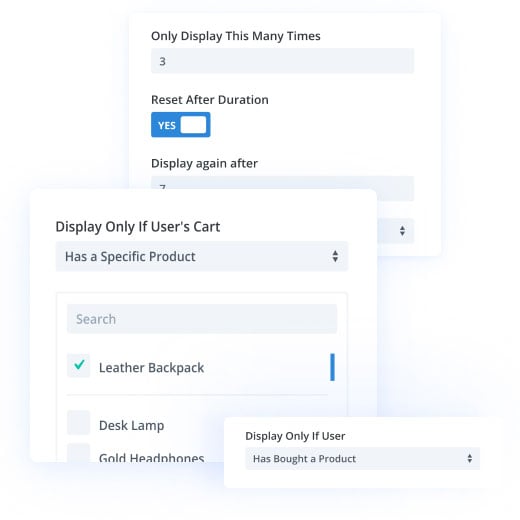
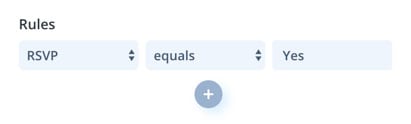
Divi’s condition options allow you to apply advanced display logic to any element. You can hide or display elements based on a set of conditions that you define, such as user role, date and time, post information, website location and more. You can do so much with Divi’s advanced conditions. Display product info to customers based on which products they have purchased. Display different content to users when they log in. Create content that appears for the duration of a sale and then disappears automatically when the sale is over. The possibilities are endless!
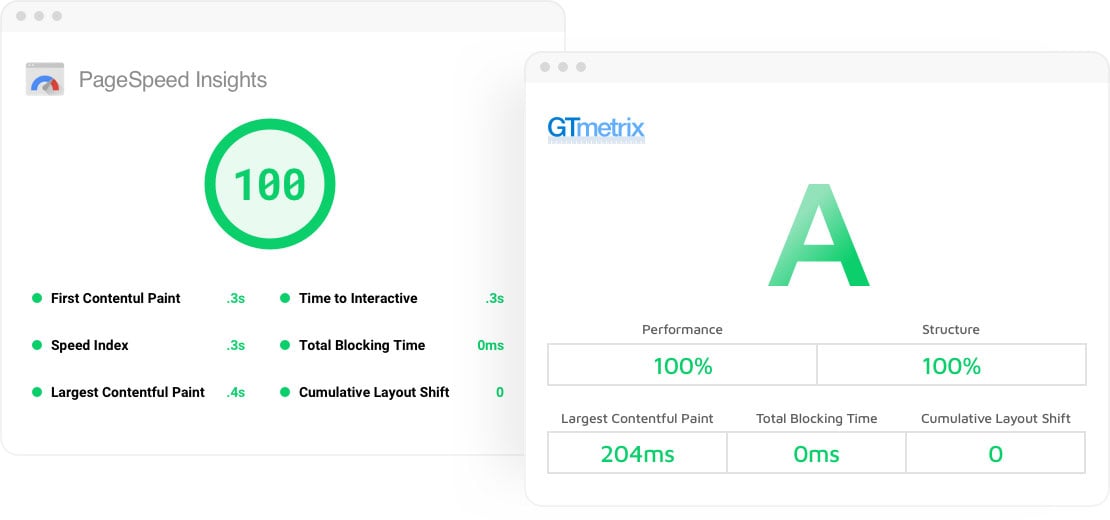
Divi eliminates bloat by removing the resources you aren't using automatically. Divi only loads the CSS needed for the modules and features you use, and Divi only processes the PHP functions required to render your page. Everything else is cut out of the equation. That's why Divi can do so much, but still remain light on its feet!
Learn MoreDivi automatically detects the CSS needed for content above the fold, and it defers everything else. This allows Divi to completely eliminate render blocking CSS, giving your visitors a super-speed highway directly to your content. Google gives Divi sites great score because the content shows up right away.
Learn MoreDivi comes with tons of speed-boosting options that defer unneeded resources, cache requests and remove render blocking assets. This greatly reduces initial loads times so that your content starts loading right away. This includes JavaScript deferral, Google Fonts caching and more.
Learn More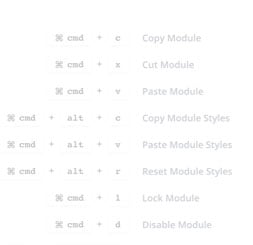
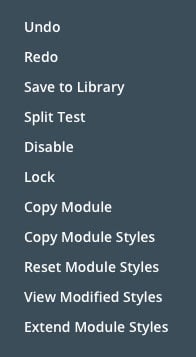
Multi-Select is amazing. With Divi, you can press Cmd or Ctrl and click to select multiple elements on the page at once. You can then edit these elements at the same time, changing their style and content together or moving them to different locations on the page as a group.
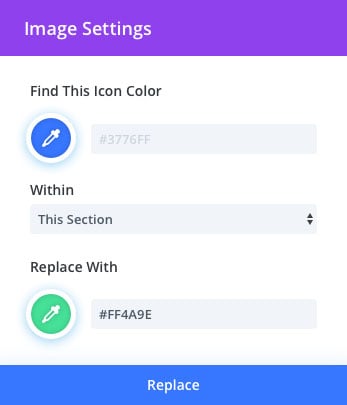
Make sweeping changes across your entire page instantly, saving you hours upon hours of editing time. Using find and replace allows you to change any design value, such as colors or fonts, across the entire page or within specific locations. Instead of opening up each element individually and changing colors over and over again, just find and replace across the entire document. It's incredible.
Divi automatically remembers your recently used colors and stores them for easy access. It also displays your own customizable color pallet. In addition, Divi creates a unique extended color pallet using advanced color theory to give you a range of suggested colors that will look great on your page.
The ability to copy and paste styles across elements is an absolute game changer. In Divi, anything can be copied from one element and pasted onto another. You can copy individual settings, groups of settings or even copy an element's entire design and transfer it to another element on the page. No need to open up design settings and edit things over and over again. Just copy and paste.
Divi's extend styles functionality brings design efficiency to a whole new level. If you have a design style that you just created, and you want to use that elsewhere on the page, or even across the entire page, you can simply extend that style automatically to your desired location. Update hundreds of elements at once! Control exactly where and to which elements your styles should be extended to. For example, let's say you just crafted the perfect box shadow and border style for your images, but you have dozens of images on the page. You can extend that style to the rest of your images instantly!
The Divi quick action system is an all-in-one finder and doer. Need help finding a setting? Looking for some clarification on how something works in the builder? Just type to search through our help videos and all available Divi options. Perform advanced actions like adding elements or loading layouts. Quickly jump to different parts of the builder with a few keystrokes, or even jump to different pages and different WordPress admin areas. It's super fast and a huge time saver.
Open up the Divi layers view panel to see a hierarchical structure of your content. You can interact with content inside the layers panel while you work on the page simultaneously! Drag and drop, copy and paste, or use the layers panel to quickly navigate to different areas within long pages.
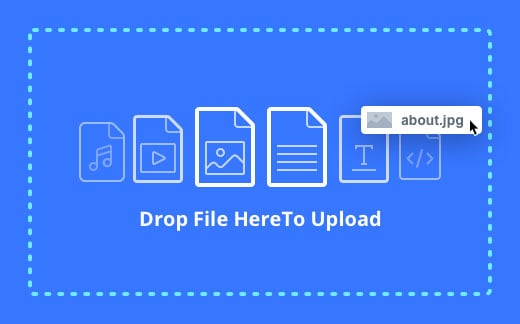
Drag and drop media files directly onto your page. They will upload instantly and appear inside your design! Drag and drop entire Divi layouts to import them directly. Drag in new web fonts, text files, videos and more. No need to use the WordPress media library.
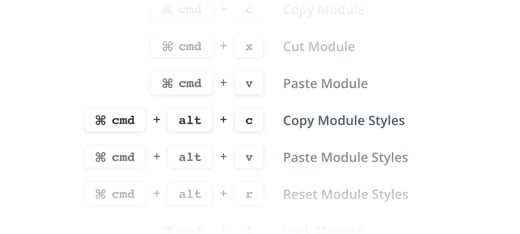
Keyboard shorcuts are the key to ultimate efficiency. Divi comes with a full range of keyboard shortcuts that advanced users can use to speed up their work flow significantly. Once you get the hang of using shortcuts, you will wonder how you ever lived without them!
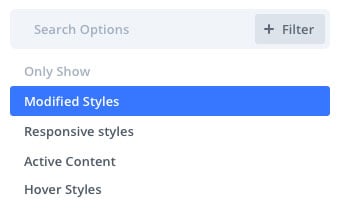
Divi elements come with a huge array of design settings. However, Divi also makes it easy to search and filter through these settings and to quickly jump to your already-modified settings. Viewing modified styles gives you a list of all settings that are currently active so that you don't have to hunt through the full array of options. It's very similar to Google Chrome's "view computer styles" filter.
All Divi settings are search-able. Instead of hunting through different options groups to find the particular option you are looking for, you can just start typing when you open a settings pop-up and the results will be filtered accordingly. Even if you know where to find an option, searching for it is faster. No need to click into different tabs and groups. If you want to edit your background color just type "background color" and the option will appear right away.
Settings within Divi are also filterable. Applying different search filters will trim down the results and help you find what you are looking for. Search results can be filtered to organize settings into different groups such as modified styles, responsive styles, and hover styles.
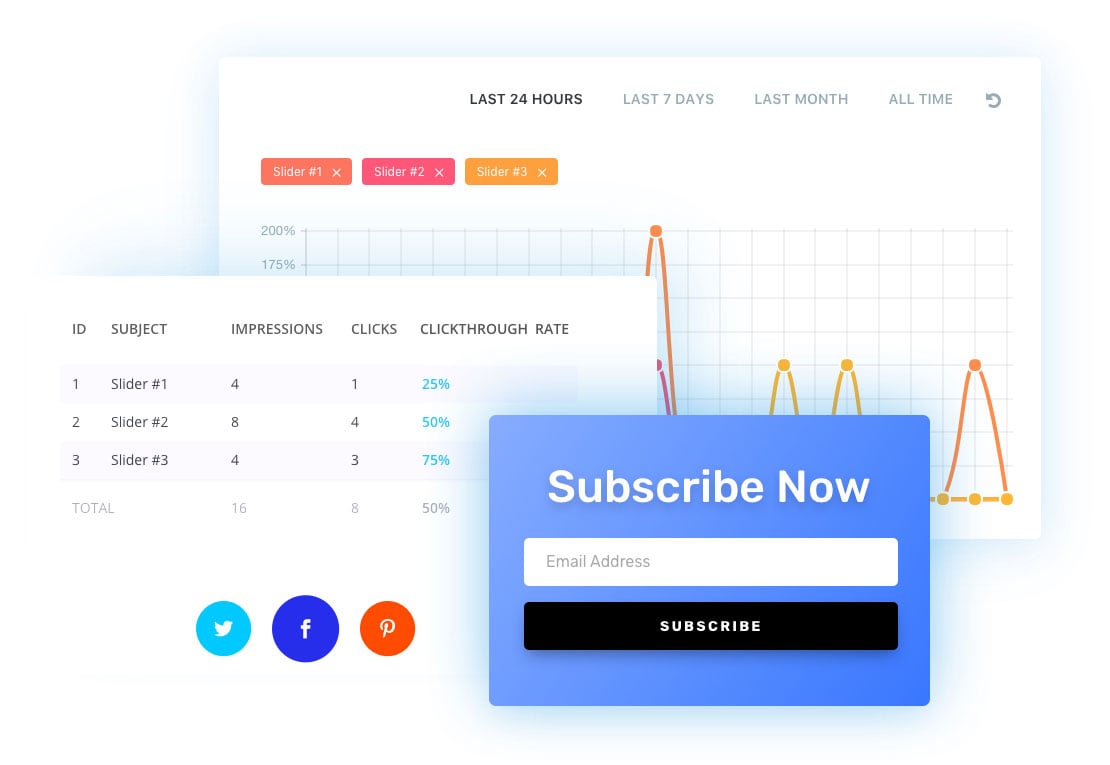
Build your email marketing lists with Divi's email opt-in module. Divi comes with an impressive range of email provider support, allowing you to build lists on almost any platform. You can even create custom fields, allowing you to build segmented lists and collect unique information from your subscribers. It also comes with GDPR compliance features.
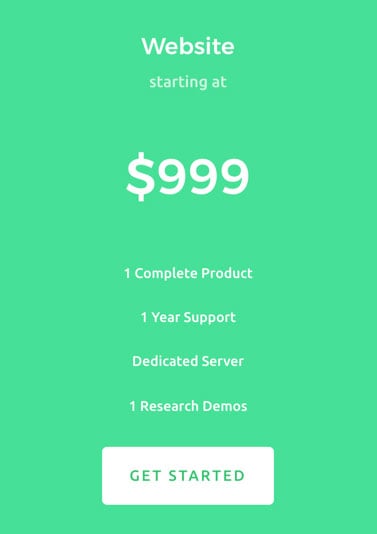
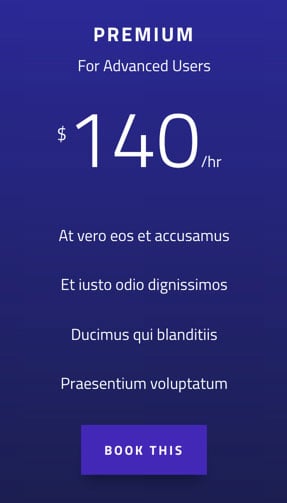
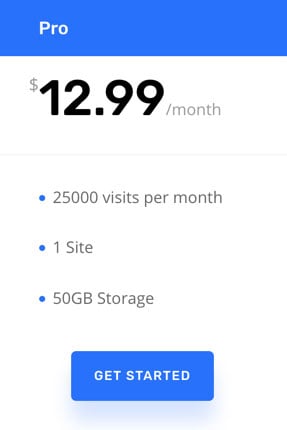
Pricing tables are one of the many page elements that Divi offers. With a full range of design and content settings you can create compelling sales pages for your products.
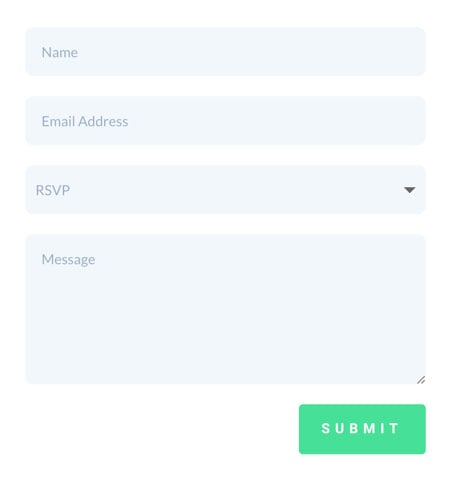
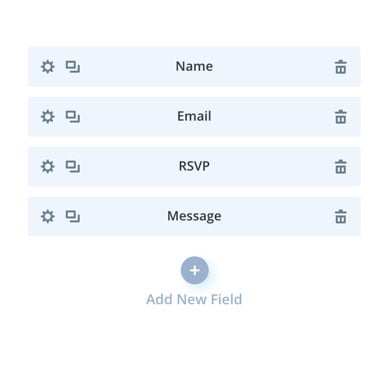
Enjoy a full-feature contact form builder. Create custom form fields to collect any type of information from your visitors. Hide and display input fields using advanced conditional logic. Style each input individually using a full range of design options.
Help build your social following with Divi's social follow module and Monarch's social sharing system. Having a social media presence is a must, and Divi makes it easy to promote your social media profiles.

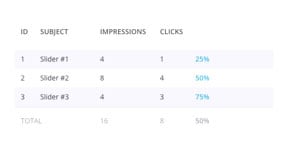
Divi's split testing system is no joke. With Divi, anything can be tested. Test different designs and content against each other and choose unique goals to see how each variation performs. Divi gives you powerful insights so that you can pick the best version and increase your website's conversion rate using proven results.
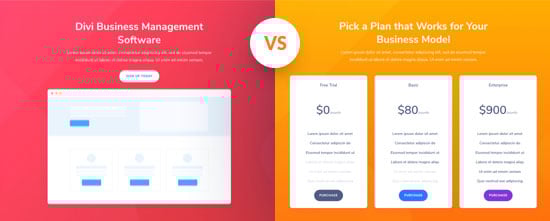


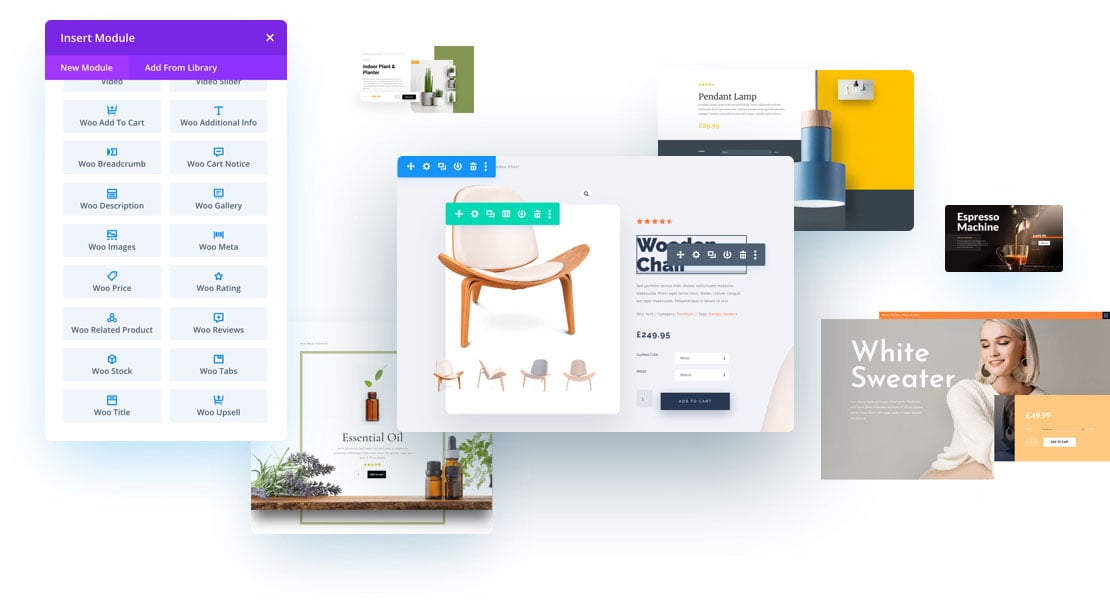
Divi is compatible with WooCommerce and offers specific WooCommerce integrations that make the two a perfect pair. WooCommerce is free, which means anyone using Divi can start selling products online at no additional cost.
Explore All Divi Ecommerce FeaturesShowcase unlimited items in your store for users to browse and purchase your products online. Selling with WordPress has never looked so good.
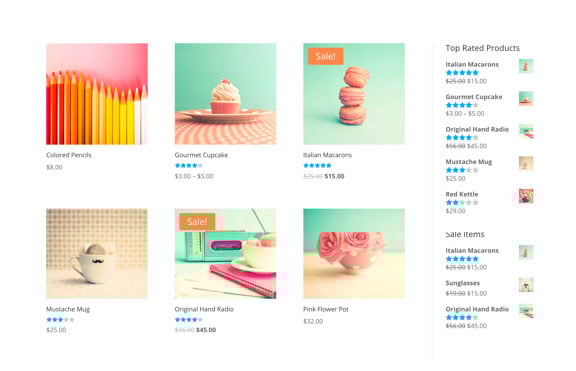
Enjoy full control over the design of your product pages with custom WooCommerce Modules that allow you to create and control any individual WooCommerce element anywhere on your website. Decide what shows up on your product listings, move things around and even mix WooCommerce modules with standard Divi modules to create just about anything. Divi takes WooCommerce to the next level.
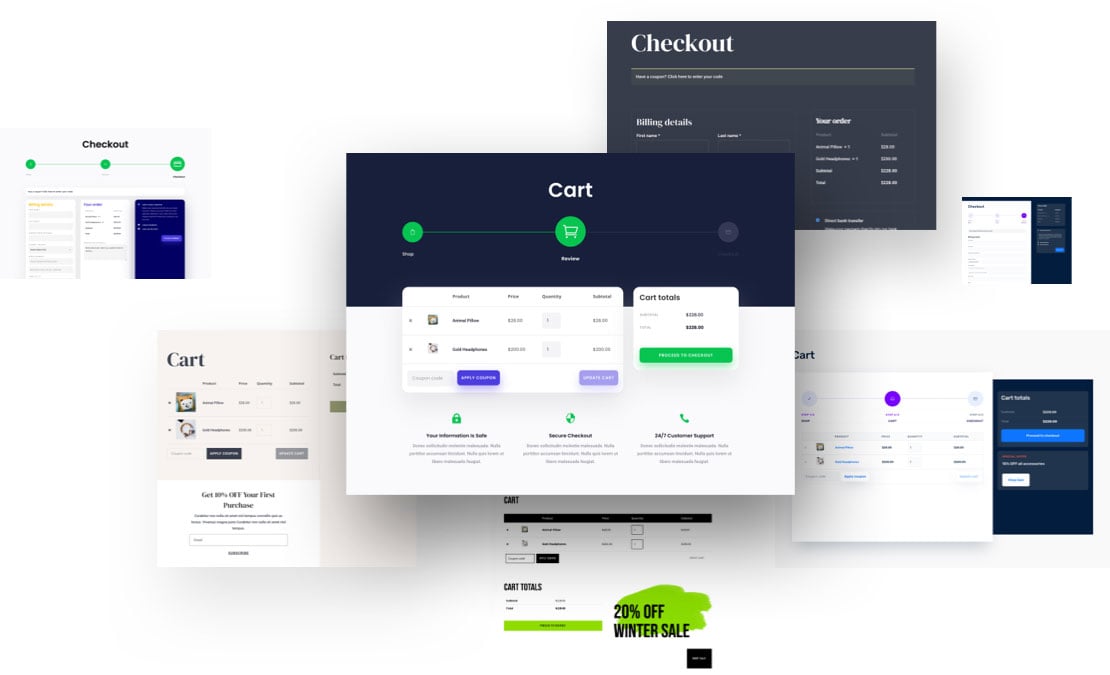
With Divi, you can build your own WooCommerce cart and checkout pages. Divi comes with 8 cart and checkout modules, each of which are packed full of design options that you can use to completely customize your cart and checkout experience.
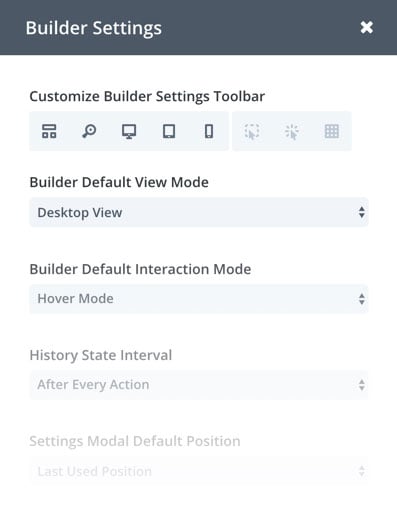
The builder interface comes with a lot of options that allow you to customize your building experience. We try not to lock you down into specific UI conventions, but instead give you the freedom go to create websites the way you want to.
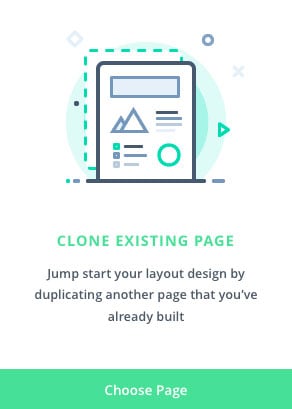
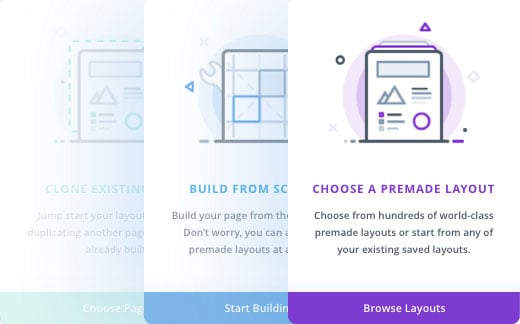
When you create a new page Divi gives you easy access to hundreds of pre-made layouts and all of your own saved layouts. You can quickly duplicate existing pages or start from scratch.
Divi's interface is one of a kind. It's unobtrusive and incredibly fluid. You can move interface elements around and reposition your tools to create a workspace that suits you. It doesn't lock you down into a specific UI convention, but instead lets you choose the mode that works best for you. It will adapt to your screen size and never get in your way.
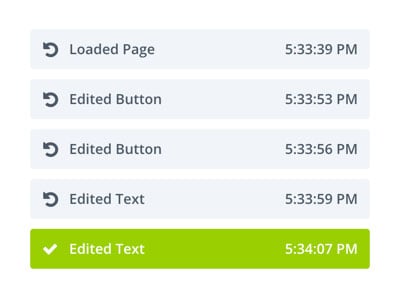
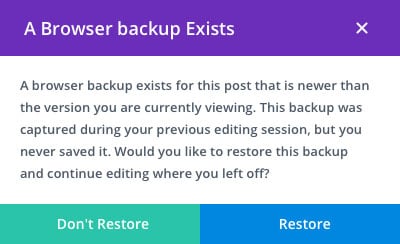
Divi has your back. Every action you perform while building is saved into your editing history. You can undo, redo and explore revisions with ease. If something goes wrong, like your internet going down or your computer crashing, Divi will automatically save your progress so that you can restore it.
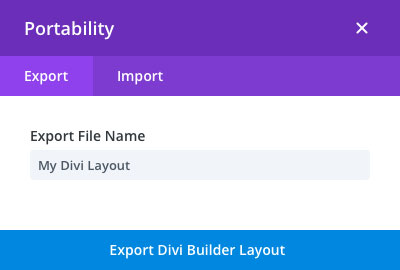
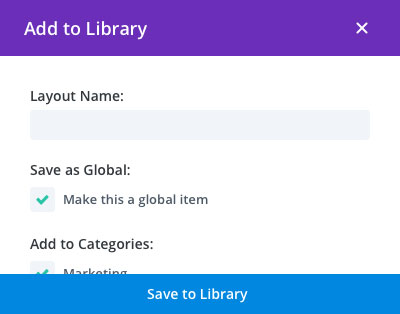
With Divi you can save design elements or complete layouts into the Divi Library. These items can be easily accessed, edited or re-used on different pages. You and your team can quickly create a set of design elements that can be used to build a cohesive website with incredible efficiency. You can also import and export these layouts between different websites. Build your own design library or download and use any of the countless amazing layouts available from to the Divi community.
There are multiple ways to build with Divi. You can freely switch between different view modes, choosing the one that best suits you or your current project. Zoom in and out, toggle through mobile device views, switch between unique interaction modes or build your page structures quickly in wire-frame mode. It's up to you.
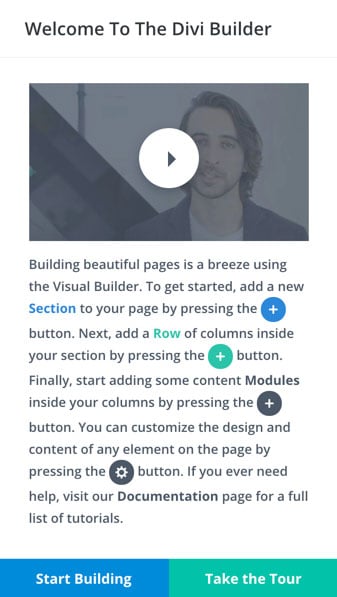
It's easy to jump into Divi and start designing websites. We built helpful product tours right into the interface, allowing beginners to learn while using the builder. Product tours are great for clients too, saving designers time when handing off websites to their clients.
Enjoy a fully-featured website templating system that harnesses the power of Divi's Visual Builder to design your website's header, footer, product templates, post templates, category pages, 404 page, and more.
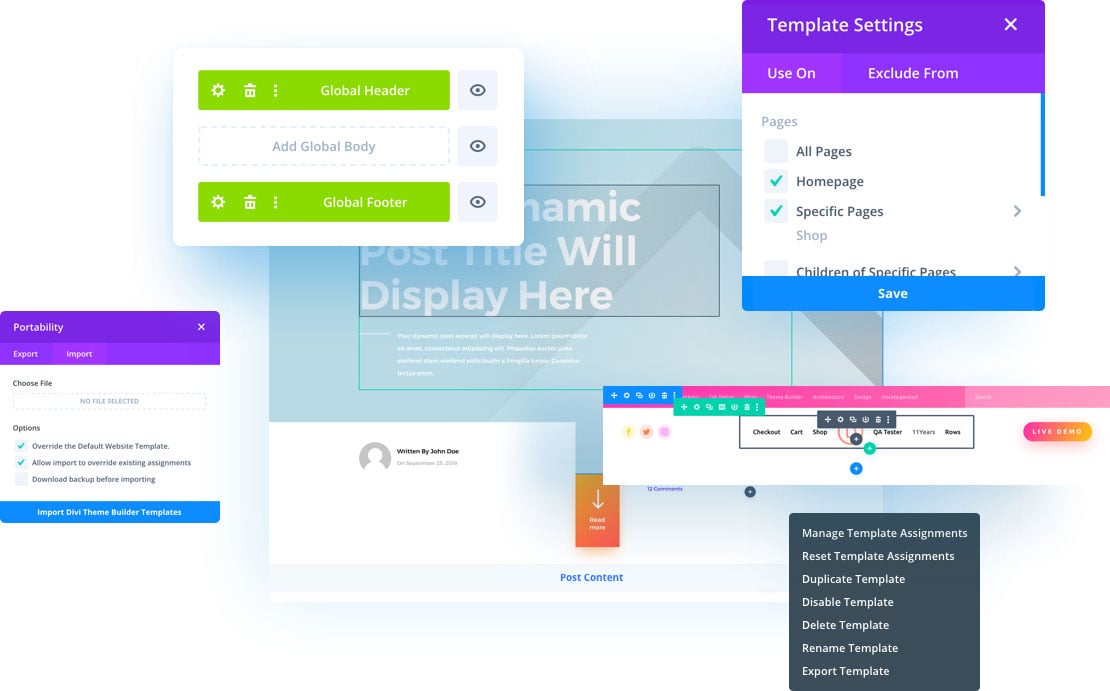
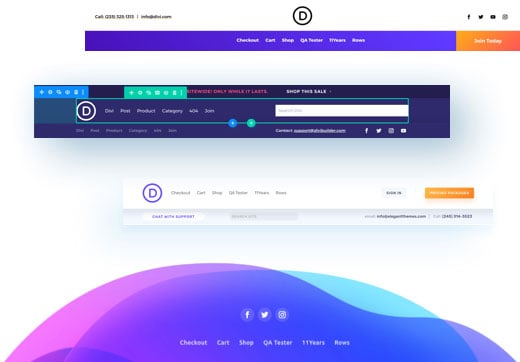
Using Divi's Theme Builder, you can create site-wide post and product templates that change the structure of posts across your entire website. You don't need to design each post one at a time with Divi and you don't need to code Child Themes to modify your theme's structure. Everything can be designed in the builder and post information can be displayed automatically using Divi's Dynamic Content system.
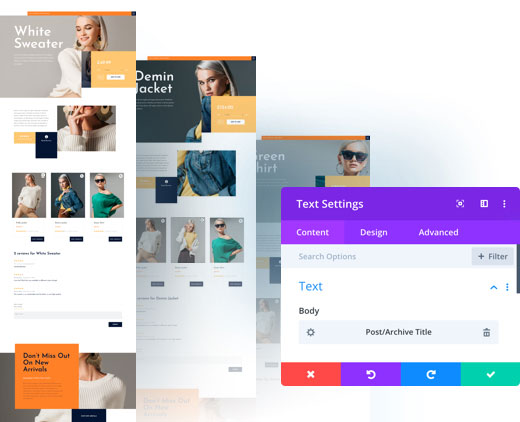
When editing a page or post using Divi, you have the ability to customize everything you see, including the template! That means you can edit headers and footer in context with one visual editing experience. No need to jump back and forth to Theme Buider.
Customize your website with its own overarching design system by editing the default design of any element. When you modify a module's default design, it updates across your whole website at once. Site-wide theme building plus site-wide design editing is the ultimate combo.
Divi lets you create a global color palette for your website. These global colors are dynamic and can be changed at any time. This allows you to quickly transform your website's color scheme in just a few moments. This is so much better than designing websites using static colors.
Meet your personal AI web design agency. Divi AI is like a web developer, designer, copywriter, and photographer in one. You talk to it like a person, and it makes decisions like a professional design team. Tell it about your website and the page you want to make, and it will design the entire layout and fill it with content.
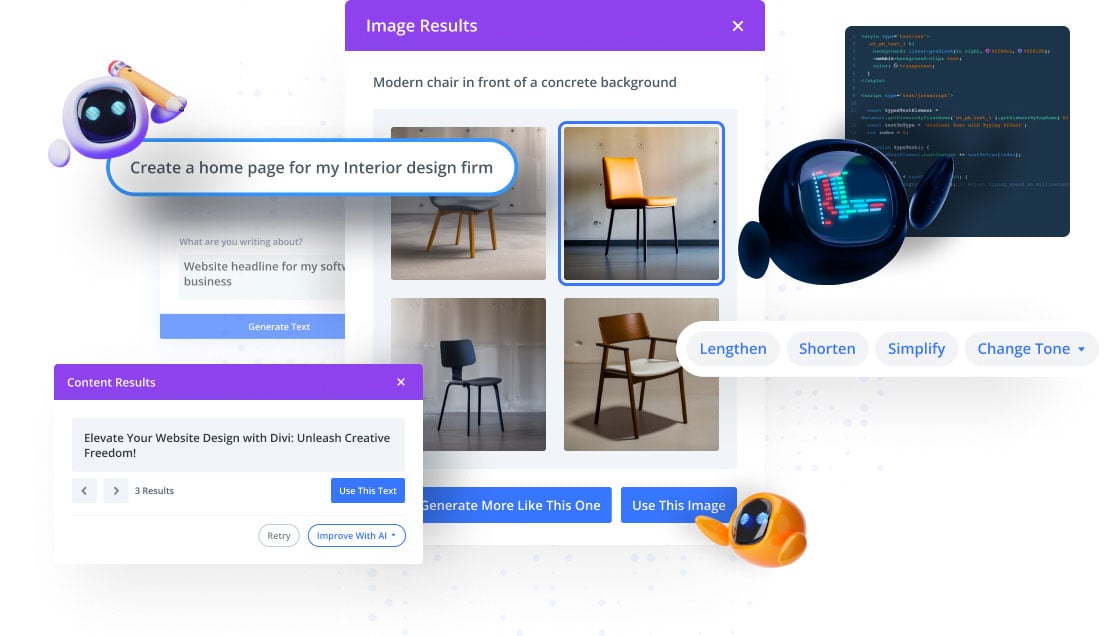
Tell Divi Ai about the page you want it to create, along with some information about your business, sit back, relax, and watch your website get built.
Give Divi AI a topic, choose the content format, and let it get to work! Divi AI can compose titles, paragraphs, or even entire blog posts in seconds.
Just click one button and let Divi AI create images for you. It learns from your page and the context around your image to generate something highly relevant on-demand.
When you save something to Divi Cloud, it becomes available on all of your and your clients’ websites while you build them.
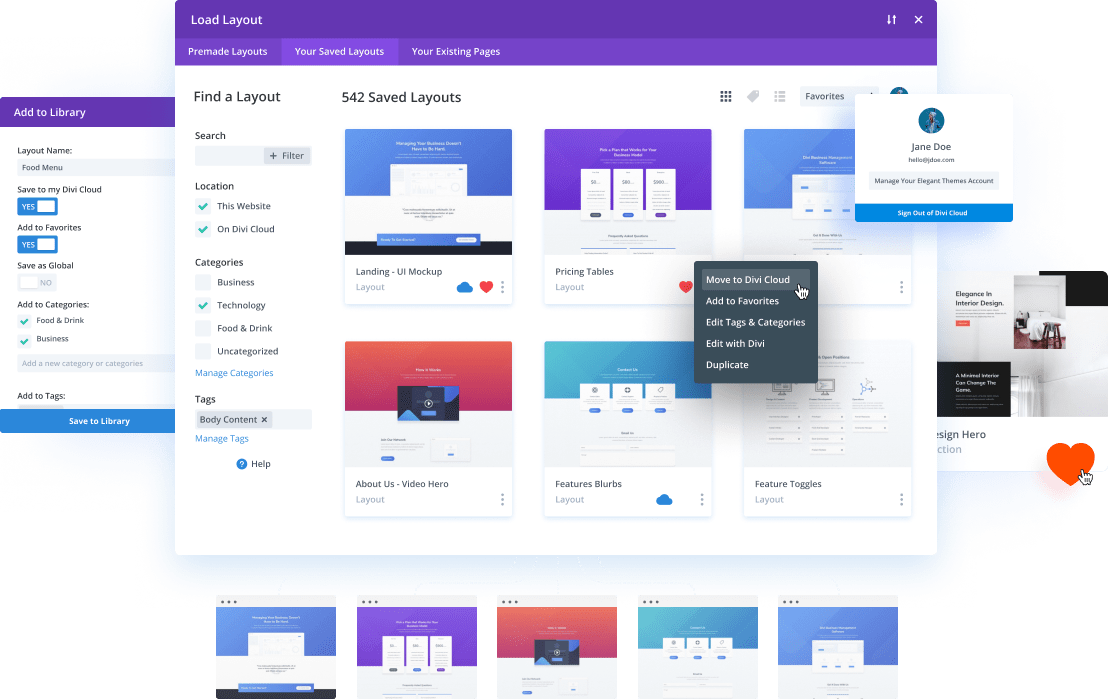
Save All of Your Favorite Divi Layouts, Headers, Footers And Content Blocks To Your Divi Cloud
When You Start A New Website, All Of Your Cloud Items Are Waiting For You Inside The Visual Builder
Items are Easy To Browse Via Categories, Folders, and Auto Generated Screenshots For Each Layout
Divi comes with a full set of theme options that make your website easy to manage.
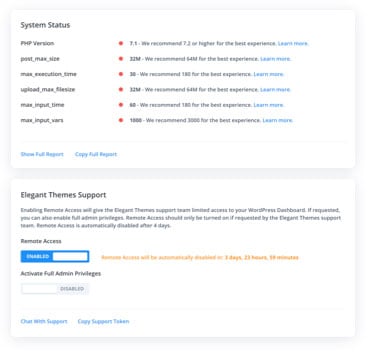
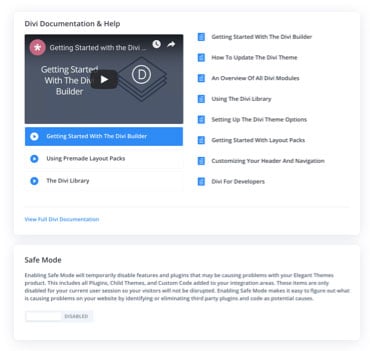
The Divi Support Center helps you fine tune your website using the System Status checkup. You can enable Remote Access with a single click to allow our support team to log in to your website and fix any issues you are having. You can also toggle Divi Safe Mode to quickly and safely bypass any conflicts with third party plugins.
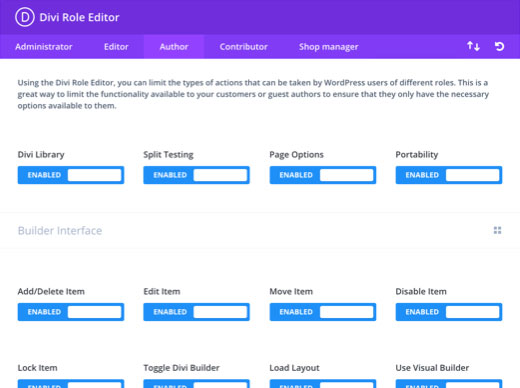
Divi comes with a Role Editor that you can use to limit access to certain things within the builder. For example, you might want to limit your client's ability to modify your design, but allow them to change text content within a fully designed page. It simplifies the experience for your customers and keeps the website designer in control.
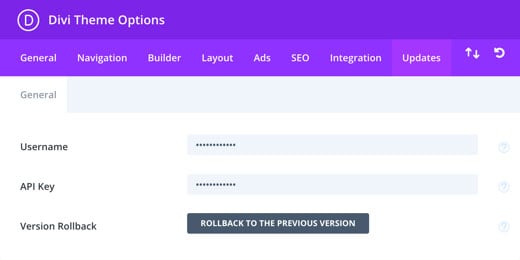
Divi comes with tons of theme options and theme customization settings. All Divi settings are easy to manage within the Divi Theme Options panel.
Not only are front-end elements translated, but we also expanded the theme's localization to cover the Divi Builder interface, including all form fields and descriptions. When you enable an RTL language within your WordPress Dashboard, Divi and the front-end of your website will automatically switch to RTL mode.
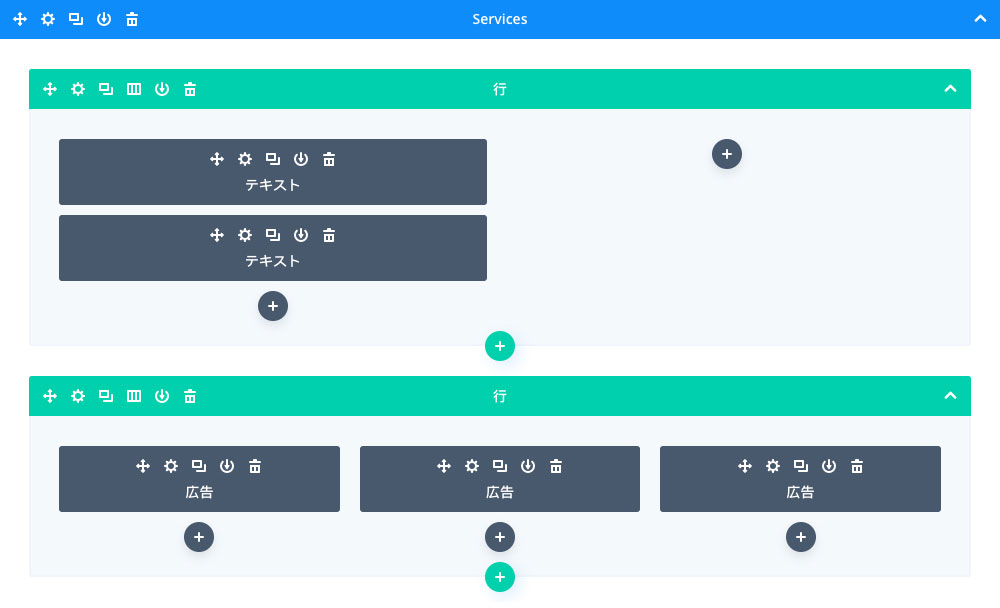
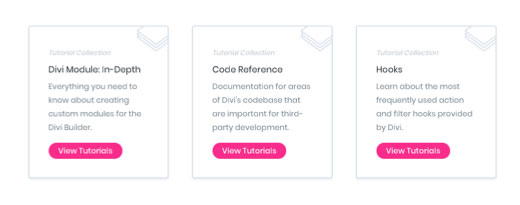
Divi isn't just a theme, and it isn't just a framework. It's a community of hundreds of thousands of designers and developers filled with amazing third party extensions, child themes and layouts to help take Divi even further.
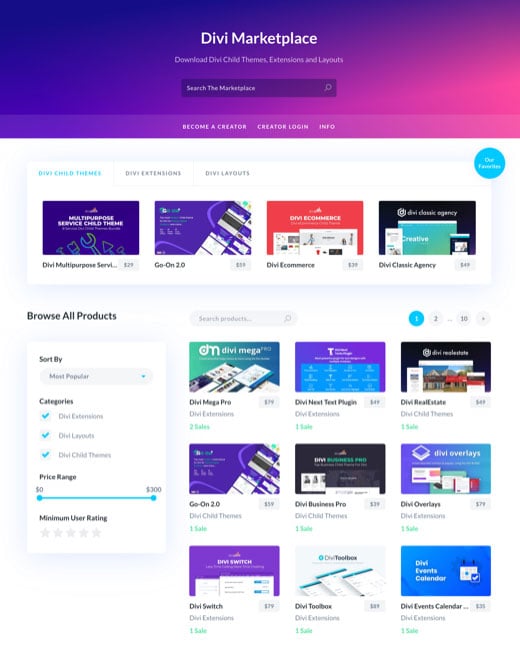
Divi is amazing on its own, but it's also backed by a thriving community of developers and designers (just like WordPress)! In the Divi Marketplace, you will find tons of free and premium products that will help you build unique websites.
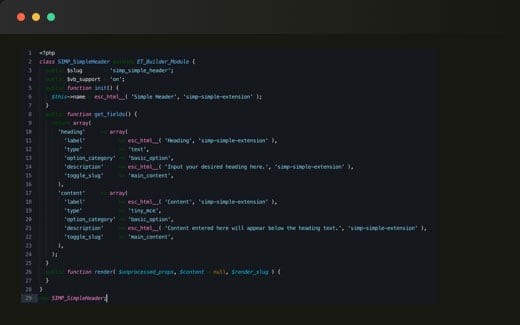
Divi is more than a theme, it's a complete web design framework backed by a thriving and enthusiastic community. We believe in extendability and in the cultivation of an open source development ecosystem. That's why we created the Divi developer API, allowing developers to create custom Divi modules and more.
Learn MoreUse the Divi Theme as your complete website design solution, or install the Divi Plugin and use it with any third party theme. No matter how you run your WordPress website, you can still enjoy Divi's amazing visual builder technology.
Divi is one of our most powerful WordPress Themes. In fact, nothing else even comes close! Divi is the ultimate all-in-one website building solution for WordPress. It comes with the Divi Builder pre-packaged and wraps it in a fully customizable theme that works perfectly with all builder elements.
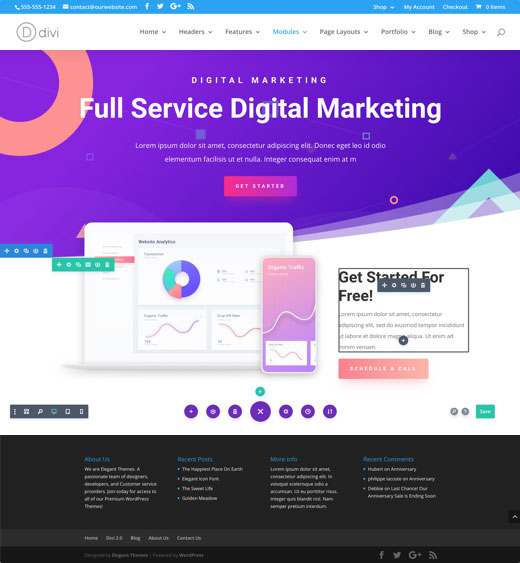
Already using a theme on your website? You can install the Divi Plugin and use the builder to create stunning designs within your third party template structure. It works with any theme. Whether you use the Divi Theme or the Divi Builder plugin, everyone can harness the power of Divi's visual builder.
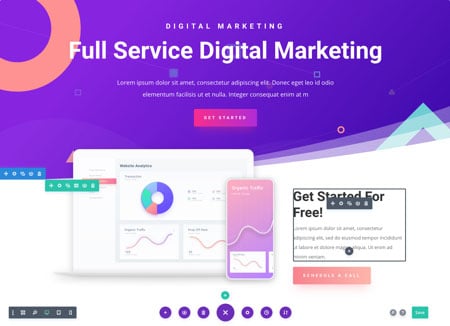
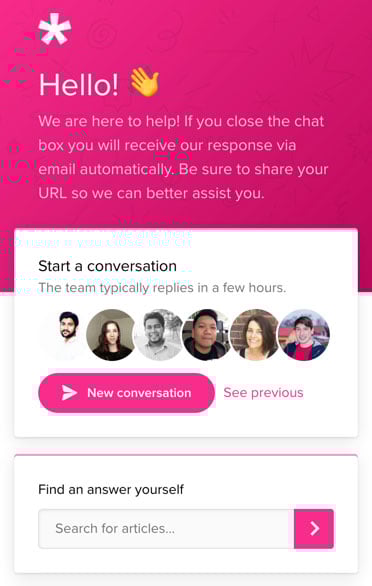
We take support seriously and we take a lot of pride in the level of support we provide to our customers. Our team is available around the clock and our innovative Divi Support Center makes it easy to interface with our team and get to the bottom of any issue.
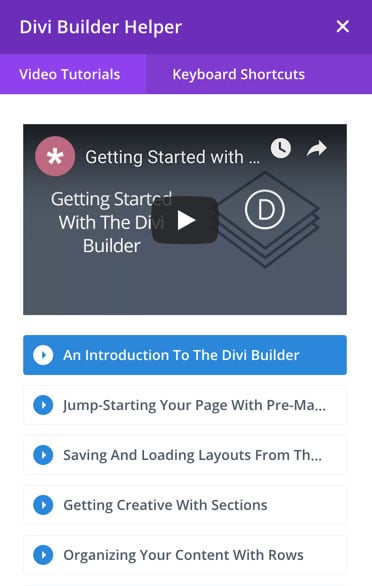
Divi comes with a contextual help system and product tours. It's the perfect way to get help when and where you need it, and it's an amazing free resource for your clients. Divi is filled with helpful tips and full length instructional videos.


Christian Thorne
The best support I have ever had. Very quick to respond, usually in a couple of hours and always get a fix within a few attempts. Would recommend them highly.

Pascale Craeyveld
Love Divi, and more importantly, love their support. They are constantly improving their product and always ready to assist. Rock stars!

Suzi Smith Sellers
First time working with anything other than WP preloaded themes. I am a very basic beginner, and self taught so it is wonderful to have support at hand as I usually sit all alone and struggle at odd hours of day feeling really dumb. The forums are good because there's a range of people on there too and usually asking my same questions, and I imagine they will even get better as number of users increases. All in all using this has cut my trial and error time before getting up and running waaay shorter. I love how they make recommendations for plugins and then provide those plugins so I don't have to go searching around the world for something that integrates. Really nice to have live people to work with!

Zamir Gomeh
Elegant Themes is Without a doubt the best service and support I've ever met. The level of willingness to crack and solve problems that arise is above and beyond all expectations. They do this professionally until the customer is fully satisfied. highly recommend.

Cameron Simons
You guys really are helpful. You saved me so much time with the issue i was experiencing. I love the friendly support team & clear communication you guys have. I would recommend Divi to anyone! Thank you so much!

Jessica Pena
I started out not knowing anything about websites but after using Elegant Themes Divi! Not only is the theme easy to create incredible websites, if for any reason you get stumped and need help the support team is the best. Quick to respond and will go above and beyond to assist you with your project. I couldn't be happier that I chose Elegant Themes!!

Howard Blount
I own a website, but I am not a developer and know nothing about coding. Whenever I have a Divi update or customization need, Elegant Themes support always helps me and resolves my issues. I have worked with some of the support techs for so long that we feel like we know each other.

Martha Meier
I love the new support method that Elegant Themes have implemented. It makes it much easier to get support and speeds up time to get issues sorted. Thank you...Shows the value of experience on Support side and the value of going with a company that constantly develop, improve and support their products. Hats off to Elegant Themes.

Chris
Elegant Themes Tech support is amazing. They will stay with you through live support or email until they figure out the issue. Truly amazing support!

Christiane Weigel
The Themes Divi and Extra are really professional and easy to use. But simply the best is the support. Always friendly, highest quality solutions and fast in requests. Perfect to work with. Thanks.

Joy
Not only are their products worth every penny, their customer service is OUTSTANDING! There was a small technical issue with my order (bonuses went to spam) and they honored & took accountability for their part in it. Refreshing in a world of horrible customer service where companies put THEIR responsibility on the customer. Thank you! We are customers for life & will tell the world (:

Stephen Turner
Excellent support and the team don't give up until your issue is sorted. The support team who represent Elegant Themes have been chosen well and can't do enough, great customer service experience!
The Divi Facebook Group is a wonderful place for Divi users to learn from each other. It's also our favorite place to interact one-on-one with Divi customers. The Divi Community is such a rare and special thing, full of creativity and positivity. Join the group and join the family!
Divi has a thriving third party development community. Much like WordPress, Divi is an open source platform that thrives on community participation. We love to promote third party developers and we do everything we can to give them the tools they need to succeed.

We love getting together in person and engaging with the community. The Divi Meetup Network has tons of local meetups where you can learn about Divi and improve yourself as a web designer. You can even start your own local Divi meetup!
We offer a 30 Day Money Back Guarantee, so joining is Risk-Free!


Copyright © 2024 Elegant Themes ®