

With thousands of free and commercial plugins available for your self-hosted WordPress website, it’s often difficult to know which ones offer essential upgrades and which ones just look like they would.
Unfortunately, every website, blog, or eCommerce store has its own set of specific requirements. This means that there is no one-size-fits-all list of the best plugins for every WordPress website.
Furthermore, our websites are often our livelihood, and we want to make sure we pick only “the best” plugins available. Premium and commercial plugins are frequently perceived as being better simply because we have to pay for access to them.
However, while there are many good reasons to opt for a commercial or premium plugin—which we’ll discuss shortly—spending the cash isn’t always necessary. In this article, we will look at some well-known premium plugins that you can use on your site for free—albeit with fewer features. This is thanks to their creators’ use of the freemium pricing model.
This freemium model allows you to test the user interface, inspect the code, and utilize some of the features, all without incurring any costs. In some cases, you might even discover that you don’t need the extra power of the commercial version and the free option will suffice, if not forever, then at least for now.
I’ve attempted to compile a collection of more well-known plugins, focusing on their commercial or premium versions rather than their freely available counterparts. However, this will be subjective, depending on your knowledge of particular plugins and experience with WordPress. If you know of any other examples our readers might be interested in, at the end of this article, you’ll have an opportunity to share them.

Free isn’t always better – image by P and P Studio / shutterstock.com
You’ll be hard-pressed to find a commercial WordPress plugin that offers features or functionality that can’t, in some way, be added to your site via an alternative, freely available extension.
For example, VaultPress is a brilliant backup solution for WordPress. However, you can get the job done with a free WordPress backup plugin. OK, the user experience might not be as slick, or you might have to put in a bit more work, but you’ll have saved yourself some cash along the way. So why opt for a premium plugin?
Good question. However, there are many good reasons to choose a premium WordPress plugin over a free one:
- Often, you do get more features and, therefore, better results from a commercial product
- Premium support is typically more responsive than that offered for free plugins
- Greater chances of more frequent upgrades and fixes, with less chance of plugin abandonment
- You’re potentially funding the development of new products for the future
If you create websites for clients or build mission-critical sites for your own business, investing in commercial plugins gives you someone to turn to should a problem arise. As the product is someone’s livelihood, there’s also less chance it will be abandoned because they are moving on to another project.
There are many reasons to choose a commercial plugin over a comparable freely available option. However, the costs can soon mount up with each new plugin you add to your website.
Shopping for Free Plugins Has Its Advantages
But what if I told you that some of the most popular premium plugins have lite versions available that are absolutely free?
Often, we only need to use one or two of the premium features and never even look at the rest. Why use a sledgehammer to crack a nut when a lighter, free version will do the trick?
As the name suggests, lite plugins are often more lightweight, easier to use, and usually still offer plenty of features to improve your website. They allow you to test the plugin and decide if you do actually need all of the premium features or if it’s such a good product after all. Marketing efforts are getting better and better each day, and it’s easy to get seduced by the latest and greatest new product on the block, even if you don’t need everything it has to offer.
Furthermore, by choosing the lite version of a premium plugin, you often still get access to some of the benefits on offer from purchasing a commercial option, that you wouldn’t otherwise get with a plugin that was only available for free. This can include regular updates and less risk of abandonment.
So here are 10 freely available lite versions of popular commercial WordPress plugins.
Here is a collection of lite versions of popular or useful premium plugins that you can get started with today for free. You won’t get access to all of the features of the commercial product or the same level of customer support, however, for some users, that might be fine.
If you are happy with what you get, you always have the option to upgrade to the commercial version down the line, unlocking premium features and access to user support, while also supporting the development and funding of future updates and new products.
MotoPress Booking Calendar
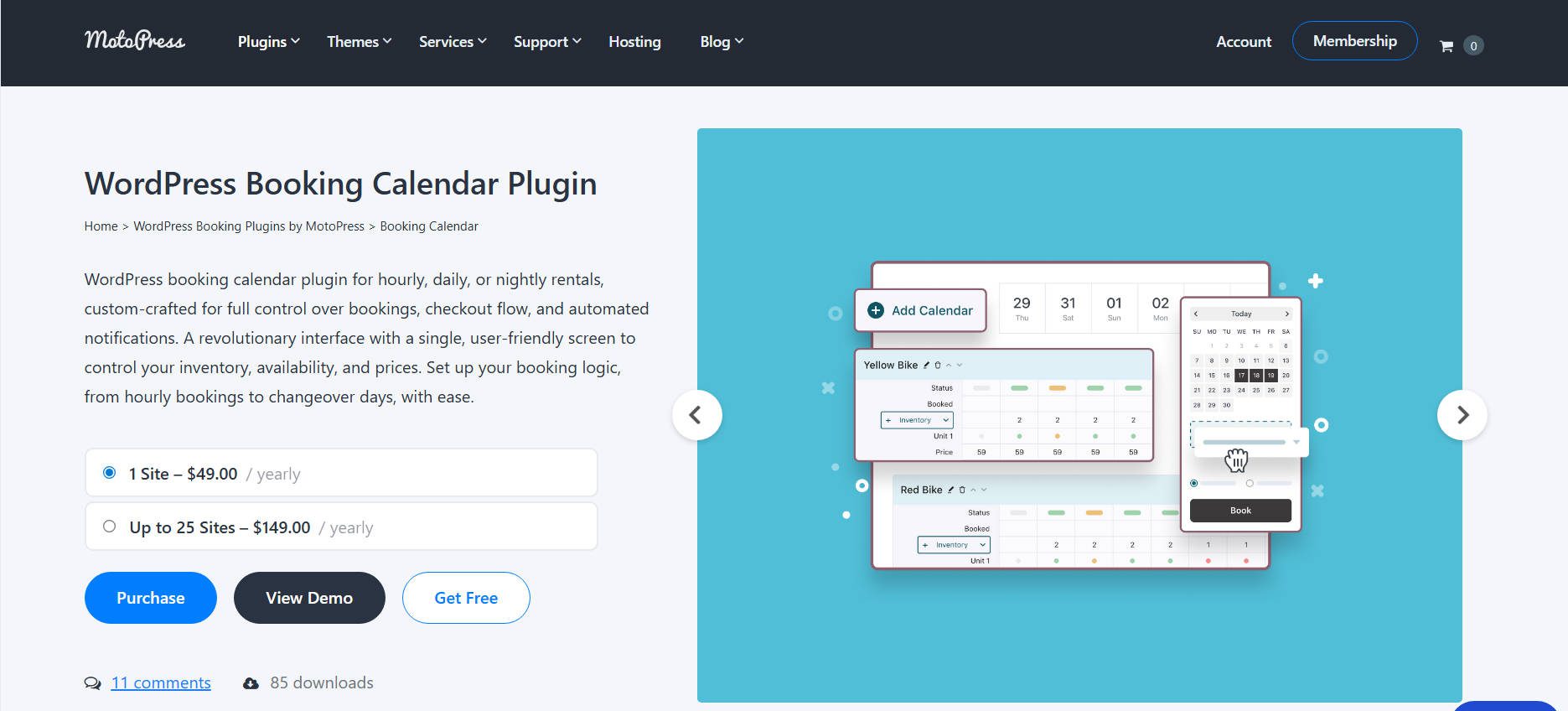
MotoPress Booking Calendar is a powerful all-in-one rental scheduling plugin that lets you manage hourly, daily, or nightly bookings with a clean and intuitive interface. Even in the free version, you gain access to its revolutionary one-screen calendar management system, which allows you to control inventory, availability, prices, and booking statuses.
The plugin allows you to rent out virtually anything, including bikes, massage chairs, private rooms, guided tours, and hotel stays. Customers begin by selecting dates directly from the availability calendar, while you control rental duration and quantity. It’s built for real-world rental businesses, whether you operate a single item or a large inventory.
MotoPress Booking Calendar supports an unlimited number of calendars, rental types, and inventory units. You can create variations, such as VIP versus standard tickets, set quantities per item, and customize time slots. The availability automatically updates after each booking. Item images and descriptions can also be displayed right inside the booking calendar.
You also get a flexible drag-and-drop booking form builder that allows you to create custom checkout forms, add fields, and tailor form layouts using Gutenberg blocks. The plugin supports automated email notifications for both customers and administrators.
As a free alternative to premium booking plugins, MotoPress Booking Calendar stands out thanks to its visually appealing design, comprehensive inventory control, and the ability to rent out anything from a single plugin. Such features as Stripe payments and the Price adjustment form field are available in the premium version.
Easy Pricing Tables Lite by FatCat Apps

Pricing tables might not be the sexiest feature you can add to a website. However, they can become an essential part of the pricing strategy of almost any online business. Pricing tables turn complicated service packages into clean comparisons. I’ve watched businesses increase conversions just by showing options side-by-side instead of burying them in paragraphs. The format forces clarity—which plans exist, what’s included, what they cost.
Easy Pricing Tables works specifically with the WordPress block editor now. You add the pricing table block, fill in your plans and features, adjust colors with built-in pickers, and publish. The interface is point-and-click. No shortcodes unless you’re using a page builder or classic editor.
The free version handles unlimited rows and columns, lets you highlight a featured column, and includes drag-and-drop column reordering. You can save tables as reusable blocks to drop into multiple pages without rebuilding from scratch. The plugin generates responsive tables that adapt to mobile screens automatically.
With 10,000+ active installations, the lite version works for straightforward comparison needs. The premium version adds 12 templates, pricing toggles for monthly/yearly switches, WooCommerce integration, and inline images—starting at $29 for a single site with a 60-day guarantee.
Envira Gallery Plugin Lite
If you’re showing off work—photography portfolios, product galleries, project showcases—the gallery plugin choice matters. A slow gallery with bad mobile support will kill the viewing experience fast.
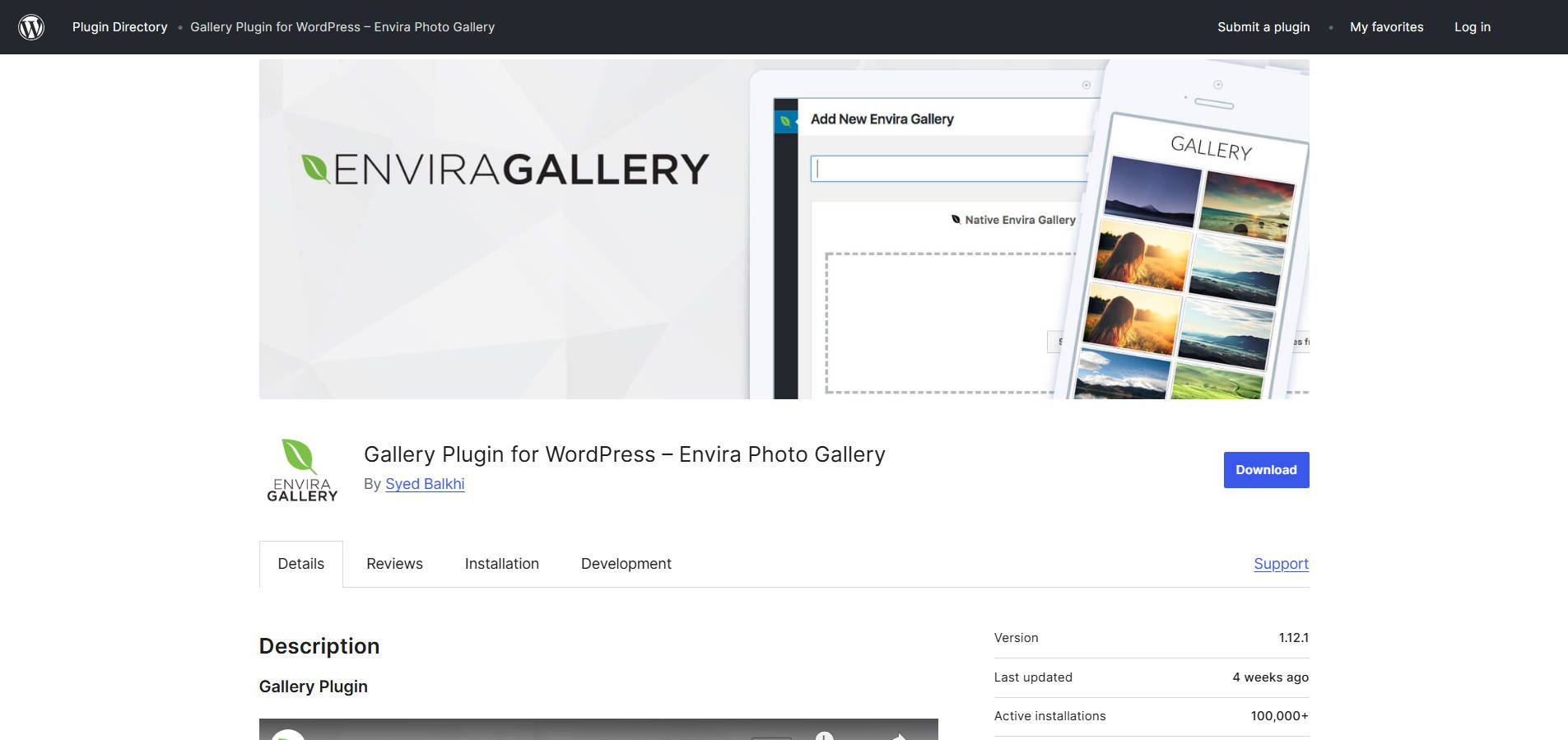
Envira Gallery handles both speed and usability. The drag-and-drop builder uploads images, reorders them, and publishes galleries in minutes. The lite version works with blocks or shortcodes, depending on your editor preference.
Every gallery displays in a responsive lightbox by default with swipe navigation on touch screens. The plugin includes automatic image optimization so high-res photos don’t slow page loads. You can edit image metadata (alt tags, titles) directly in the gallery interface for SEO purposes.
The free version creates unlimited galleries with one pre-installed theme. It integrates with Elementor, Beaver Builder, and Divi without conflicts. With 100,000+ active installations and a 4.7-star rating, it handles basic gallery needs.
The Pro version ($99/year) adds albums, watermark protection, social sharing, video support, and deeper WooCommerce integration for selling images. But the lite version works if you need clean photo galleries without extras.
Ajax Search Lite
If you’re showing off work—photography portfolios, product galleries, project showcases—the gallery plugin choice matters. A slow gallery with bad mobile support will kill the viewing experience fast.
Envira Gallery handles both speed and usability. The drag-and-drop builder uploads images, reorders them, and publishes galleries in minutes. The lite version works with blocks or shortcodes, depending on your editor preference. Every gallery displays in a responsive lightbox by default with swipe navigation on touch screens. The plugin includes automatic image optimization so high-res photos don’t slow page loads. You can edit image metadata (alt tags, titles) directly in the gallery interface for SEO purposes.
The free version creates unlimited galleries with one pre-installed theme. It integrates with Elementor, Beaver Builder, and Divi without conflicts. With 100,000+ active installations and a 4.7-star rating, it handles basic gallery needs.
The Pro version ($99/year) adds albums, watermark protection, social sharing, video support, and deeper WooCommerce integration for selling images. But the lite version works if you need clean photo galleries without extras.
Soliloquy Slider Lite
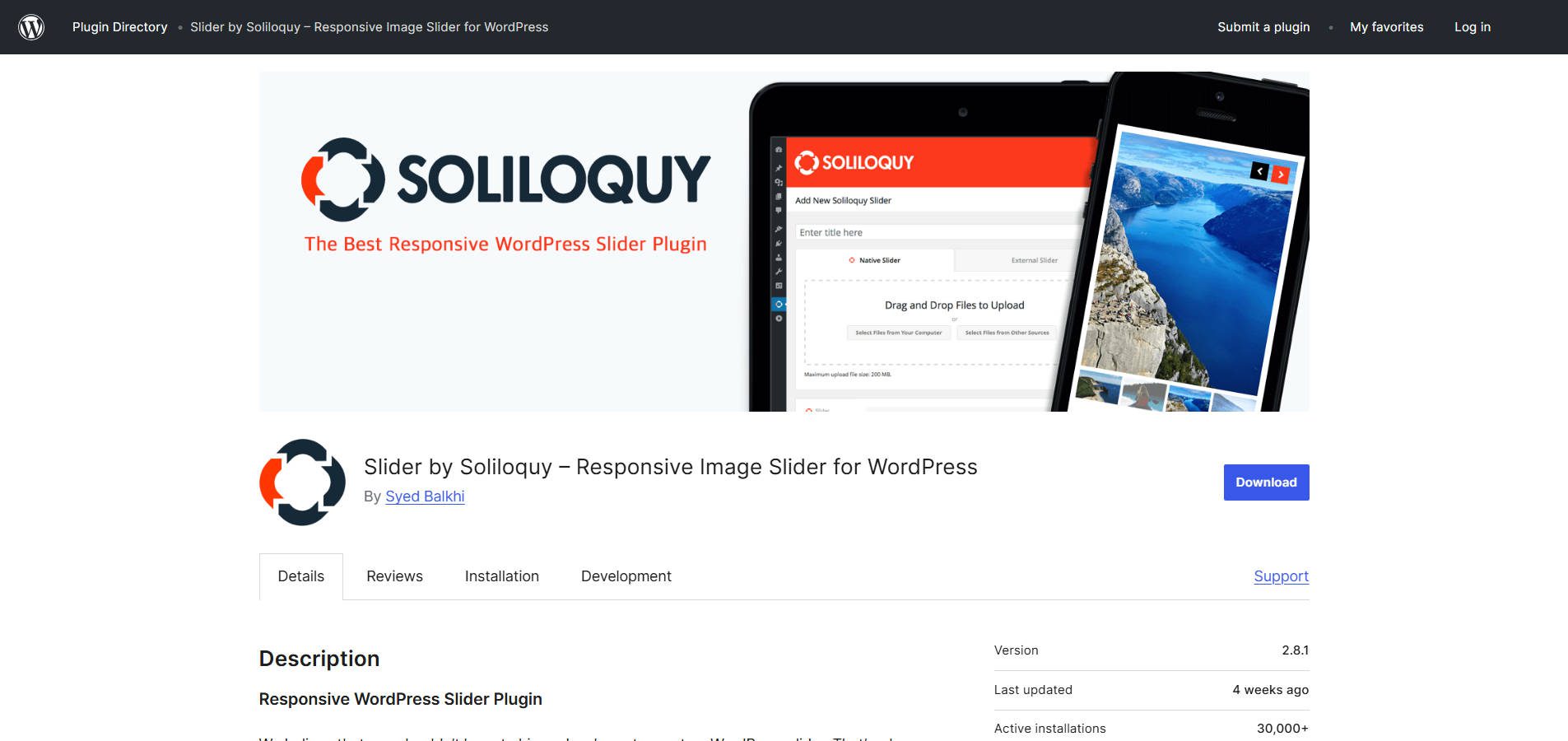
Sliders have a bad reputation because most plugins load bloated code that tanks page speed. Poor implementation ruins both performance and SEO. But sliders can work when built correctly. Soliloquy handles performance through asynchronous loading techniques verified by independent speed tests. The plugin consistently ranks as the fastest slider option available. It’s been audited by WordPress core developers for security and code quality.
The drag-and-drop builder uploads images, arranges slide order, and adds captions through a familiar WordPress-style interface. Sliders work with blocks or shortcodes. Every slider is mobile-responsive with touch-swipe support built in.
The free version creates unlimited sliders with customizable transitions, image metadata editing for SEO, and automatic cropping options. It integrates with any WordPress theme without conflicts.
With 30,000+ active installations and over 1.5 million total downloads, Soliloquy handles basic sliders pretty well in my estimation. The Pro version (starting at $19) adds carousel layouts, featured content sliders that automatically pull from posts, WooCommerce product sliders, Instagram imports, lightbox functionality, and image protection.
If you need sliders without performance penalties, this works.
Formidable Forms
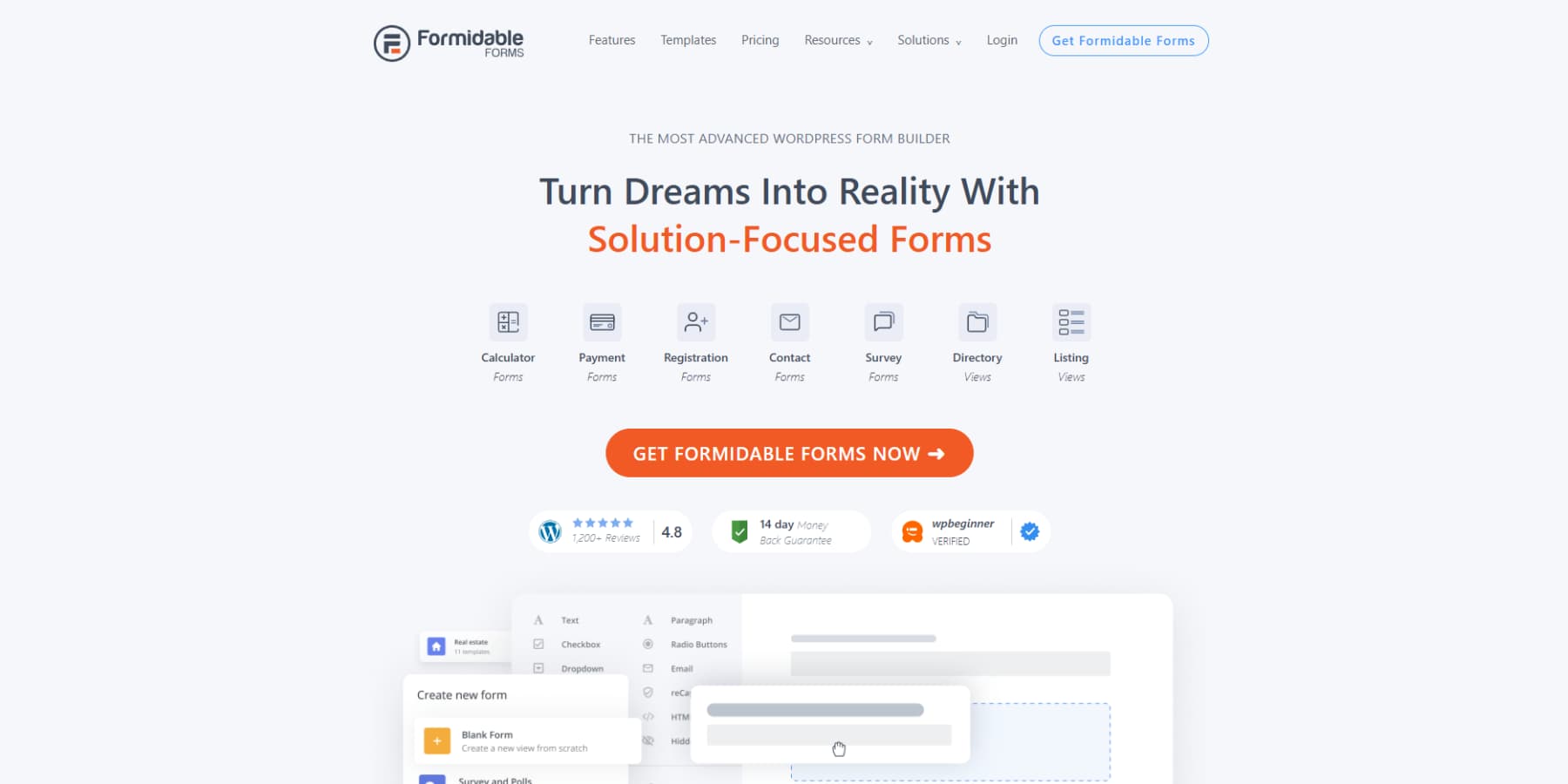
Contact page forms are table stakes, but forms can do substantially more, like collecting survey feedback, instant quotes from calculators, and a whole lot more. Formidable Forms handles both basic contact forms and advanced form applications with a drag-and-drop builder. It includes standard fields (text, email, dropdowns, checkboxes) plus specialized options like repeaters for collecting multiple data sets, calculations for price quotes, and conditional logic showing/hiding fields based on previous answers.
The plugin stores all form entries in your WordPress database—no external services required. You manage submissions from the WordPress dashboard with search and filter tools. Email notifications are triggered automatically when forms are submitted, with customizable content pulled from form data.
With 300,000+ active installations and a 4.8-star rating, the free version handles unlimited forms and entries. It includes basic styling controls, spam protection through reCAPTCHA and Akismet, and simple conditional logic.
Of course, the Pro version is much more capable, but if you need something reliable for free, the Lite version is still a contender.
Hotel Booking Lite by MotoPress
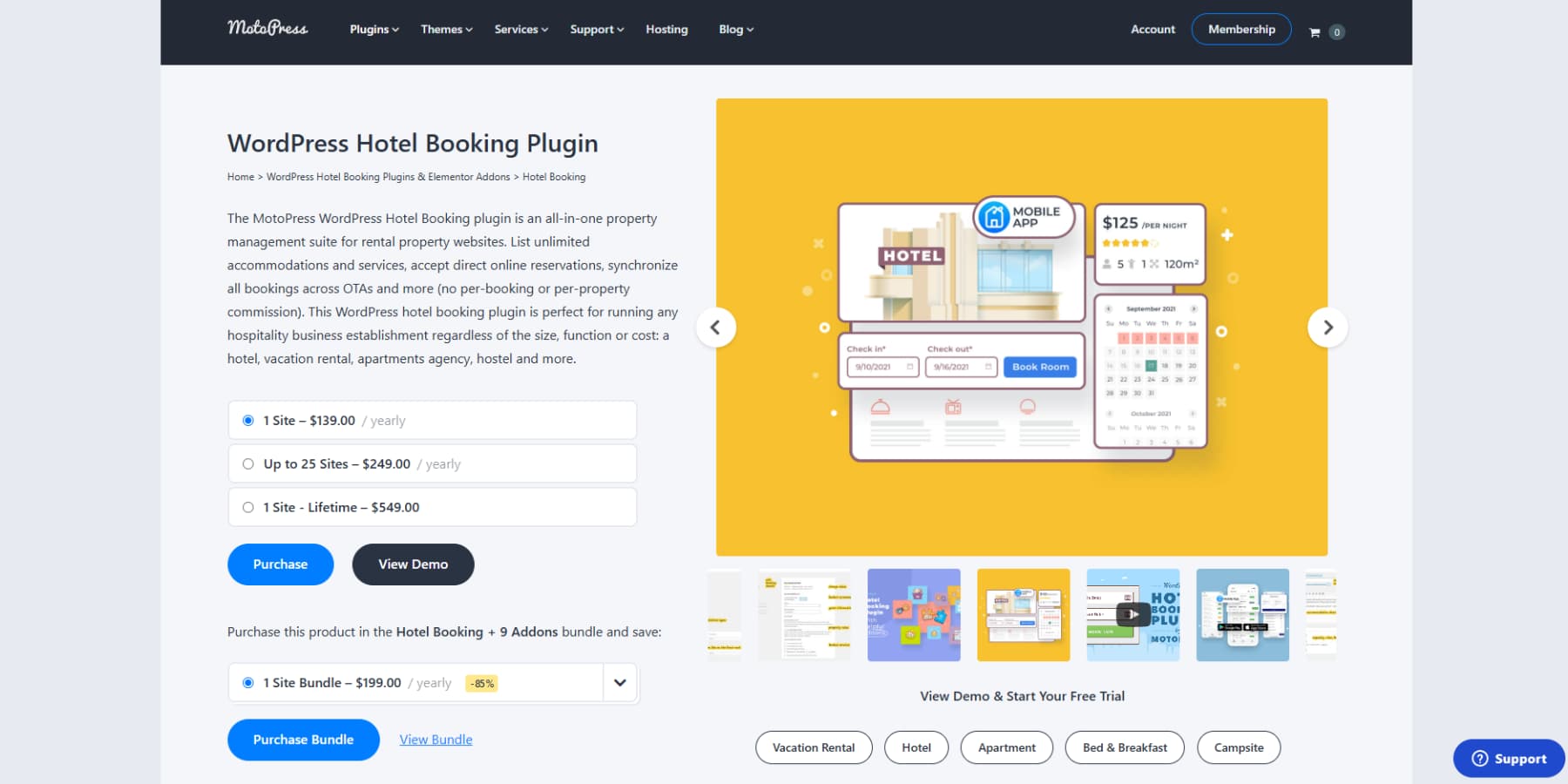
Hotel Booking Lite is the WP hotel booking free version of the powerful MotoPress Hotel Booking plugin, designed to help rental property owners accept direct bookings through WordPress. It provides a user-friendly booking engine tailored for hotels, vacation rentals, cabins, hostels, and similar accommodations.
With the Lite plugin, users can add unlimited accommodations, display real-time availability calendars, and enable a fully functional booking form on their website. The system allows you to manage reservations from a centralized dashboard. You can customize booking rules and apply flexible pricing rates based on seasons or custom conditions.
The free version supports payments via PayPal, direct bank transfer, and on-site payment. The plugin includes a free integration with the Divi Builder, allowing you to easily create and style booking pages using a drag-and-drop interface.
For users looking to expand the functionality, the premium version of MotoPress Hotel Booking includes more built-in payment gateways, iCal calendar synchronization with platforms like Airbnb and Booking.com, the ability to add and edit bookings from the backend, and more features.
Overall, MotoPress Hotel Booking Lite delivers robust features out of the box and offers a seamless path to upgrade when more advanced functionality is needed.
Wrap Up
And there we have it, 10 completely free lite versions of popular commercial plugins you might not even know existed.
Instead of forking out for a premium plugin, why not try the free versions first? More often than not, they are packed with nearly as many features as the commercial versions and may well be totally sufficient for your needs. Either that, or it turns out not to be the right choice for your project after all.
Which free versions of popular commercial plugins do you use? Are there any that offer a comparable service to the paid versions? Please share your thoughts and recommendations in the comments below.
Article thumbnail image by SFerdon / shutterstock.com






I have been a member for several years and I am very frustrated that I can’t login into your support forum. Since I can’t log into support, and there is no phone support, I can’t get seem to get this fixed. I have tried sending emails to your prospective customers contact us (I am sure those are read) but still I get no reply. So I guess I will start replying to all your blog posts until someone contacts me! Right now, my issues are with EXTRA.
Hi Kathy, terribly sorry you have not been getting responses to your inquiries. Typically I would advise that someone try our contact form at http://elegantthemes.com/contact.html but it seems like you’ve tried that. I’d like to make sure you get the assistance you need so please email me directly at podcast[at]elegantthemes.com and I will make sure someone from support gets back to you. Be sure to include your username and the email address you have your ET account under.
Good post! Very helpful. I can’t afford premium stuff at the moment so I’m always looking out for lists like this. I’ve been looking for a good page builder so I’m excited to check out MotoPress.
Good job and nice Xmas present.
Thank you!!!
Nothing can be better than this.All the alternatives is really very good.Thanks for sharing.
Joe, great content. I started with MotoPress before falling for Divi. MP can still do layout options Divi can’t. I was pleased to see it here, and the lead, too.
While your content was good, the text was bloated with superfluous words, unclear phrasing, and repetition (however,). The premise of the blog is that there are free, lite versions of premium WP apps. It’s unnecessary to repeat that in each app content, especially as if it were a surprising discovery.
Given your premise, you probably could have written a lighter version.
Thanks for the feedback, I will try and create a lighter version of my content next time.
Hi Randy! As a newbie blog writer, this is awesome. Thank you so much for sharing your feedback. Upon re-reading the blog post, I can see what you mean.
I’m not the author, but this was incredibly helpful. Joe – I hope you don’t take offense to it and see it as a opportunity to grow as well.
Hai,
Unfortunately i read this article, After this article i decide to use Tweet Wheel Lite its very plugin. I strongly recommend for this plugin. Thanks for this useful informative article.
I am always on the lookout for good plugins. Thanks for posting this list. I am going to give a couple of these plugins a test run..
Ken
Nice article. Thanks for posting.
Great blog
They are very good, but it lot more free plugin to do what we need in our blog, and we dont have to move to premium.
Thank you … it’s very cool 🙂
Hi Joe Fylan , Great post , King regrds 🙂
Awesome alternatives! Thanks for the info.
I love this blog, one of my favourites on the net. You always have something informative to post up, everyday.
Great and free… You can’t say nothing more!