


Managed WordPress hosting is one of the most popular hosting options for WordPress websites. One oft-seen downside is that it’s more expensive than non-managed hosting. This raises the question: is managed WordPress hosting worth it? In this article, we’ll answer that question and provide a few options to consider.
What is Managed WordPress Hosting?
Managed WordPress hosting is a hosting plan that’s designed specifically for WordPress and provides a few services that take some of the pain out of maintaining your website. Managed WordPress hosting optimizes your WordPress website and handles security, backups, maintenance, and performance improvements.
Plans often include unmetered traffic, daily backups, server-side caching, staging environments, free auto migrations, email, SSL, CDN, collaborator options, white labeling, 24/7 support, etc.
These features do come at an extra cost. Before we look at that cost, let’s see what we’re comparing it to.
Non-managed WordPress Hosting
For comparison, most non-managed hosting plans do not include most of the features mentioned above. Some do include email, SSL, CDN, and 24/7 support. These cost extra for some hosts.
Typical prices for non-managed hosting (comparing several hosts) average:
- Shared – $8.99 per month, 1 website, 10-50GB storage
- Plus – $12.99 per month, 50-unlimited websites, 20GB-unlimited storage
- Pro – $24.99 per month, 100-unlimited websites, 40GB-unlimited storage
Note: prices vary, and these are typical renewal rates. Promotional first-term pricing is often 50-70% lower. Keep in mind that “unlimited” doesn’t mean completely unlimited. Many of these plans use shared servers, so your server resources are shared with other websites on the same server.
What are the Advantages of Managed WordPress Hosting?
Here are the main advantages of managed WordPress hosting.
Setup
WordPress is automatically installed with whatever plugins are included in the service plan. This is especially helpful for setting up all the important plugins, special features such as WooCommerce, etc.
Server and Speed
All settings, from the operating system to the file system to server-side caching, are preset and optimized, and WordPress is already installed. The server doesn’t need to run other websites or content management systems.
Server-side caching makes the site load much faster. A standard cache plugin has to load WordPress before it can deliver the cached page. Server-side caching lets the host serve the cached files before WordPress loads. This makes the site load faster and uses less bandwidth and server resources.
Most include a CDN (Content Delivery Network) to serve your website to visitors using the server that’s geographically closest to them, helping speed up loading times.
When a server is fully optimized for a single system, it will run faster, smoother, and more reliably. This results in higher uptime for your website and faster load times.
Clean Hosting Dashboard
Dashboards for managed hosting can focus on WordPress. Most dashboards focus on a variety of options that must be applied across various platforms. This results in a cluttered dashboard with features you can’t use or don’t need. By focusing on WordPress, you can find information and see features specific to your website, such as traffic statistics and performance issues.
Maintenance
Updates, security, and backups are handled by the host. This alone can save you time and money.
Updates – rather than automatically updating themes and plugins, managed WordPress hosting goes a step further by updating products only after they’re tested and stable. Security patches are applied immediately. The latest WordPress updates are applied automatically to help keep your WordPress installation secure. Plugins with problems can be deactivated or blocked by the host.
Security – the website is more secure because security can be built around your specific website’s theme and plugins. Malicious login attempts can be blocked quickly and accurately because this is built into the server. The host can monitor your website and the plugins for known security issues. If a plugin has a security issue, the host can uninstall the plugin to protect your website.
Backups – hosts automatically back up your website and store the backups. Hosts can apply them back to your website, and you have access to the backups so you can apply them yourself. This not only saves you time but also saves you money, since you won’t need to purchase a premium WordPress backup plugin or online storage.
Staging Environments
Hosts provide a staging environment with a copy of your website accessible only to you. This can be used to design your site, test plugins, add code, make customizations, and troubleshoot problems before applying them to your live website. For agencies and freelancers managing client sites, one-click staging removes the risk of testing in production and eliminates manual database syncing, which makes traditional staging workflows painful.
Support
Since the host focuses on WordPress, support associates are more knowledgeable about WordPress and the plugins they use.
What are the Disadvantages of Managed WordPress Hosting?
There are a few disadvantages of managed WordPress hosting to consider.
More Restricted
Most hosts restrict the plugins that can be used on the website. This does make the site safer, but it can be frustrating when there aren’t good alternatives, or you already own the premium version of the plugin. The plans are also limited to WordPress.
Costs More
As expected, the extra services that managed hosting provides come at an extra cost. The upside is that you get more, and all these pieces tend to be well-integrated with one another, forming a well-oiled machine.
How Much Does Managed WordPress Hosting Cost?
To look at the costs of managed WordPress hosting, let’s consider a few hosts that have partnered with Elegant Themes to offer Divi-specific managed WordPress hosting, along with a few other generic managed hosting options.
Note: Nearly every hosting provider advertises promotional first-term pricing that can be 50-80% off. The prices below reflect regular renewal rates, which are what you’ll actually pay in the long term. When comparing hosts, always check the renewal price to get an accurate cost comparison.
Flywheel
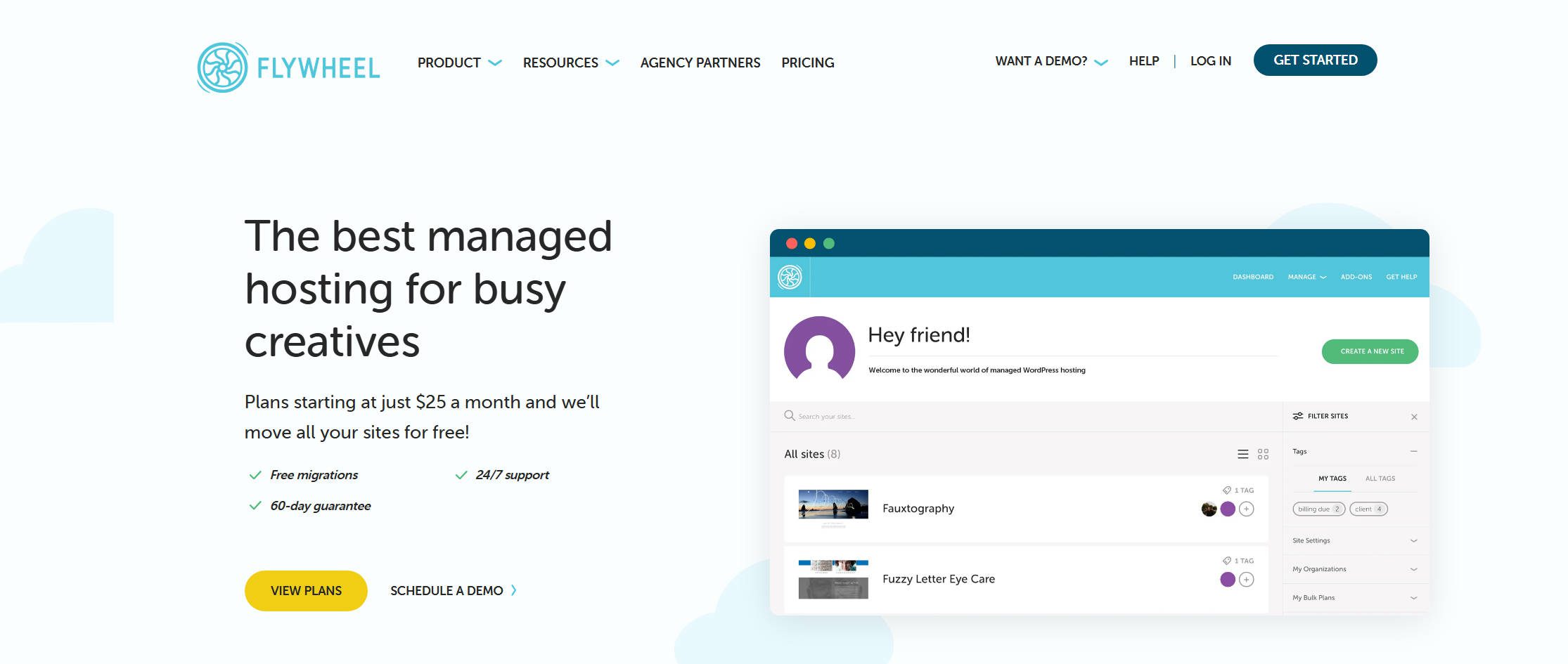
Flywheel includes super-fast Divi-optimized servers, project management and team collaboration tools, website cloning, secure SFTP, 24/7 live chat, and more.
The plans include Divi installed, Divi-optimized servers, free SSL, CDN, caching, staging environments, and assisted migrations.
- Starter – $30 per month, 1 website, 25,000 visits, 10GB storage, 50GB bandwidth
- Freelance – $115 per month, 10 websites, 100,000 visits, 20GB storage, 200GB bandwidth
- Agency – $290 per month, 30 websites, 400,000 visits, 50GB storage, 500GB bandwidth
Pressable
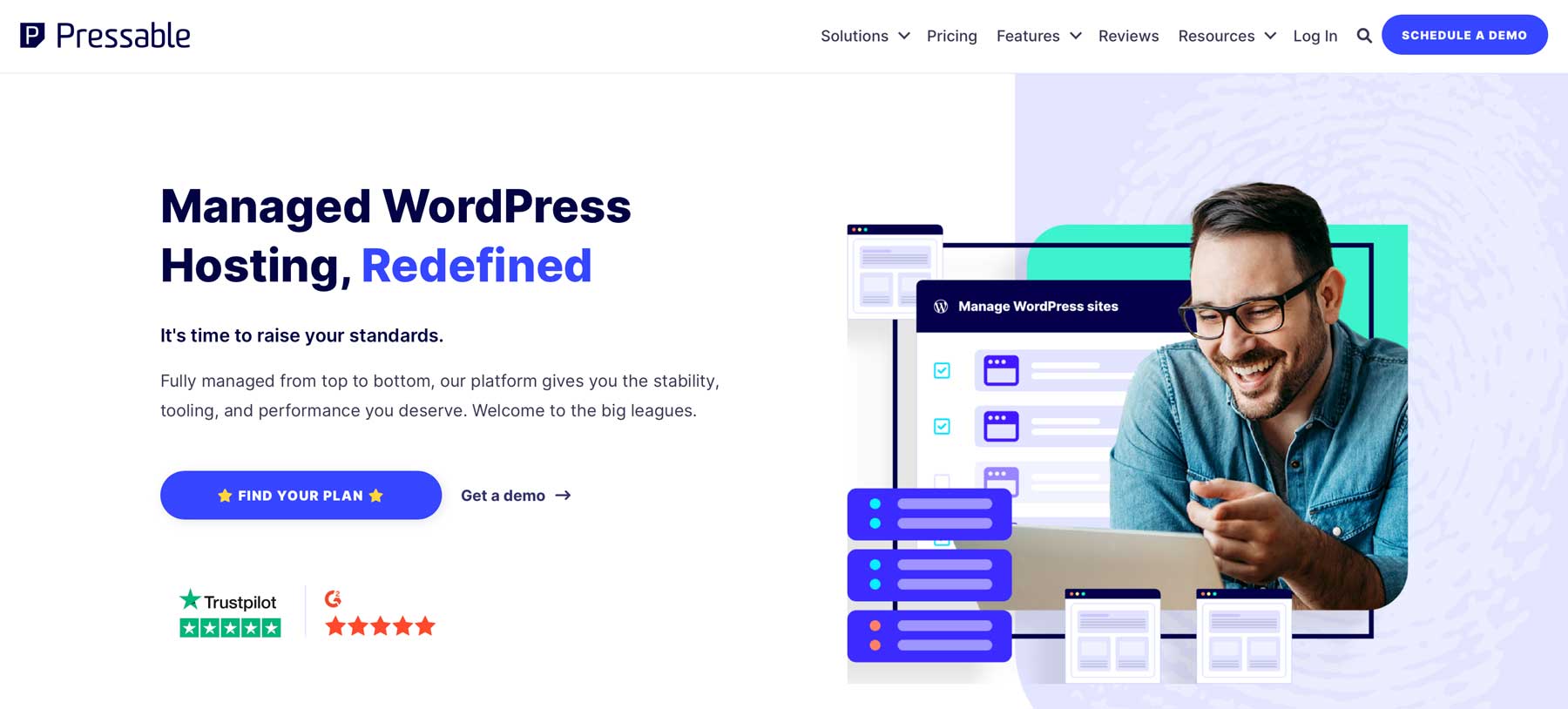
Pressable is owned by Automattic, the same people behind WordPress.com and WooCommerce. It includes personalized onboarding, a user dashboard with easy access to all the tools, and more.
The plans include Divi installed and optimized, Jetpack Security, free SSL, CDN, caching, staging environments, free auto migrations, and 24/7 support.
- Signature 1 – $25 per month, 1 website, 30,000 visits, 20GB storage
- Signature 3 – $60 per month, 5 websites, 75,000 visits, 35GB storage
- Signature 5 – $155 per month, 20 websites, 400,000 visits, 80GB storage
- Signature 8 – $675 per month, 100 websites, 2,000,000 visits, 325GB storage
Siteground
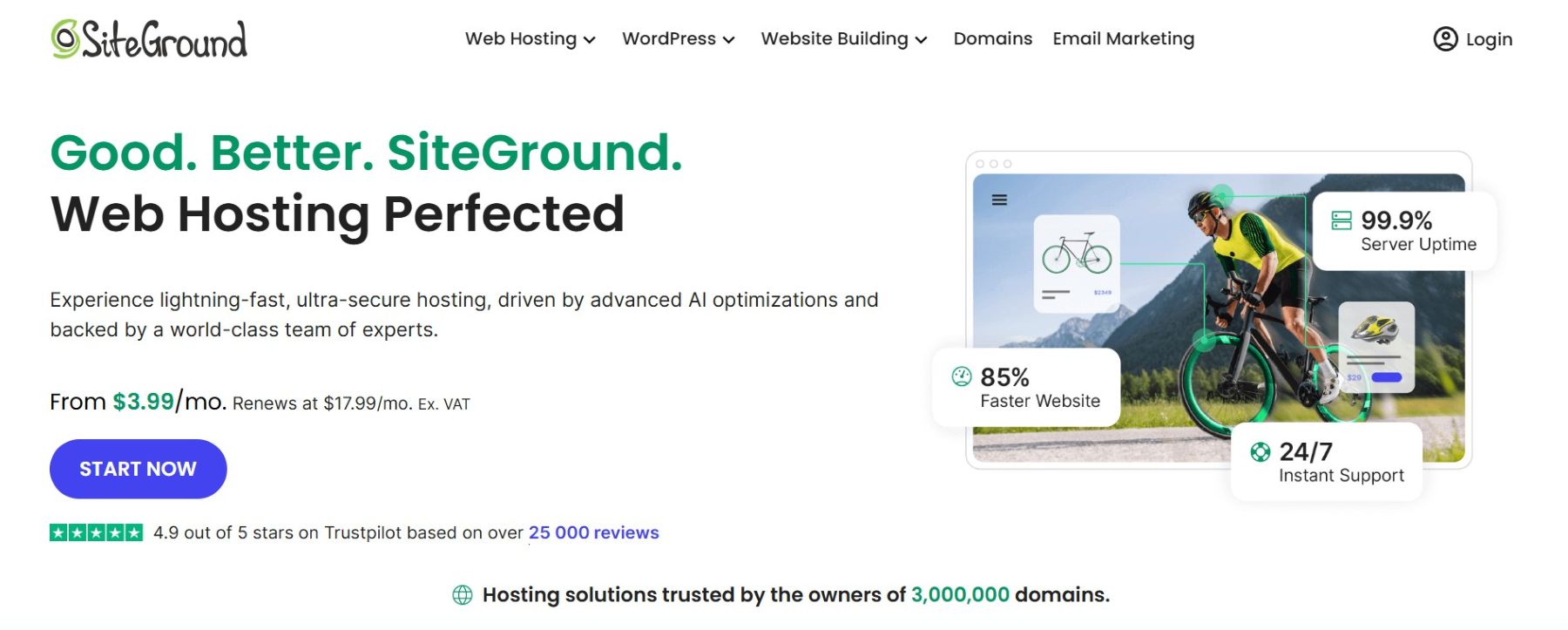
SiteGround offers aggressive introductory pricing and solid performance. Their promotional rates look compelling, but renewal prices are standard for the industry.
When purchased via Divi’s Hosting program, the plans include Divi installed and configured with your license key, optimized for Divi, unmetered traffic, free SSL, CDN, caching, staging environments, free auto migrations, free email, and 24/7 support. Larger plans add speed-boosting, staging, collaborators, white labeling, etc.
- StartUp – $17.99 per month, 1 website, 10,000 visits, 10GB storage
- GrowBig – $29.99 per month, unlimited websites, 25,000 visits, 20GB storage
- GoGeek – $44.99 per month, unlimited websites, 100,000 visits, 40GB storage
WP Engine
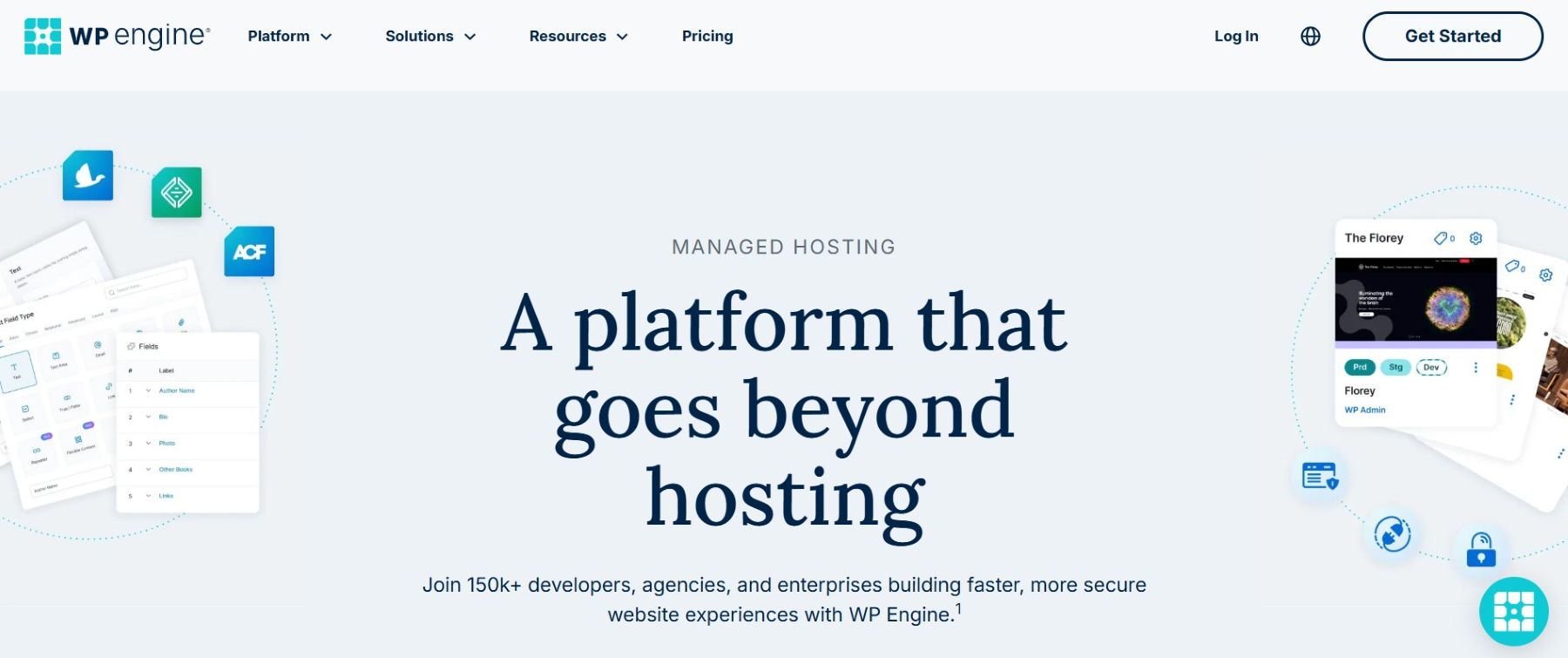
WP Engine isn’t optimized for Divi, but it still works well with it. It’s positioned as a premium option with enterprise-grade infrastructure. The Essential plan is configurable, letting you adjust sites, visits, and storage to match your needs.
The plans include free SSL, global CDN, Evercache, LargeFS, staging environments, free automated migrations, and 24/7 support.
- Essential – $65 per month, 1 website, 25,000 visits, 10GB storage (configurable)
- Core – $400 per month, enhanced performance, isolated resources, 99.99% uptime SLA
- Enterprise – Custom pricing for mission-critical sites with dedicated resources
EasyWP by Spaceship
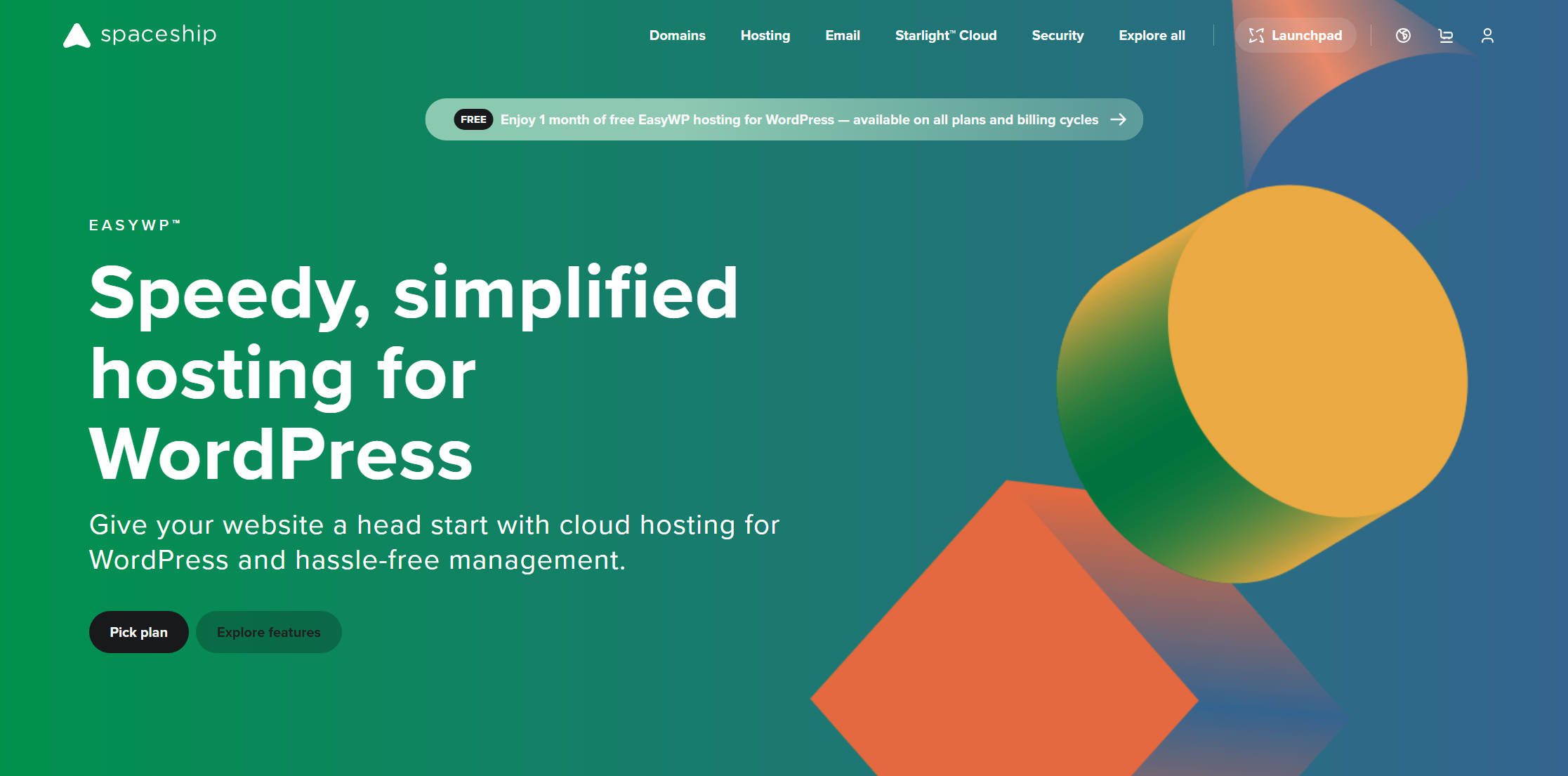
EasyWP by Spaceship includes high-performance WordPress-optimized servers, built-in SFTP access, a clean custom dashboard, 24/7 live chat support, and free website migration. Security is strengthened with HackGuardian’s read-only mode and MalwareGuardian’s autoclean protection.
The plans include WordPress pre-installed, free SSL, free CDN, multiple layers of caching for faster load times, enhanced security tools, and a free Spacemail business mailbox on every tier.
- Starter – $9.88 per month, 1 website, unlimited visitors, 10GB SSD storage, unlimited bandwidth
- Turbo – $18.88 per month, 1 website, unlimited visitors, 50GB SSD storage, unlimited bandwidth
- Supersonic – $26.88 per month, 1 website, unlimited visitors, 100GB SSD storage, unlimited bandwidth
Is Managed WordPress Hosting Really Worth It?
At first glance, managed hosting costs more for what seems to be similar specs:
- Non-managed WordPress hosting typically costs $10-20 per month at renewal for 1 website and 10-50GB of storage.
- Managed hosting ranges from $10-30 per month for entry-level plans with 1 website and 10-20GB of storage.
The main difference is that you get a lot more services and features with managed hosting that can save you a lot of time and headaches. So, managed hosting is worth it if you need those features.
It’s possible to handle many of these tasks yourself or install plugins to handle them for you on your non-managed website, but they do take a lot of time, and setting up plugins can leave features unselected, conflicts, and problems unresolved. Many of the features require premium versions of plugins, so their costs will need to be considered against managed solutions.
For business websites, client projects, or any site where downtime costs money, managed hosting pays for itself in time saved and problems avoided. If you’re running a personal blog with minimal traffic or need full server control for specific plugins, non-managed hosting may be a good option. For everyone else, I strongly recommend managed WordPress hosting.
Managed WordPress hosting doesn’t solve every possible problem with your WordPress website, but it does solve enough problems to handle the main issues for operating a WordPress website. It’s built around WordPress’s strengths and weaknesses. This makes it fast, stable, and secure. When a server focuses on doing one thing, it can do it better.
We want to hear from you. Do you use managed WordPress hosting for your website? Let us know about your experience in the comments.
Featured Image via johavel / shutterstock.com












I completely agree with your points on the advantages of optimized performance, enhanced security, and ease of management that come with dedicated WordPress hosting. Having a hosting service that caters specifically to WordPress makes a significant difference in site speed and reliability.
I’ve been using Ultahost WordPress Hosting, and the experience has been fantastic. Their seamless integration, robust security features, and exceptional customer support have made managing my WordPress sites so much easier. I
It was a good read on & managed hosting. I was looking for this topic for a long time but couldn’t find a good piece of content that can be reliable. Now it’s cleared to me that I need a managed hosting as I’m owning a big company and I’m ready to pay a big amount for hosting & I’ve not got enough time to maintain the hosting by myself. I must give a suggestion to readers that, It is worthy if you do not have enough time to manage your hosting & you’re ready to pay a good amount for your hosting. Anyway, Great job! it was very useful. Thanks for putting top-notch content in the article. I would like to be here again to find another masterpiece article!
A great summary of the features of managed WordPress hosting! I use a shared solution and, for my business at this stage, it works just fine. I’m able to easily handle the tasks that are included with managed hosting so I don’t think it would be worth the extra cost for my business. And I find the thought of plugins being restricted a little scary. I can understand why they would do that but I’m not sure it would work for me. Good to have read this so I can make an informed decision – thanks!
Managed definitely has some pros compared to non managed like stagings and security, but if you invest some more time in the initial setup phase and go with non managed you have more control and in the long run dont have to pay too much. But thats just my experience
Sorry, but where is Kinsta
We were on a shared host before, now switched to Kinsta managed hosting and we love it! Super smooth transition and the speed has more than doubled!
I moved recently to WP Engine and I am almost completely satisfied. The service support is fantastic (night and days compared with gandi, if comparable…) the site is fast, but I got some issue with the pricing. I understand the efforts put into the offer but between their base plan and mid-plan there is too much of a gap, something really intermediate would help many others like me who do not enough money to invest every year into a hosting plan but still is ready to invest a minimum for very good service and offer.
For beginners like me, hosting is a hell of difficult work in site making. I wasted a lot of time on my last project because of shitty hosting. This is a very helpful article regarding the hosting issue.
Even though I manage my own servers using Digital Ocean droplets and the excellent Webinoly (and EasyEngine before that and nothing at all even earlier), I believe that wondering whether you should go to a managed server or not is a good indication that you should go to a managed server.
Things can go wrong very easily for whatever reason, and if you don’t know how to fix the problem, or at least restore it on time, it can be very frustrating and time consuming.
I think managed is great for people who build their own sites and don’t have the time or money to pay someone to commit to regular updates. I love the built-in CDN on WP Engine – their sites are zoom zoom. But for me personally, I avoid them because of the restrictions.
Situated in the UK I use 1&1 IONOS where the price is the same regardless of managed or standard. There are a number of packages but 1 website costs £2 per mth for 12 mths plus taxes then £4 plus taxes after that or for unlimited sites £9 per mth for 12 mths then £18 after that. All the normal stuff is included – free SSL, Free email etc. and they are reliable and they pay commission on introductions. Worth a look.
I have yet to come across ANY managed WordPress hosting that’s worth the (extra) cost. My experiences so far have been EXCLUSIVELY negative. From standard environment variables that weren’t up to par with what WordPress required to server-side caching that did a MUCH worse job than a plugin like WP Rocket.
Even the server response times were worse when comparing it to your run-of-the-mill standard hosting package. So I’d never ever recommend managed WP hosting. I would even pay MORE to get “normal hosting” as I consider managed hosting that much worse.
My experiences have been with UK hosting providers for a client who was searching for a host there. I’m based in Germany and you can’t really compare German hosters with US hosters. Even the bad German hosts tend to outperform the supposedly good US hosters. It might be the only area in which I believe that my country is far ahead to the average level of service in the US… but I’ve never come across ridiculous limitations like the # of files on my webspace that seems to be semi common in the US in Germany. And to top it all off, the hosting here is on average even cheaper than US hosting providers…
This is an irresponsibly misleading article. I have vetted all the options listed here and have been hosting with SiteGround for years. The $14.99 advertised is an introductory rate that will jump up to $39.99 as of the time of this writing. SiteaGround has also raised prices significantly in the few years and at this point they are outrageously priced given what you are getting in return, and considering they lure you in with false advertising like you see here for $14.99. I would recommend anyone reading this article due their due diligence as this article is just shameful click bait to make more money for elegant themes.
What hosting brand do you suggest for managed wp hosting then?
I agree, I moved away from Siteground last summer, I was a long time loyal customer who was rewarded with price hikes every 6 months after the initial discount period. They do have decent support, but I was getting sick of the price hikes for a mediocre hosting. I moved to Cloudways and haven’t looked back. Extremely fast servers with very good tech support. I have recently built 2 sites with Cloudways and after optimization, both sites load in .4 to .6 seconds. I could never dream of such speed on Siteground. Plus I pay 1/3 the price for Cloudways and I pay monthly and the charges do not go up. What more can I ask? Fast service, no price gouging!
Thanks so much for the tip about Cloudways. I have been a very loyal and longtime customer as well but I can’t describe how desperate I’ve been to get away from SiteGround’s outrageously deceptive business practices. I have feared there wouldn’t be anything else out there worth the agony of migrating my 25 sites. But your recommendation convinced me to test Cloudways on my next client build and go from there.