


If you run a booking site, online course platform, or membership site, reliable email delivery isn’t optional. Password resets, booking confirmations, and course access emails that land in spam folders cost you revenue and support time.
Most website hosts struggle with email deliverability. Their shared servers lack proper authentication, and email providers flag messages as suspicious. An SMTP service fixes this by routing your emails through dedicated, authenticated mail servers.
In this post, we’re covering 13 worthwhile SMTP services, with current pricing and what makes each one different.
What is an SMTP Service?
A Simple Mail Transfer Protocol (SMTP) service authenticates and routes your emails through dedicated mail servers instead of your web host’s server. This improves deliverability and keeps your messages out of spam folders.
For WordPress sites, SMTP services are particularly valuable. While WordPress has recently improved its native PHP mail handling, sites that send transactional emails in volume still benefit from dedicated SMTP providers. You’re getting proper SPF, DKIM, and DMARC authentication that shared hosting can’t touch.
Most SMTP services offer free tiers with daily/monthly sending limits (typically 100-300 emails per day). For sites sending member notifications, booking confirmations, or course access emails, you’ll likely need a paid plan. Pricing usually scales with email volume, starting around $15-25 monthly for 10,000-50,000 sends.
You’ll connect these services to WordPress through SMTP plugins like WP Mail SMTP or FluentSMTP. Some providers offer their own dedicated plugins. If you use Divi, third-party extensions like Divi Contact Form Helper add SMTP connectivity to Divi’s native Contact Form Module and adds extra features that make it a reliable form builder.
Best SMTP Email Services
Now we understand more about SMTP email services and why you might need one. So, let’s get into some of the top options. Below are 15 of the best SMTP email services!
Regardless, the ideal choice for you will depend on your experience level, budget, and specific features you need. We compiled this list (in no particular order), taking all these factors into account.
1. Brevo (formerly SendInBlue)
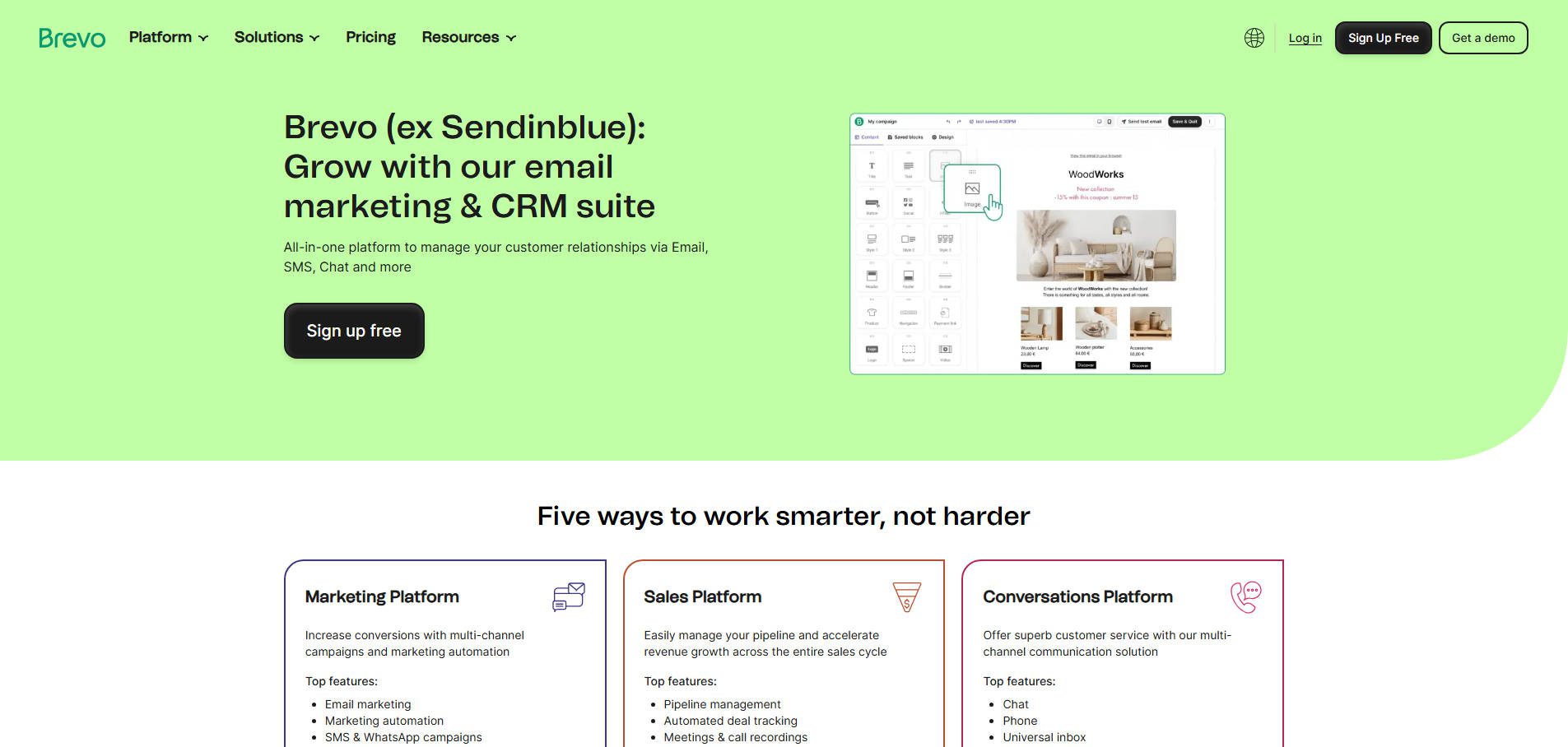
Brevo combines SMTP email delivery with a full marketing suite in one platform. I’ve set it up for clients who need both transactional emails and marketing automation without juggling multiple tools. The free tier is genuinely usable at 300 daily sends, and the multi-channel approach (email, SMS, live chat, CRM) means you’re not paying for five different services. It’s particularly strong for small to mid-sized businesses that want room to grow without switching platforms later.
Key Features for Brevo:
- Transactional and standard emails
- Email data import/export
- SMS marketing
- Email API
- Live chat
- Marketing automation
- Customer Relationship Management (CRM)
Brevo is for you if…
- You’re new to SMTP email services and thus need a simple option
- You own a small to medium-sized business
- Marketing automation tools are necessary
Brevo (formerly SendInBlue) Pricing: Free plan provides 300 emails daily with unlimited contacts, and the Starter plan begins at $9 monthly for 5,000 emails. | Learn More About Brevo
2. Mailgun
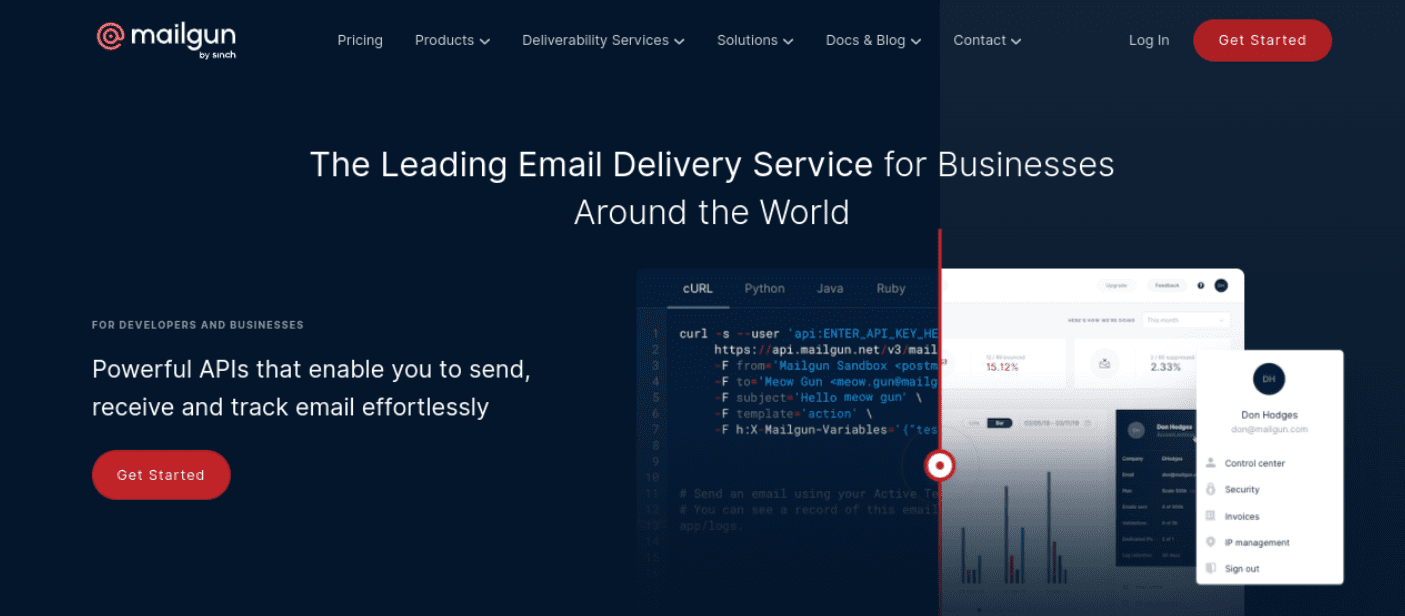
Mailgun is built for developers who need programmatic control over email delivery. The API documentation is developer-first, and the 99.99% SLA matters when you’re sending order confirmations or password resets. If you’re comfortable with JSON and want granular control over deliverability, Mailgun delivers. If you want a visual interface, look elsewhere.
Key Features for Mailgun:
- APIs for sending, receiving, and tracking emails
- Geared toward developers
- 99.99% Service Level Agreement (SLA) uptime
- Email analytics
Mailgun is for you if…
- You’re a developer
- You run a complex website with specific requirements, such as an online store
- A pay-as-you-go service is ideal
Mailgun Pricing: Free tier provides 100 emails daily, and the Basic plan starts at $15 monthly for 10,000 emails. | Learn More About Mailgun
3. SendGrid
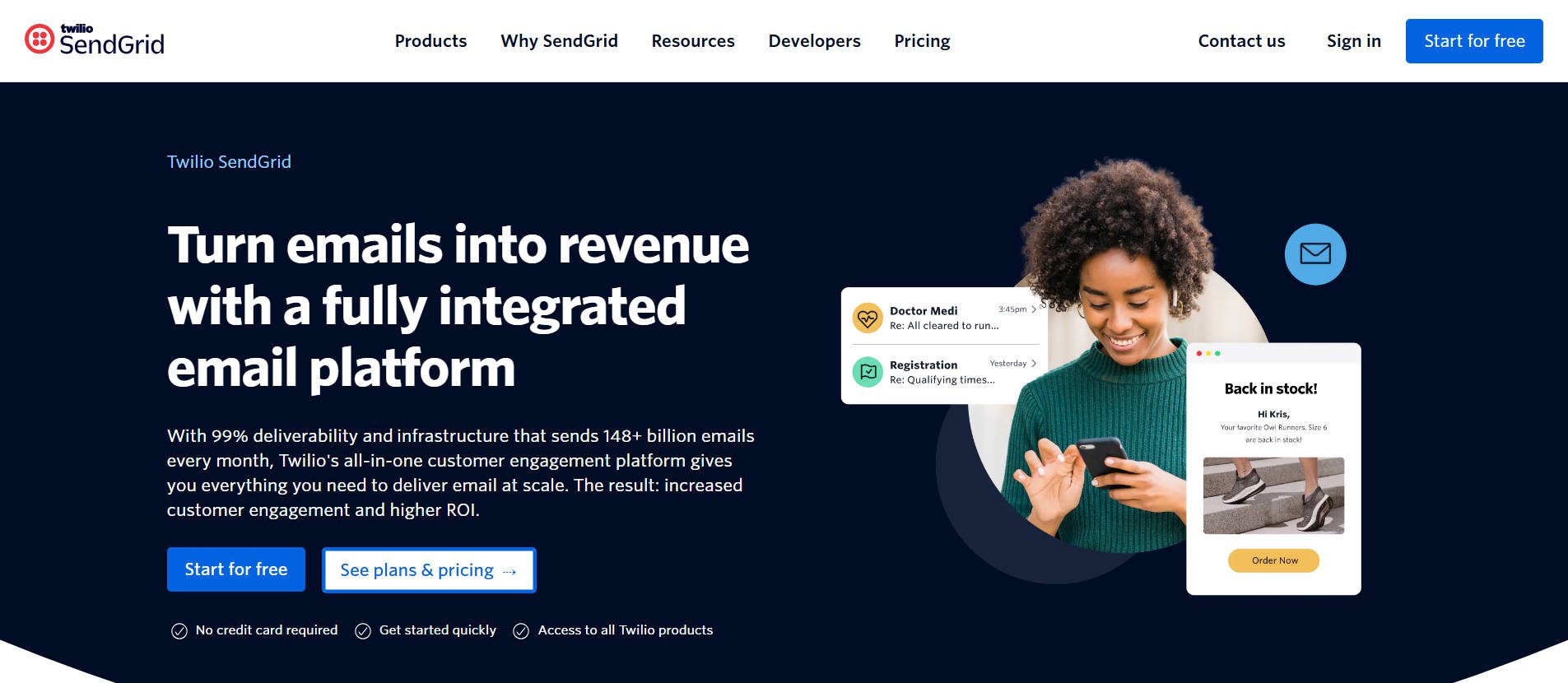
SendGrid focuses on deliverability infrastructure at scale. The delivery optimization tools work well, and many have watched inbox placement rates improve after migrating from shared hosting SMTP. What sets it apart is the dedicated IP options at reasonable price points and the domain authentication tools that help you maintain sender reputation. Best for businesses sending 50k+ emails monthly where deliverability directly impacts revenue. In the past, we wrote something about setting it up, which could be helpful if you choose this one.
Key Features for SendGrid:
- Transactional and marketing emails
- Email analytics
- Delivery optimization
- Email templates
- Two-Factor Authentication (2fA)
- Domain name authentication
- A/B testing and segmentation
- SMS support
SendGrid is for you if…
- Email delivery is your main concern
- You need a user-friendly platform
- You’re running an enterprise business
SendGrid Pricing: Free plan allows 100 emails daily, and the Essentials plan starts at $19.95 monthly for 50,000 emails. | Learn More About SendGrid
4. Amazon SES
Amazon SES is by far one of the cost-effective options, per email, if you’re already on AWS infrastructure or not afraid of making the jump. The math for SES just works for ultra-high-volume senders. The catch is setup complexity—you’re configuring through AWS console, managing IAM policies, and handling bounce processing yourself. This is for teams that want bare-metal control and don’t mind working with the APIs. Not recommended if you want support or a dashboard.
Key Features for Amazon SES:
- Simple, straightforward service
- Inexpensive
- Pay-as-you-go pricing with no monthly subscription
- Flexible IP deployment
Amazon SES is for you if…
- Your website is hosted on AWS
- You’re working with a tight budget and need a cost-efficient option
- You don’t need features for tracking and monitoring message events
Amazon SES Pricing: New users receive 3,000 free emails monthly for the first 12 months, then pay $0.10 per 1,000 emails afterward. | Learn More About Amazon SES
5. SMTP.com
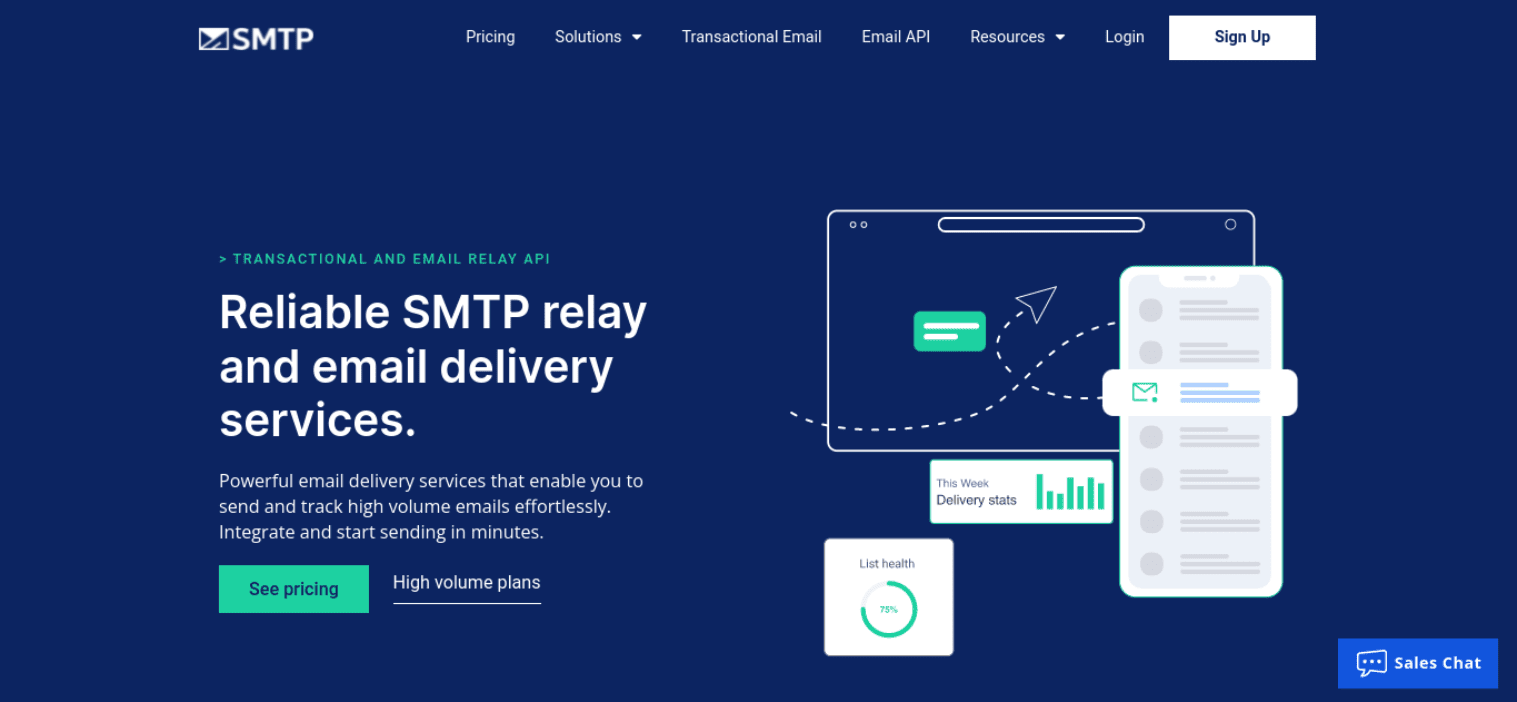
SMTP.com positions itself around white-glove service and high-volume reliability. Every plan includes 24/7 phone support and detailed deliverability consulting, which matters when you’re migrating from another provider or troubleshooting reputation issues. SMTP.com is a preferred integration among many WordPress plugins and gives consistent deliverability for high email volumes. Additionally, it includes reports and domain reputation management tools.
Key Features for SMTP.com:
- Authentication emails
- Transactional emails
- Automated site notification emails
- Status updates and order confirmations
- Detailed reporting
SMTP.com is for you if…
- You run a WooCommerce store
- Tracking high-volume emails is important
SMTP.com Pricing: No free tier available, but the Essential plan starts at $25 monthly for 50,000 emails. | Learn More About SMTP.com
6. Postmark
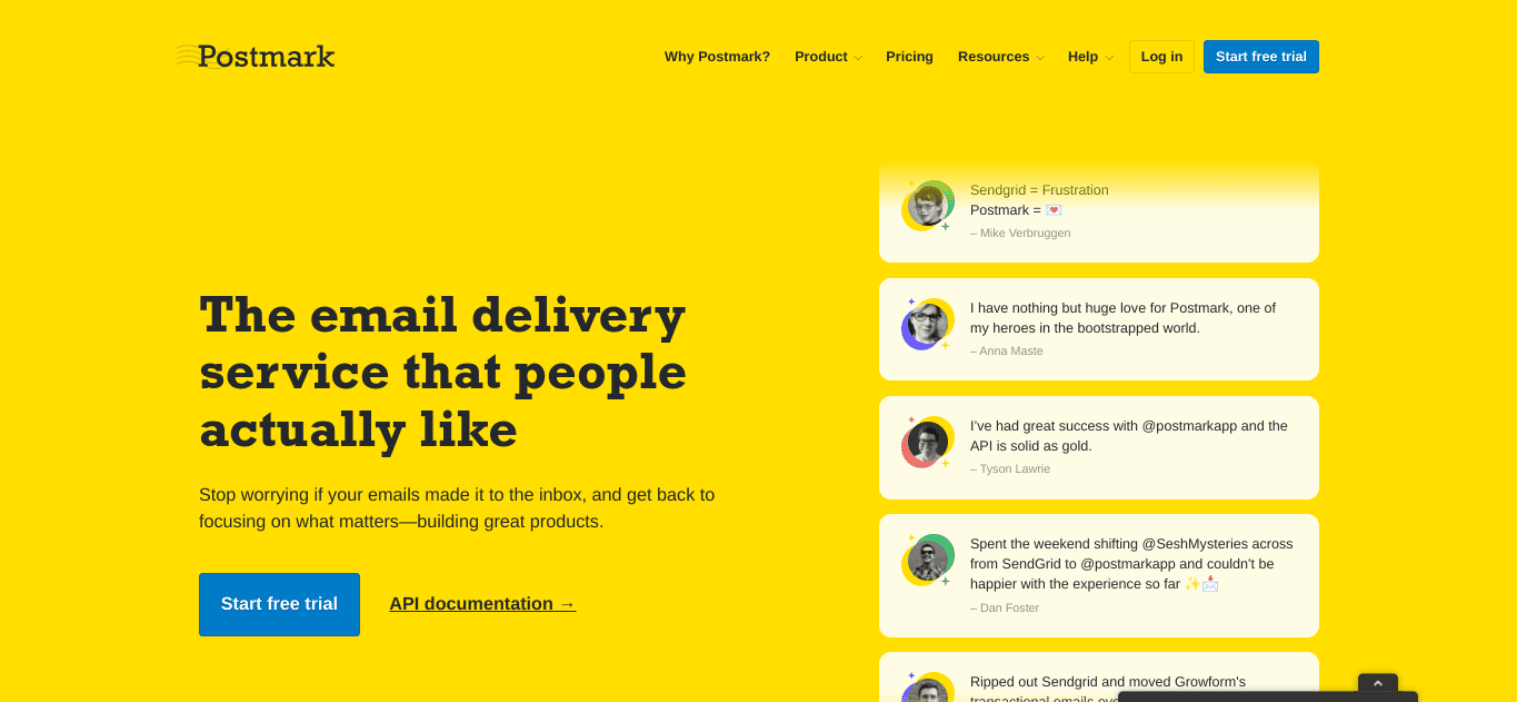
Are you looking for a user-friendly SMTP service? If so, Postmark is worth considering. This service provider offers fast email delivery and is a favorite among WordPress plugin developers. They don’t do marketing email—this focus means your transactional sends aren’t competing with promotional campaigns for deliverability. The pricing is straightforward with no feature gating. Many choose Postmark because of its free tier and are willing to upgrade to the paid version when they need to scale up. I’ve done this for a few WordPress sites with light transactional email needs and have been pleased.
Key Features for Postmark:
- Email analytics
- Account security
- Email templates
- Webhooks for triggering message events
Postmark is for you if…
- You want a straightforward solution without too many bells and whistles
- You’re a small business or marketer
Postmark Pricing: Free plan offers 100 emails monthly with no expiration, and paid plans start at $15 monthly for 10,000 emails. | Learn More About Postmark
7. Mailjet
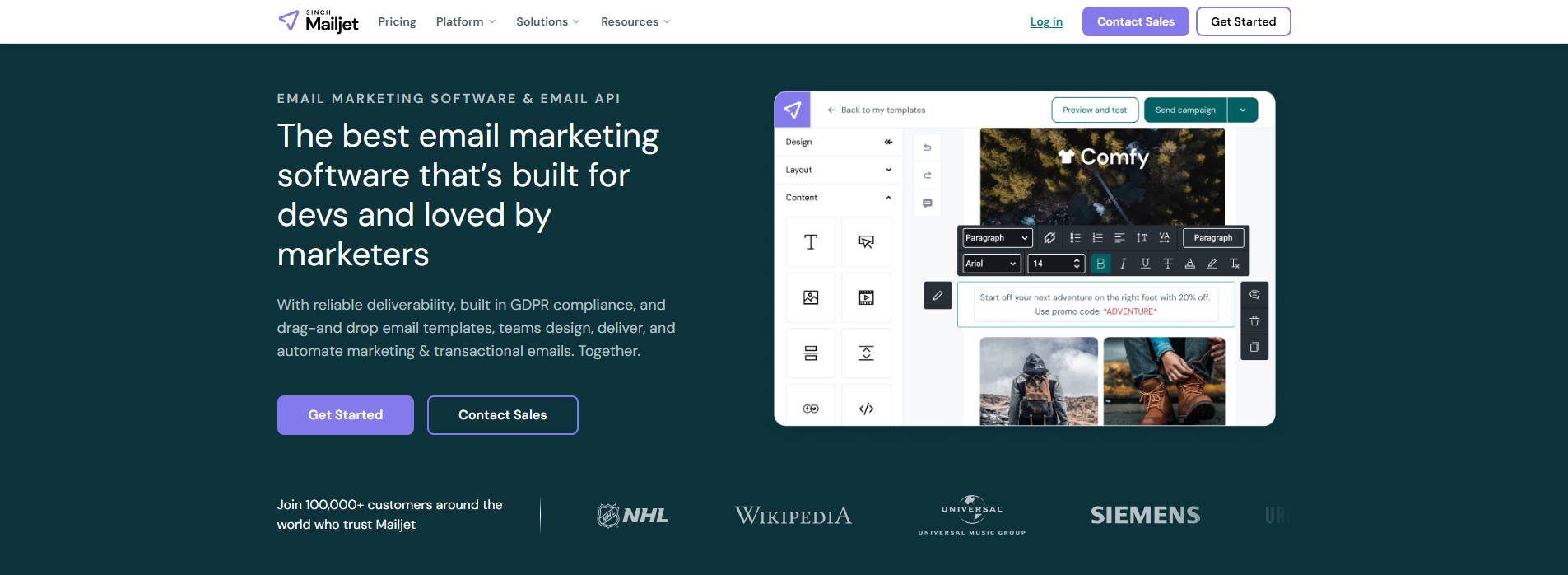
Mailjet is a cloud-based SMTP service. It offers high deliverability for transactional and marketing emails.
Additionally, Mailjet is highly scalable and includes an intuitive, easy-to-use drag-and-drop email editor. Overall, it’s useful for both marketers and developers.
Key Features for Mailjet:
- Drag-and-drop email editor
- Email statistics
- Marketing and transactional email templates
- SMTP relay
Mailjet is for you if…
- You’re looking for an easy-to-use email builder
- There are multiple team members on your account with different permission levels
Mailjet Pricing: Free plan allows 6,000 emails monthly (200 daily limit), and the Essential plan starts at $17 monthly for 15,000 emails. | Learn More About Mailjet
8. Mailtrap
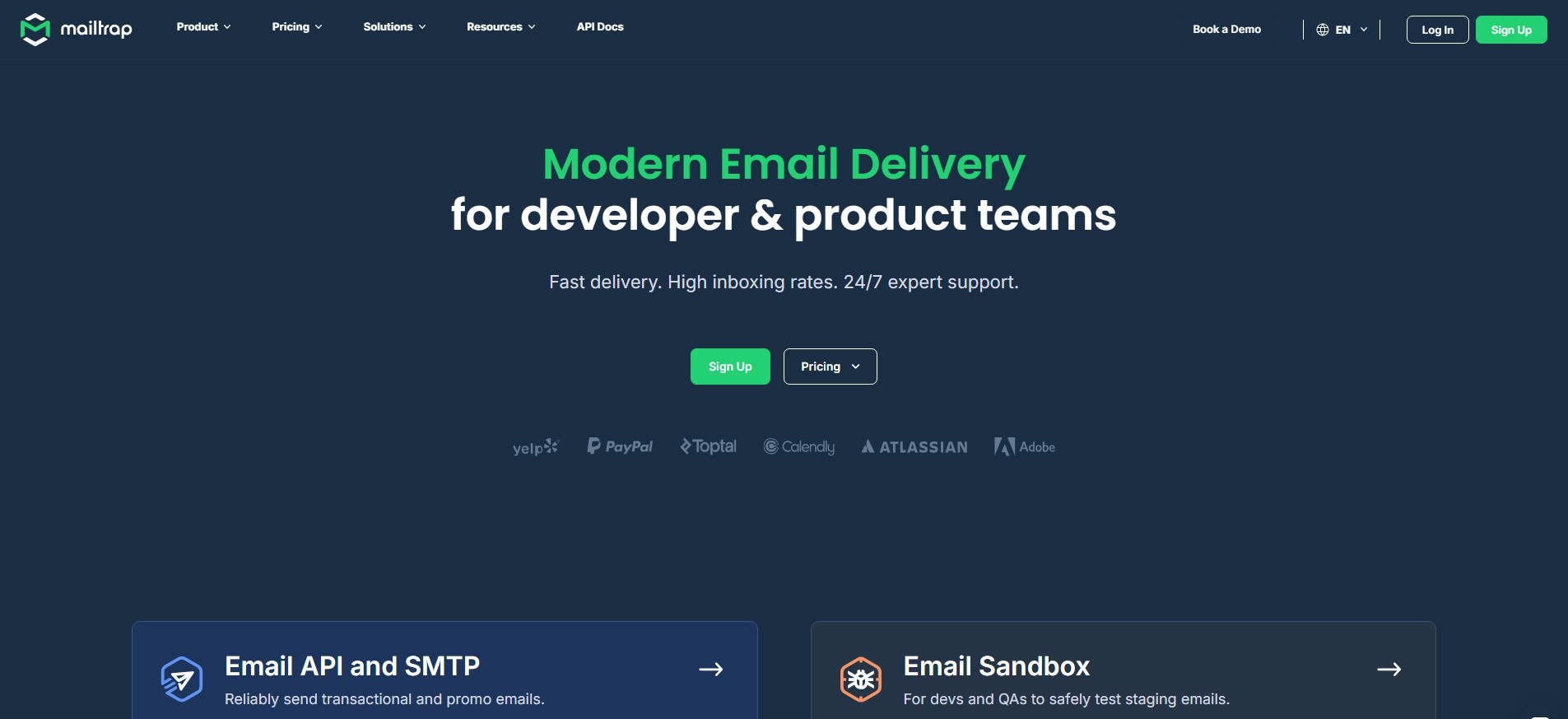
Mailtrap separates transactional emails from bulk marketing sends using different infrastructure streams. This matters because mixing the two can harm deliverability—promotional email complaints can negatively impact your transactional email reputation. The platform includes both SMTP relay and a RESTful API with SDKs for Node.js, Ruby, PHP, Python, and Elixir, making integration straightforward for developers and product teams. The service includes email testing before going live, which helps catch formatting issues or broken links before they reach customers.
Key Features for Mailtrap:
- Separate streams for transactional and bulk emails
- Email testing environment before sending
- RESTful API with official SDKs
- 99% SLA uptime
- ISO 27001 certified and GDPR compliant
- Automatic authentication support: SPF, DKIM, DMARC
- Customizable webhooks for statuses and events
Mailtrap is for you if…
- You need to keep transactional and marketing email separate for deliverability
- You want a testing environment to catch issues before sending
- API and SMTP support for easy integration into apps is important
Mailtrap Pricing: Free for up to 4,000 emails monthly, and paid plans start at $15 monthly for 10,000 emails. | Learn More About Mailtrap
9. Pabbly

Pabbly is an affordable SMTP service that enables you to send bulk emails with a single click. You can integrate built-in or more than 50 external SMTPs for free. Furthermore, it comes with tools for managing bounce and spam complaints, capturing leads, and automating marketing emails.
Key Features for Pabbly:
- SMTP routing
- Marketing automation
- Lead capture
- Option to add multiple SMTPs
- Email tracking
Pabbly is for you if…
- You want an all-in-one email marketing and automation solution
- You’re not tech-savvy
- A high level of support is important
Pabbly Pricing: Free plan allows unlimited emails to 100 subscribers, and the Rookie plan starts at $29 monthly for 5,000 subscribers with unlimited sends. | Learn More About Pabbly
10. Elastic Email

Elastic Email offers pay-as-you-go pricing at $0.10 per 1,000 emails with no monthly minimums—similar economics to Amazon SES but without requiring AWS expertise. The API is straightforward, the dashboard is functional, and you’re not locked into monthly commitments. Best for developers or small businesses that want affordable, flexible email sending without the complexity of enterprise platforms or the overhead of monthly subscriptions.
Key Features for Elastic Email:
- Email automation and marketing
- Developer tools
- Email verification
- SMTP relay
- Quick setup
- Secure API keys
- A/B testing
- Integration library
Elastic Email is for you if…
- You want a complete solution for email marketing
- You’re a developer or designer
- Finding an inexpensive option is a priority
Elastic Email Pricing: Free tier offers limited sending for testing, and the Email API plan charges $0.10 per 1,000 emails or Email Marketing starts at $19 monthly for 50,000 emails. | Learn More About Elastic Email
11. Mandrill
Mandrill (now Mailchimp Transactional Email) only makes sense if you’re already using Mailchimp for marketing campaigns. You’ll need a Standard Mailchimp plan with the add-on for transactional emails. The integration between marketing and transactional sending is seamless, and the shared contact database prevents duplicate management. If you’re not already on Mailchimp, the forced bundling makes this expensive compared to standalone options. If you are considering Mailchimp for email marketing, see our review.
Key Features for Mandrill:
- White-labeling
- Delivery infrastructure optimization
- Split testing
- Comparative reports
- Audience management
Mandrill is for you if…
- You already use Mailchimp for email marketing
- You’re an e-commerce business owner
- Testing environments are important
Mandrill Pricing: New users receive 500 free emails for testing, then require a paid Mailchimp plan (starting at $13 monthly) plus Transactional Email blocks at $20 per 25,000 emails. | Learn More About Mandrill
12. SendPulse
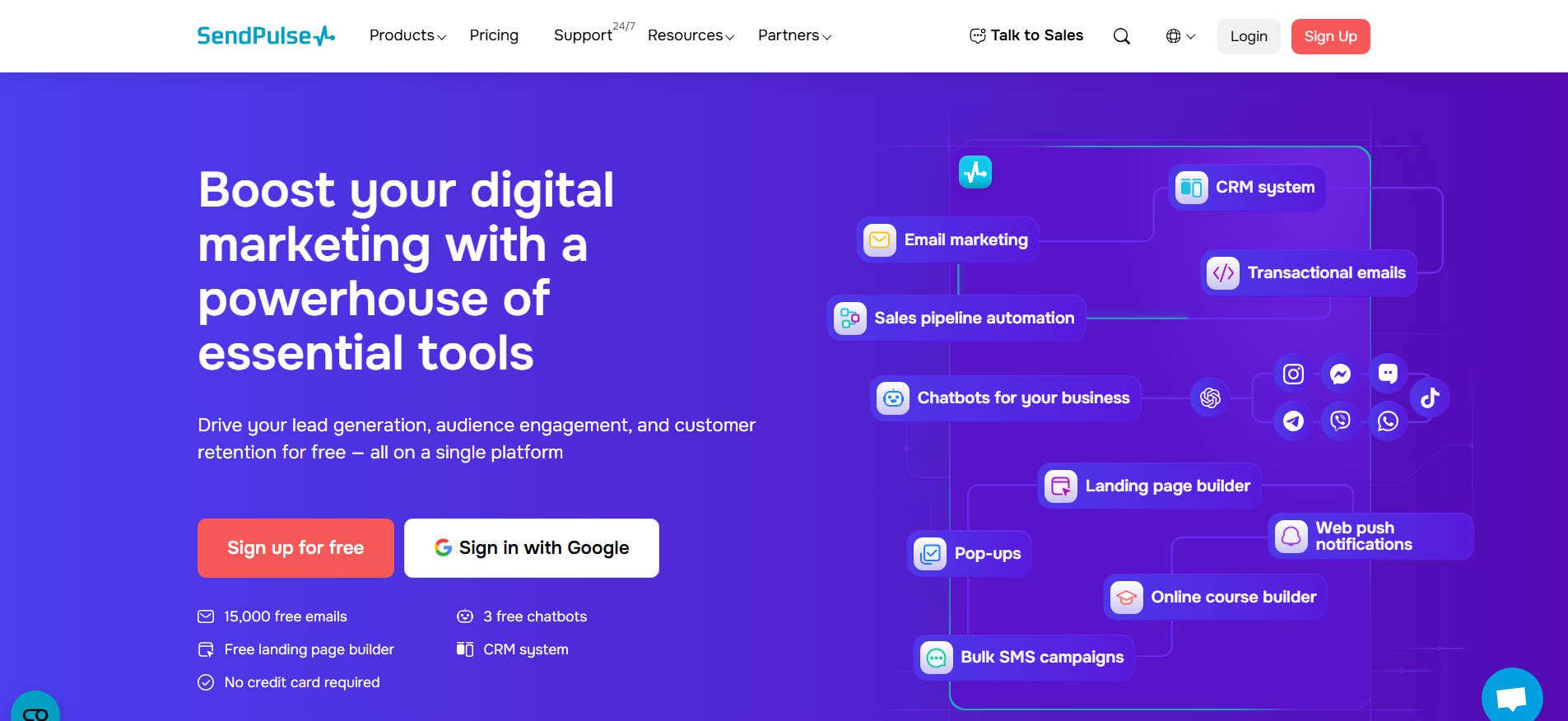
SendPulse bundles SMTP with marketing tools, SMS, and chatbots under one subscription. Additionally, it includes a generous number of email sends per month in its free SMTP service. Where it gets interesting is combining transactional email with marketing automation in the same platform. Best for businesses that want to consolidate vendors, though the interface feels scattered compared to focused SMTP providers.
Key Features for SendPulse:
- Drag-and-drop email editor
- Subscriber ratings
- Segmentation
- A/B testing
- Subscription forms
SendPulse is for you if…
- You’re looking for a user-friendly service
- You want testing and segmentation tools
- Campaign analytics and reporting are needed
SendPulse Pricing: Free plan provides 15,000 emails monthly to 500 subscribers, and the Standard plan starts at $8 monthly for unlimited emails. | Learn More About SendPulse
13. Netcore
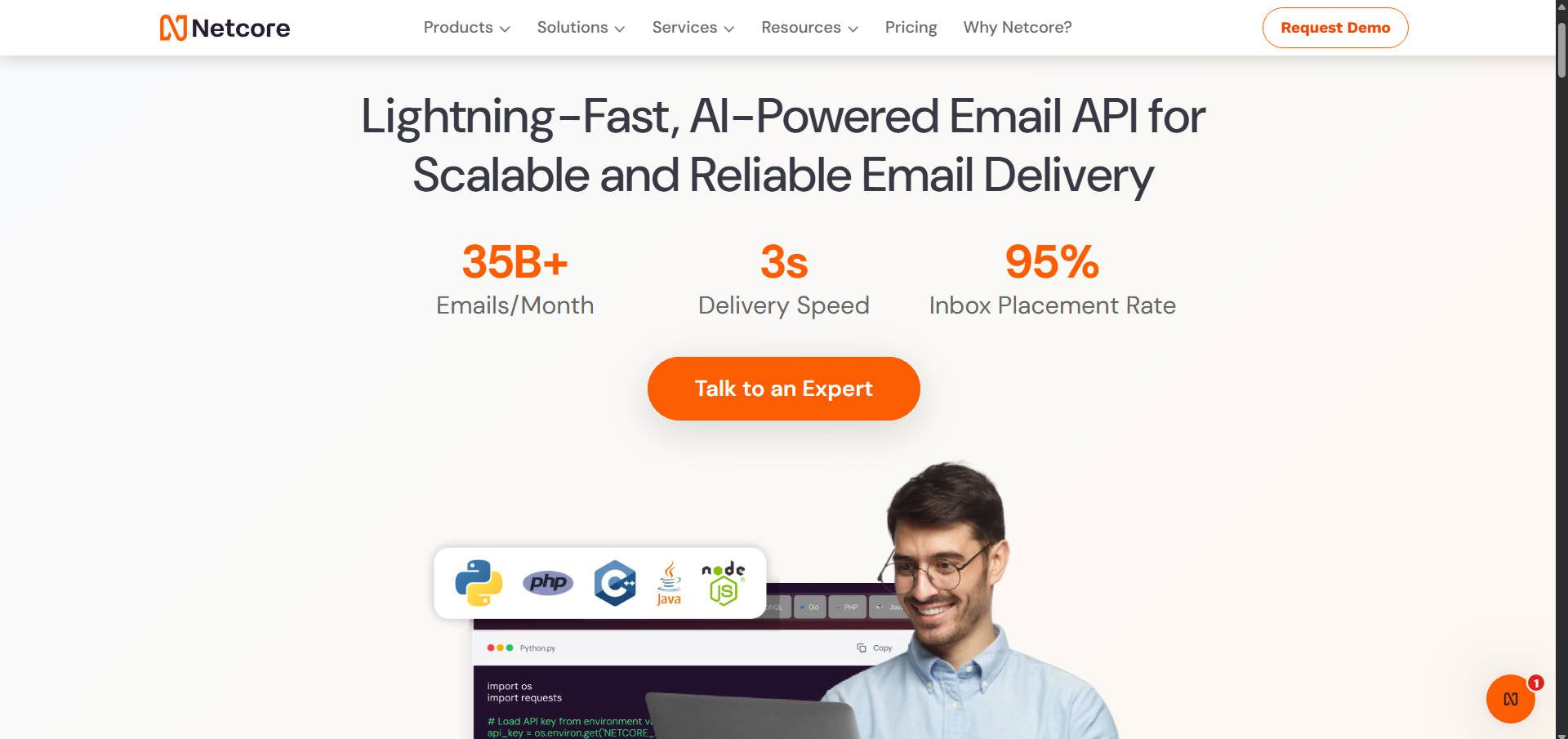
Netcore (formerly Pepipost) is another cloud-based SMTP service provider. It offers speedy deliveries worldwide with servers located globally. As a result, the service is ideal for reducing network latency. Additionally, Netcore provides various account management and reporting tools. They grant you valuable insights into your email campaigns.
Key Features for Netcore:
- Real-time reporting
- Email API
- Subaccount management
- Email marketing
Netcore is for you if…
- You need lightning-fast email delivery
- Reporting tools are essential
Netcore Pricing: First 30 days include 30,000 free emails, then free tier drops to 3,000 monthly with paid plans starting at $17.50 monthly for 150,000 emails.| Learn More About Netcore
Choose Your SMTP Service Based on What Actually Matters
SMTP service selection comes down to three factors: your technical comfort level, email volume, and whether you need more than just email delivery.
If you’re looking for the simplest path forward, Brevo offers the best balance of usability and features for most WordPress sites. The free tier works for small sites, and the pricing scales reasonably as you grow. For developers who want programmatic control and don’t mind configuring through APIs, Mailgun or Amazon SES will give you more flexibility at a lower per-email cost.
Remember that picking a service is only half the solution. You’ll still need to connect it to WordPress through an SMTP plugin (or whatever CMS or app you are using). Some services have their own dedicated plugins, while others work through major plugins like WP Mail SMTP or FluentSMTP. Factor setup time into your decision.
The goal isn’t finding the “best” SMTP service—it’s finding the one that matches how you actually work and the emails you want to send. There are too many good choices not to consider your needs to the fullest extent.
Do you have any questions about choosing an SMTP service? Let us know in the comments section below!








Great list of SMTP providers! For businesses looking for a reliable and affordable option, SMTPGet is a solid choice. It offers dedicated IPs, high deliverability, and scalable solutions for email campaigns. Highly recommend it!
Ok – I’ve got my smtp server all set up … now how do I integrate it into Divi’s email optin page (or the contact form) to use the autoresponder since almost all of the suggestions you have made above are not part of Divi’s email automation. Thanks
Are you sure SiteGround includes SMTP servers? I use them and can only find instructions from them on how to use various SMTP services with them. But nothing about SiteGround including SMTP servers…
While SiteGround doesn’t offer SMTP servers, you can integrate SMTP services like SMTPget and Digitalka™ for email delivery. It seamlessly works with SiteGround hosting, ensuring reliable email sending. I have used them, They are reliable and provide good customer support.