Divi is a modern no-code website builder for WordPress. Using Divi to design your website is like using design programs like Figma, except it was made to create websites! With Divi, you design your website on the front-end using visual controls, and you never have to touch a line of code (unless you want to).
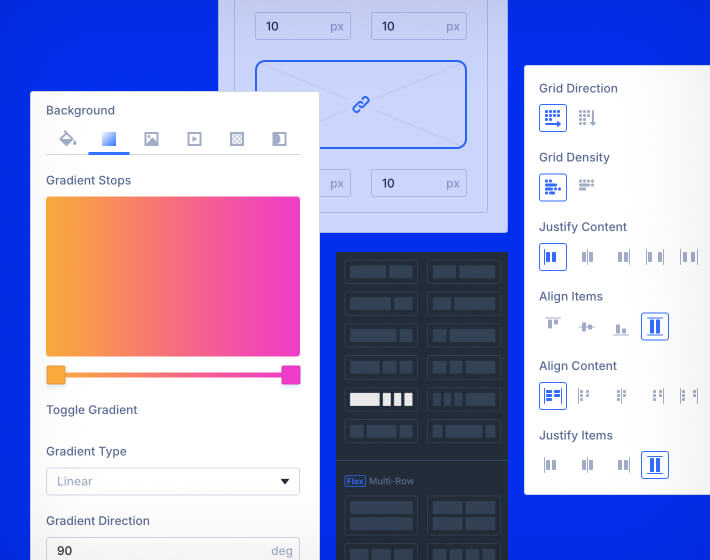
Divi gives everyone the creative control to design their pages visually using hundreds of design options. From global styles, responsive editing, dynamic page templates, premade-laypuots, Divi has it all.
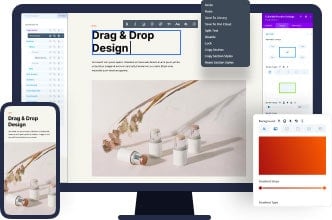
You don't need to be an experienced designer or developer to build a website with Divi. Drag, drop and design everything using a visual interface that is both simple and powerful.
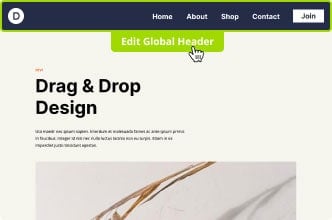
Design entire websites, from top to bottom, using the Divi Theme Builder. Build custom headers, footers and content templates and customize everything on the front-end.
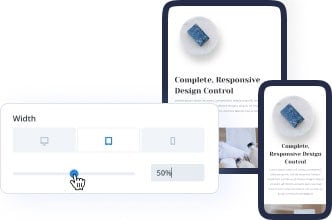
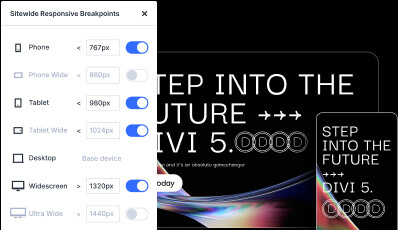
Divi works great on mobile devices, and the visual builder gives you fine-tuned control over how your website looks on different screen sizes.
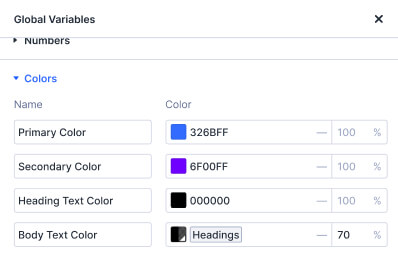
Manage and define global colors, numbers, images, fonts, strings, links, and more for design/content consistency and speed like never before.
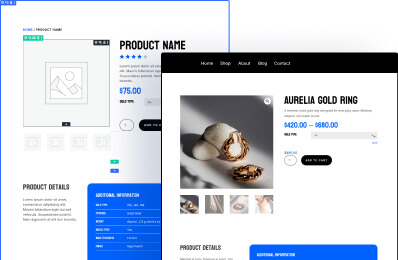
Build custom templates for posts, pages, products and more with dynamic data so your site stays consistent and up to date.
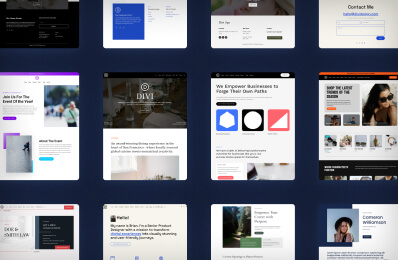
Start from a template and customize it to your liking. Divi Quick Sites has a library of templates you can choose from to get started.
Leverage the power of CSS Flexbox and CSS Grid to build any layout you can dream up. Divi gives you full control over every breakpoint so you can build responsive layouts that look good on every device.
Learn more about Divi layouts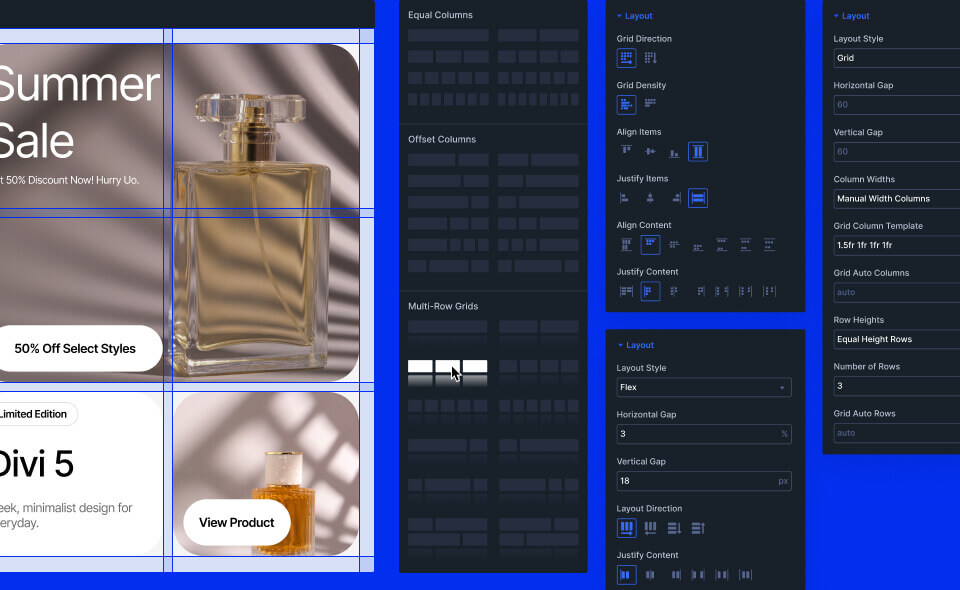
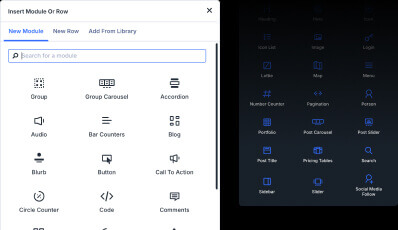
Divi comes with all the building blocks you need for any website.
Create pixel-perfect designs that look stunning on every device. Responsive editing ensures your website looks perfect on desktop, tablet, and mobile.
Use the Divi Builder and dynamic content to repeat content for advanced blog layouts, shop pages, design portfolios, you name it. The loop goes on and on.
Learn more about the Loop Builder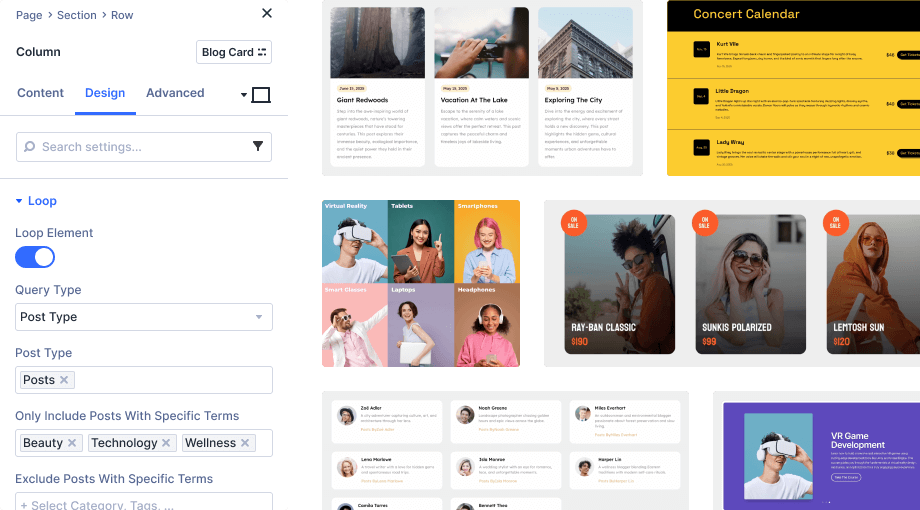
Designing in Divi 5 just feels easier. The all-new design system will allow you to build modern, dynamic websites faster.
Define global colors, numbers, images, and more for design consistency and speed like never before.
Learn More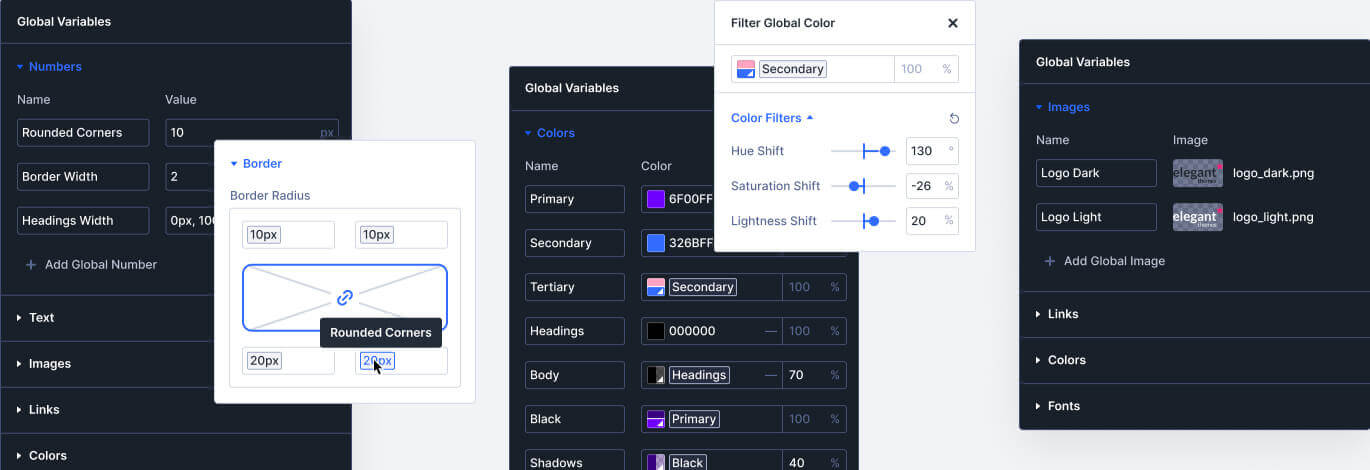
Create class-based presets for common styles to use across your website. When you update a preset, it updates throughout your entire site.
Learn More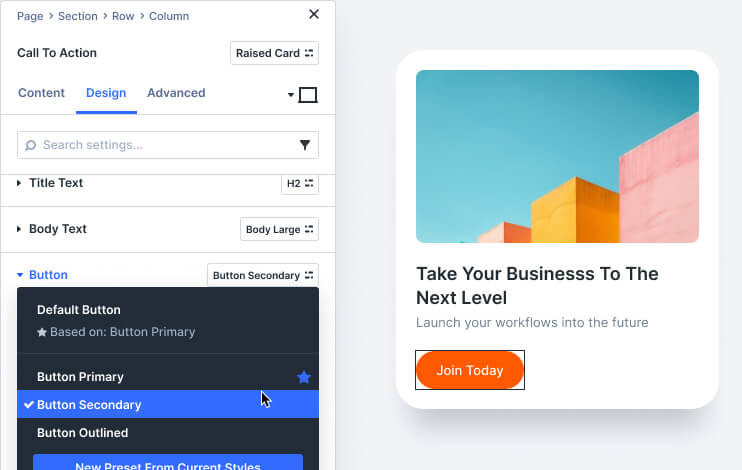
Divi's input fields support CSS units, Global Variables, math functions, and more, allowing you to size and position elements on your page with expert precision.
Learn More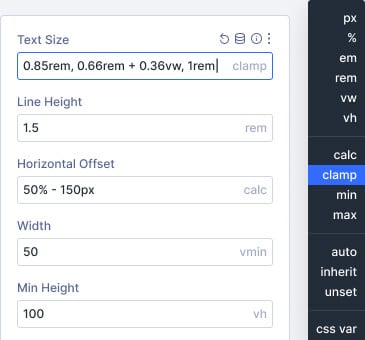
Control the pages on your website using custom templates with global headers, footers, page layouts, ecommerce templates, and more.
Learn More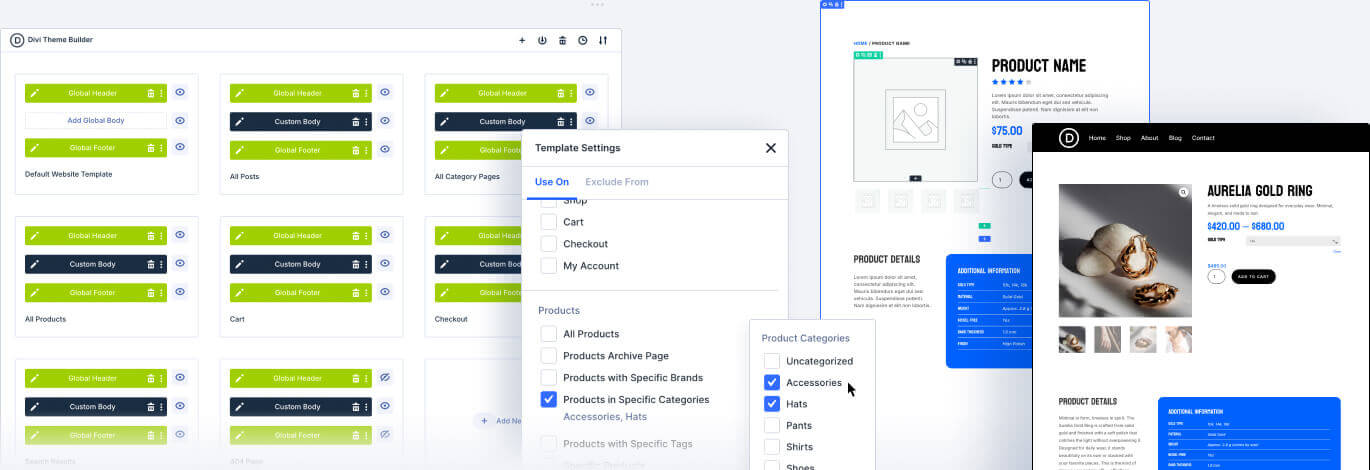
Save reusable global elements and selectively sync styles across multiple instances while maintaining individual control. Update shared attributes globally or keep specific elements unique.
Learn More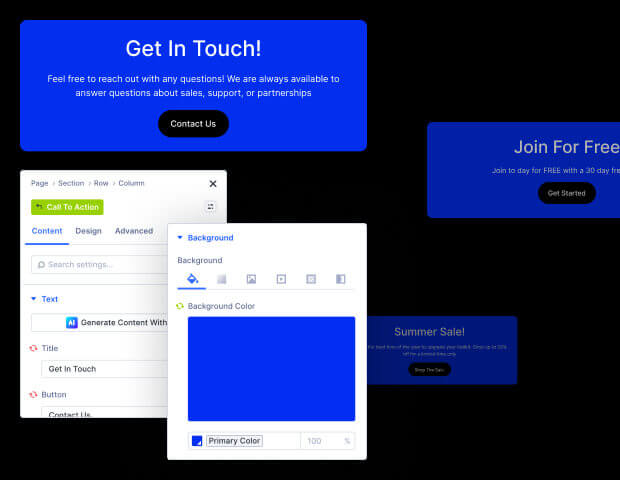
Divi doesn't hold you back if you need to customize you website with custom code. You can even generate custom code with Divi AI and save your favorite code snippets to Divi Cloud.
Learn More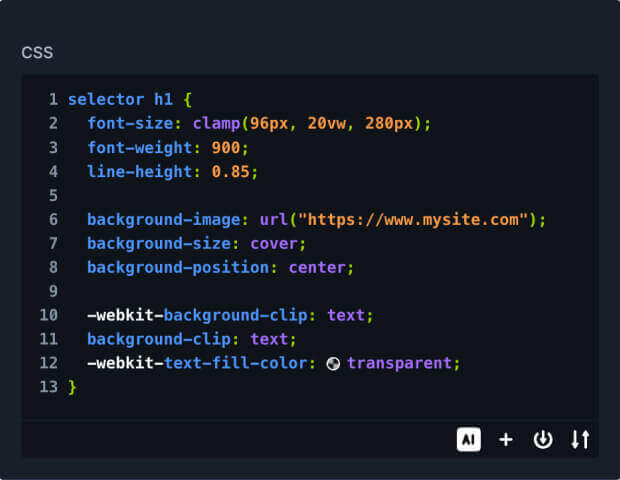
Create immersive experiences with no-code interactions that trigger animations, dynamic behaviors, toggle visibility, and more.
Learn More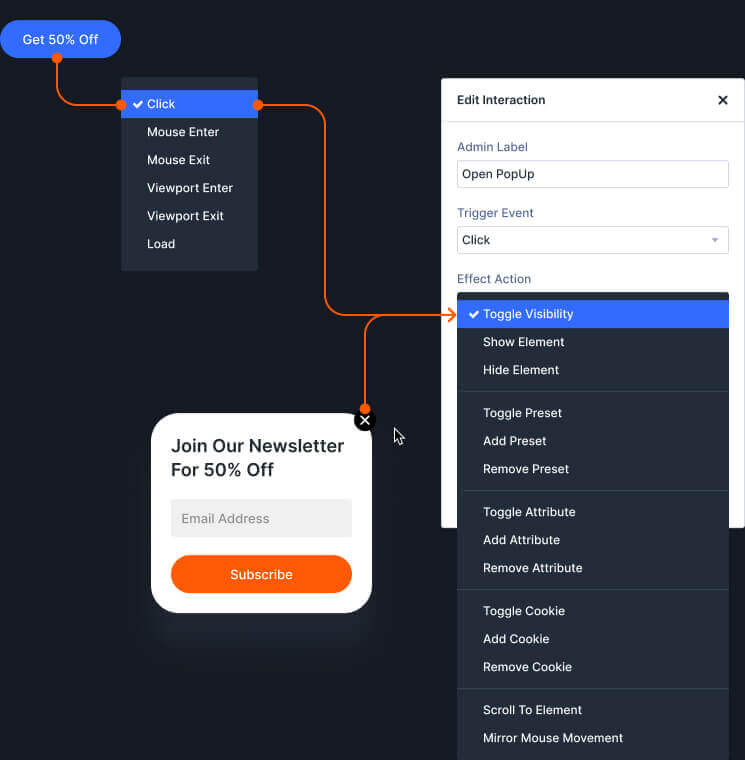
Tap into your website’s database for access to live content to make your website truly dynamic.
Learn More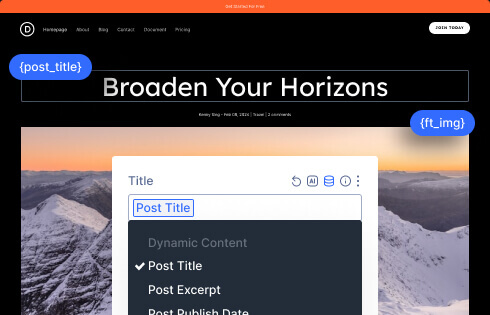
Control element visibility with advanced display rules based on user roles, device types, date/time ranges, cart status, and more.
Learn More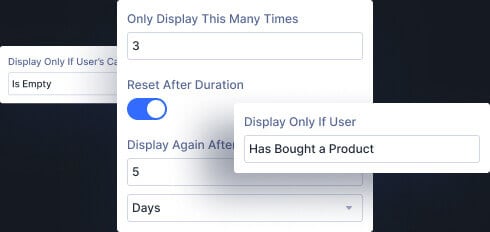
Canvases are detached workspaces from your main post content that can be used as staging areas for design updates, a place to organize off-canvas components, or simply as a safe space to experiment with new ideas.
Learn More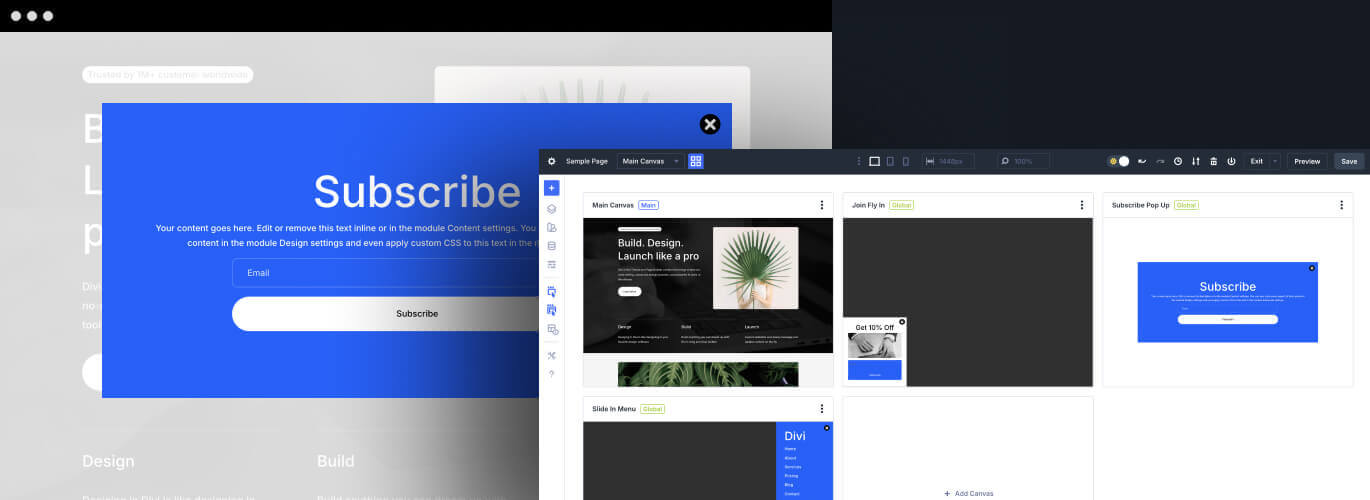
Divi comes with easy-to-use controls for building animations, scroll effects, and user interactions.
Control the position, rotation, opacity, scale, and blur of elements as they scroll in and out of view.
Learn More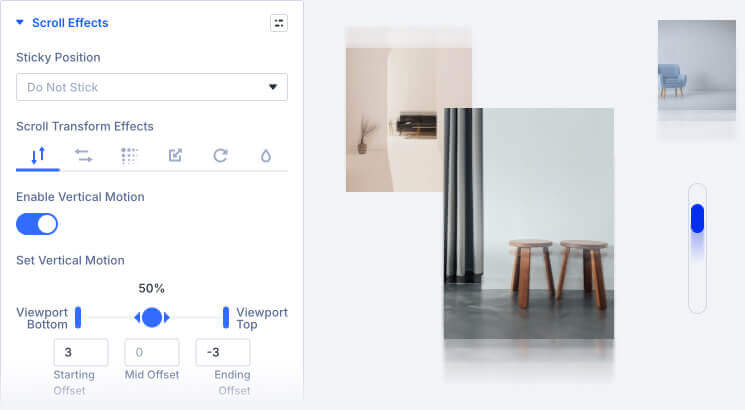
As elements load into the viewport, draw attention by having them slide, scale, flip, fade, or rotate into view.
Learn More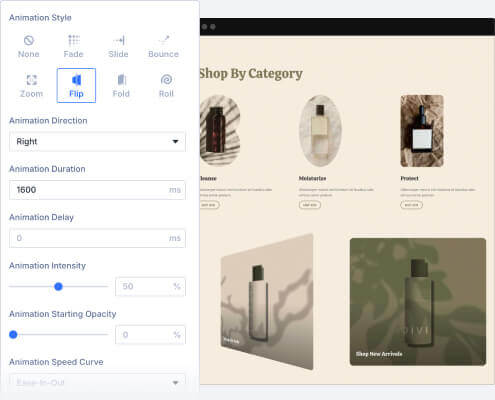
Set elements to move, tilt, scale and more based on your visitors’ mouse movements
Learn More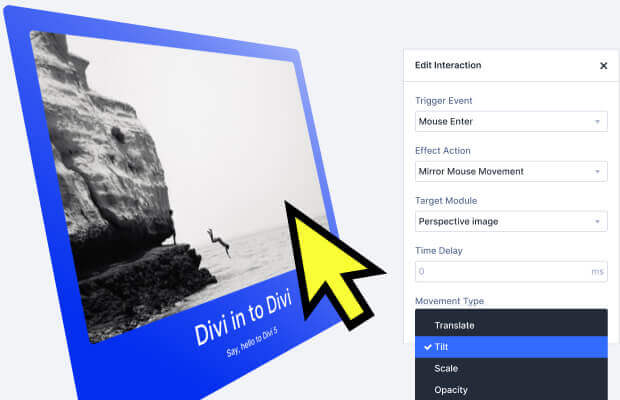
Control an element’s every style on hover with easy. Simply define the static styles and the hover styles and Divi automatically transitions between them on hover.
Learn More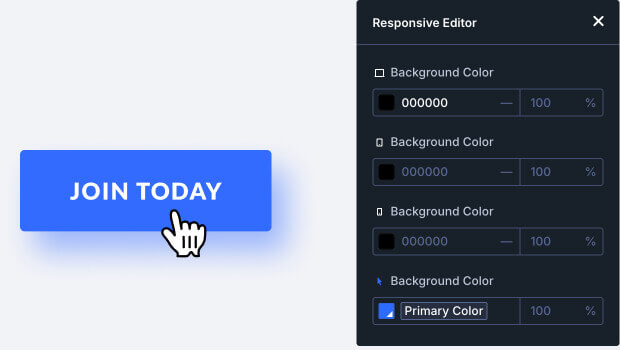
Divi makes it easy to create hover effects. You can create two versions of each element - the standard version, and the hover version. When someone hovers over the element, it automatically transitions to the hover version creating a beautiful hover effect. You can even change an element's content, such as text and images, when a user hovers over it.
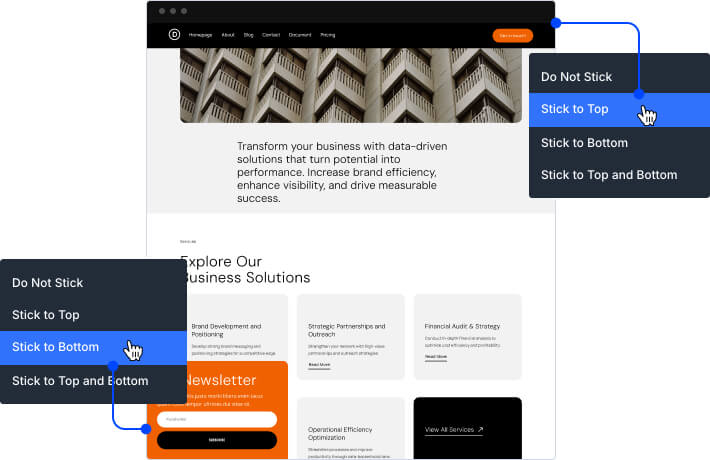
Sticky elements "stick" to the screen as a user scrolls up and down the page. You can stick elements to the top and bottom of the browser and even let them stack up. Highlight relevant information, such as menus and navigation, or surface relevant content and build a narrative as users scroll down your page. You can even transition the design of sticky elements as they become sticky. Divi's sticky options offer way more control than standard positioning options that you might find in other builders.
Divi makes it easy to create parallax effects. Parallax can be enabled for any background image, creating a subtle and elegant effect as the user scroll down your page. Parallax effects can take a simple design and elevate it by adding a sense of depth and movement.
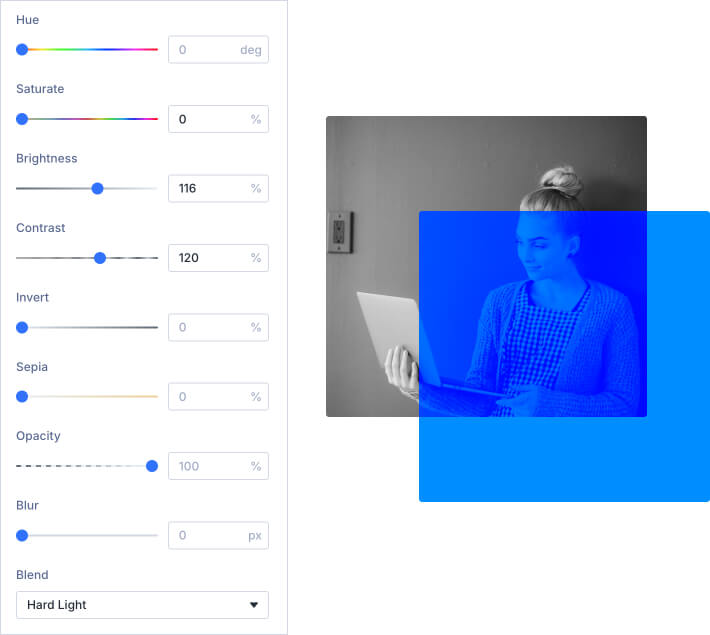
Every element in Divi comes with a set of creative filters including Hue, Saturation, Brightness, Contrast, Invert, Blur, Opacity and Sepia. Using these options inside of Divi's visual builder is like using a graphic design program! You can transform the appearance of any element or image right inside the builder.
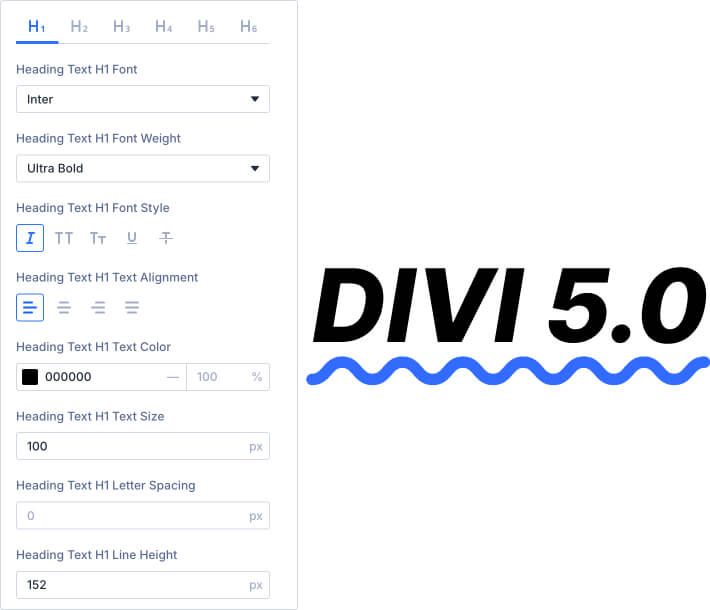
Enjoy a full range of text and font options. Pick from hundreds of web fonts or upload your own. Customize text sizes, letter spacing and line height. Change font weights and text styling. Control all standard text elements, such as anchor links, lists and block quotes.
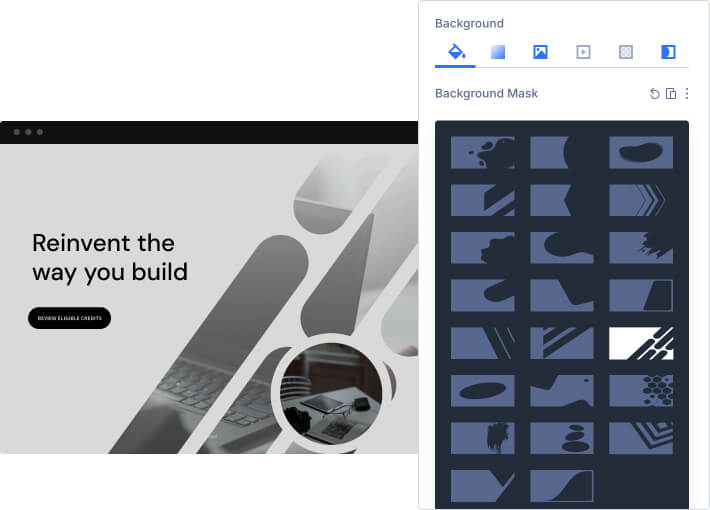
Background masks can be used to mask background images, gradients or videos to create new shapes. This opens up a huge range of design possibilities and allows you to create beautiful, lightweight shapes inside the builder without having to use graphic design programs like Photoshop. Masks can be combined with patterns, which add texture on top of your background elements.
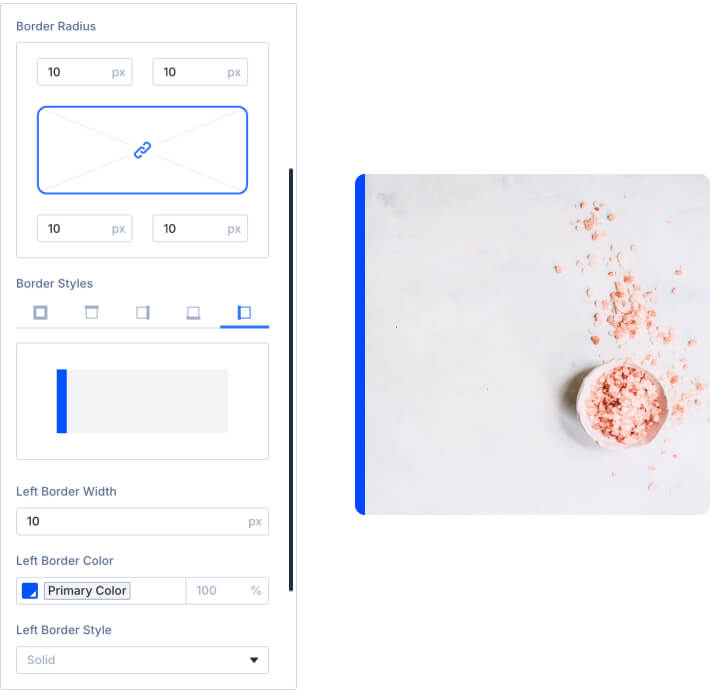
Add borders to any element using Divi's robust border editor. Create rounded corners. Control border sizes, colors and styles and create unique effects by adjusting each edge of your element individually.
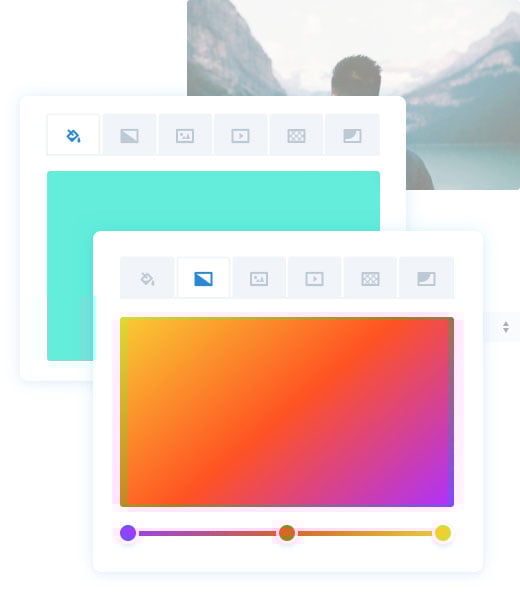
Apply custom background colors, background gradients, background images and background videos to any element. Create fun overlapping gradient and image effects or use background blend modes to merge colors and images to create unique designs.
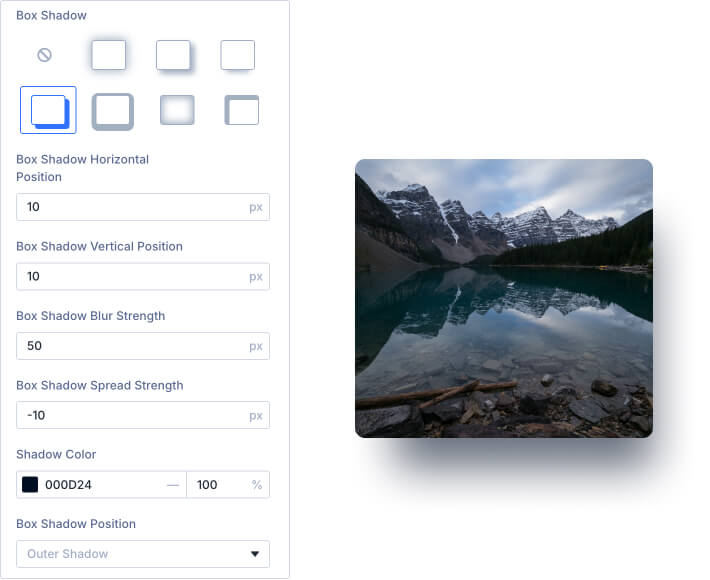
Add depth to your page by creating custom drop shadows with full control over the size, position, color and intensity of the shadow. They're easy to create and you don't have to mess with any graphic design programs!
Create stunning text effects using text shadows. Easily apply text shadows to any element using Divi's simple presets, or create your own custom text shadows using the full set of controls.

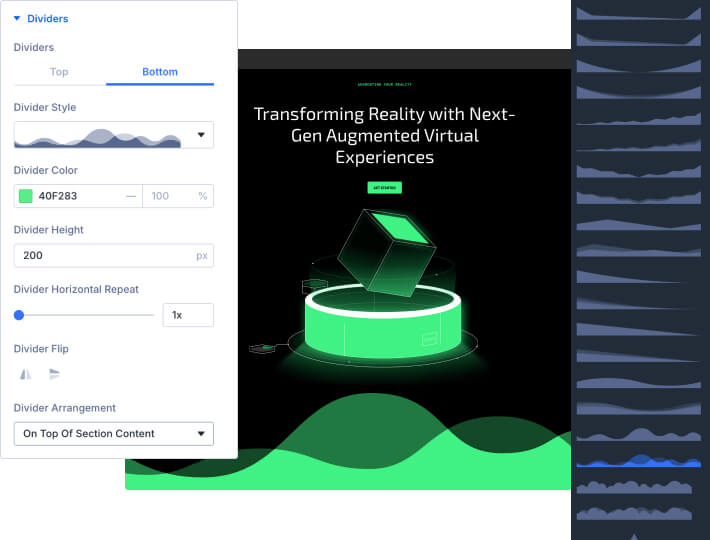
Add custom shapes and effects to your pages, creating dynamic transitions between blocks of content and adding that extra bit of personal flair to your website. Shape Dividers can be placed above and below each section on your website, allowing you to easily build stunning transition effects between different parts of your page.
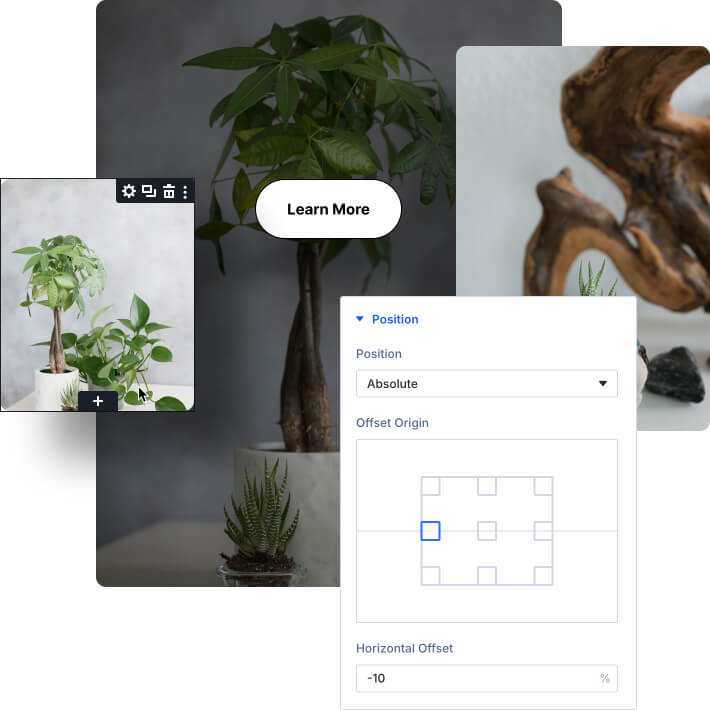
Drag to move and position floating elements right on the page using Divi's position options. Break elements free of their containers using absolute and fixed positioning. You can create fixed headers and banners, dynamic images collages, fun and interesting overlapping effects, and it's all done using a super intuitive visual interface.
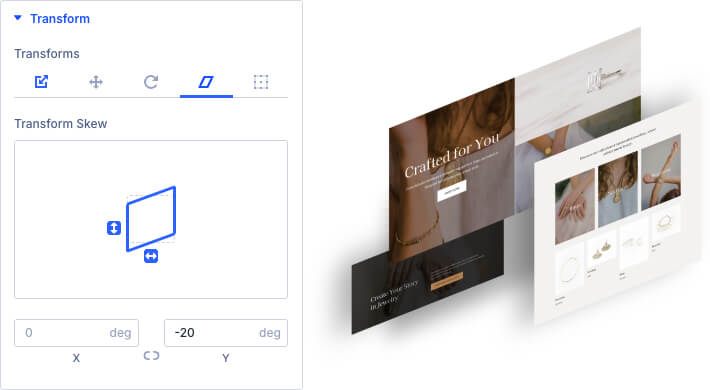
Divi gives you the power to transform elements right on the page in ways that would typically only be possible in graphic design programs like Photoshop and Sketch. You can move elements around, scale them up and down, rotate on three different axis, as well as skew and adjust the transform origin with ease. All of this is done using a super slick interface that makes each transformation easy to perform and understand.