

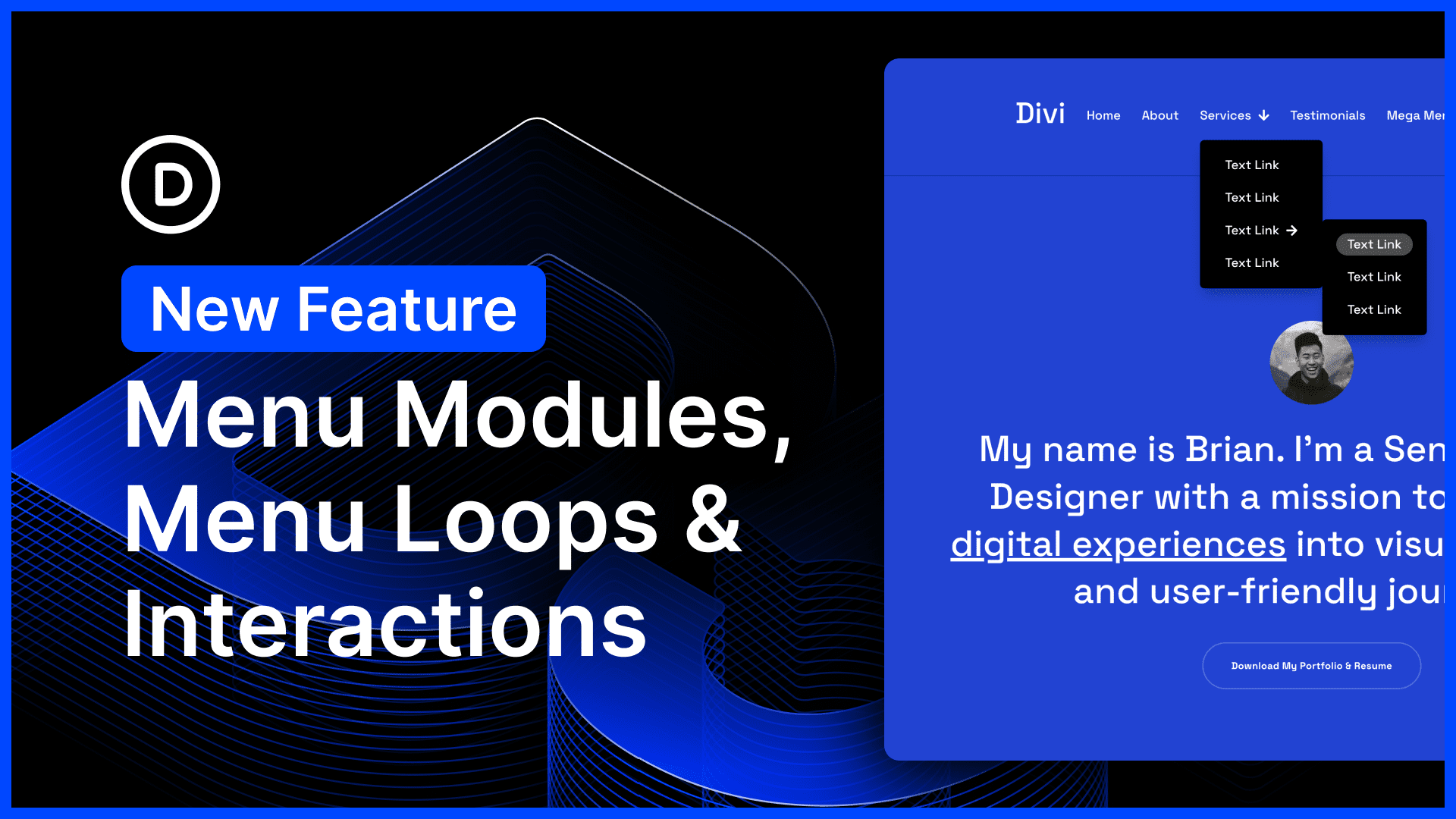
Today, we are introducing new menu components, menu looping, and selector-based targeting and breakpoint triggers to the interaction builder.
These new features, along with Divi 5’s broader systems like canvases and semantic elements, all come together to give you the freedom to build any type of menu, including mega menus, slide-in menus, and more.
We aren’t done adding more menu features. We’re adding them piece by piece, and each piece unlocks a broad range of new possibilities.
Check out the following video to see the new feature in action. 👇
To give you the most freedom to build any type of menu, we are adding smaller menu components that can tap into broader systems.
Instead of being locked into a particular layout, you can build your own! With interactions, nested elements, sticky elements, and a wide range of useful menu components (buttons, social icons, and more), you can build just about anything.
Today, we are adding two more pieces to the puzzle: the Link and Dropdown modules.
Link Module
The link module is very simple; it lets you add links! Mindblowing, right? Every menu starts with links, so that’s where we started too.
You can use the menu module to build your own menus, instead of using the WordPress menus system directly. Add a link module, plug in Dynamic Content such as Page Title and URL, and now you have an evergreen menu item
Easy!
Dropdown Module
You can already build dropdown menus using the interaction builder. But it does take a little setup.
The new drop-down module encapsulates that logic, making it easy to create dropdown menus on the fly.
When you add a dropdown module inside an element, the interactability is automatically tied to the parent element. When you hover over or click the parent element, the dropdown menu appears. You can add it anywhere.
The dropdown menu is a blank canvas; add links to create a menu, or add rows and build your own mega menu using any element.
You can build your own menus from individual modules, or you can use the new Menu Loop to loop through items of a WordPress menu.
For example, as shown in the video below, if I turn on looping for a link and select the Menu query type, I can choose from all the menus on my websites.
Next, I can plug in dynamic content from the loop, such as menu text and menu links, and now I have created my own dynamic menu with complete control over the design of the looping element.
New Interaction Targets & Triggers
We introduced selector-based interaction targets. When you create an interaction, you can now target parent or child elements rather than a specific element. It’s useful when creating reusable menu components, such as a hamburger icon or X icon.
For example, as shown in the video below, if I add an X icon to an off-canvas menu, I can tell it to always close its parent container. No matter where I put the X icon, it will always close the parent container; I don’t have to reconfigure the interaction.
Finally, we added new breakpoint triggers to the interaction builder. Now, you can have interactions that run on specific breakpoints, which, for example, can give you more control over the mobile menu breakdown.
Before/After Image Slider Module
Ok, one more thing, I threw in a new Before and After Image Slider module. I was on a roll with module creation and had some extra time, so I thought, “Why not?” You can add a before-and-after image and a slide to compare the two.
Try Divi 5 Today
These features are now available for Divi 5. Give them a try and let us know your thoughts.
We rebuilt Divi from the ground up and packed it full of dozens of your most requested features. Forget everything you thought you knew about Divi, because Divi 5 is an entirely different beast.
Have You Tried The New Divi 5 Preset Manager?
In case you missed it, we recently released the new Page Manager, Preview Mode, and Content Drilldown.
Watch this video for all the details. 👇
More Divi 5 Updates Are On The Way
The features keep coming, and we aren’t slowing down anytime soon!
If you are enjoying these updates, do us a huge favor and let us know by liking this video and leaving a comment. It means a lot to us to see you cheering Divi on, and it’s essential to feed the algorithm and spread the word.
Don’t forget to follow us on YouTube and subscribe to the Divi newsletter so you never miss an update. I’ll see you soon for another Divi 5 feature announcement, which I promise will be right around the corner. 😁













greaaaaat work 😁 .. ❤️i love divi ❤️.. please fix the rtl/ltr inside the builder .. when i use arabic language inside the builder the html tag lang attribute equal en-us .. please fix it .. it made my brain crazy .. but at all great work from et team .. go on .. happy to see divi in the right track
I have been using the menu modules, canvases and so forth trying to to get a mega menu working, and I pretty much gave up a few days ago… so I guess I have to go back to it now 😅
Ya it’s not the best implementation… I feel like they need to go back and redo the menu options entirely.
Another step forward! I still think it would be helpful to provide some concrete examples of the new Menu modules to fully understand all the features. Perhaps you could reproduce the Elegant Themes website menu, for example, and some examples of a mega menu that works correctly on various mobile and non-mobile devices. Thanks for everything!
IF there is anyway we can get a more in depth tutorial regarding the mobile menu build out that would be great. currently having issues with dropdown menus covering the whole menu rather than being a collapsable menu or shifting the parent links (aka main categories in our case) and looks a bit sloppy.
Definitely see the direction this is supposed to be going and am excited!