

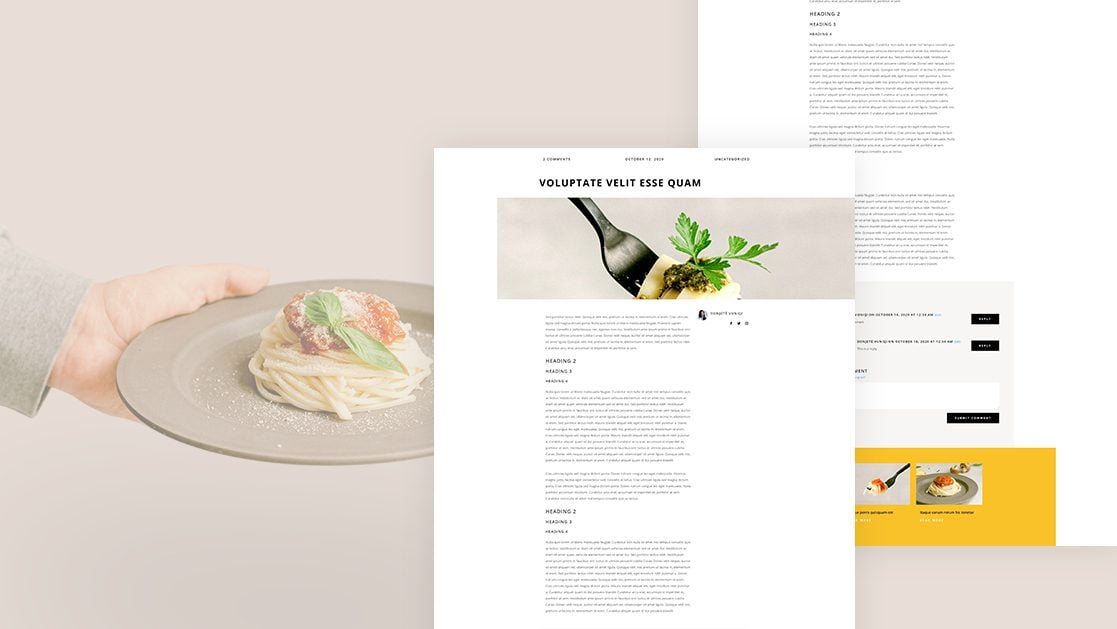
Hey Divi Nation! Thanks for joining us for the next installment of our weekly Divi Design Initiative where each week, we give away brand new freebies for Divi. In the past, we shared the beautiful Italian Restaurant Layout Pack. To help you get your website up and running as soon as possible, we’re sharing a blog post template that matches this layout pack perfectly as well! Hope you enjoy it.

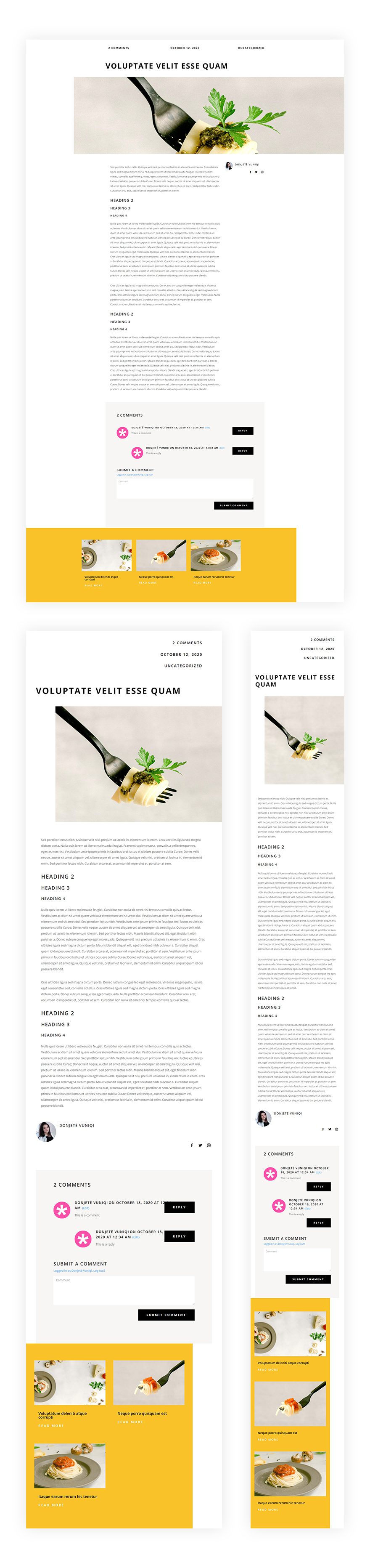
Download The Blog Post Template For The Italian Restaurant Layout Pack
To lay your hands on the free blog post template, you will first need to download it using the button below. To gain access to the download you will need to subscribe to our newsletter by using the form below. As a new subscriber, you will receive even more Divi goodness and a free Divi Layout pack every Monday! If you’re already on the list, simply enter your email address below and click download. You will not be “resubscribed” or receive extra emails.

https://youtu.be/GUkQxvr4DR0
Subscribe To Our Youtube Channel
How to Upload The Template
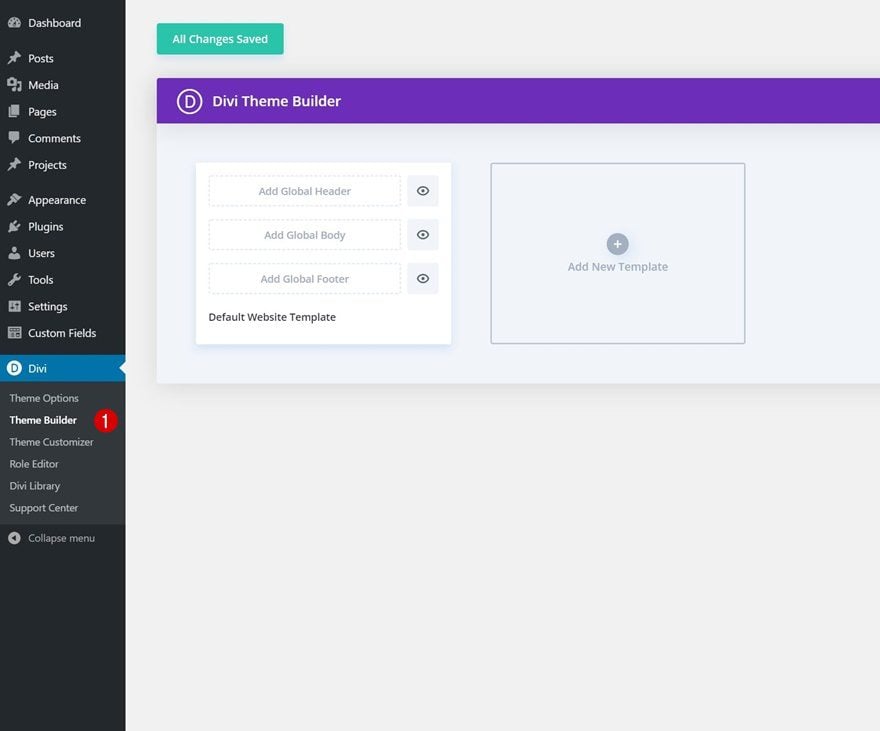
Go to Divi Theme Builder
To upload the template, navigate to the Divi Theme Builder in the backend of your WordPress website.
Upload Blog Post
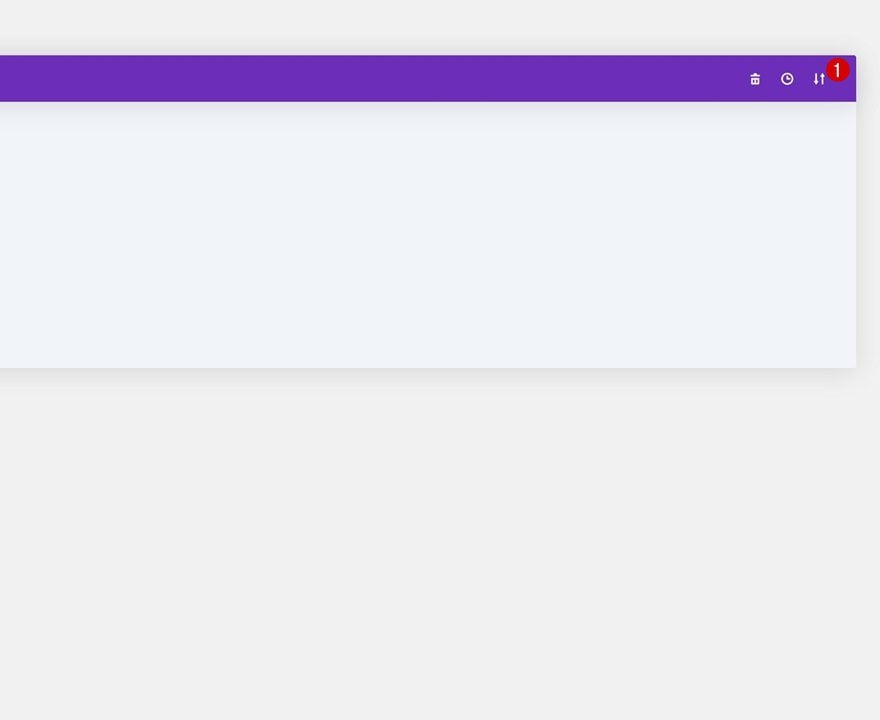
Then, in the top right corner, you’ll see an icon with two arrows. Click on the icon.
Navigate to the import tab, upload the JSON file which you were able to download in this post and click on ‘Import Divi Theme Builder Templates‘.
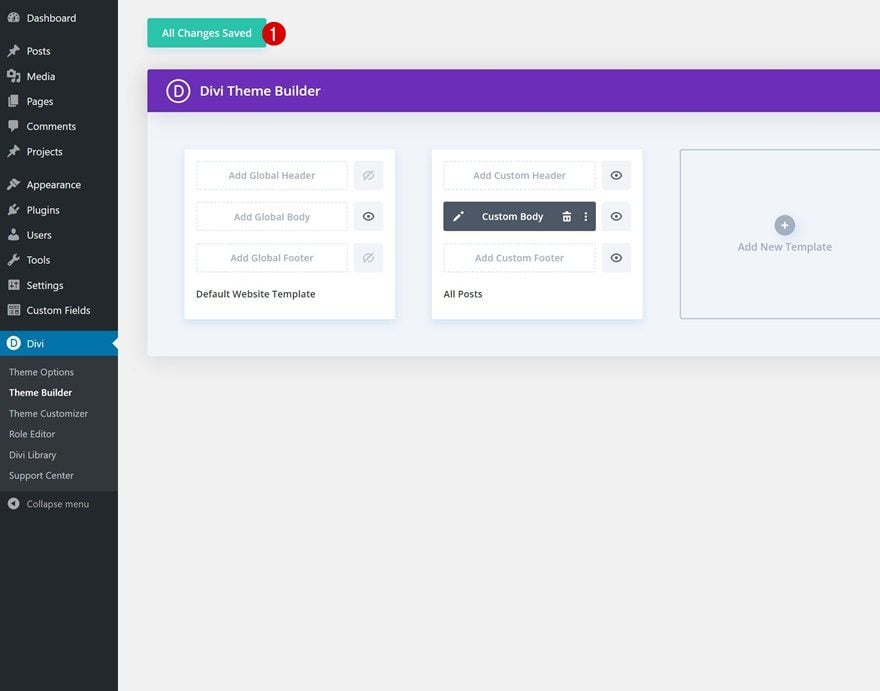
Save Divi Theme Builder Changes
Once you’ve uploaded the file, you’ll notice a new blog post template. Save the Divi Theme Builder changes as soon as you want the template to be activated.
How to Modify The Template
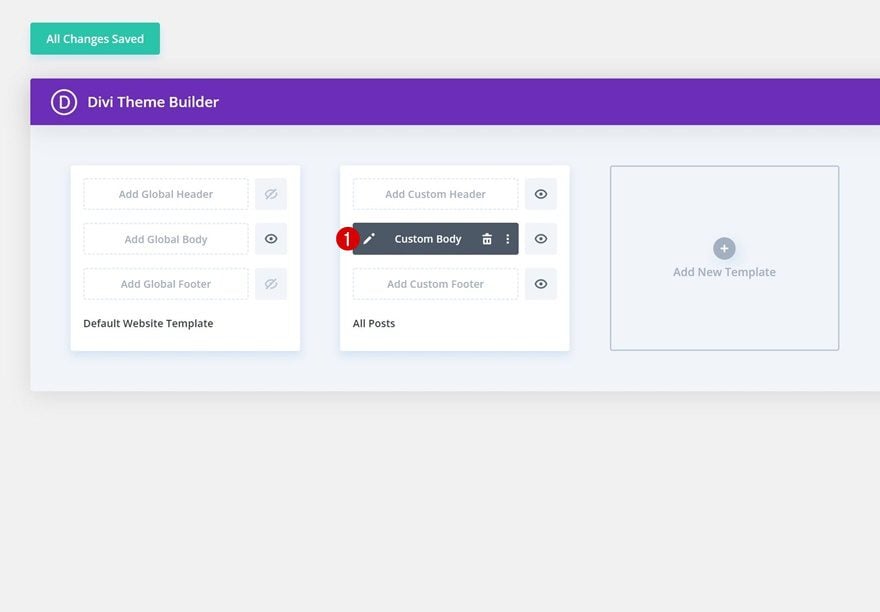
Open Post Template
To modify the blog post template’s elements, start by opening the template.
Keep Post Content Module Inside Template
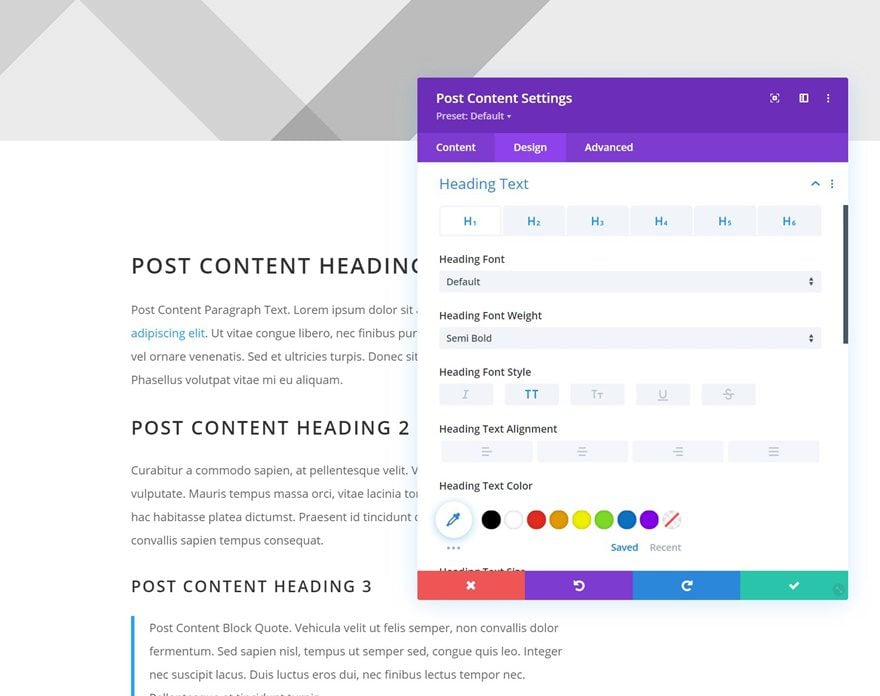
Inside the Body Layout Editor, you can edit the design on the front end using the Divi Builder just like you would with a normal Divi page.
Since this is a template that has been assigned to all posts for the site, there is a post content module that is necessary for displaying the post content. You will need to keep that module in place, but you can adjust the design elements of the post content module which will design the post content that is displayed dynamically.
About the Layout
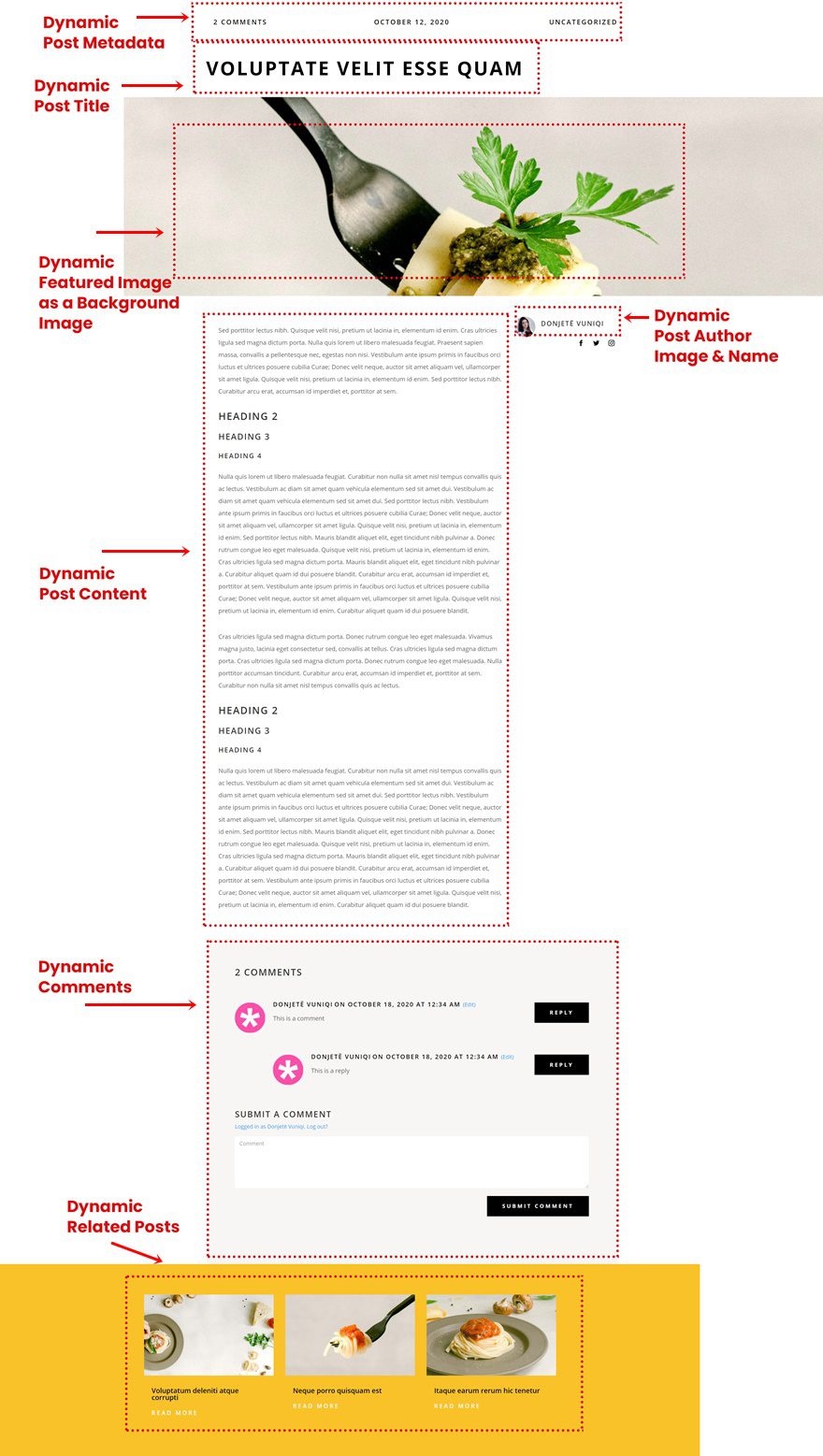
This blog post template has a lot of dynamic elements that will work with your blog posts immediately. For example, the entire post header is made up of dynamic elements including a featured image as the background, the post title, and the post metadata. This content won’t need updating, but you can tweak the design of each of those elements if needed.
Other dynamic elements in this layout include the following:
- Post Content – displays the post content added when editing the post on the backend of WordPress.
- Comments – a functional comment area for the post.
- Post Author – a photo and name of your post’s author.
Here is a quick illustration that identifies the elements of the Italian restaurant blog post template.
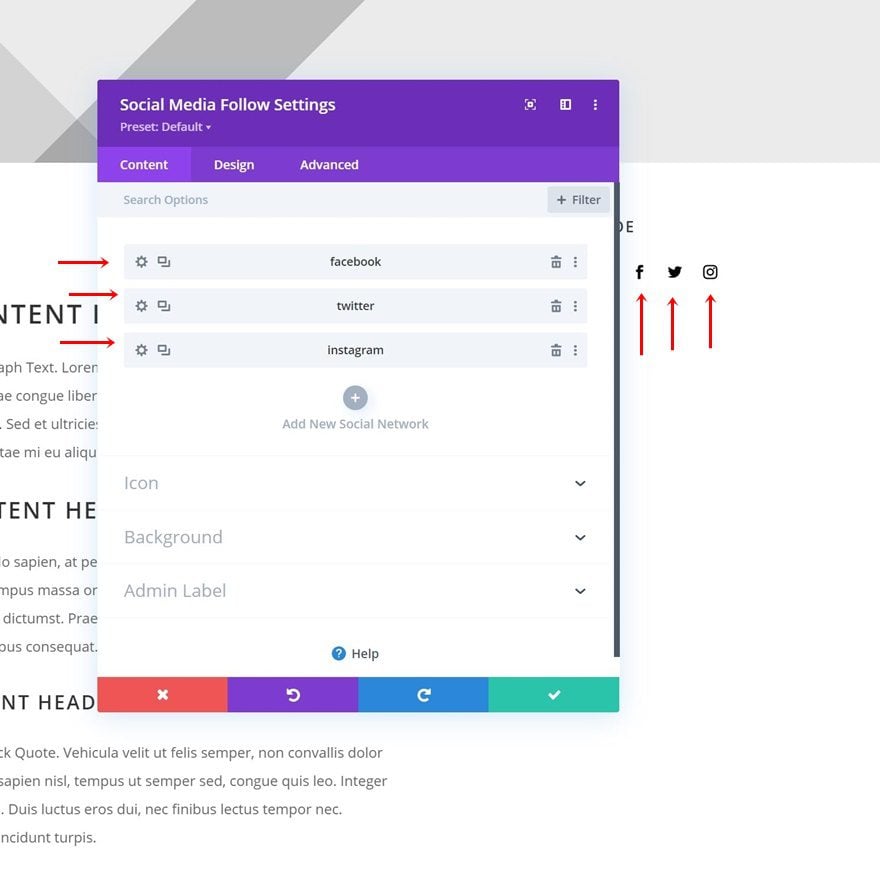
Add Social Networks to Social Media Follow Module
Complete the template by adding links to all social networks inside the Social Media Follow Module.
New Freebies Every Week!
We hope you’ve enjoyed the blog post template for the Italian Restaurant Layout Pack. We look forward to hearing your opinions in the comment section below. Make sure you check back next week for more freebies!










Hello,
Thank you for this beautiful layout! I have a general question about layouts : why you don’t provide image size with?
Thank you.