

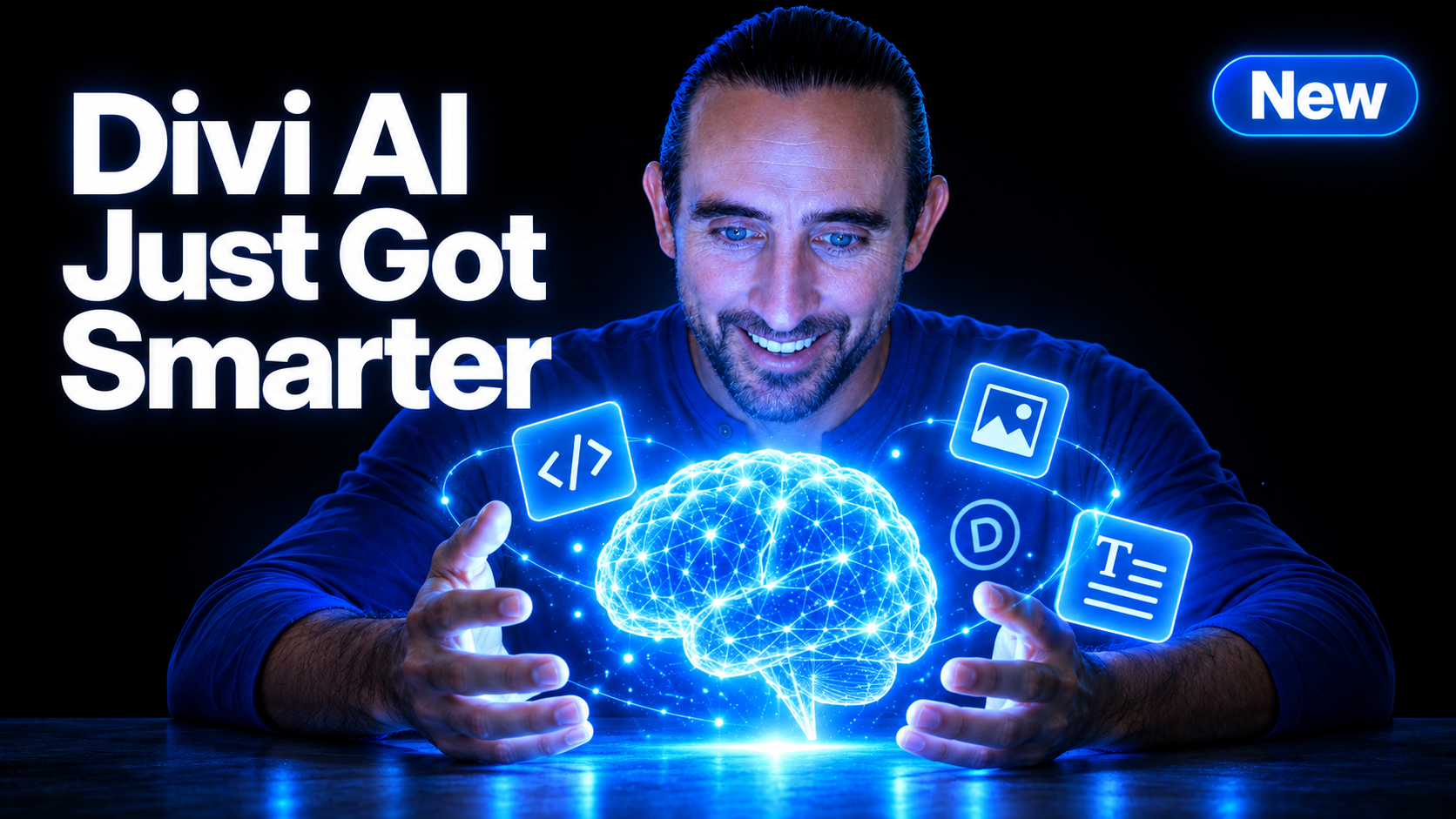
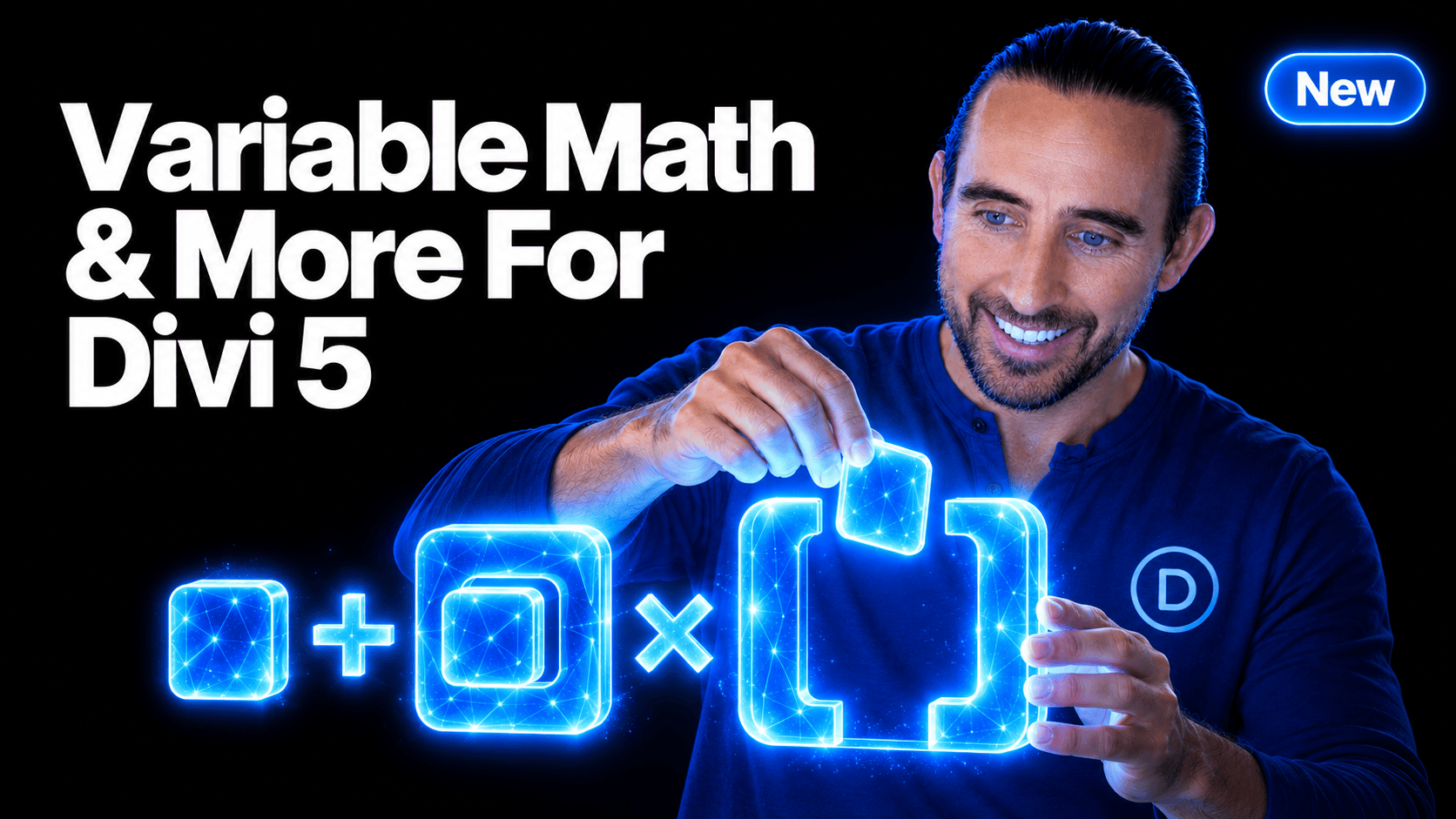
Divi AI just got a major intelligence upgrade. ?
We upgraded the underlying AI models that power Divi’s text, image, and code generation tools, greatly improving the quality of the content they produce.
Generate photo-realistic images, create and edit website copy, write custom code, and more, all from the quick AI tools built directly into Divi.
Recently, we released AI Agents for Divi 5, introducing an entirely new way to build websites with AI. The agent can understand your website, interact with the builder, and perform complex tasks via a conversational interface using any model of your choosing.
But sometimes you don’t need an agent. Not every task requires a conversation or a multi-step workflow.
Sometimes you want to generate an image, rewrite a paragraph, or create a quick piece of custom CSS. That’s where Divi AI’s original quick tools shine, and now they are better than ever.
Let me jump into Divi and show you what’s new. ?
Better AI Throughout The Divi Builder
Divi AI is integrated throughout the builder, putting generative AI exactly where you need it.
You’ll find AI tools inside image fields, text fields, code modules, CSS fields, and other areas of the builder. Instead of leaving Divi to generate something elsewhere, copying it over, and then adjusting it to fit your design, you can create what you need in context.
With this update, those tools are now powered by newer and more capable AI models.
The workflow hasn’t changed. The tools you already know are still in the same places. They produce much better results.
Generate Better Images With Divi AI
Divi AI can generate images directly in the builder, and the latest model upgrade takes image quality to the next level.
You can describe what you want and generate beautiful imagery on the fly without interrupting your design process.
Use Divi AI to:
- Create stunning, photo-realistic background images.
- Turn candid or low-quality client photos into professional headshots.
- Take an existing image, swap out the background, add elements, and make any other modifications with a simple prompt.
- Change image dimensions and automatically fill the space.
You can also use Divi AI’s image editing tools to modify existing images instead of starting from scratch.
Paint over specific areas you want to change. Expand images and automatically fill the negative space. Upscale and enhance low-quality images.
With Divi AI’s image generation and editing tools, you’ll never need to visit stock photo websites or open Photoshop again!
Write And Improve Website Copy In Seconds
Divi AI’s text tools also received a significant upgrade.
Whenever you are editing text in Divi, AI is right there to help you generate new content or improve what you already have.
You can use it to:
- Generate headlines, paragraphs, calls to action, and other website copy.
- Rewrite existing content to improve its clarity or tone.
- Shorten or expand text to better fit your design.
- Fix spelling and grammar.
- Translate content.
- Improve SEO.
If you have ever reached the end of a design only to realize you are still staring at placeholder text, Divi AI can fill in the blanks in seconds.
It’s also useful when most of the content is already there. Highlight something that isn’t quite right, tell Divi AI how you want it improved, and keep moving.
Build Custom Elements And Styles With AI
The upgraded code model makes Divi AI an even more useful companion when you want to push a design beyond the builder’s standard options.
Divi already offers extensive visual controls, but sometimes the perfect design calls for something custom (though that’s increasingly rare in Divi 5, given its new features).
Instead of writing everything yourself, you can describe what you want and let Divi AI generate the code.
For example, you can:
- Generate completely custom elements in the code module.
- Generate custom CSS directly inside a module’s CSS fields.
- Add special effects, animations, and styling.
- Improve or modify the code you have already written.
This opens the door to designs that break the mold without requiring you to be an expert developer.
If you can describe the result you want, Divi AI can help you build it.
Divi AI Agent or Divi AI Quick Tools?
With the recent release of the Divi AI Agent, Divi now has two very different ways to work with AI.
The Divi AI Agent is designed for broader and more complex tasks. It can understand natural language, inspect your website, interact with the builder, and perform multi-step actions. You can also choose from a huge selection of AI models depending on the task.
It’s incredibly powerful, but not everything needs an agent.
If you are building a page and need an image, a paragraph, or a piece of CSS, starting a conversation would be overkill.
That’s why Divi AI’s quick tools remain so useful.
Think of them as two complementary workflows:
- Use the Divi AI Agent when you want AI to understand a larger goal, make decisions, and perform actions throughout Divi.
- Use Divi AI’s quick tools when you know exactly what you need and want to generate it immediately.
Together, they give you the flexibility to use AI in whatever way makes the most sense for the task at hand.
Try The Upgraded Divi AI Tools Today
The upgraded text, image, and code generation tools are now available in Divi AI.
Jump into the builder, generate an image, rewrite some content, or see what kind of custom element you can create.
If you haven’t tried the new Divi AI Agent yet, give that a spin too. Between the agent and Divi AI’s newly upgraded quick tools, Divi AI’s toolkit has never been more capable.
And we aren’t stopping here. There is plenty more coming to Divi 5, so stay tuned. ?




Leave A Reply