

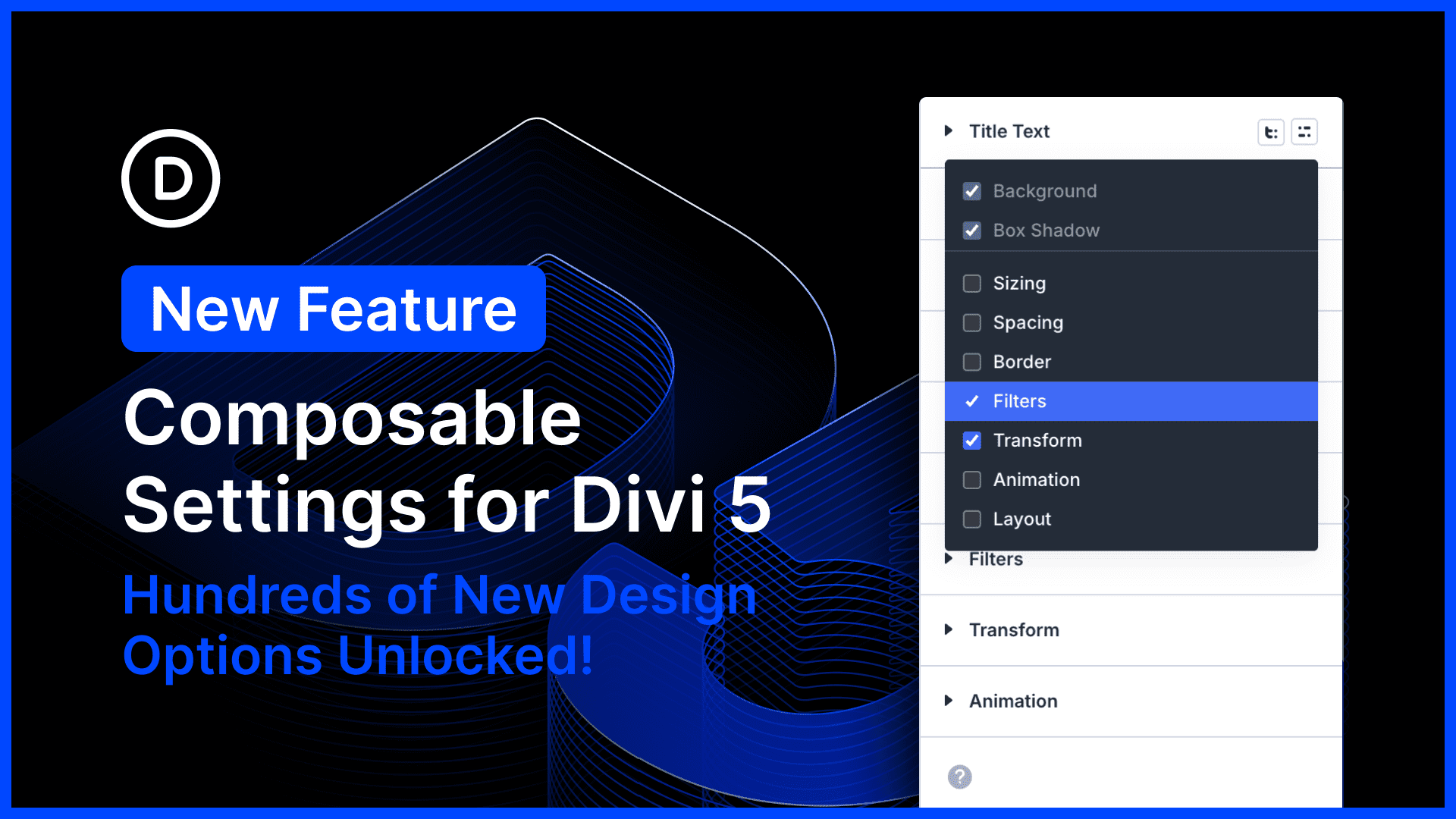
I am excited to introduce Composible Settings for Divi 5, allowing you to enable any of Divi’s design options for any module sub-element.
This update completely harmonizes the available settings for Divi modules, which means you’ll never have to use CSS to fill the gaps; enable sizing options for buttons, animation options for titles, and everything in between.
It opens up hundreds of new possibilities.
There’s much to explore, so let me jump into the builder and give you the full, off-the-cuff tour. 👇
Every Option For Every Element
Many Divi modules are comprised of nested elements. For example, the blurb modules consist of an image, title text, and body text.
Traditionally, each module sub-element has come with a suite of design options specific to that element. The title text element came with font options; that makes sense!
But Divi offers many other options: backgrounds, borders, transforms, and much more. Those could always be used to style the module wrapper, but not its sub-elements.
With Composable Settings, you can compose your own suite of design options for any sub-element, toggling on whatever you need. Add a width to your button, a border to your title, an animation to your image; there are no limits!
How To Toggle Design Settings
When hovering over an option group that represents a module sub-element, you’ll notice a new icon to “Toggle Options.” Click the icon, enable your desired options, and they will appear instantly as nested option groups.
That’s it! Enable the settings you need and then get to work.
Enabling Default Settings Using Presets
Composable settings work with presets. If you enable specific settings within a preset, then those option groups will appear automatically when editing an element that uses the preset.
If you want specific settings to be enabled by default, simply toggle them on in your default presets. Instead of crowding the settings panel with infinitely nested options, Divi lets you enable only what you need.
Try Divi 5 Today
Complete site editing is now available for Divi 5. Give it a try and let us know your thoughts.
We rebuilt Divi from the ground up and packed it full of dozens of your most requested features. Forget everything you thought you knew about Divi, because Divi 5 is an entirely different beast.
Have You Tried Complete Site Editing Divi 5?
In case you missed it, we recently released Complete Site Editing for Divi 5.
Now, you can edit your header, footer, body layouts, and page content at once. Your entire site, from top to bottom, can be edited in a single step. You don’t have to exit to the Theme Builder.
It’s really convenient and saves a ton of time!
Watch this video for all the details. 👇
More Divi 5 Updates Are On The Way
The features keep coming, and we aren’t slowing down anytime soon!
If you are enjoying these updates, do us a huge favor and let us know by liking this video and leaving a comment. It means a lot to us to see you cheering Divi on, and it’s essential to feed the algorithm and spread the word.
Don’t forget to follow us on YouTube and subscribe to the Divi newsletter so you never miss an update. I’ll see you soon for another Divi 5 feature announcement, which I promise will be right around the corner. 😁













Is there a way to turn this on by default using the Builder Settings instead of having to go to each option in the module to enable them?
Thank you for the question! 😊
You can’t currently enable Composable Settings globally from Builder Settings. Instead, enable the composable option groups you want inside a Default Preset. Once saved, any module or element using that preset will show those extra option groups automatically.