

It’s official; the beta phases have ended, and Divi 5 has arrived.
This isn’t the end; it’s a new beginning for Divi, and we are moving forward faster than ever with weekly updates. If you use Divi 5, you’ll see a version 5.14 update notification today.
If you want to get an early inside scoop, I often post progress reports in the Divi Theme Users Facebook group. Join us!
What’s New In Divi 5.14?
The update includes 97 bug fixes and improvements. and some major enhancements to Divi AI’s quick image, text, and code generation tools.
Better AI Image, Text & Code Generation
Divi AI just got a major intelligence upgrade. 🧠
We upgraded the underlying AI models that power Divi’s text, image, and code generation tools, greatly improving the quality of the content they produce.
Generate photo-realistic images, create and edit website copy, write custom code, and more, all from the quick AI tools built directly into Divi.
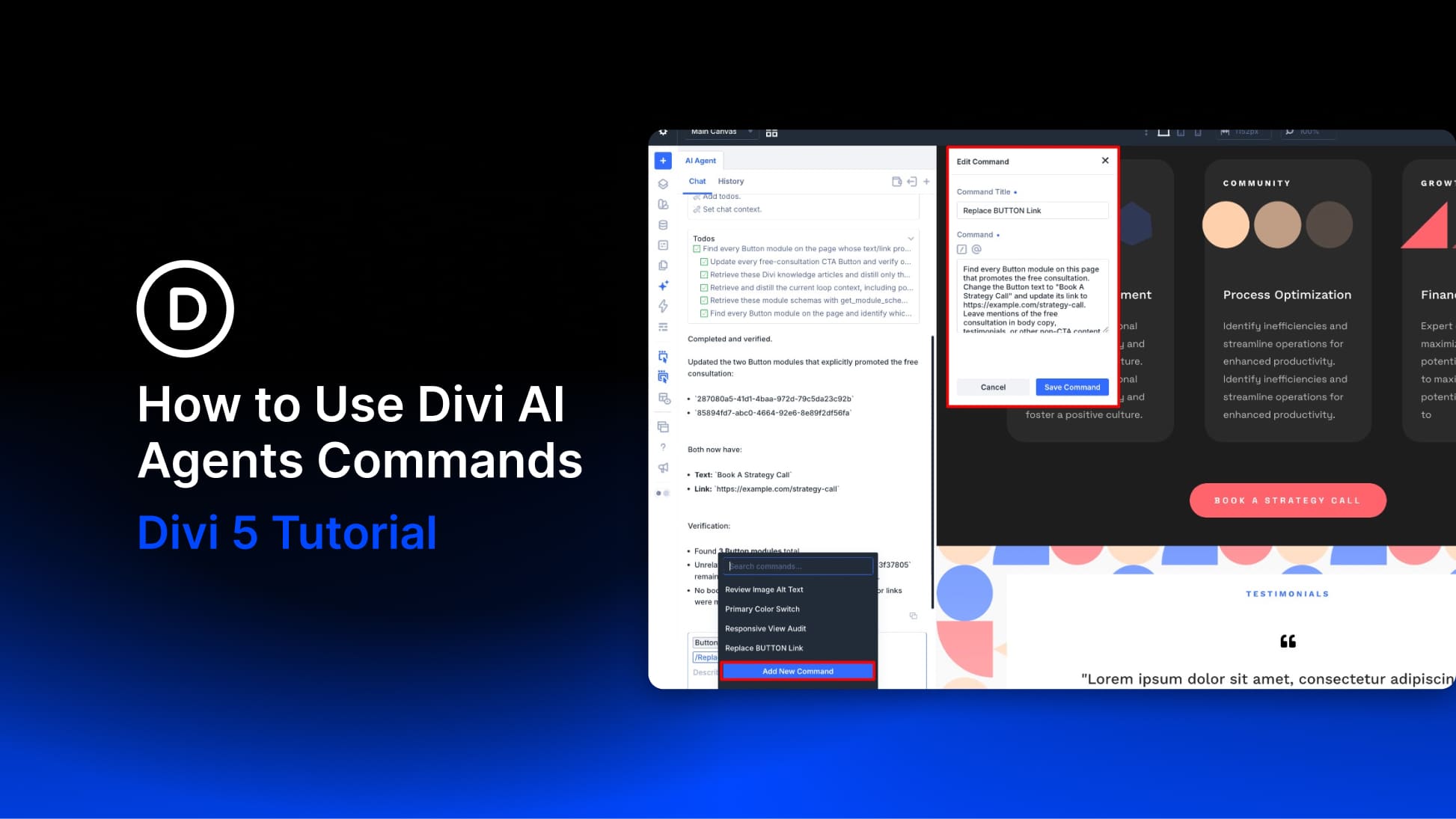
Recently, we released AI Agents for Divi 5, introducing an entirely new way to build websites with AI. The agent can understand your website, interact with the builder, and perform complex tasks via a conversational interface using any model of your choosing.
But sometimes you don’t need an agent. Not every task requires a conversation or a multi-step workflow.
Sometimes you want to generate an image, rewrite a paragraph, or create a quick piece of custom CSS. That’s where Divi AI’s original quick tools shine, and now they are better than ever.
Take the full feature tour. 👇
What’s Coming Next?
Divi’s next feature will be Components and Slots.
Since the original sneak peek, we have expanded the scope to include a new component manager panel, component editor, and dedicated component import and export tools.
The entire feature, including its expanded scope, is complete, currently in QA testing, and should be ready next week.
Watch this video to get an early look. 👇
Changelog
Here is a list of all fixes and improvements included in this update.
- Fixed a Divi Cloud build failure caused by conflicting Common Sass module variables.
- Fixed an issue where AI Agent checkpoint sync could silently lose rejected batch items after a page reload instead of retrying them or surfacing a sync error.
- Fixed Accordion items opening when scrolling over their titles on a phone.
- Updated Divi’s shared foundation stylesheets to the modern Sass module system, so upcoming compiler upgrades no longer warn on those files.
- Improved Divi Cloud login security and kept Cloud checkout tied to the current WordPress user.
- Fixed Block Row gutter widths stored directly on page content are being ignored on the frontend when another Row on the same page uses an Element Preset with a different gutter width.
- Fixed CSS parallax background jumping when a transform-based animation runs on the module or its parent section.
- Fixed a security issue where the Tabs module titles could render as unescaped HTML in the tab navigation on the published page.
- Fixed Theme Options custom CSS affecting the Visual Builder interface by preventing it from loading in the top window.
- Fixed the first line of a long AI Agent chat prompt being clipped after scrolling back to the top of the input field.
- Fixed VB opening on Events (Gutenberg/draft), event date meta, and Toolset Views in Theme Builder Post Content.
- Fixed an issue where the Audio module displayed its cover image alongside the content in a 1/3 column instead of stacking it above the content, as in Divi 4.
- Fixed nested option-group preset values not appearing immediately after reselecting them while editing an element preset.
- Fixed WP Offload SES Lite settings failing to load when Divi 5 is active.
- Fixed an issue where Variable Settings appeared but were unresponsive after reselecting a global text variable in a dynamic content field.
- Fixed extra space above section rows on the frontend after removing a background video and switching to a background image.
- Fixed an issue where the Divi AI Agent aligned module text without updating the Text Alignment option.
- Fixed the AI Agent modal showing “Add New Chat” when logged out of Divi AI.
- Fixed missing custom button icons on Woo Cart Products and Cart Totals buttons in the Visual Builder and on the frontend first paint.
- Fixed Blog module image sizing height being applied to the image wrapper instead of the image itself.
- Fixed CTA modules with Use Background Color disabled, getting extra padding after Divi 4 migration.
- Fixed incorrect product sorting when using the Post Filter Order By: Price option on WooCommerce product loops.
- Fixed an issue where replacing or resetting a shared value in the page Inspector updated only one matching element.
- Fixed unwanted hover styles when importing older Divi layouts, such as Church Home.
- Fixed guest checkout, creating an account when creating an account. was left unchecked on the WooCommerce module checkout pages.
- Fixed sticky-state Custom CSS overrides not applying on custom post type pages.
- Fixed Map modules failing to load on the frontend when Critical CSS was enabled and a Map in the page body shared a parser ID with a Map in a Theme Builder template.
- Fixed Image module SVG logos with height or max-height only stretching to full width instead of matching JPG/PNG sizing.
- Removed deprecated Sass color-function usage while preserving Core UI hover colors.
- Migrated the Core UI Sass foundation from deprecated imports to module forwards without changing compiled CSS.
- Migrated Core UI and code-snippets Sass consumers to the module system without changing generated styles.
- Fixed nested Tooltip modules not appearing inside Group Carousel slides.
- Fixed Global Presets failing to save when using a child theme of a renamed Divi parent.
- Fixed Theme Builder save and preset operations failing on sites with large numbers of custom presets and global modules being removed from Theme Builder body layouts during Divi 5 migration.
- Fixed default Tooltip text appearing too large when nested inside a Button module.
- Fixed an issue where the Tooltip text was too large when nested inside a Button module.
- Fixed Visual Builder crashing when Loop is enabled on a Slider or Slide.
- Fixed Circle Counter Spacing margin settings not applying correctly inside flex layouts.
- Fixed first-time WooCommerce Product, Cart, and Checkout prefilled Builder templates so their Section, Row, and Column layouts use Divi 5 Flex defaults instead of legacy Block layout settings.
- Fixed Portfolio module project titles so HTML formatting in the title is rendered instead of shown as raw tags.
- Fixed an issue where changing a Post Filter Item Field Type between Checkbox, Radio, and Select reset the selected ACF or custom field to the Author or taxonomy defaults.
- Fixed an issue where a failed Instagram account token save in the Visual Builder closed the Add/Edit form without showing an error or preserving the entered values.
- Fixed Gravity Forms module Submit Button custom width and alignment not applying in the Visual Builder and on the frontend.
- Column Module Elements custom CSS now overrides the responsive block-row gutter and stacked-width rules on phone layouts, including block rows whose column layout attr is left at its default flex state.
- Fixed an issue where overriding Background Image Position on a module with an Element Preset that included both a background image and gradient could cause the background image to disappear.
- Fixed Divi AI Build mode so that converting repeating values on an existing page into Global Variables is offered instead of being ignored.
- Improved AI Agent for handling text-content tasks like spelling, grammar, punctuation, and capitalization corrections, so page-wide text edits use far fewer tokens.
- Fixed an issue where Loop Builder meta queries using Field Does Not Exist (NOT EXISTS) did not return any posts in the Visual Builder when the meta value was left empty.
- Fixed a Visual Builder freeze when the Filterable Portfolio Post Count contained a space or an invalid number.
- Fixed an issue where the Sticky State option was missing when a sticky section was opened from the Layers panel in the Full Site Visual Builder.
- Fixed Gravity Forms Submit and related action button borders so all sides’ width, color, and style from the Design tab apply on the canvas and frontend, not only border radius.
- Fixed Theme Customizer button borders incorrectly using the button text color when the primary color and button border color were set to the same value.
- Fixed Pagination module Links Text Direction not applying when the WP-PageNavi plugin is active.
- Updated Divi AI with new image, text, and code generation models.
- Updated Divi AI image generation to create one image at a time instead of four variations.
- Fixed details-set templates so each details-grid item and preview resolves to the correct child template.
- Fixed gutter-1 module spacing in Theme Builder CPT output, including RTL layouts.
- Fixed Theme Builder set details so every template in a set was displayed.
- Fixed Theme Builder set details template export downloads to generate normalized filenames without encoded fragments.
- Fixed a security issue where Testimonial portrait image URLs were not sanitized before they were written into the module’s inline background style.
- Fixed Icon Module alignment not working correctly when Layout Style is set to Flex.
- Fixed Accordion items opening when scrolling over their titles on a phone.
- Fixed Video overlay images not staying applied after layout import.
- Fixed a missing error message when saving to Divi Cloud from the Visual Builder after reaching the free tier item limit.
- Fixed Group Carousel navigation dots showing only one dot when Center Mode was disabled, and all slides were visible at once.
- Fixed an issue where Blurb Grid column styles were applied twice, causing incorrect narrow layout output.
- Fixed an issue where the Theme Customizer button text and border color pickers reset to white instead of the theme’s primary accent color.
- Fixed chained off-canvas interactions so subsequent canvases in a cascade are pre-rendered and available in the frontend DOM.
- Fixed the issue where the Fullwidth Header module in VB doesn’t match the actual result on the front end with a certain combination of settings.
- Fixed Google variable fonts such as Playfair Display showing a fake italic instead of the true italic style.
- Fixed an issue where Button, Circle Counter, and Accordion modules could not be dragged into an empty column from their edited content surface in the Visual Builder.
- Fixed section dividers on the frontend not inheriting an adjacent section’s Global Color background when automatic divider color is used.
- Added a swipe-style bottom progress bar, slide count, and swipe indicator to the Post Slider module.
- Fixed an issue where the shipping address would not update on the cart page when using a Theme Builder cart template.
- Fixed non-global rows added from the Divi Library inside a Global Section being removed after reloading the Visual Builder.
- Fixed the Woo Related Products image box shadow so it matches the rounded frame of the image border.
- Fixed the unwanted visible carousel group when the video slider module’s carousel navigation is clicked.
- Fixed a security issue that allowed authenticated contributors to execute arbitrary registered shortcodes through two Visual Builder AJAX endpoints that lacked the builder shortcode allowlist used elsewhere.
- Fixed Payment Button: Transform styles not applying when Advanced > HTML > Element Type was set to button.
- Fixed a PHP deprecated error that appeared in debug logs when Support Center Safe Mode was enabled.
- Fixed Pagination Text Direction so vertical text applies on the frontend.
- Fixed an issue where Visibility settings from an element preset remained enabled in module settings after the preset was removed.
- Fixed Border option group presets from current styles, removing parallax background images.
- Fixed Woo Related Products Image Alignment, not positioning reduced-width product thumbnails.
- Fixed Image modules with animation remaining hidden inside Tabs after the first tab.
- Fixed an issue in the Visual Builder where modifying the default OG preset for the Text Module’s Text OG group would incorrectly override a custom OG preset, causing the wrong font styles to appear in the editor.
- Fixed Woo Products image framing not working when the image height was set by applying height constraints to both the image wrapper and the product image.
- Fixed Woo Cart Products and Woo Cart Totals table row and table cell background colors not applying in the Visual Builder or on the frontend.
- Added a Show Labels option to the Email Optin and Comments modules so field labels can be shown and styled without custom CSS.
- Improved Divi AI Agent tool responses so the agent can identify the exact items it creates or changes, making multi-step requests more reliable.
- Fixed the missing browser backup restore prompt in Divi 5 so unsaved Visual Builder work can be recovered after a tab crash or reload.
- Contact Form Label Capitalization Small Caps and All Small Caps now style field labels instead of input text.
- Fixed an issue where Legend Labels Text Color did not apply to the chart legend label text in the Chart module.
- Fixed Theme Builder showing Save Changes after editing an existing layout in the Visual Builder.
- Fixed the Google Maps JavaScript API console warning about missing `loading=async` when Enqueue Google Maps API is enabled in Theme Options.
- Fixed a stored XSS issue in the Audio module cover image.
- Fixed an issue where turning off a global Row could fail when legacy imported content had orphaned global-parent markers without a matching global root.
Jump Into Divi 5 Today
It’s official. Divi 5 is ready for production. Give it a try, and let us know what you think!
If you are brand new to Divi 5, we suggest familiarizing yourself with its many new features; there’s much to explore.
- The Divi 5 page provides a good overview of some of its most exciting changes.
- Our help center has nearly 200 articles focused on Divi 5.
- On the blog, the Divi Resources category features hundreds of long-form tutorials that explore every aspect in depth.
- On YouTube, we have many videos that walk you through each new update.
- Plus, our Fin chatbot is trained on everything and can answer questions instantly! Behind the chatbot is our support team, ready to chat with you and help you through the transition.



Leave A Reply