Time is your most precious asset. With Divi, you can build websites faster thanks to its unique set of productivity-boosting features.
Join today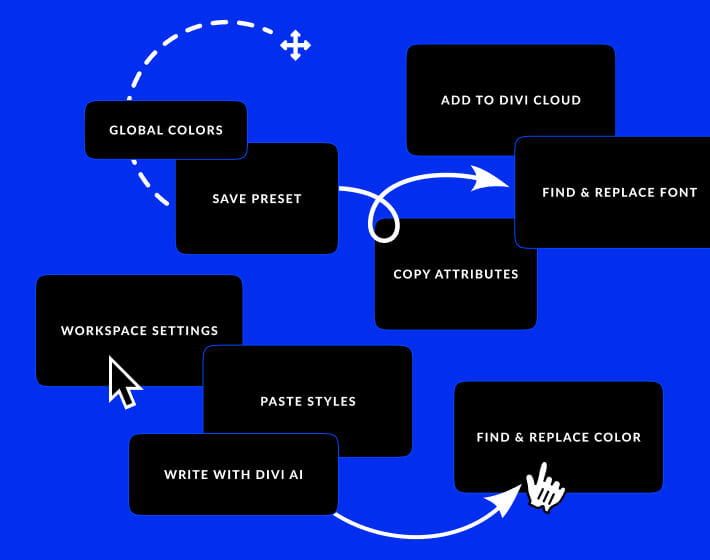
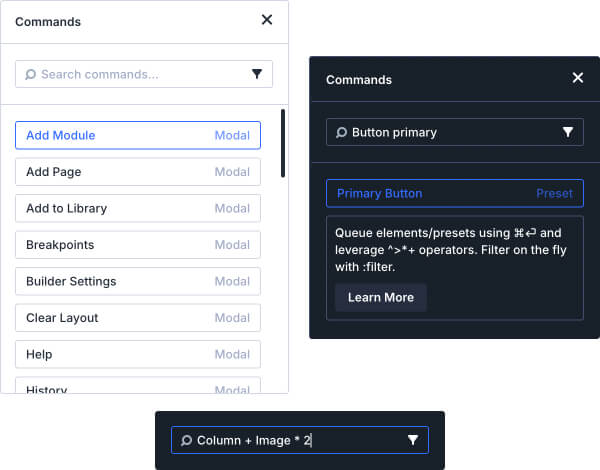
Quickly execute commands such as adding elements, navigating your website, jumping to specific settings, opening panels, and more. The Command Center is a powerful tool that can help you work faster by allowing you to add one or more elements to your page all in one fell swoop, access different parts of your page or website, open builder panels, and perform actions without having to touch your mouse or remember obscure keyboard shortcuts. Mastering the Command Center will feel like a superpower.
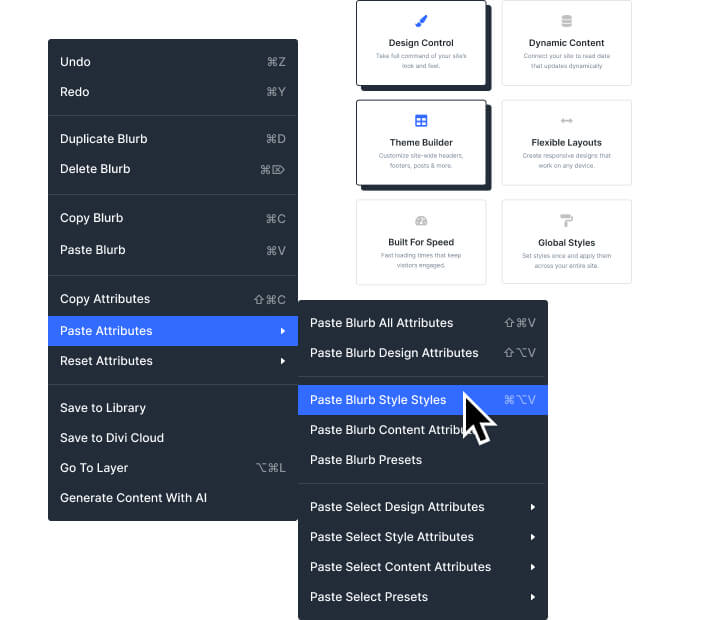
The ability to copy and paste attributes across elements is an absolute game changer. In Divi, anything can be copied from one element and pasted onto another. You can paste individual settings, groups of settings or even copy an element's entire design and transfer it to another element on the page. No need to open up design settings and edit things over and over again. Just copy and paste.
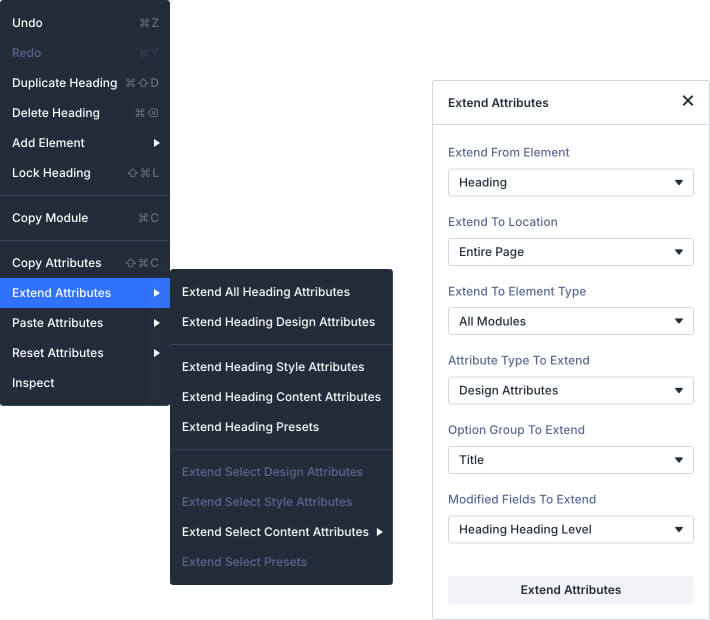
Divi’s “Extend Attributes” system allows you to take a design setting, piece of content, custom code, and more, and extend its value to other elements on the page. If you have a style that you like, you don’t need to painstakingly apply it to each element on your page one by one. Just right click on the element or the setting and extend it. Choose what you want to extend and where you want to extend it, and skip hours of tedious settings adjustments.
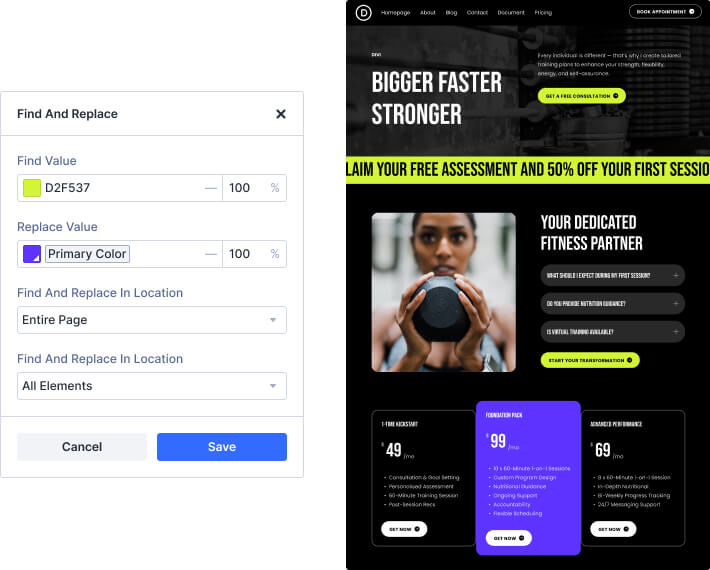
Have you ever changed your mind about a color or a font family while designing a page? Isn’t it dreadful to have to go back and change the styles for all the elements you already added to the page? Well, you are going to love Divi’s find and replace system! Just right click on any designing setting (such as a color) and swap all the values on the page with something new. You choose what to find, what the replace it with, and the scope of the replacement. Now you just need to figure out what to do with all your new-found free time.
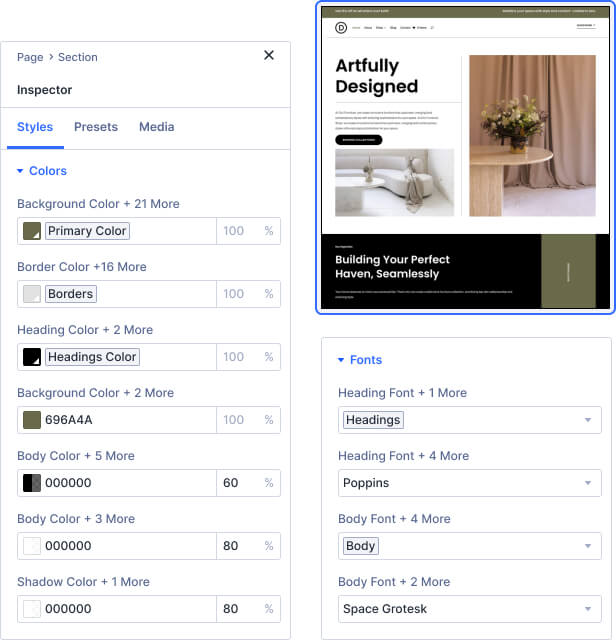
The Divi Inspector aggregates all colors, fonts, presets, & more across your entire selection, allowing you to make sweeping changes, detect stray values, or simply see a summary view of the styles on your page. A great way to clean up old styles or convert old settings to Divi's latest desig system features.
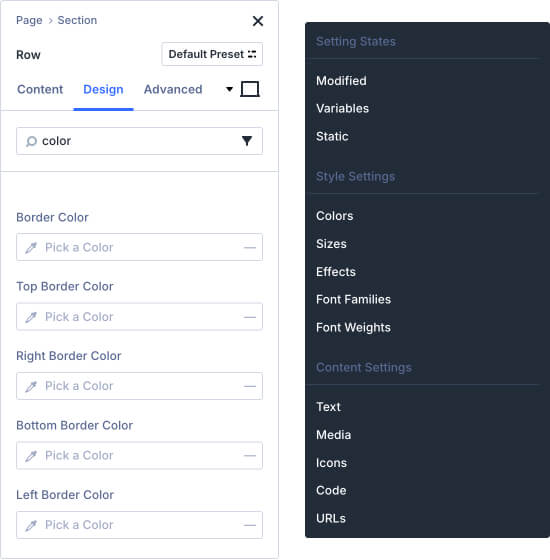
All of Divi’s design settings are searchable. You don’t need to navigate through a huge list of options to find what you are looking for. Just start typing and Divi will find it for you.
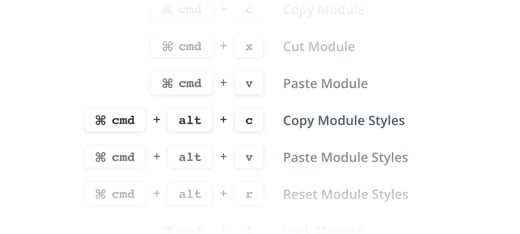
Every action in the Divi builder has a keyboard shortcut that you can use to get things done faster. Once you memorize all of Divi’s shortcuts, you will speed through development like never before! Thousands and thousands of skipped clicks really add up over time. Don’t let yourself get held back by the tedium built into other website builders.
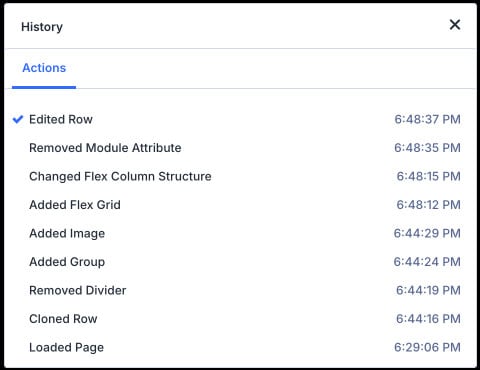
Sometimes you change your mind or perform a big change with results that you don't like. Navigate through your editing history during a building session to jump back in time if you change your mind about recent changes.
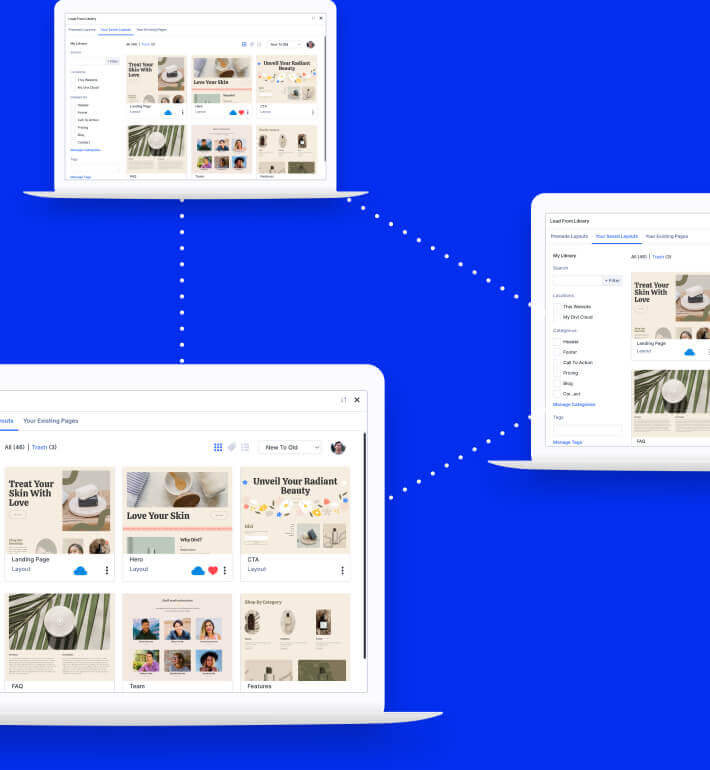
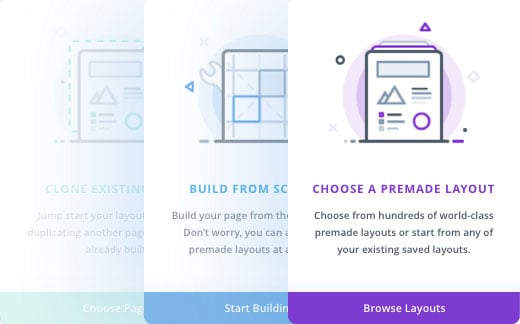
Divi makes it easy to jump-start new pages by allowing you to choose from various pre-made layouts that our team has created. You can also choose from layouts that you have saved to your library or duplicate pages that you have already built. Duplicate an existing page or get started with a pre-made layout to save yourself tons of time.
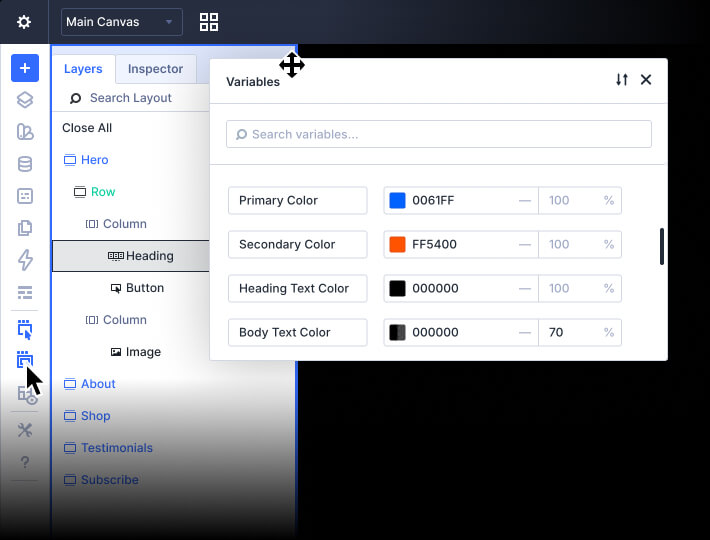
Divi’s interface was built to be flexible to your building style. You can move interface elements around and stick them to different areas of your screen, allowing the builder to work great on any screen size and screen orientation. There are also various interface options that let you customize how the builder works, depending on your unique preferences.
Everyone builds differently so Divi gives you an array of building modes as well as the ability to customize canvas interactions. Choose to build in wireframe mode, show layout grid lines, customize hover UI, and more.
Learn More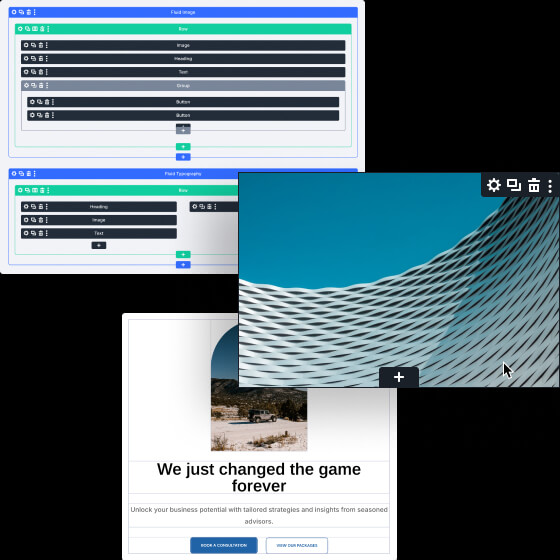
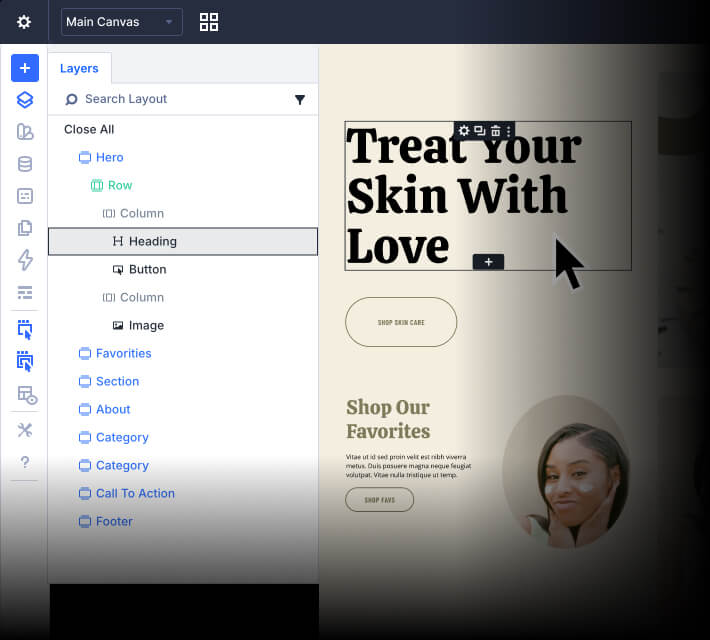
Open up the Divi Layers Panel to see a hierarchical structure of your content that makes it easy to work with complex layouts and Divi's unlimited nesting capabilities. You can interact with content inside the layers panel while you work on the page simultaneously! Drag and drop, copy and paste, or use the layers panel to quickly navigate to different areas within long pages.
Designing in Divi 5 just feels easier. The all-new design system will allow you to build modern, dynamic websites faster.
Define global colors, numbers, images, and more for design consistency and speed like never before.
Learn More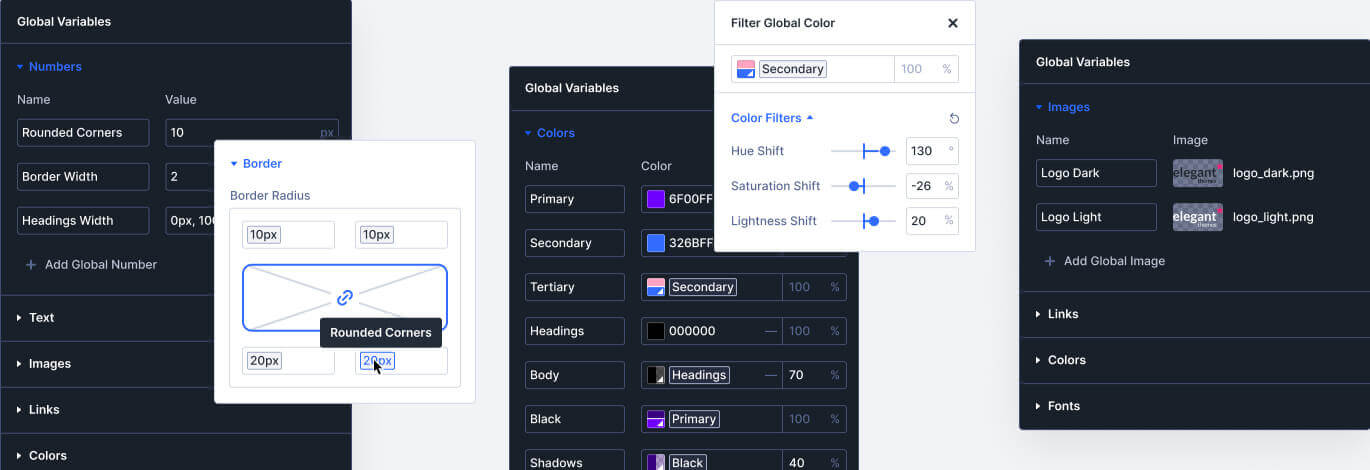
Create class-based presets for common styles to use across your website. When you update a preset, it updates throughout your entire site.
Learn More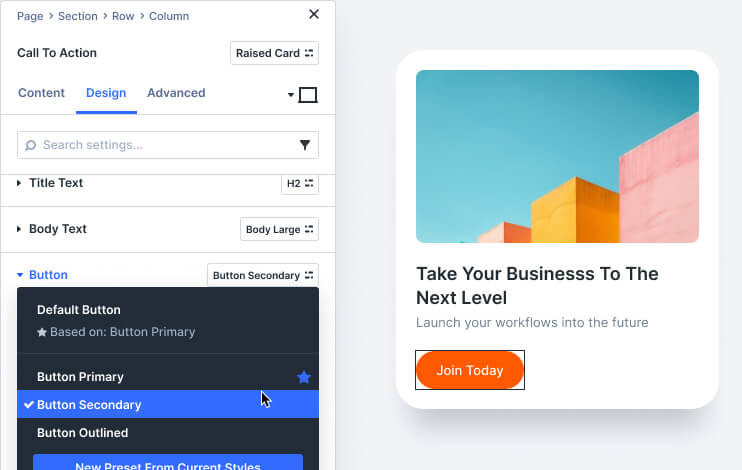
Divi's input fields support CSS units, Global Variables, math functions, and more, allowing you to size and position elements on your page with expert precision.
Learn More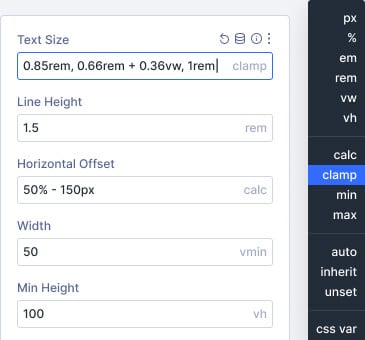
Control the pages on your website using custom templates with global headers, footers, page layouts, ecommerce templates, and more.
Learn More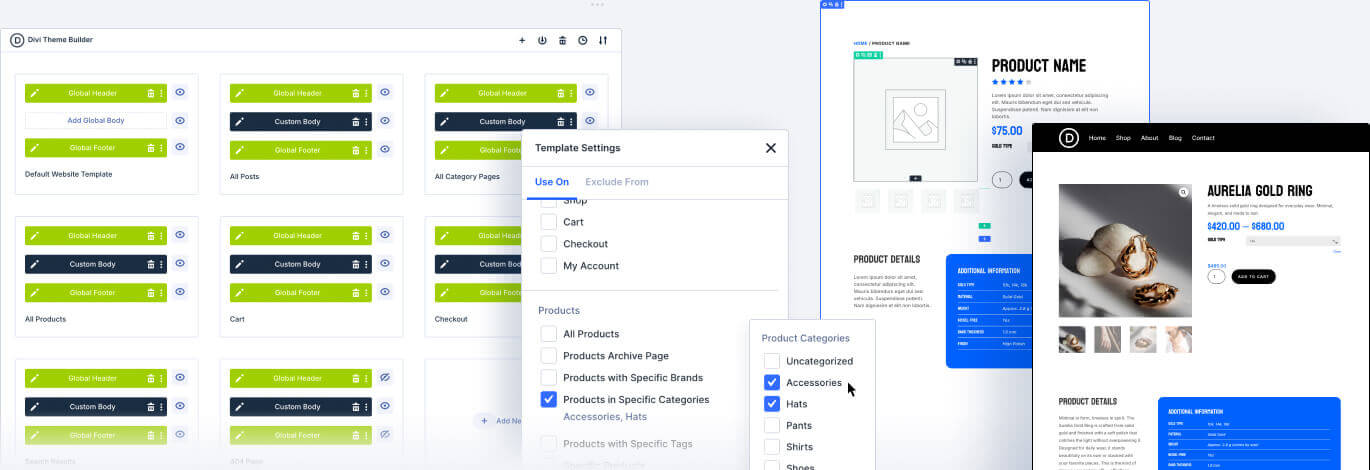
Save reusable global elements and selectively sync styles across multiple instances while maintaining individual control. Update shared attributes globally or keep specific elements unique.
Learn More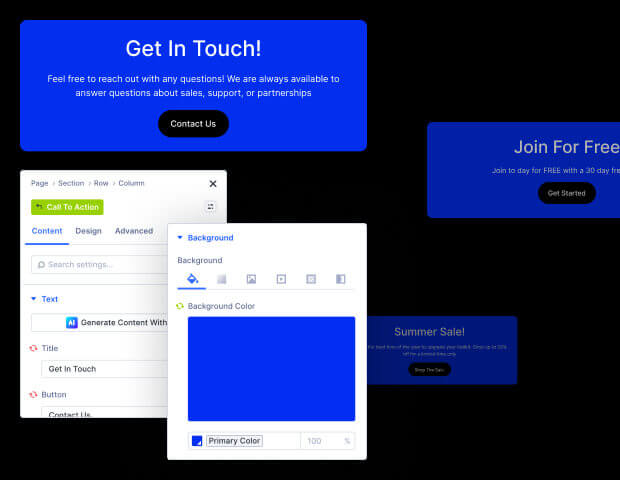
Divi doesn't hold you back if you need to customize you website with custom code. You can even generate custom code with Divi AI and save your favorite code snippets to Divi Cloud.
Learn More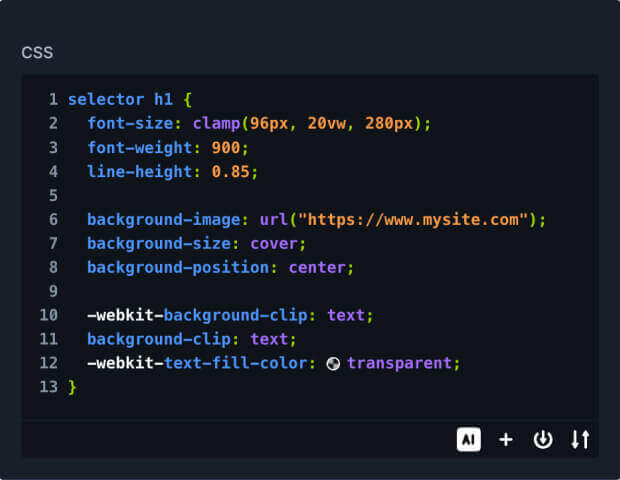
Build entire websites with AI-designed layouts, images, and text with just a single click. Or generate a single layout on the fly that is consistent with the rest of your site.
Learn moreCompose copy from scratch and improve existing text, just like a professional copy editor, leaving you more time to focus on growing your business.
Learn moreDivi AI eliminates the need for stock imagery searches and Photoshop tutorials. Now, you can create and modify images using a natural language interface.
Learn moreDivi AI can write code and generate custom CSS, and since it's trained on the Divi Module codebase, it can generate intuitive results and better interpret your prompts.
Learn moreInvite team members and clients to your team and give them access to Divi and its suite of services.
Learn More
Manage updates, themes, plugins, & clients across all of your sites from a single dashboard.
Learn More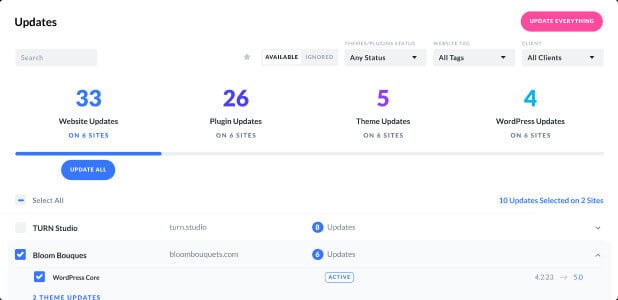
You and your team can store reusable design assets in the cloud. It's the fastest way to collaborate and jump-start new websites.
Learn More