
Divi gives you the power to build your entire website. Design your own headers, footers and everything in-between using the Divi Theme Builder.
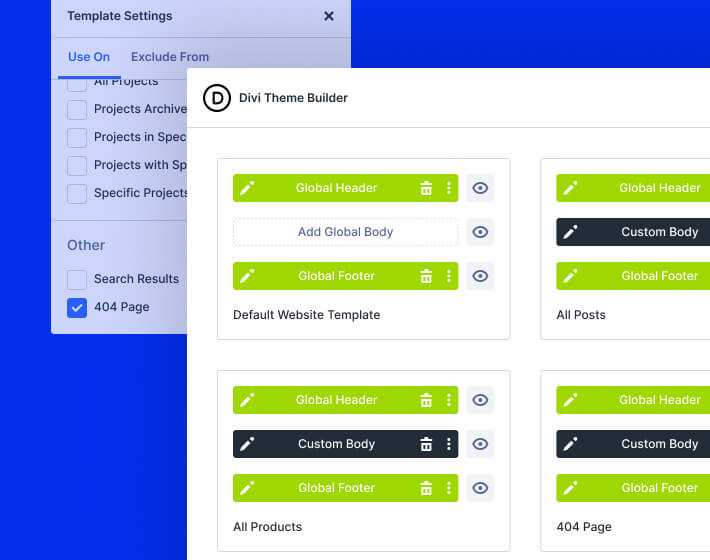
Divi gives you control of your entire website from top to bottom. Create templates for headers, footers, posts, pages, products and every other part of your site.
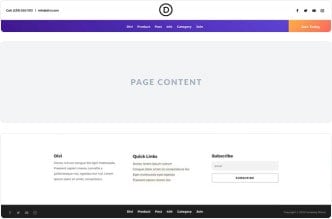
Create fixed headers, sticky headers and more using Divi's huge array of design settings.
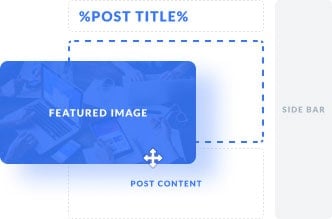
Control the layout of your blog posts and every other post type registered by each of your plugins.
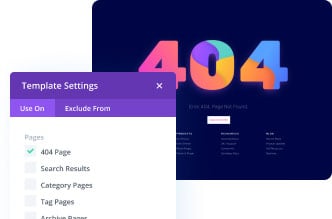
Create templates for your website's pages, including homepages, 404 pages and more. With Divi, you aren't confined by the theme's template.
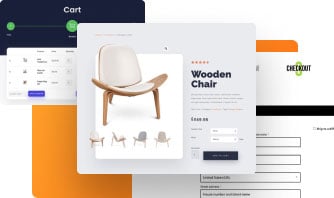
Divi comes with 20+ Woo modules that you can use to build templates for your product, cart and checkout pages.

Create a different look and feel for each of your categories. Customize your author pages, tag pages and more.
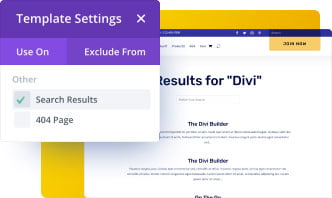
Customize the search results page template, giving you full control over the design.
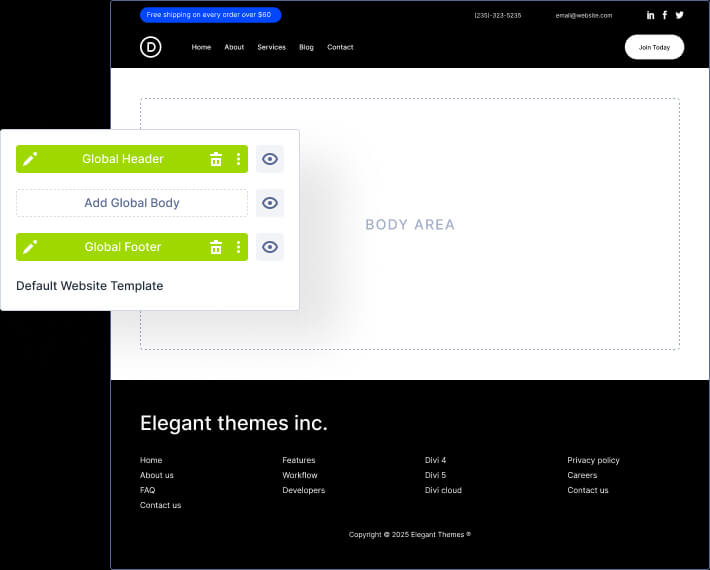
Divi isn't just a page builder. It's a website builder! Using Divi's Theme Builder, you can create all the custom templates you need to design every part of your site. Each template has its own header, body, and footer area that is fully customizable in Divi. And Divi's built-in dynamic modules make it easy to design dynamic template layouts.
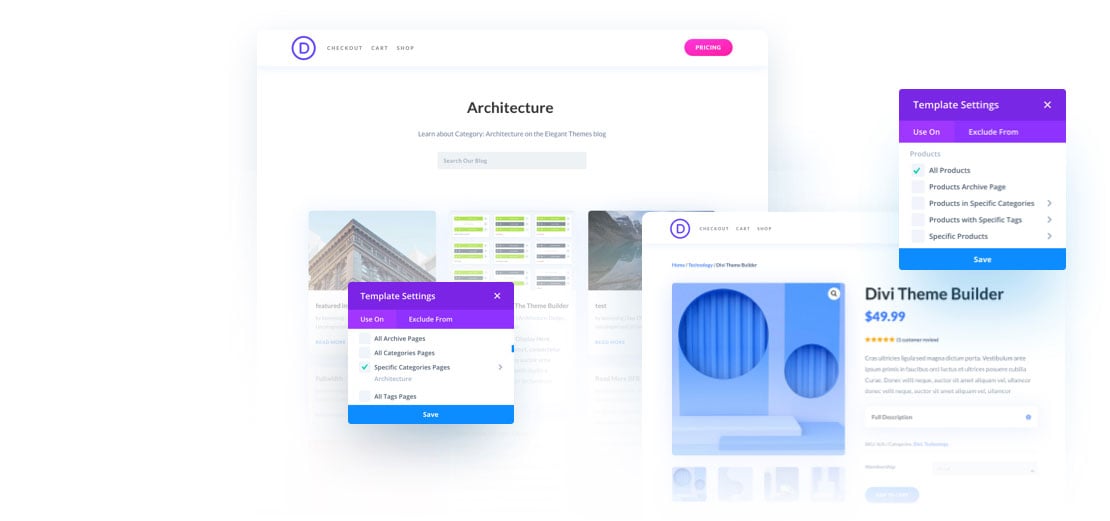
Divi's templating system allows you to assign each template to specific areas of your site. You can assign unique template designs for blog posts in certain categories, different archive pages, and more. You can also exclude templates from certain areas. There are no limits!
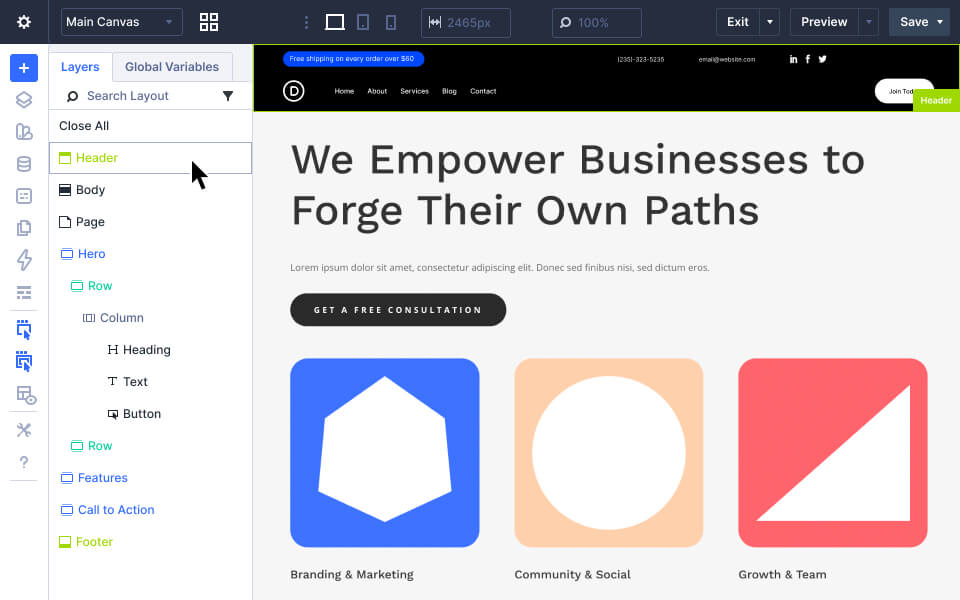
When editing a page or post using Divi, you have the ability to customize everything you see, including the template! That means you can edit headers and footer in context with one visual editing experience. No need to jump back and forth to Theme Builder.
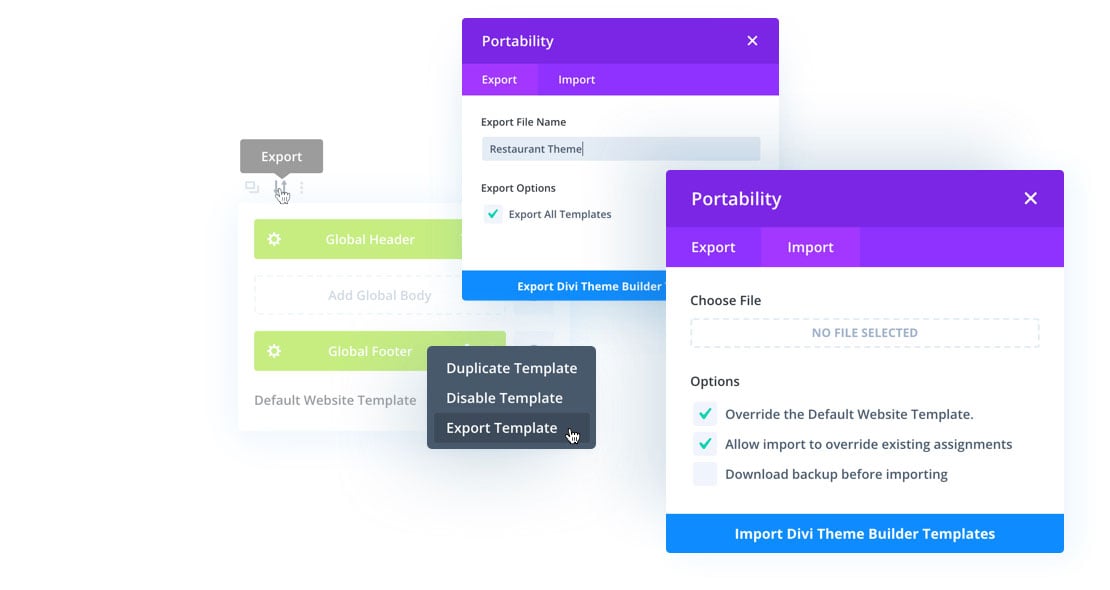
All Theme Builder templates can be imported or exported. This allows you to import and export entire Theme Builder Packs (bundles of pre-made templates) and use them like a child theme on any Divi website.
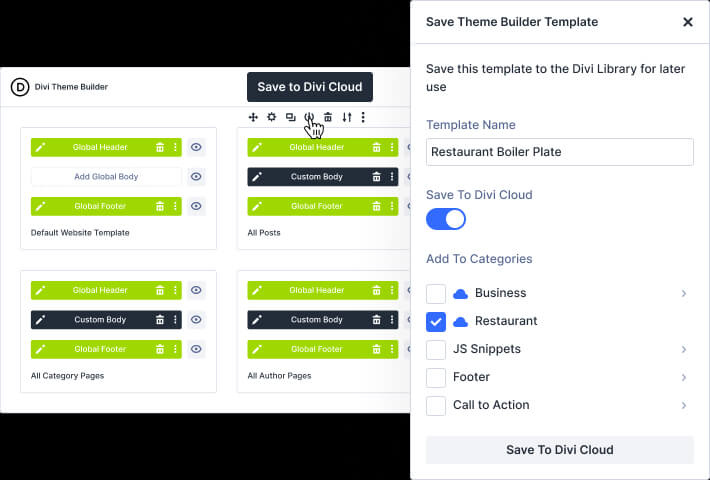
Theme Builder Templates and Templates Sets (bundles of templates) can be saved to Divi Cloud and accessed on every new website you build. Save your favorite template sets to the cloud and then use them to spin up new client websites faster than ever!
With Divi you can streamline your website designs on a global scale. Using Divi's global design controls, you can create global design elements and make site-wide design customization throughout your website with ease.
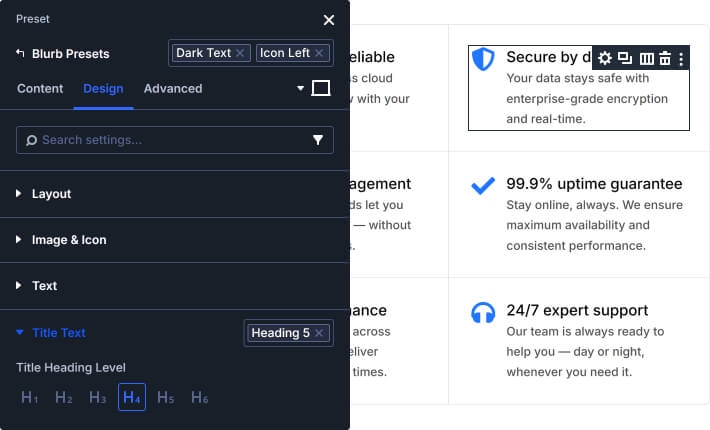
Our Global Presets feature lets you save the design of any content for future use. Once a design preset is saved, you can apply that preset to any module when adding new content to your site. Furthermore, when you update the design of one preset, it updates every instance of that preset site-wide. Presets are to Divi what classes are to CSS.
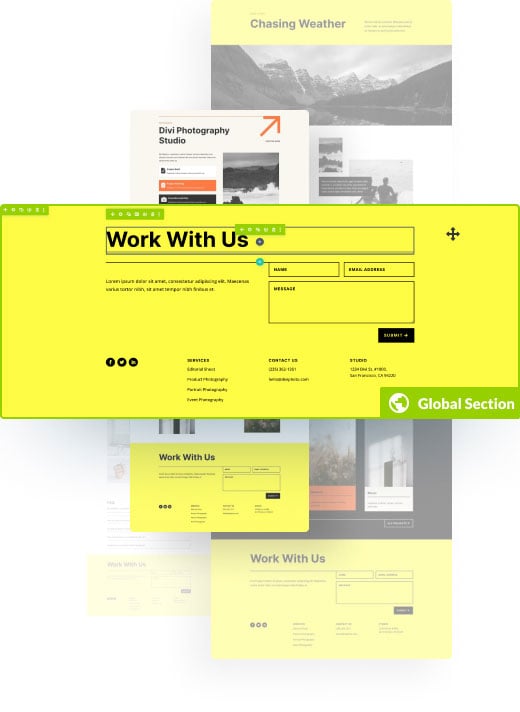
Our Global Elements feature allows you to transform any static Divi element into a dynamic global element that can be used and updated anywhere. Any change you make to a Global Element will update all instances of that element site-wide (including content and design). This is a great solution for keeping consistent design and content for important elements throughout your site like a footer or a call to action.
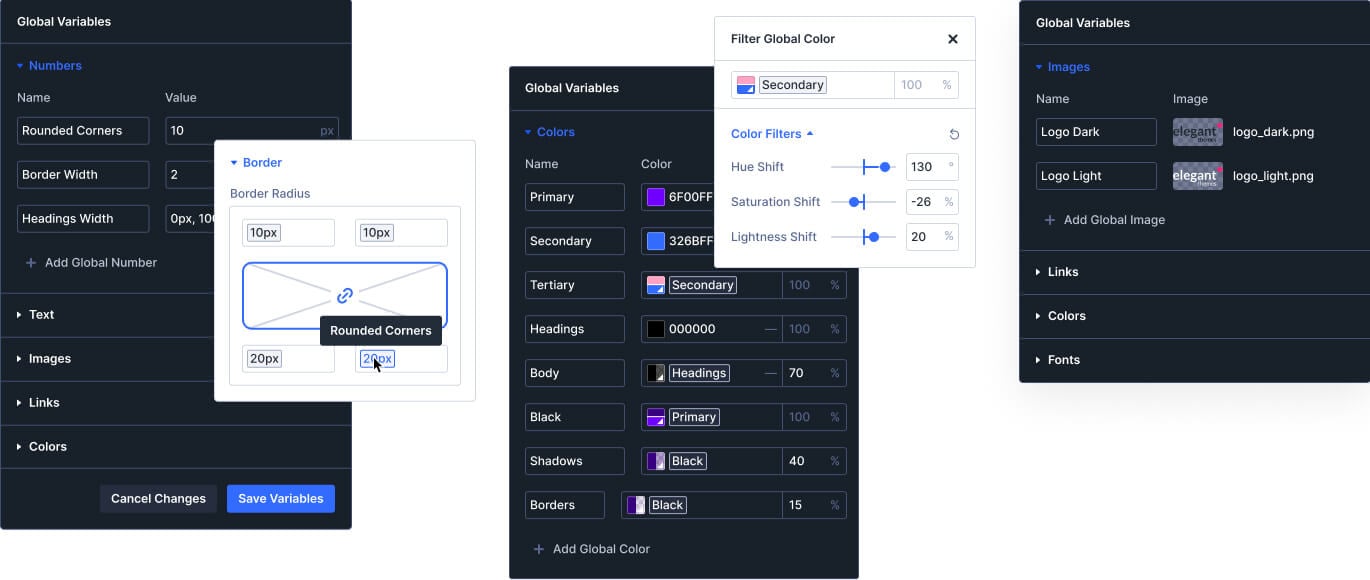
Define global colors, numbers, images, and more for design consistency and speed like never before.
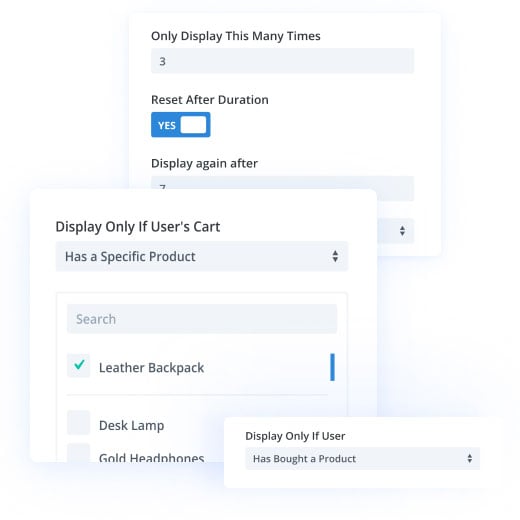
Divi Condition Options are built in to every element of the Divi Builder, allowing you to control the visibility of content using advanced conditional logic. This allows you to display promotions at a specific time and date, show premium content to members only, and so much more. These rules work with, and inside of, Theme Builder templates, giving you extra control over when and where content appears on your website.
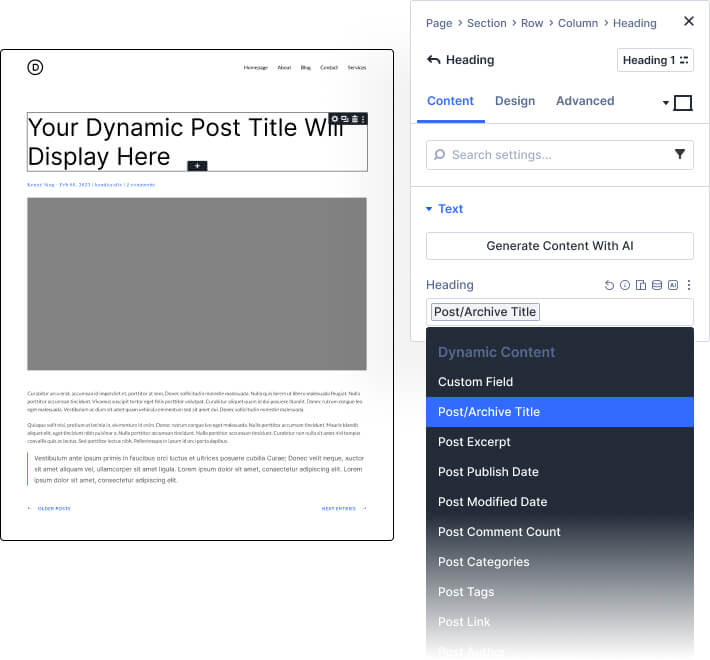
Divi simplifies the process of building a dynamic website by making it easy to pull the dynamic content available on your site and display it using Divi modules. This gives you the power to design dynamic templates without limitations. Use it to create dynamic blog post templates, product pages, and much more. When a piece of dynamic content gets updated on your website (such as a post title), that change is automatically reflected in the template where the dynamic content was used.
The Divi Theme Builder really shines when you see the possibilities first-hand. These example websites give a glimpse of just how powerful Divi can be at building an entire website from top to bottom.
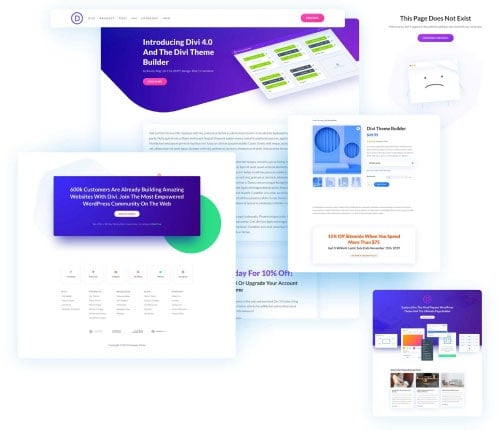
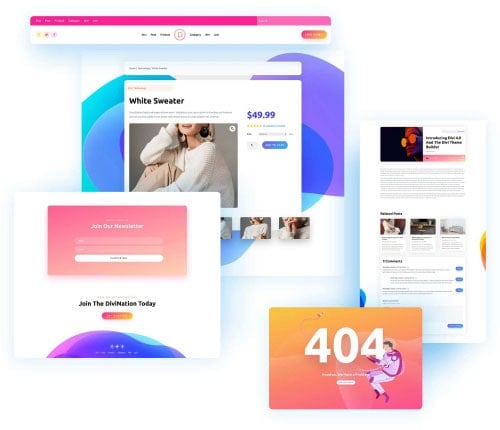
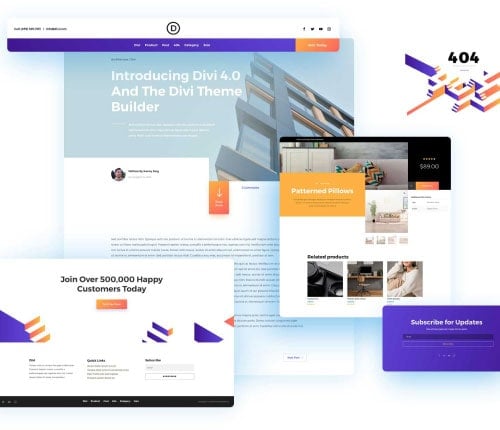
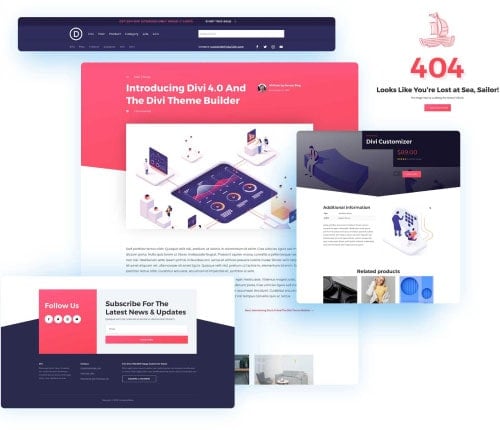
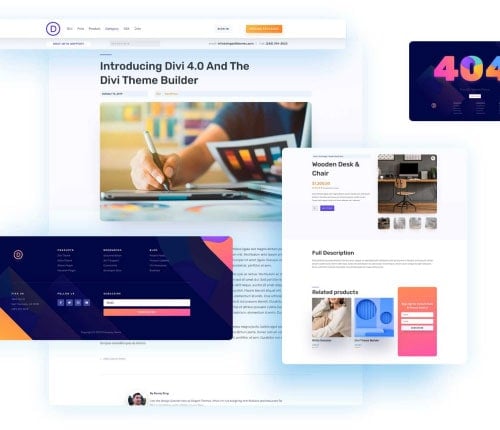
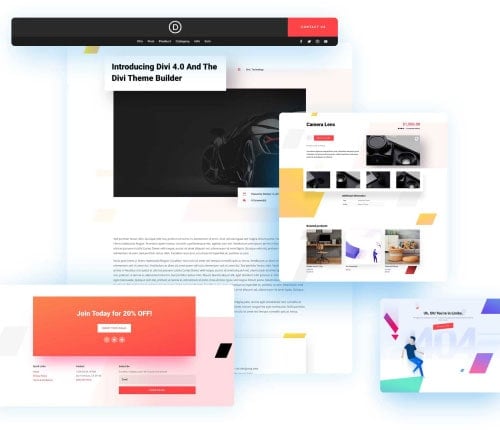
Divi is backed by a thriving community of designers and developers. In the Divi Marketplace, you can find thousands of layouts that you can use in the Divi Theme Builder, including custom headers, footers, post templates, product templates and more.
Visit the Divi Marketplace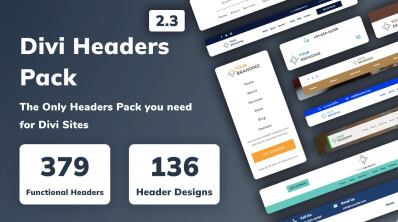
With 50 Easy-Headers & a total of 136 Design headers, it is the only Headers Pack you need for Divi Sites.
View product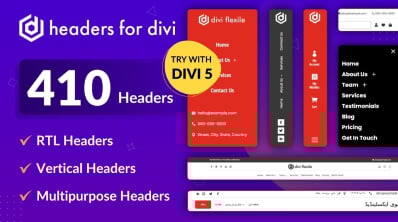
A complete header layout pack for Divi that includes nearly all the header types you need for any kind of website.
View product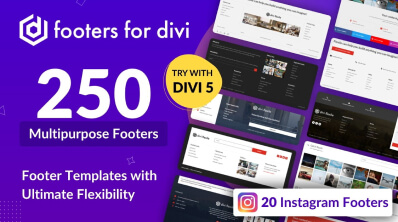
250 Divi footer templates that can be applied to different websites of multiple industries
View product