

There’s so much to talk about in this Divi 5 feature update!
We harmonized field options across all form-based modules, adding additional styling options for form elements such as radio buttons and checkboxes.
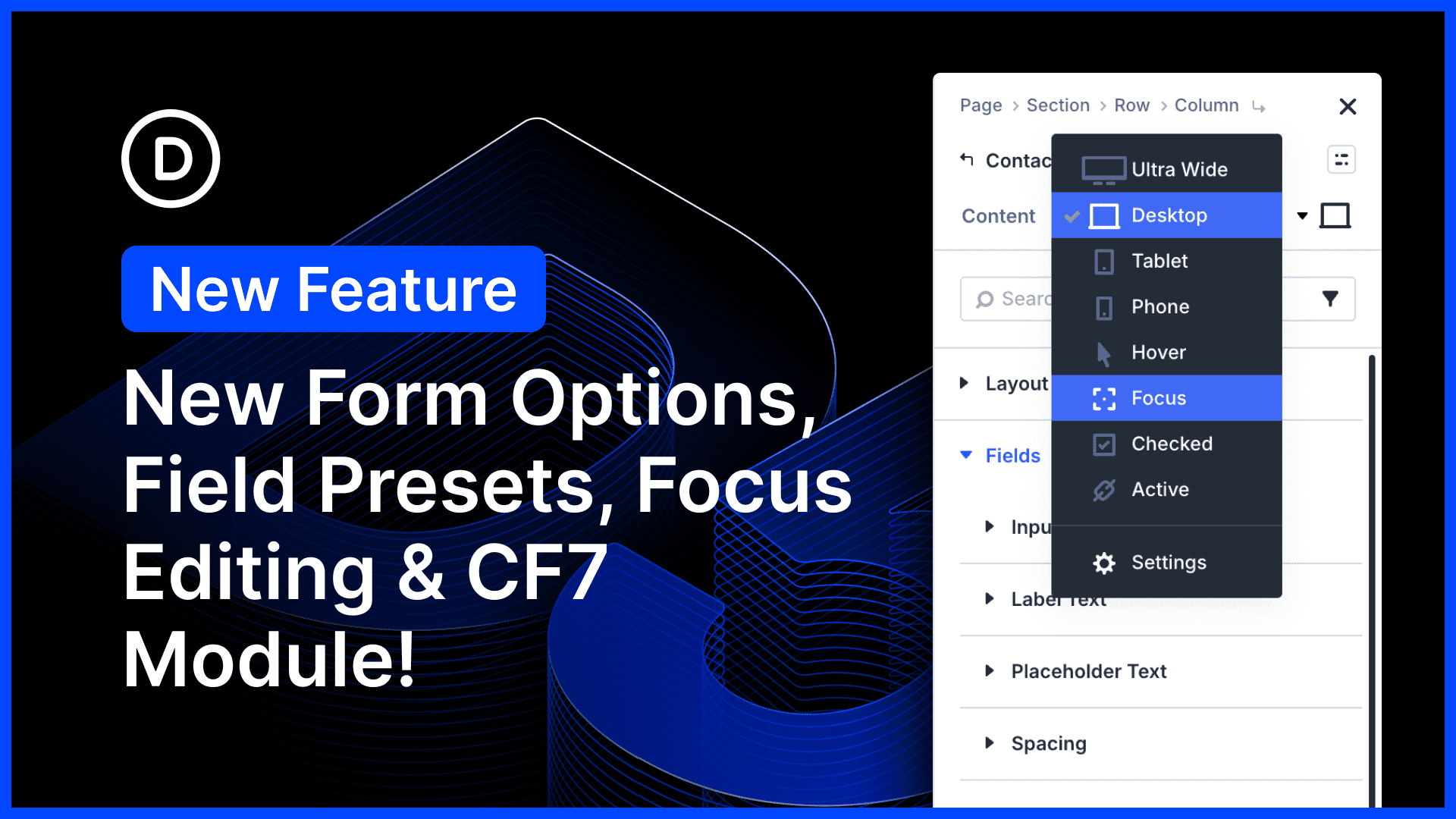
In addition to hover editing, we added new editing modes for field-based pseudo-classes, such as :checked and :focus, giving you full control over your form field design.
New input, checkbox, and radio groups now support presets, making it easy to style all your forms using Divi 5’s modular design system.
Finally, we added a new Contact Form 7 module that lets you render and style forms with Divi’s full design suite. It’s the first of many new modules to come!
There’s much to explore, so let me jump into the builder and give you the full tour. ?
New Form Field Options
We updated all form-based modules, harmonizing the available design options and adding new options to customize different field types. We cleaned up the randomness and added hundreds of new options in the process.
New Input, Radio, and Checkbox Settings
Previously, Divi’s form-based modules had a single Field group for customizing form fields. The available settings were inconsistent and often applied to some input types but not others. You did not have full control over your form’s design.
Now, field design options have been split into Input, Checkbox, and Radio groups, allowing you to customize these field types individually.
Furthermore, additional options for label text and placeholder text have been added to each.
When combined with Composable Settings, you now have full control over your form design, including additional CSS.
Refactoring and Harmonizing Field Options
Divi has many form-based modules, but the form field settings were inconsistent. Some modules had one-off focus-related settings. Some had options to customize label text, while others didn’t. Furthermore, many options were missing; you could customize field background colors, but you couldn’t use Divi’s wide range of background settings (among other things).
Now, every form-based module comes with the same set of input, checkbox, and radio settings, and each benefits from Divi’s entire suite of design options. You can customize everything! No more limitations, and no more unpredictability.
New Pseudo Class Editing Modes
If you are a Divi user, you will know that Divi lets you customize the :hover state of any module. You can switch to hover editing and customize any of Divi’s design options. When a user hovers over an element, the design transitions to its hover style.
Now, you can customize additional pseudo-classes related to forms, including :focus and :checked.
Divi’s old focus-specific design options have been deprecated and migrated to focus mode.
Form Field Presets
Form field groups now support presets! You can create presets for inputs, radios, and checkboxes to keep your form design consistent across all modules.
Instead of customizing each form-based module individually, simply adjust your form field presets, and all modules will assume that base design.
Contact Form 7 Module
The new Contact Form 7 modules let you choose from any CF7 form and render it inside a Divi block. Then, you can customize every aspect of its design using Divi’s new form field settings and presets.
This is the first of many more integration-based modules to come, tightening Divi 5’s native compatibility with your favorite third-party plugins.
Modified Settings Dot
One more thing! You’ll notice a new blue dot in the settings panel, indicating that a setting has been modified and that an option group contains modified settings.
In addition to the modified settings search filter, this makes it easier to see at a glance which parts of an element have been modified.
It’s just a little dot, but it’s also a major quality-of-life improvement.
Try Divi 5 Today
Complete site editing is now available for Divi 5. Give it a try and let us know your thoughts.
We rebuilt Divi from the ground up and packed it full of dozens of your most requested features. Forget everything you thought you knew about Divi, because Divi 5 is an entirely different beast.
Have You Tried Composable Settings for Divi 5?
In case you missed it, we recently released Composable Settings for Divi 5.
Now, you can enable any of Divi’s design options for any module sub-element.
Composable Settings completely harmonizes the available settings for Divi modules, which means you’ll never have to use CSS to fill the gaps; enable sizing options for buttons, animation options for titles, and everything in between.
It opens up hundreds of new possibilities.
Watch this video for all the details. ?
More Divi 5 Updates Are On The Way
The features keep coming, and we aren’t slowing down anytime soon!
If you are enjoying these updates, do us a huge favor and let us know by liking this video and leaving a comment. It means a lot to us to see you cheering Divi on, and it’s essential to feed the algorithm and spread the word.
Don’t forget to follow us on YouTube and subscribe to the Divi newsletter so you never miss an update. I’ll see you soon for another Divi 5 feature announcement, which I promise will be right around the corner. ?













Great work i love it .. i wish to add submission forms on dashboard .. add read, update, delete forms operations with creating custom views as i want .. custom login, register and lost password forms with changing urls .. i think it will be great ideas.. but at all great work from ET team
Glad that we are continuing to have more modules and features added. I did see in the post that with the addition of CF7 that “this is the first of many more integration-based modules to come.” I am curious how you are deciding which modules to create compatibility with or if there will be an easier way to integrate 3rd party plugins such as Gravity Forms. I am asking because plugins such as Gravity have a larger range of options when creating forms and would like to seamlessly integrate it into my divi workflow/builds. Thanks for all the good work.
Thanks so much and that’s a great question! ? Our goal with integration-based modules is to make popular tools feel more native inside the Divi workflow, and feedback like this helps shape what comes next. Gravity Forms is definitely the kind of plugin we know many users would love to integrate more seamlessly into their builds. ✅
Gravity Forms, of course
Gravity forms next please!!!
Great free and pro form builder – Forminator, please…
Thats a great update! I love the blue dot. It’s very useful.
By the way, it would be very helpful to have an option to disable the “place module inside module” function. When moving elements via drag and drop, modules often end up inside other modules by accident, or additional columns are created unintentionally. Being able to turn this feature off would make editing much easier and help avoid these mistakes.
Thanks so much! We’re glad the blue dot has been helpful. ?
And that’s great feedback too: having an option to limit accidental nesting or unintended column creation during drag and drop would definitely make editing feel safer and more precise. We’ve created a feature request for it, on your behalf, and have submitted to our development team for consideration. ?
All these improvements are great, but I’d really like to see a field allowing native file uploads on the Divi form 🙂 !!
True, all the mentioned improvements are good but none of them is greater than native file uploads (incl. multi-file uploads) for Divi form. I’m certain many are needing/requesting this feature. Consider me naive but I hope that in the very very near feature this will be added.
Yah! I love the little blue dots! I actually suggested this feature a long time ago! 😉
I wonder why ET chose CF7, I know its a common and popular plugin, but just recently they announced a feature freeze and CF7 will not get anymore updates and will just be maintained. Which basically means its a dead end in the near future. Other plugins like gravity, formidable, fluent or forminator seem to be way better options by now.
10+ million active installations is why…
They will have more modules soon for ones like Gravity forms and other contact form plugins.
Forminator please, because their design options are very tedious to work with.
Hopefully you can build it inside a generic ‘contact form styler’ module, rather than have a separate module for each contact form plugin out there.
I say that one will happen after the king of the premium paid contact form plugins gravity forms gets a module. You can not skip Forminator for sure.