

Divi 5 makes it easy to display information in a way that is clean, scannable, and easy to compare. In this free pack, you will find 7 Styled Large List Sections, designed for services, feature breakdowns, step-by-step processes, schedules, specs, and other data-heavy content. Drop one onto any page, swap the text, and you are ready to go. No extra setup required.
Preview
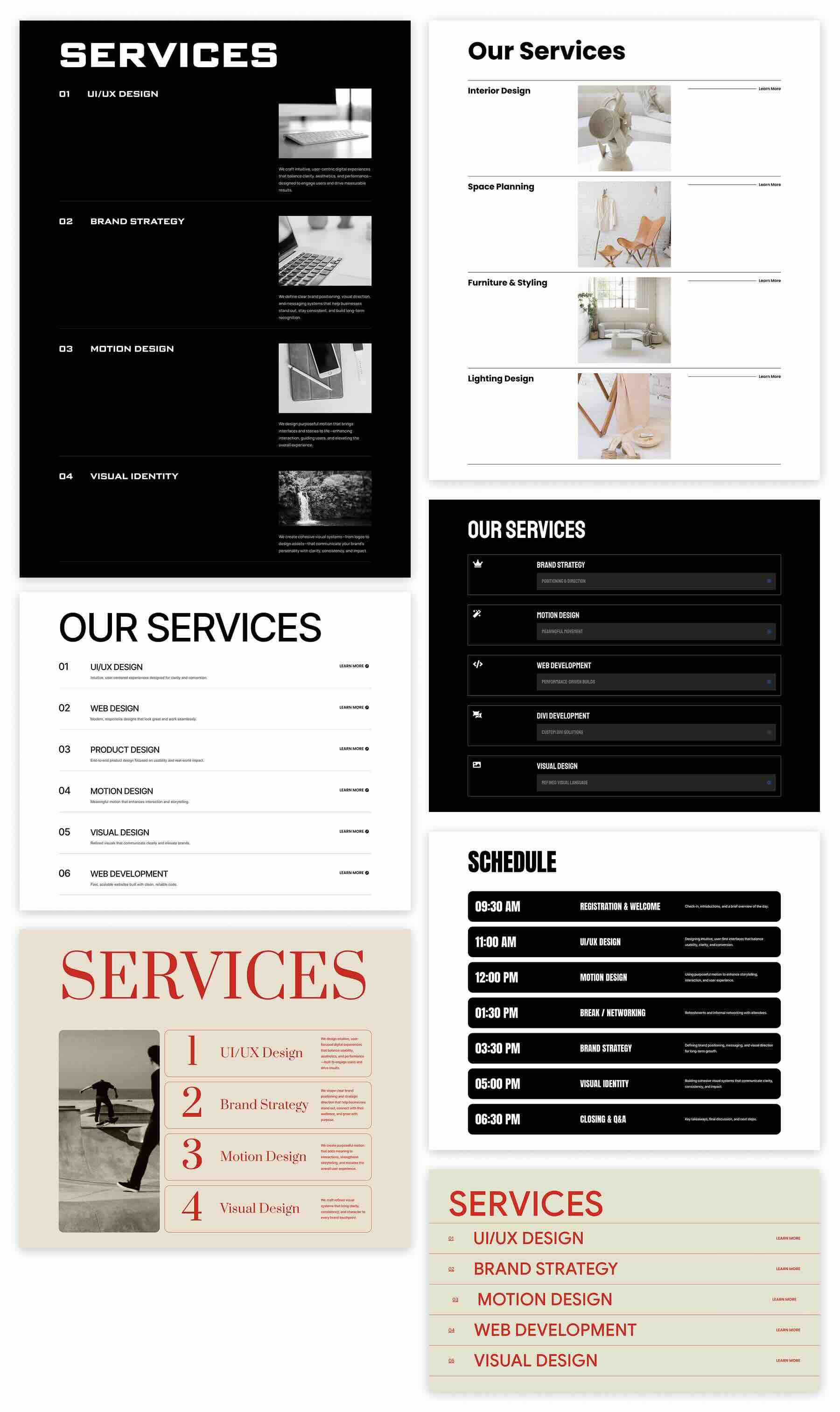
Here’s a quick look at all 7 Styled Large List Sections included in the pack. The download is further down the post.
Download 7 Styled Large List Sections For Divi 5
Get all 7 sections for free. Import them into your Divi Library and add them to any page in the Visual Builder.

What’s Included (8 Exports)
After you download and unzip the file, you’ll find 7 Styled Large List Section exports, plus 1 file containing all designs.
Styled – Large List Section 1 to 7 (7) → Seven large list section layouts for services, features, steps, and comparisons, featuring modern typography, clear row structure, and polished “learn more” styling.
Styled – Large List Sections (All) → Imports all designs to your Divi Library at once.

How To Use The Styled Large List Sections
Keep your download folder handy. We’ll import, then add a section to a page.
1. Import Sections Into The Divi Library
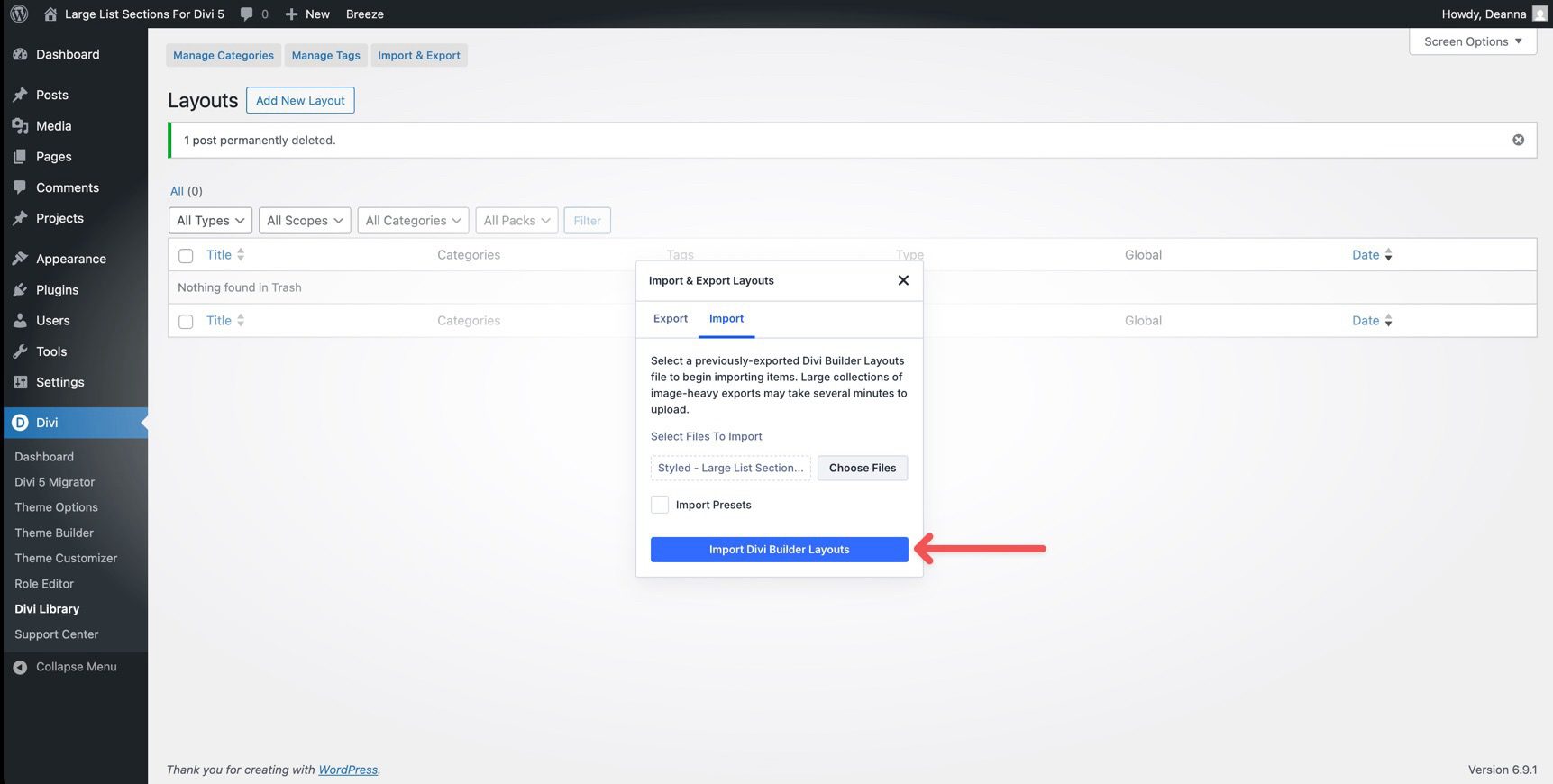
Go to Divi → Divi Library. Click Import & Export at the top of your screen.
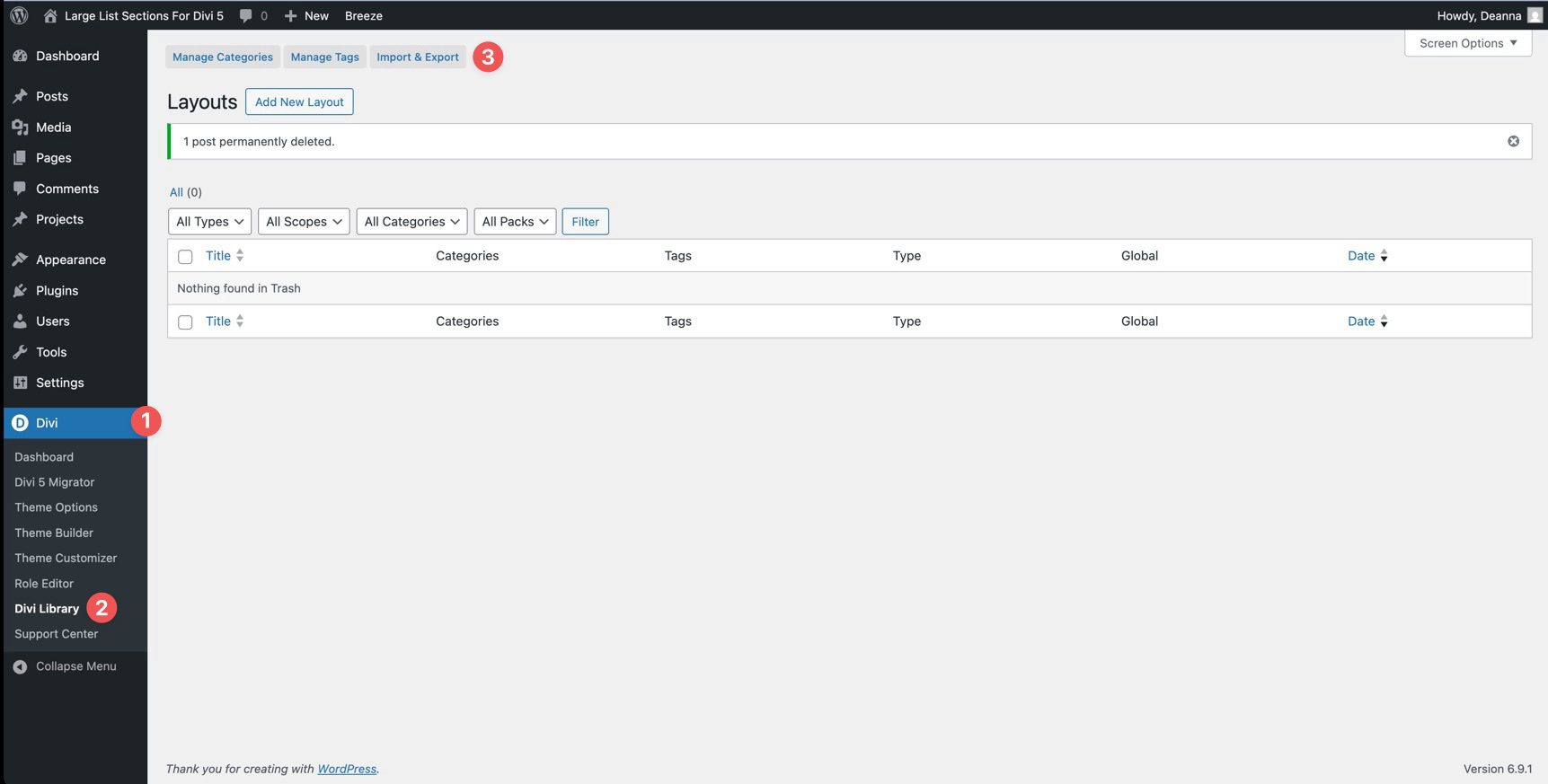
In the Import & Export Layouts modal, switch to the Import tab, then click Choose File and select your JSON.
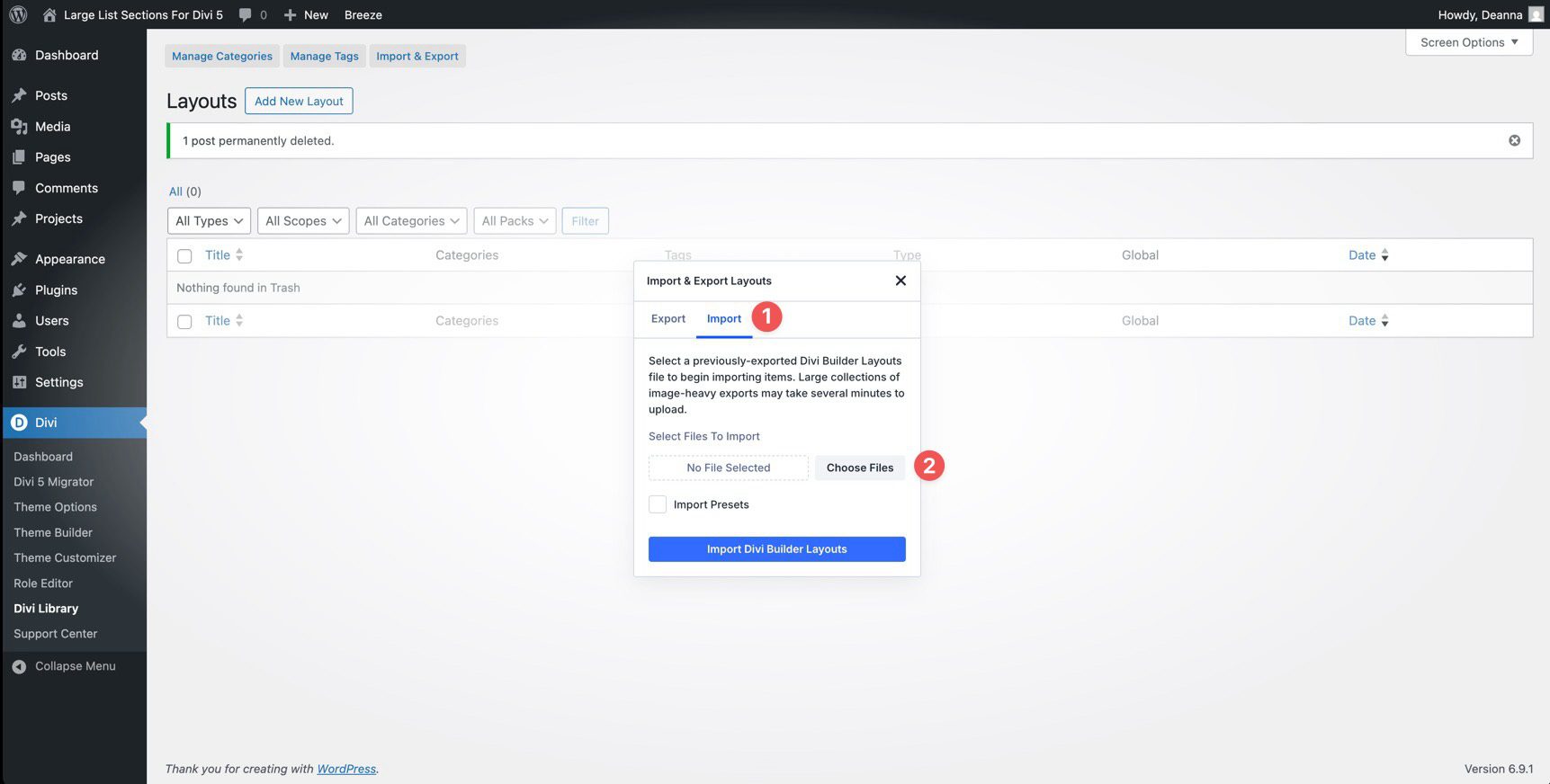
Choose any Styled Large List Section JSON you want to use, then click Import Divi Builder Layouts.
2. Add A Styled Large List Section To Any Page
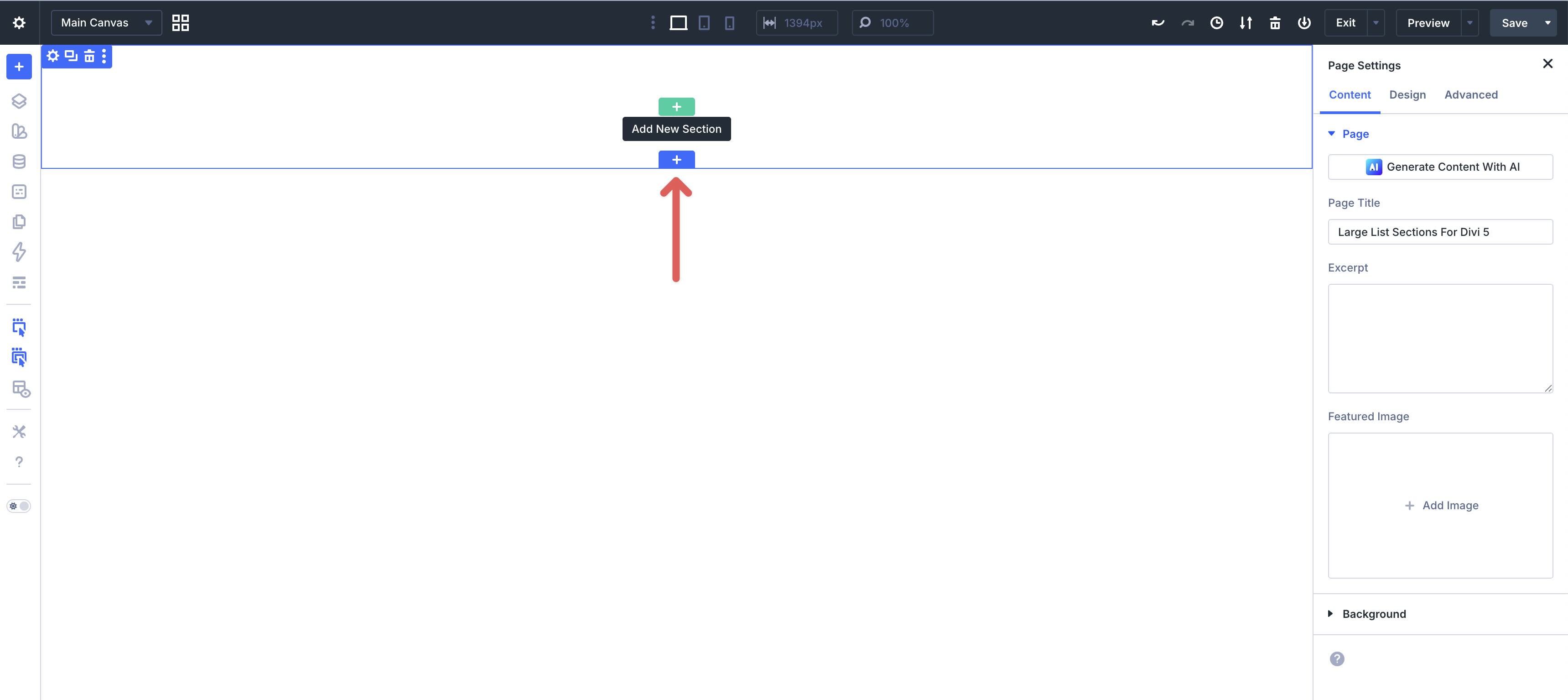
Open a page in the Visual Builder and add a new Section.
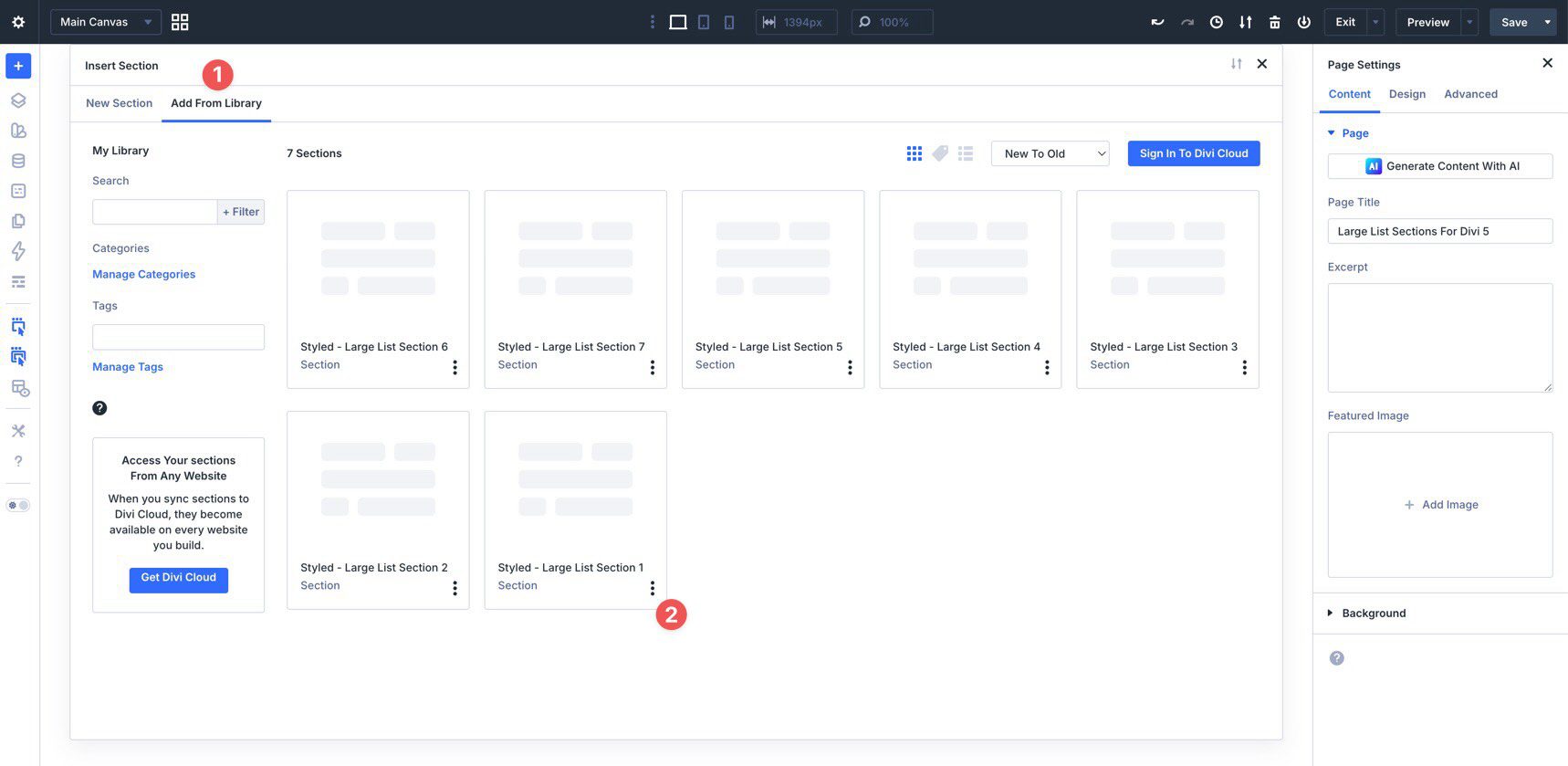
In the Insert Section modal, click Add From Library and select a Styled Large List Section layout.
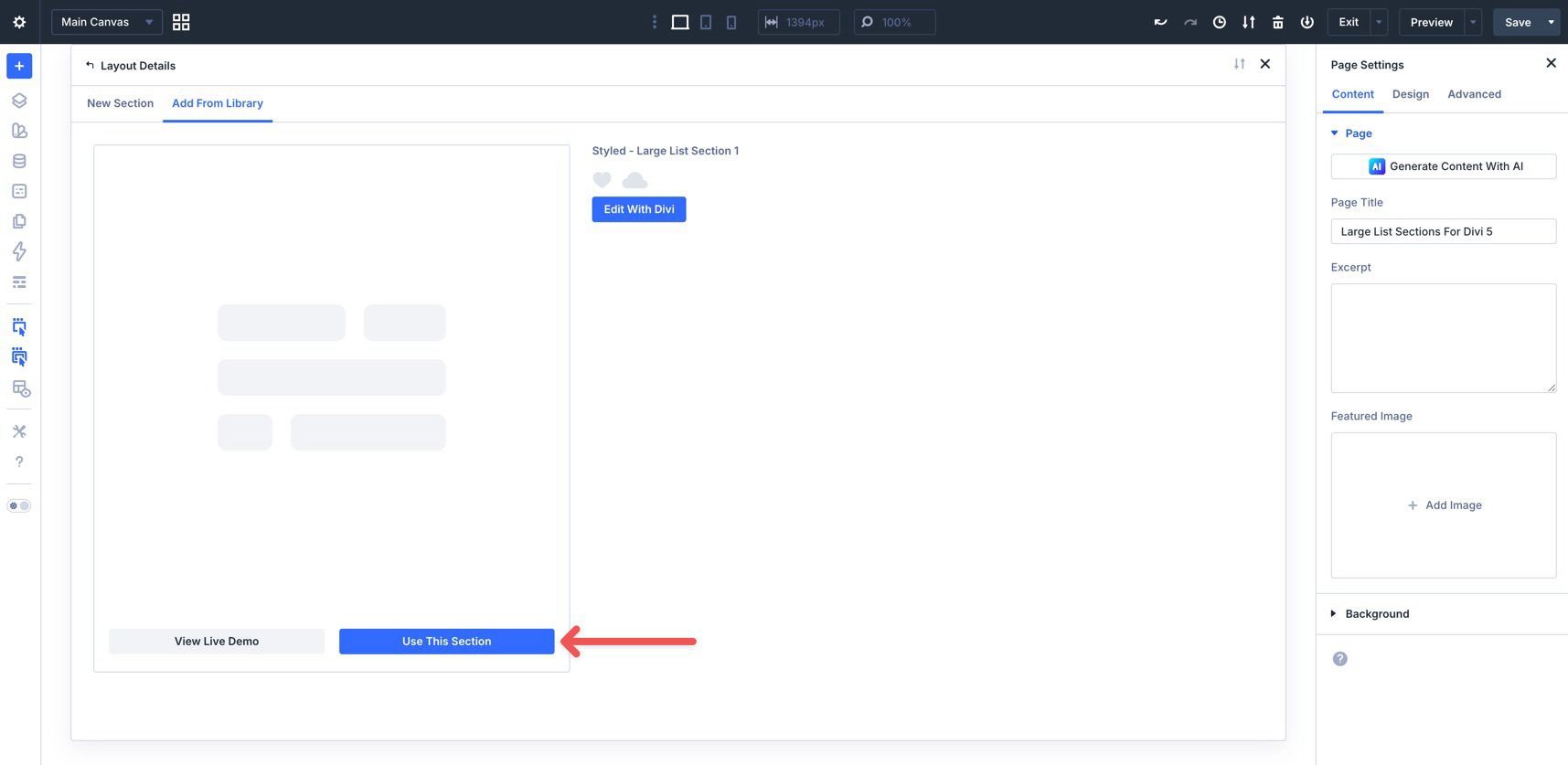
Finally, click Use This Section.
3. Swap The Content
Once the section is on the page, replacing the placeholder content takes just a few clicks. Start by updating the title and supporting text so visitors understand what the list covers.
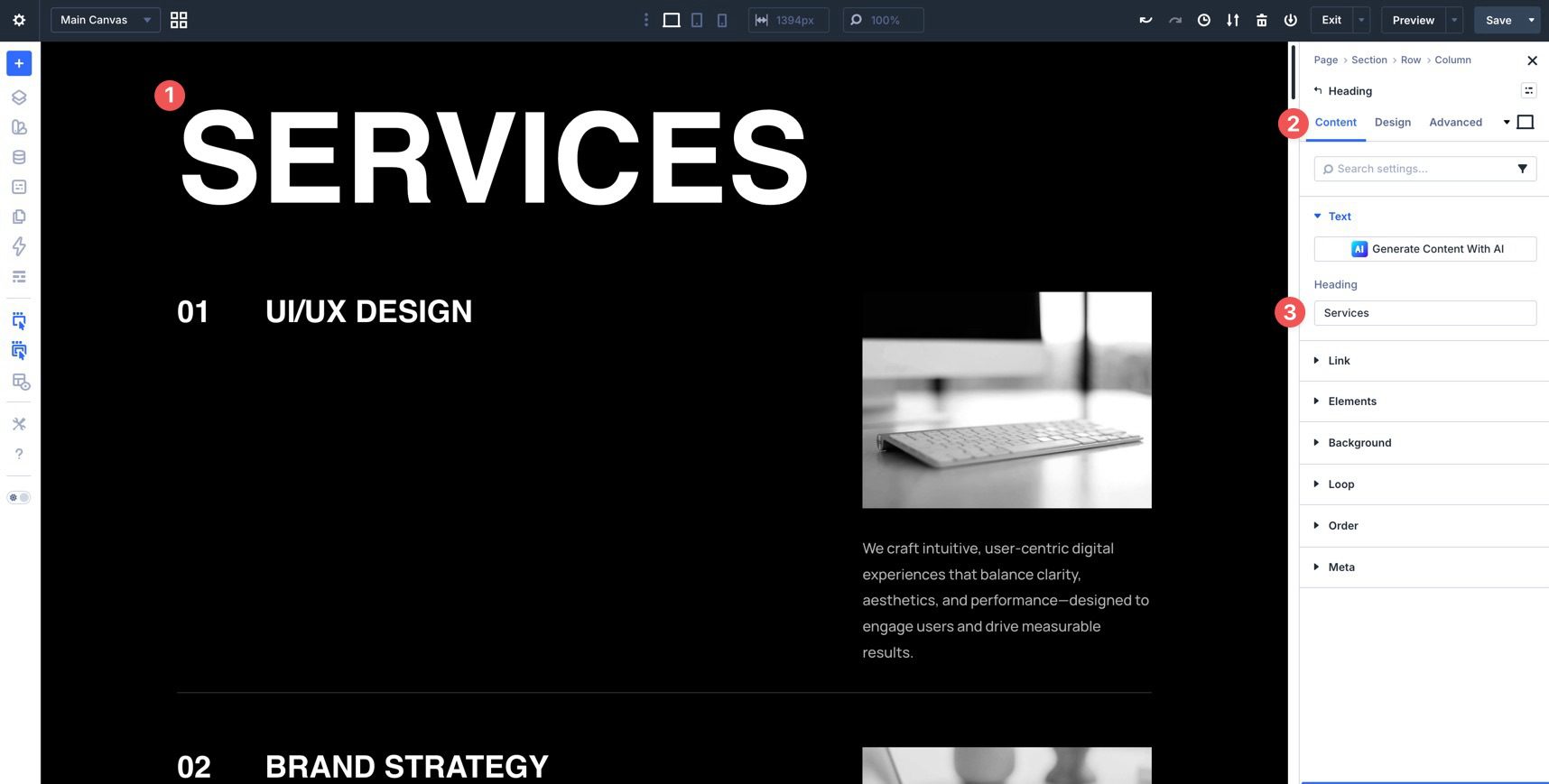
Next, click each list item and replace the placeholder labels, descriptions, or metadata (such as dates or times). Update the item titles first, then the supporting text to keep the hierarchy consistent.
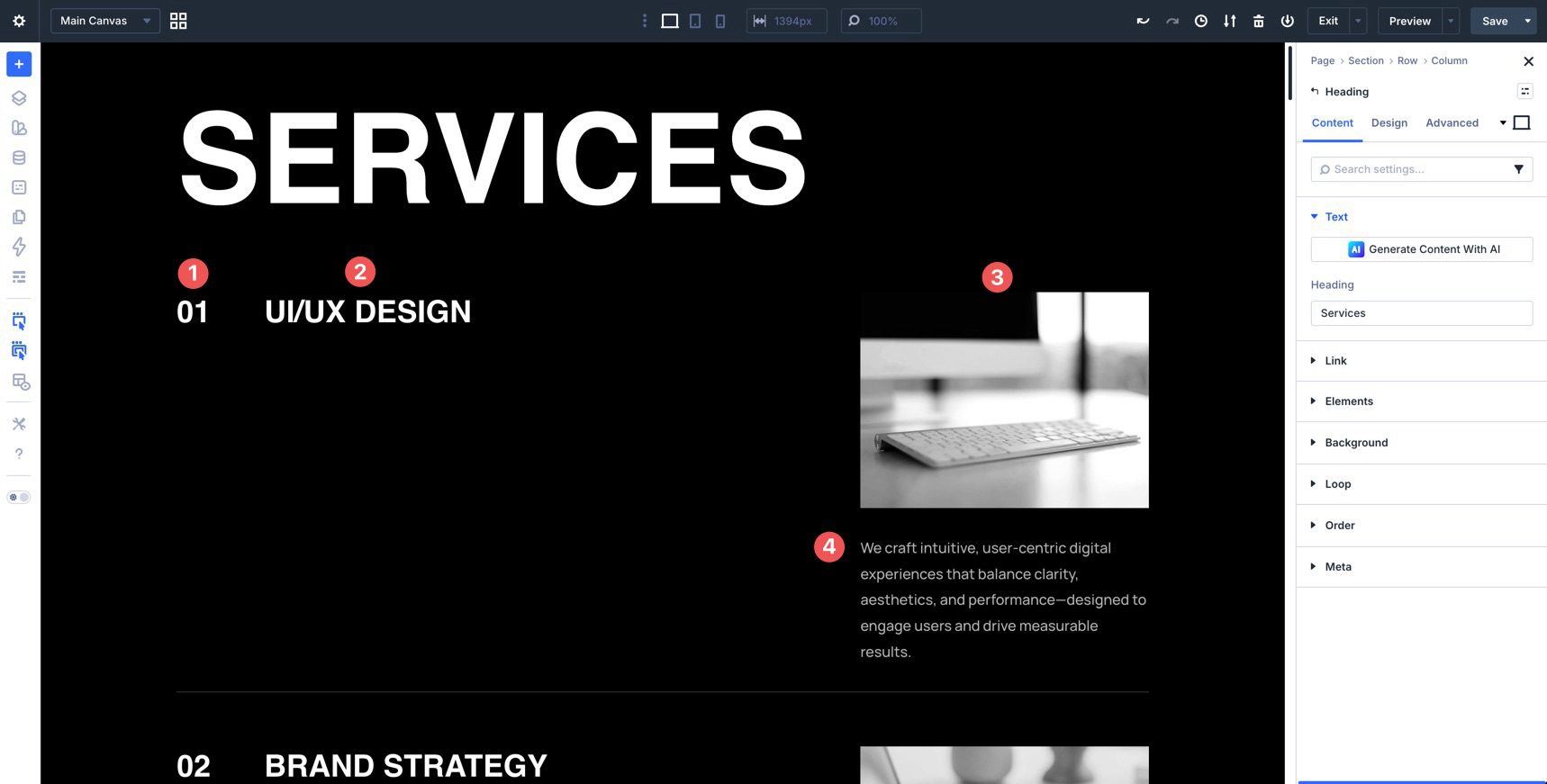
If you want to add or remove list items, duplicate an item module (or the row group used for each item), then update the text. Keep spacing and alignment consistent so scanning stays effortless.
4. Adjust Styles (Optional)
You can easily match these large lists to your brand by updating typography, colors, borders, spacing, and background treatments.
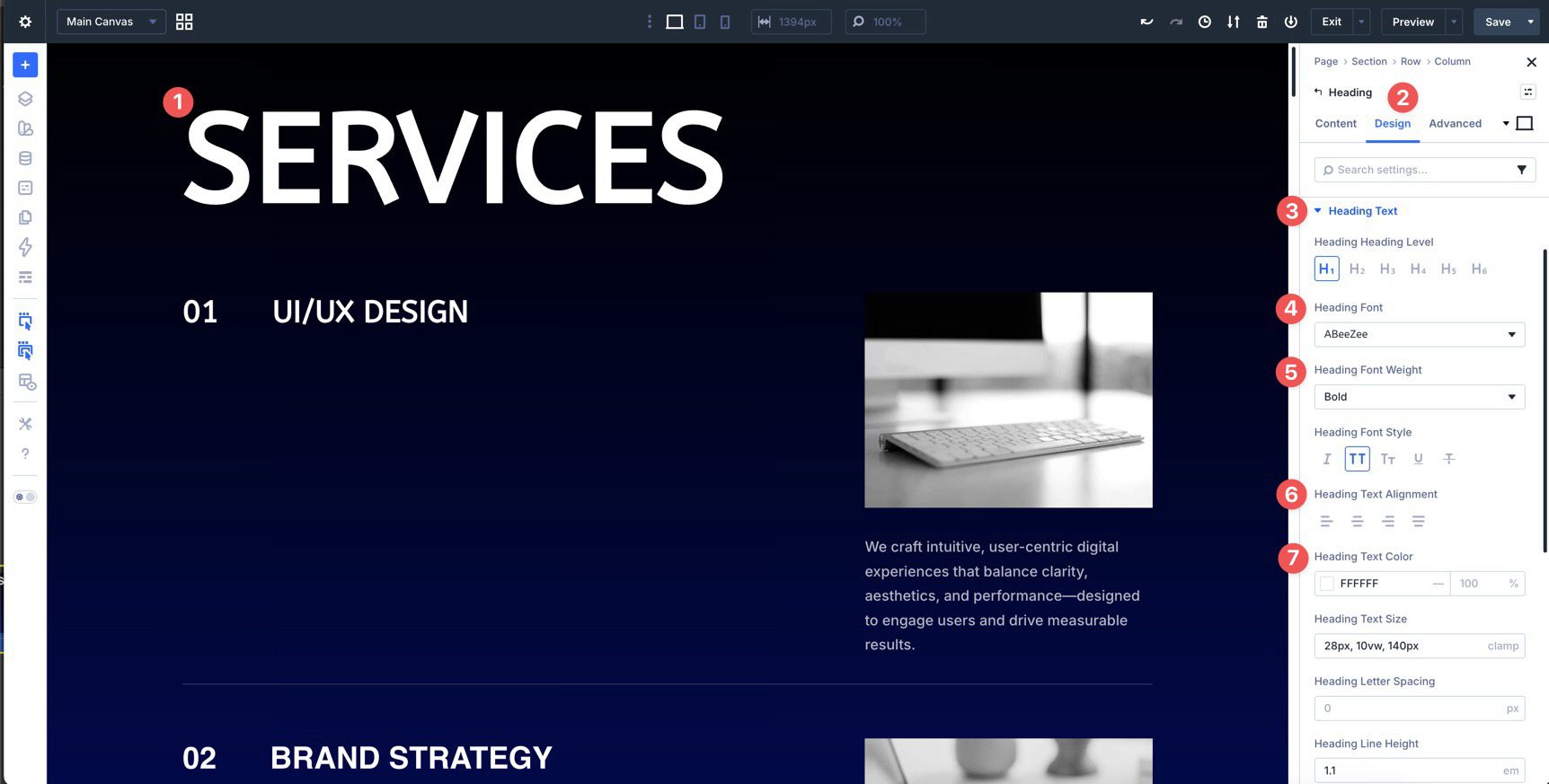
To change typography, open any Text or Heading Module and go to the Design tab. Expand the Text dropdown menu to adjust Font, Font Weight, Text Alignment, and Text Color. If your layout includes a section title, update the Heading Module to keep hierarchy clear.
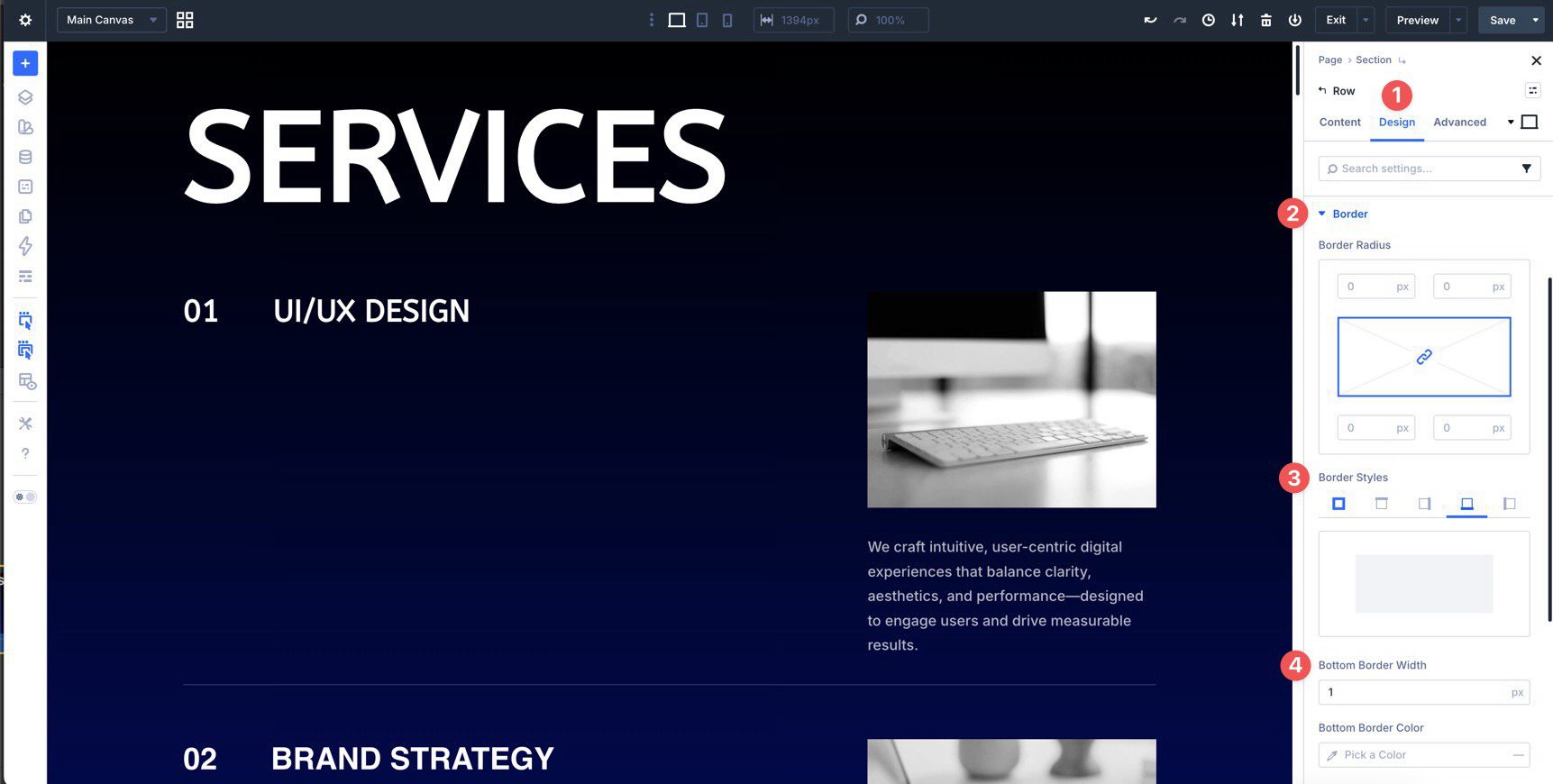
To refine the list item look, adjust dividers, borders, and item spacing. Open the module controlling the item container (or the parent row) and use the Design tab to tweak Border Width, Border Color, Border Radius, and Padding.
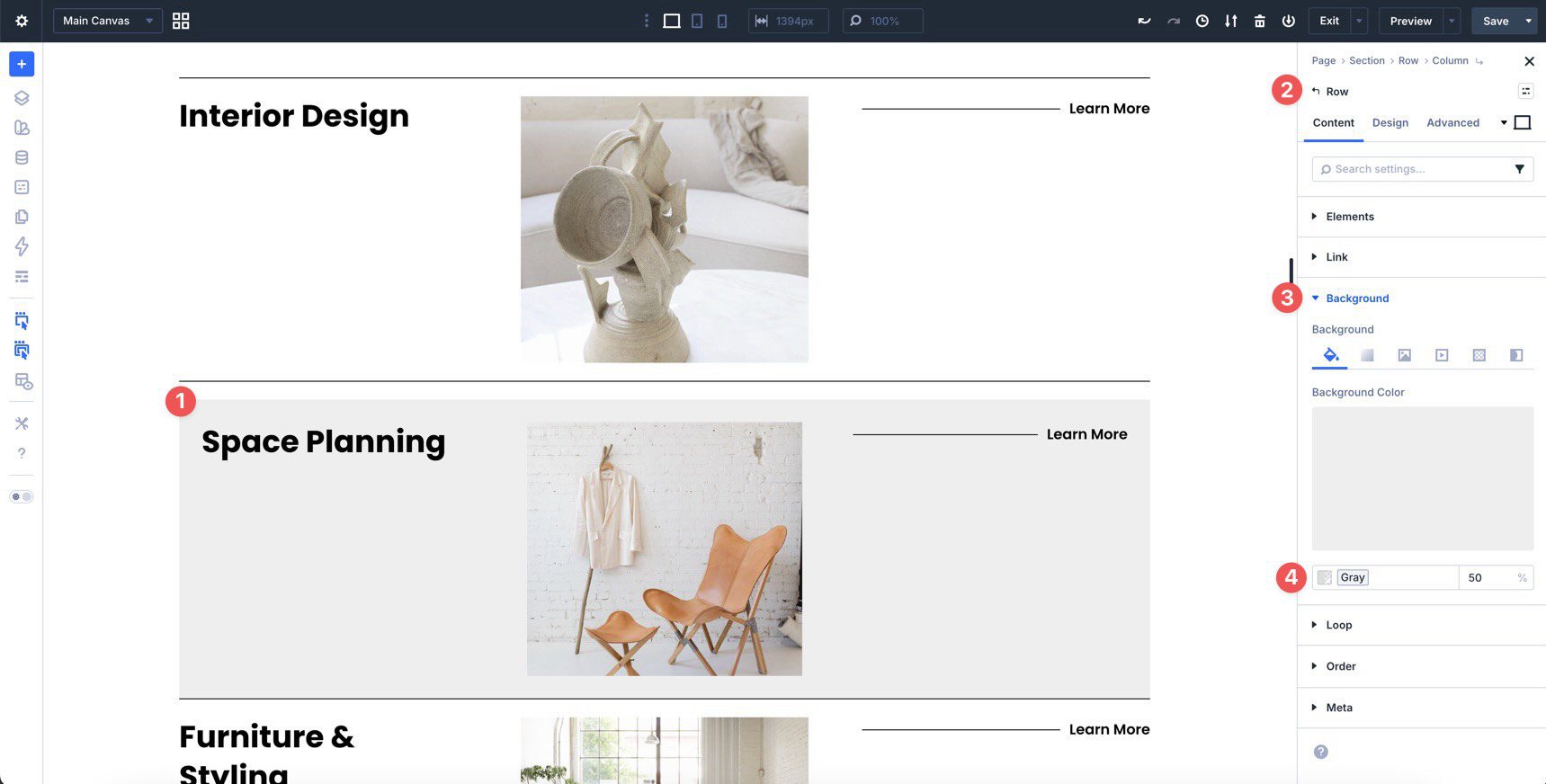
For zebra striping or highlighted items, update the background colors of alternating rows. This improves readability and makes long lists easier to scan.
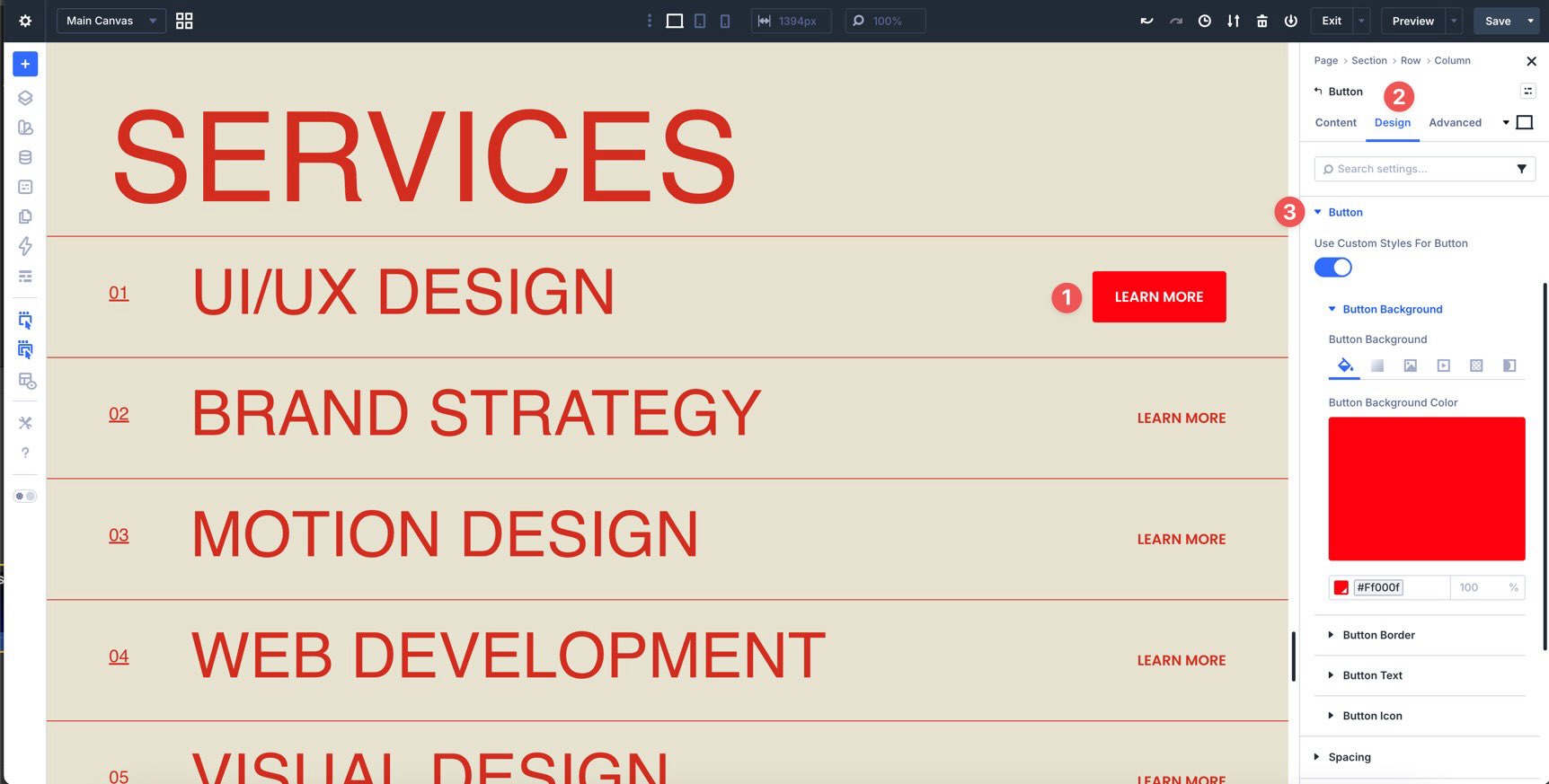
If your list includes buttons or “learn more” links, style them in the Design tab so primary actions stand out while secondary actions stay visible but quieter.
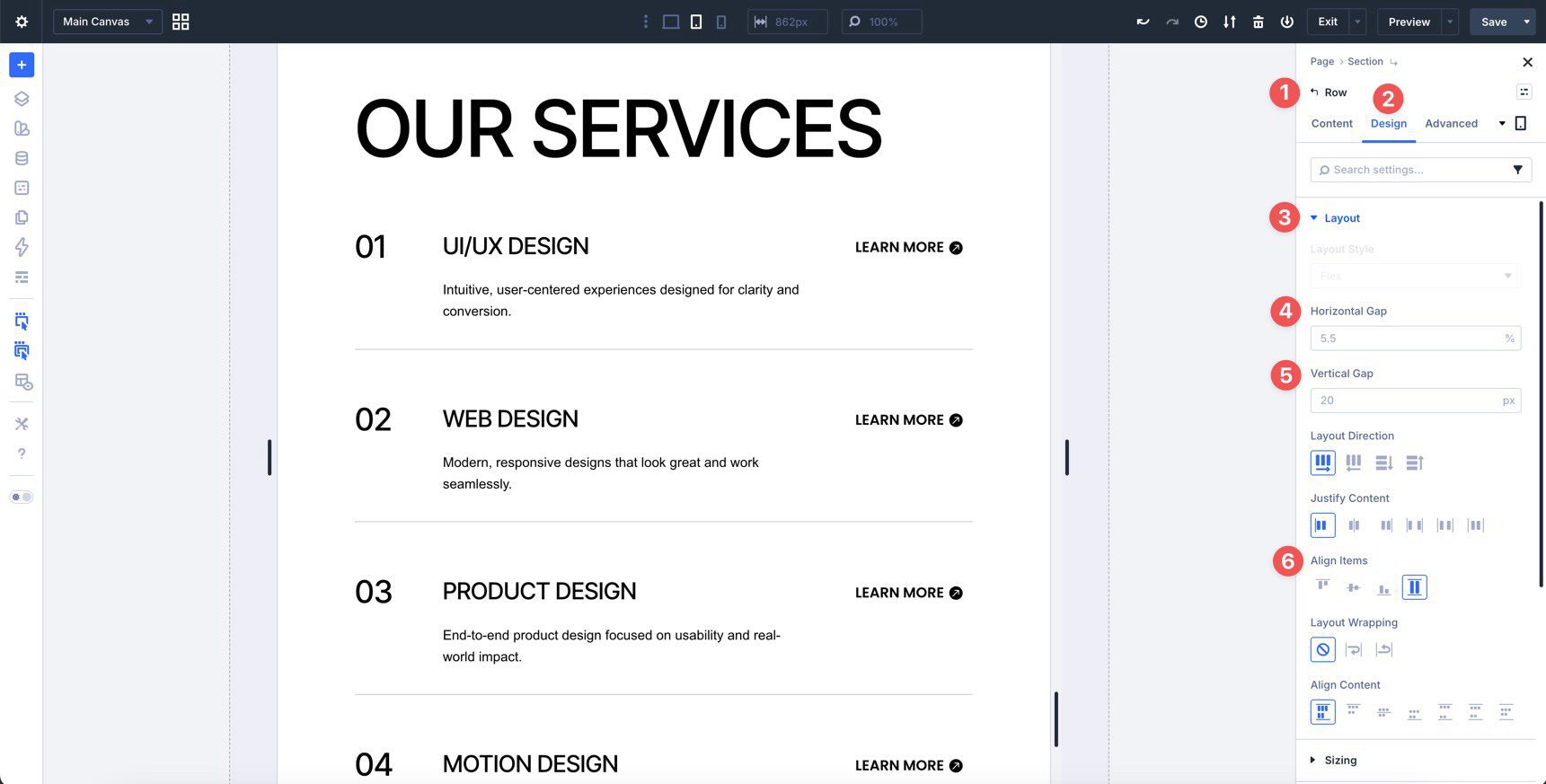
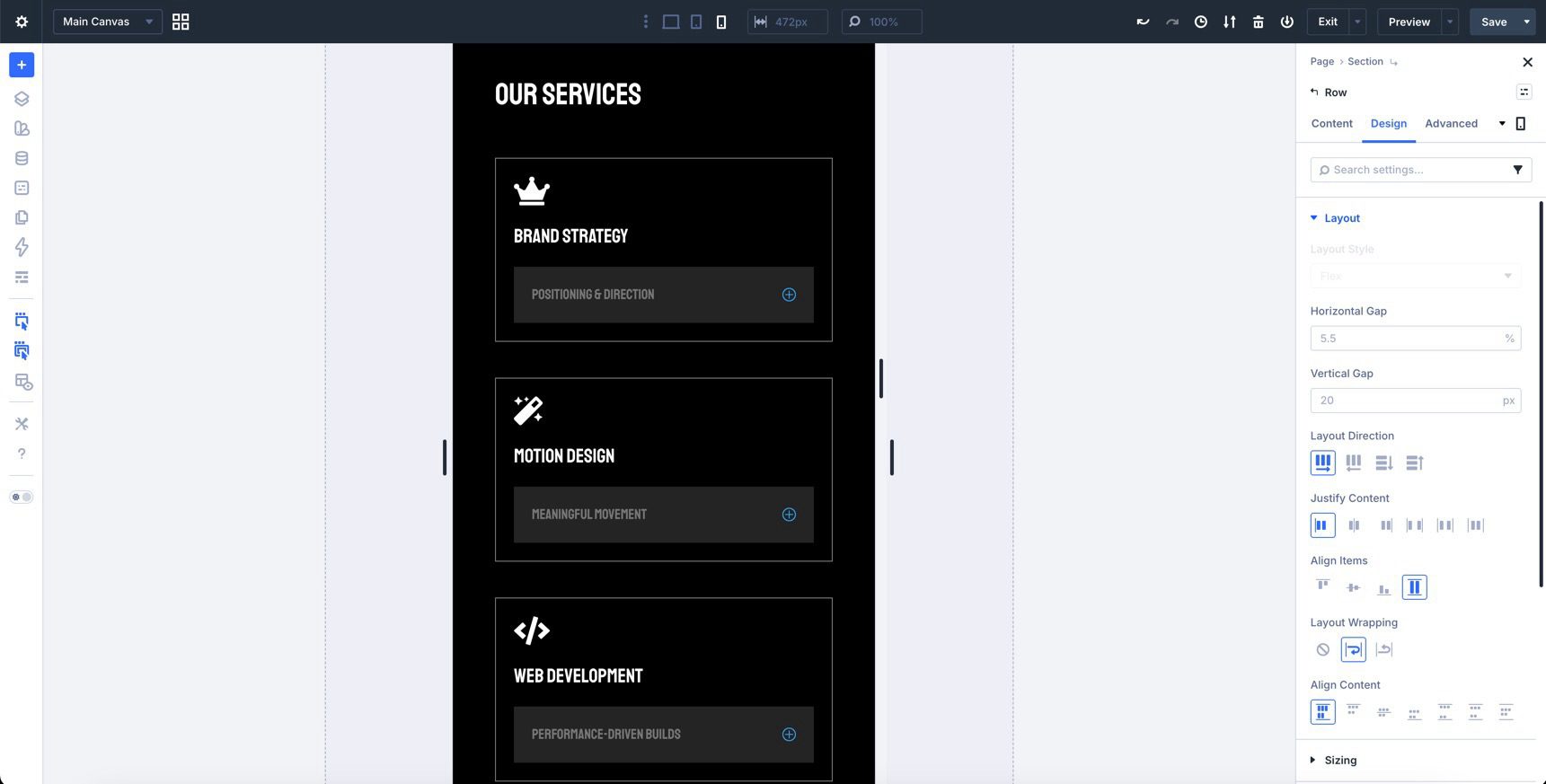
Use Divi’s layout settings to adjust Flex properties, such as alignment and spacing, particularly when refining how numbers, titles, and right-aligned actions behave on smaller screens.
Tips For Effective Large Lists
Large lists work best when they are easy to scan and easy to understand. Use these quick wins to keep your sections clear and useful.
Start With Clear Labels
Each item title should quickly communicate what it is. Keep labels short and consistent so visitors can scan the list without effort.
Use Visual Hierarchy
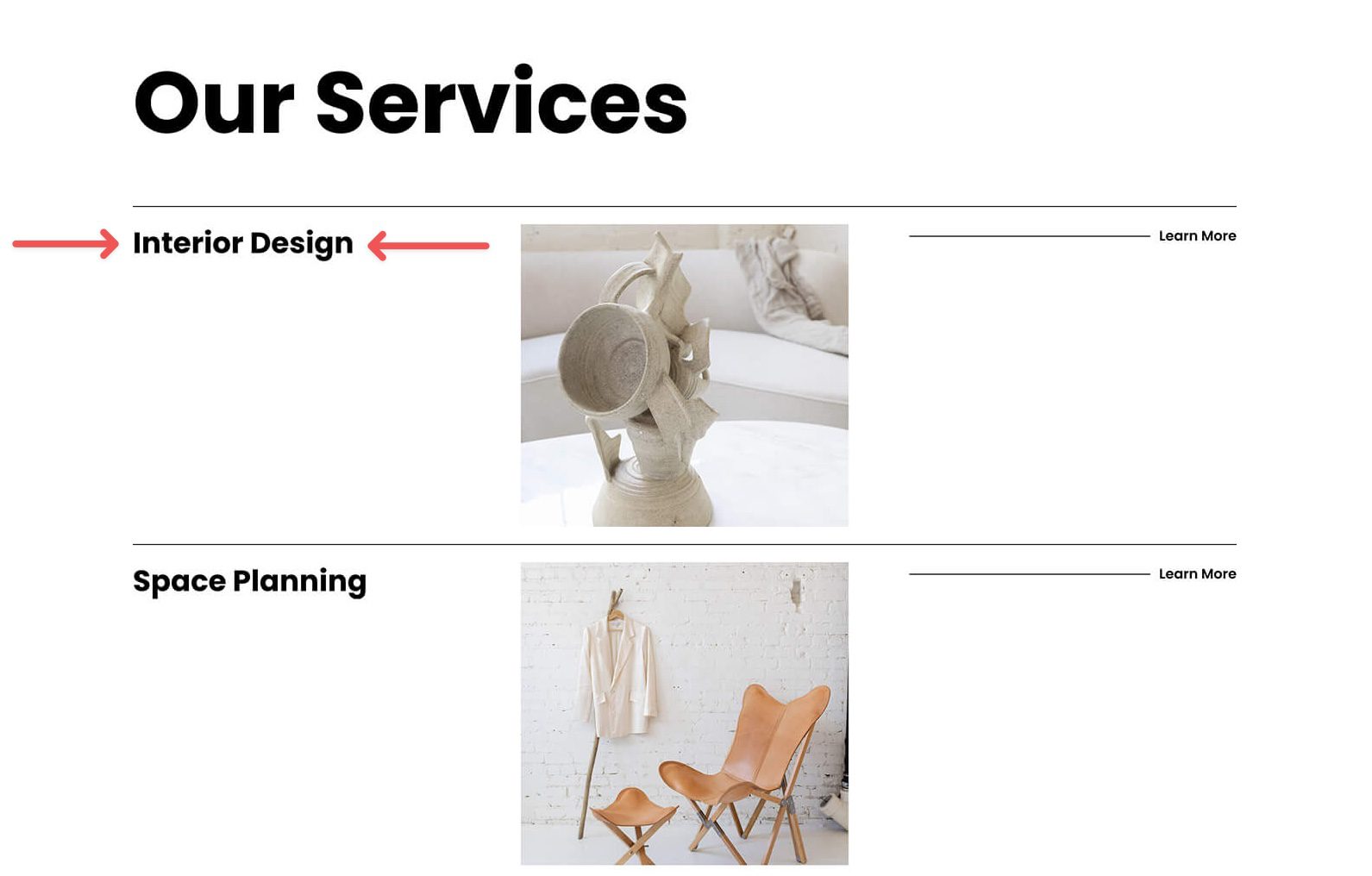
Emphasize what matters most—numbers, item titles, or a featured line—using font weight, spacing, and subtle contrast. This guides attention without making the section feel busy.
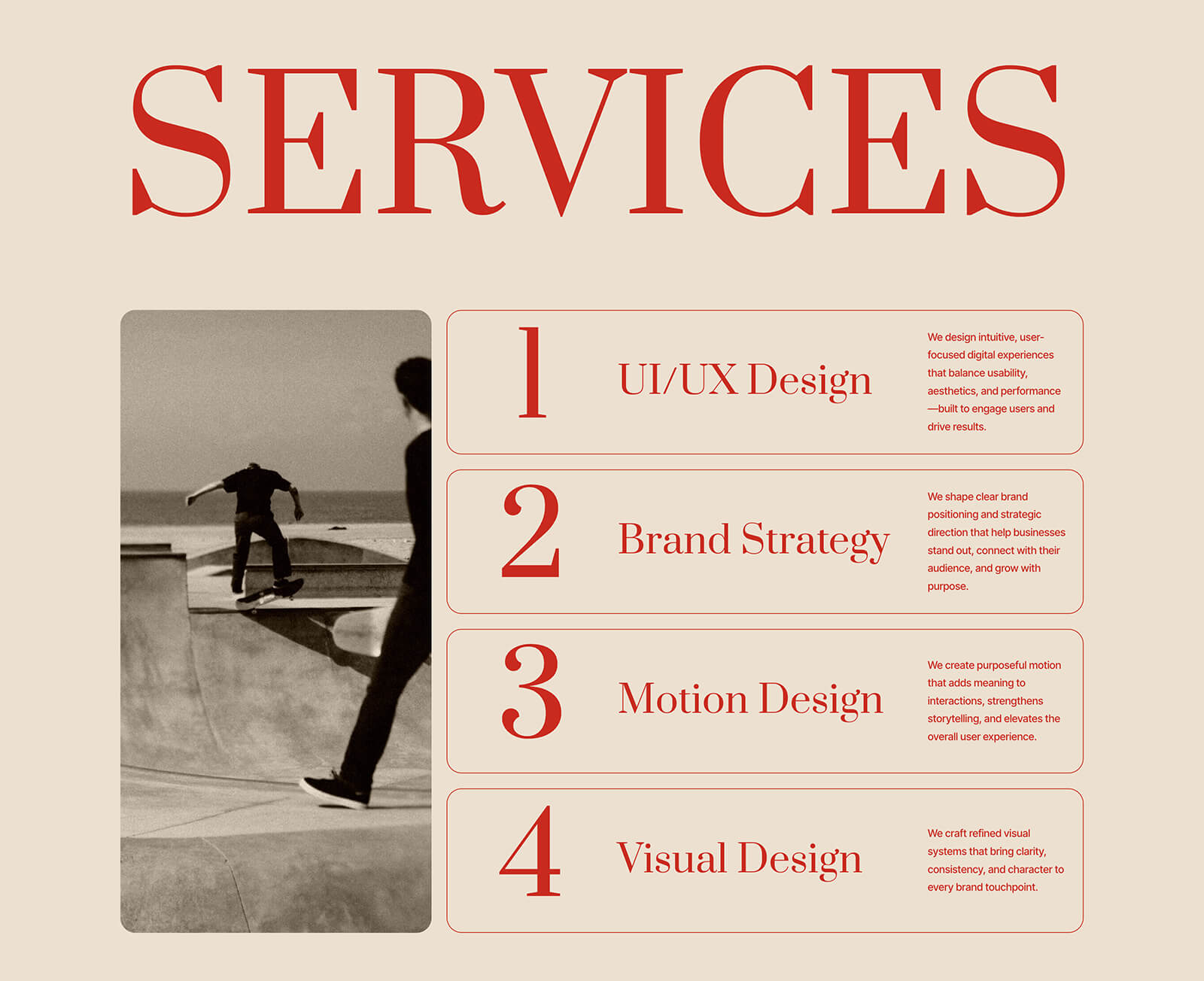
Keep Alignment Consistent
Align similar content the same way. For example, left-align titles and descriptions, and right-align actions like “Learn More.” Consistent alignment improves scanning.
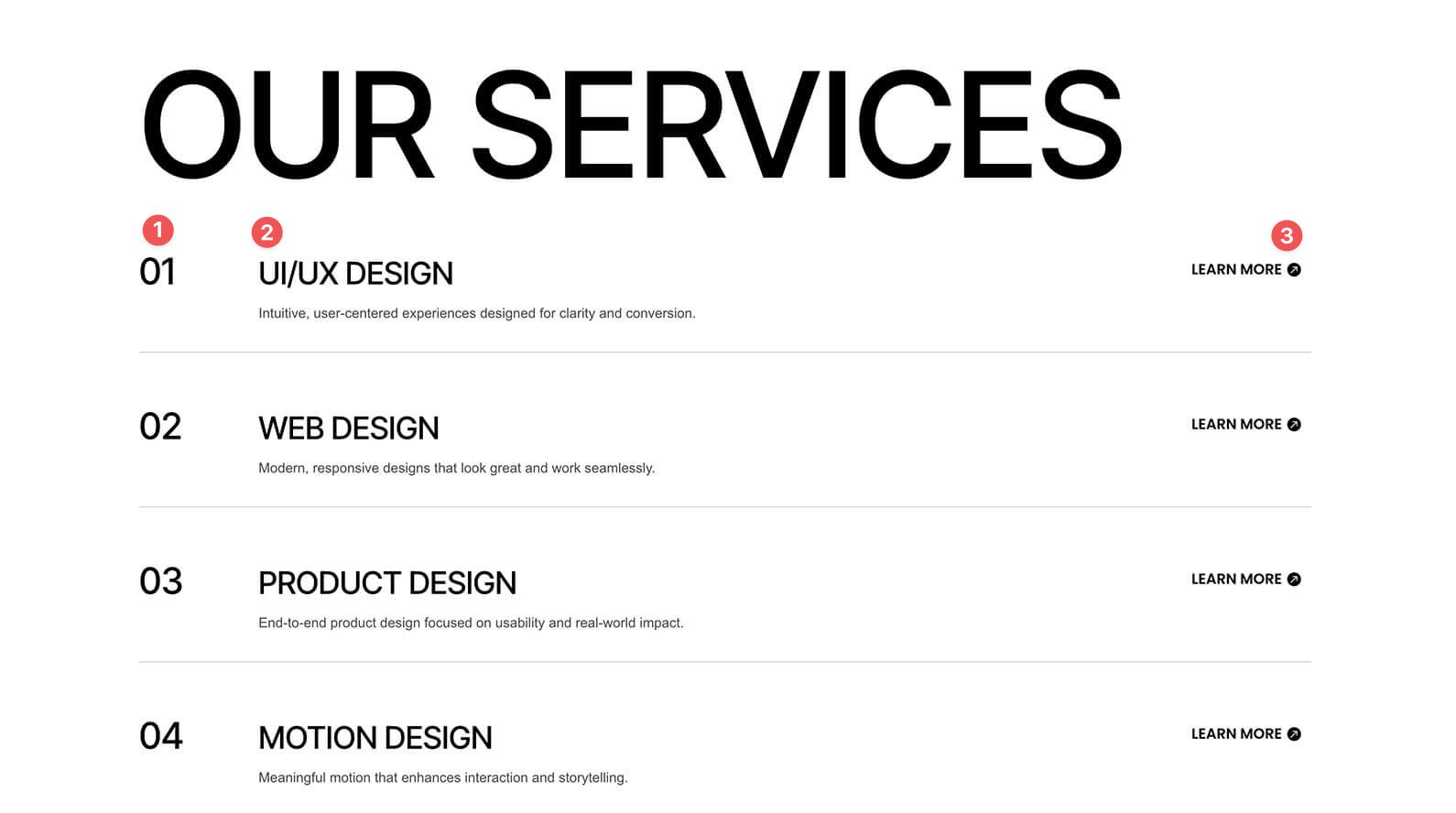
Plan For Mobile
On smaller screens, long lines and multi-column layouts can feel cramped. Consider stacking secondary details under each title, shortening labels, or reducing the number of right-side actions so everything stays readable.
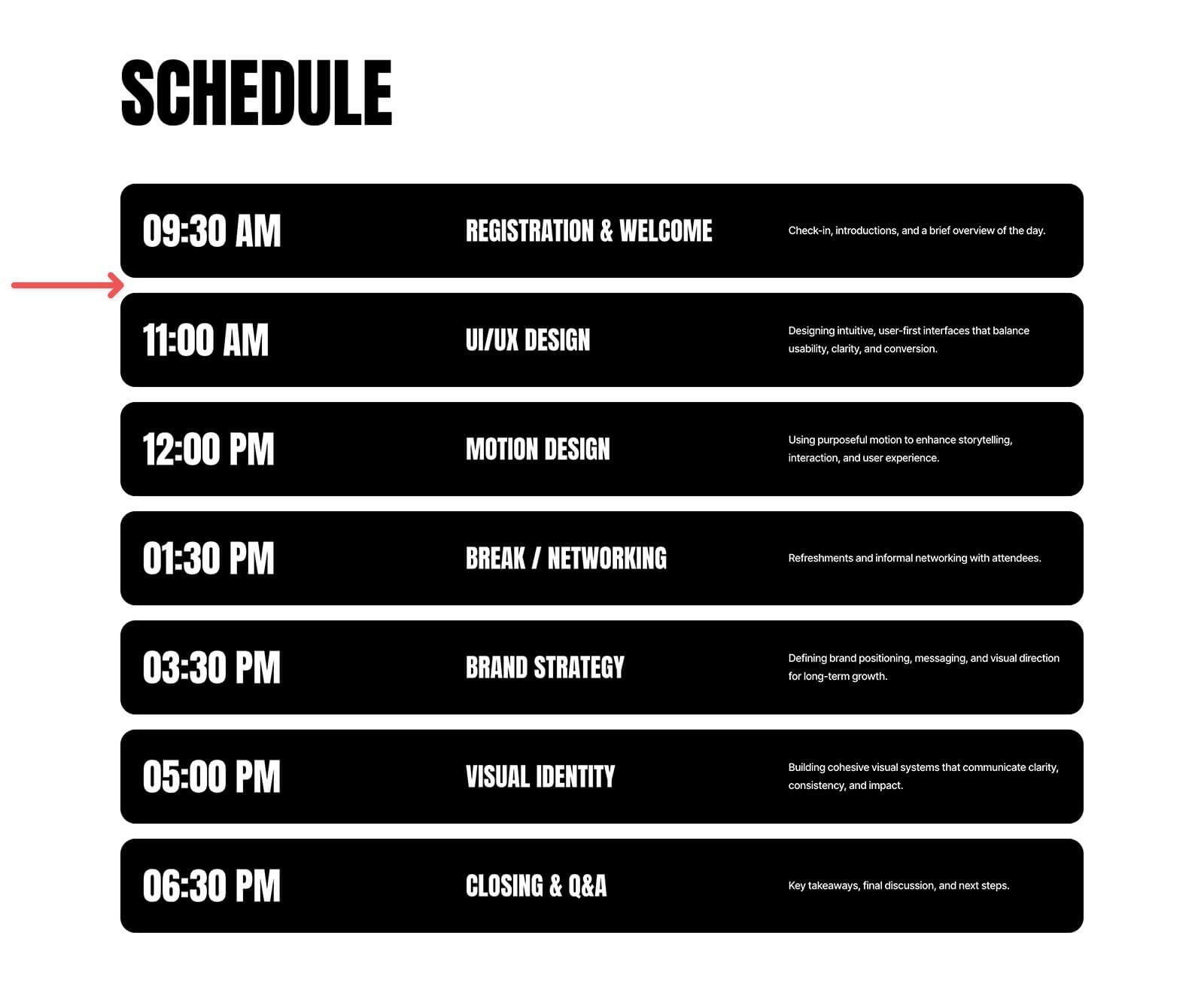
Prioritize Readability
Use generous padding, clear dividers, and a line height that’s high enough so list items don’t blur together. If visitors have to work to read it, they will skip it.
Start Building In Divi 5 Today!
These 7 Styled Large List Sections give you a fast way to add polished, scannable content blocks to service pages, feature breakdowns, pricing pages, schedules, and more. Swap the content, adjust the styling, and you’ll have a clean section layout that fits your site in minutes with Divi 5‘s Visual Builder.










Thanks very much for these resources. I wish there were a way to just import these templates directly into Divi Cloud from Elegant Themes website.
Can you please advise me how to make the structures of rows?
They seem to be customised. I am not able to find where you control in the builder
Nice lists. Enjoying DIVI 5. Would love it if you made all these freebies available in the member dashboard vs. having to submit an email each time if we are already logged in/singed up for the newsletters.
Yes – this! It would be so useful to be able to find these all in one place – heaven knows you already have my email address 🙂