

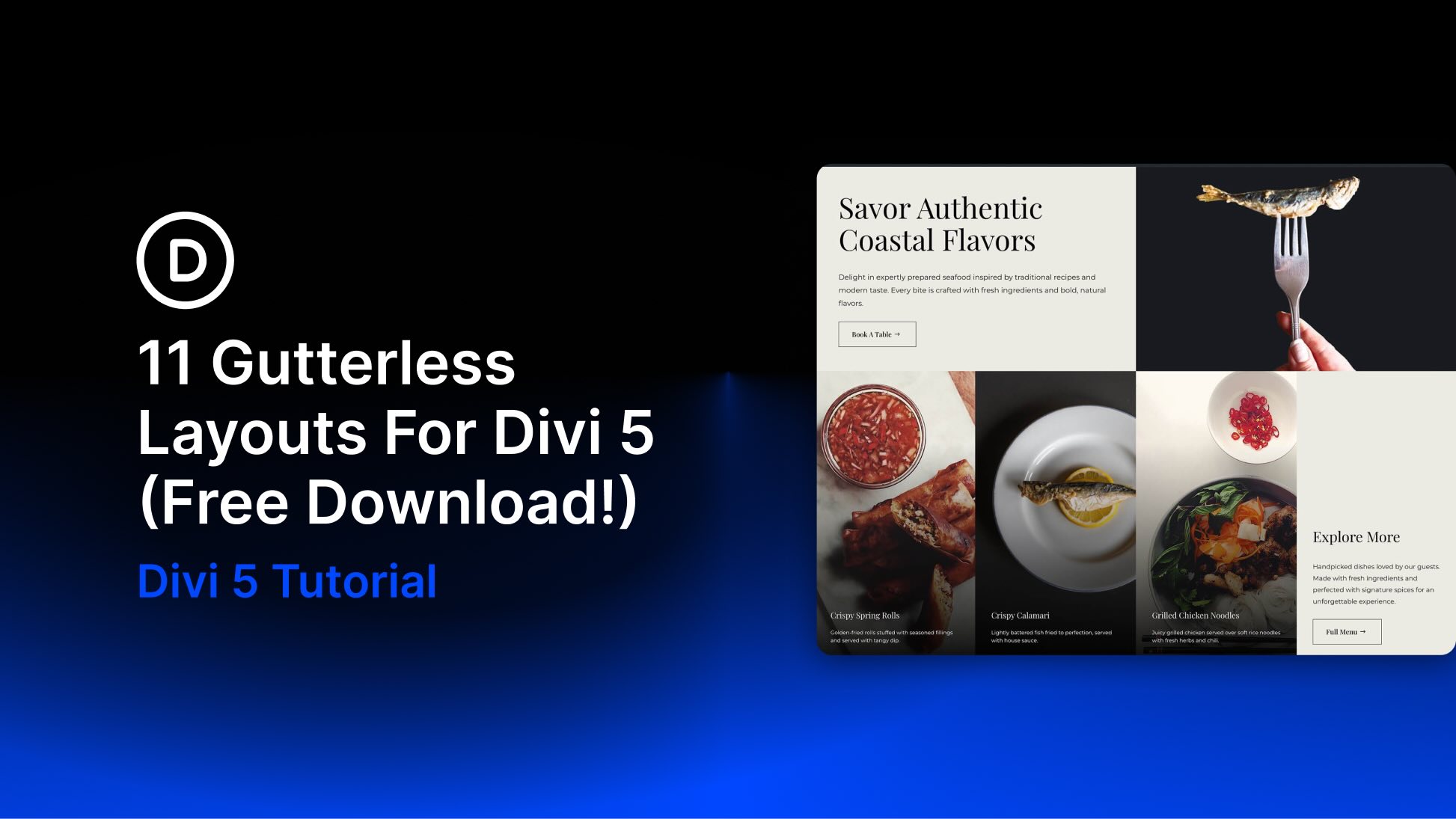
Divi 5 makes it easy to create polished full-width layouts with strong visual impact. In this free pack, you’ll get 11 Gutterless Sections that are perfect for landing pages, hero areas, portfolios, service pages, product highlights, restaurant websites, agency layouts, architecture studios, and more.
Each section removes the gaps between columns and content blocks to create bold, edge-to-edge compositions with clean alignment, striking imagery, and modern structure. Import a section, replace the content, update the images, and you’re ready to go.
Preview
Here’s a quick look at the 11 Gutterless Sections included in the pack. The download is further down the post.
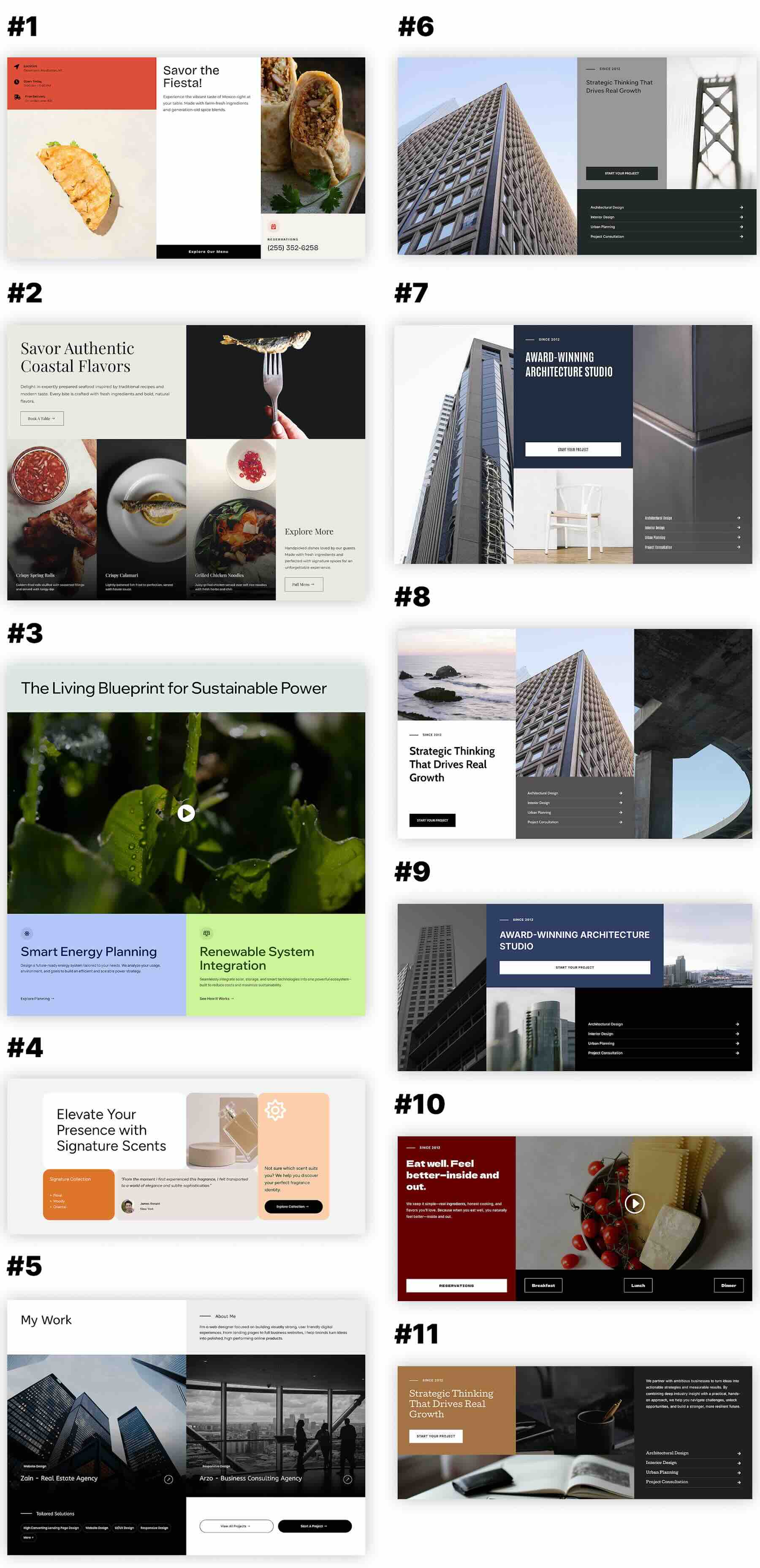
Download 11 Gutterless Sections For Divi 5
Get all 11 sections for free. Import them into your Divi Library and add them to any page in the Visual Builder.

What’s Included (10 Exports)
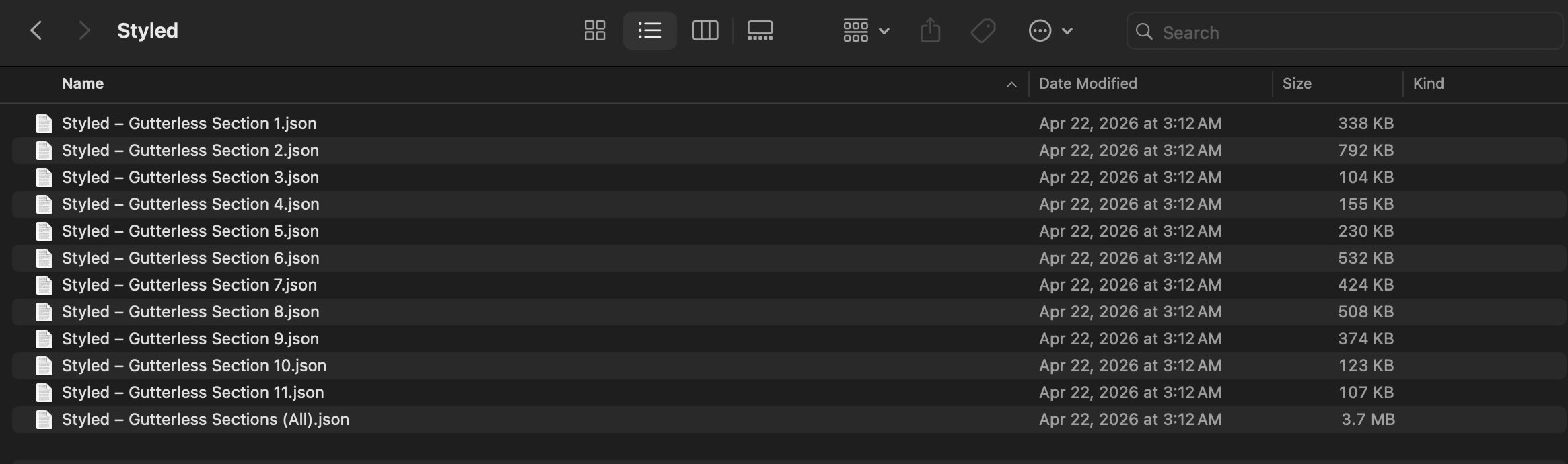
After you download and unzip the file, you’ll find 11 styled Gutterless Section exports, plus 1 file containing all layouts.
Styled – Gutterless Section 1 to 11 (11) → Nine fully styled gutterless section layouts with edge-to-edge columns, bold image placement, structured content blocks, refined typography, buttons, overlays, and clean spacing that you can use as-is or customize.
Styled – Gutterless Sections (All) → Imports all 11 designs into your Divi Library at once.
How To Use The Gutterless Sections
Keep your download folder handy. We’ll import the files, add a section to a page, and then replace the content.
1. Import Sections Into The Divi Library
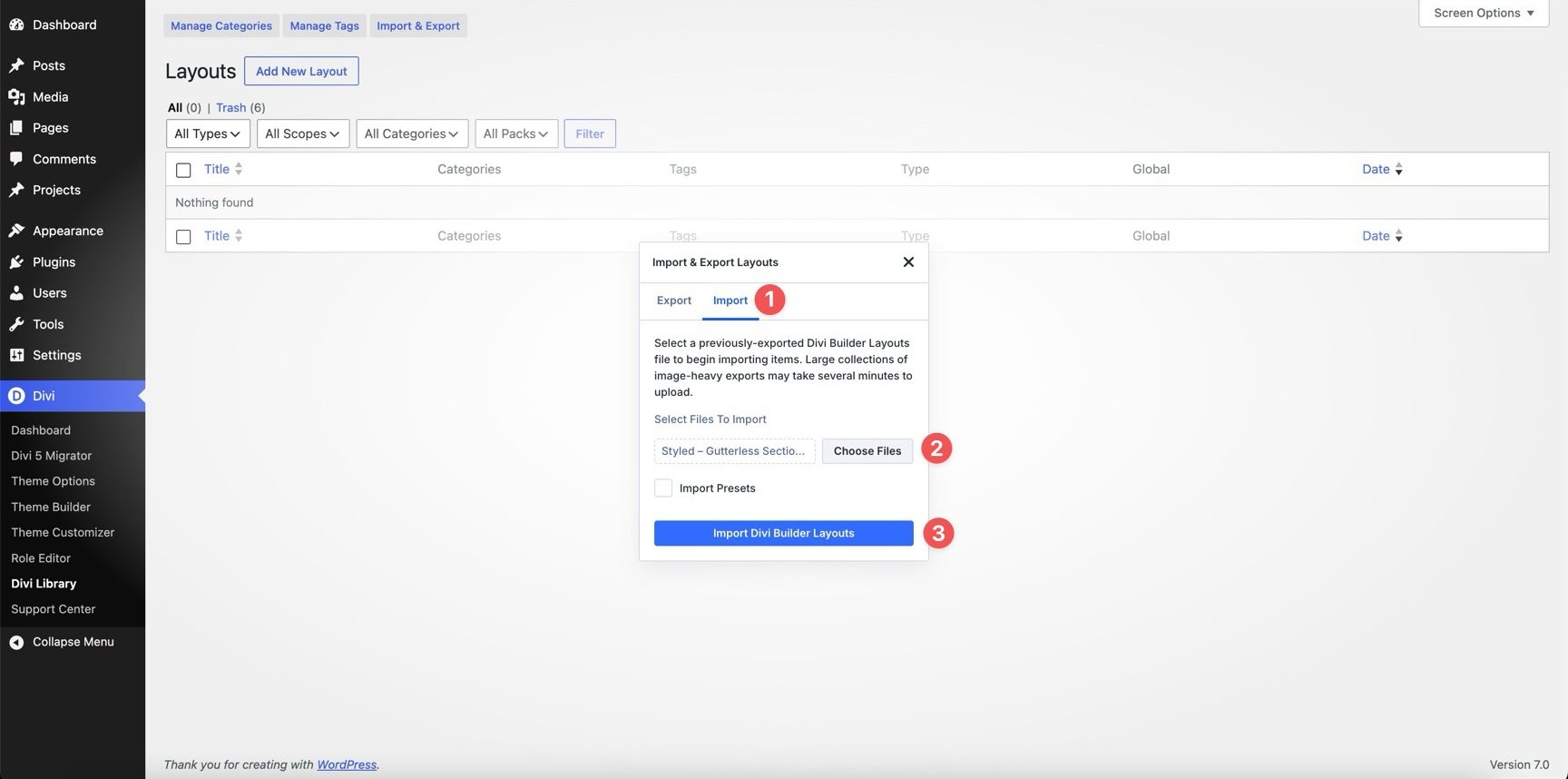
Go to Divi → Divi Library. Click Import & Export at the top of the screen.
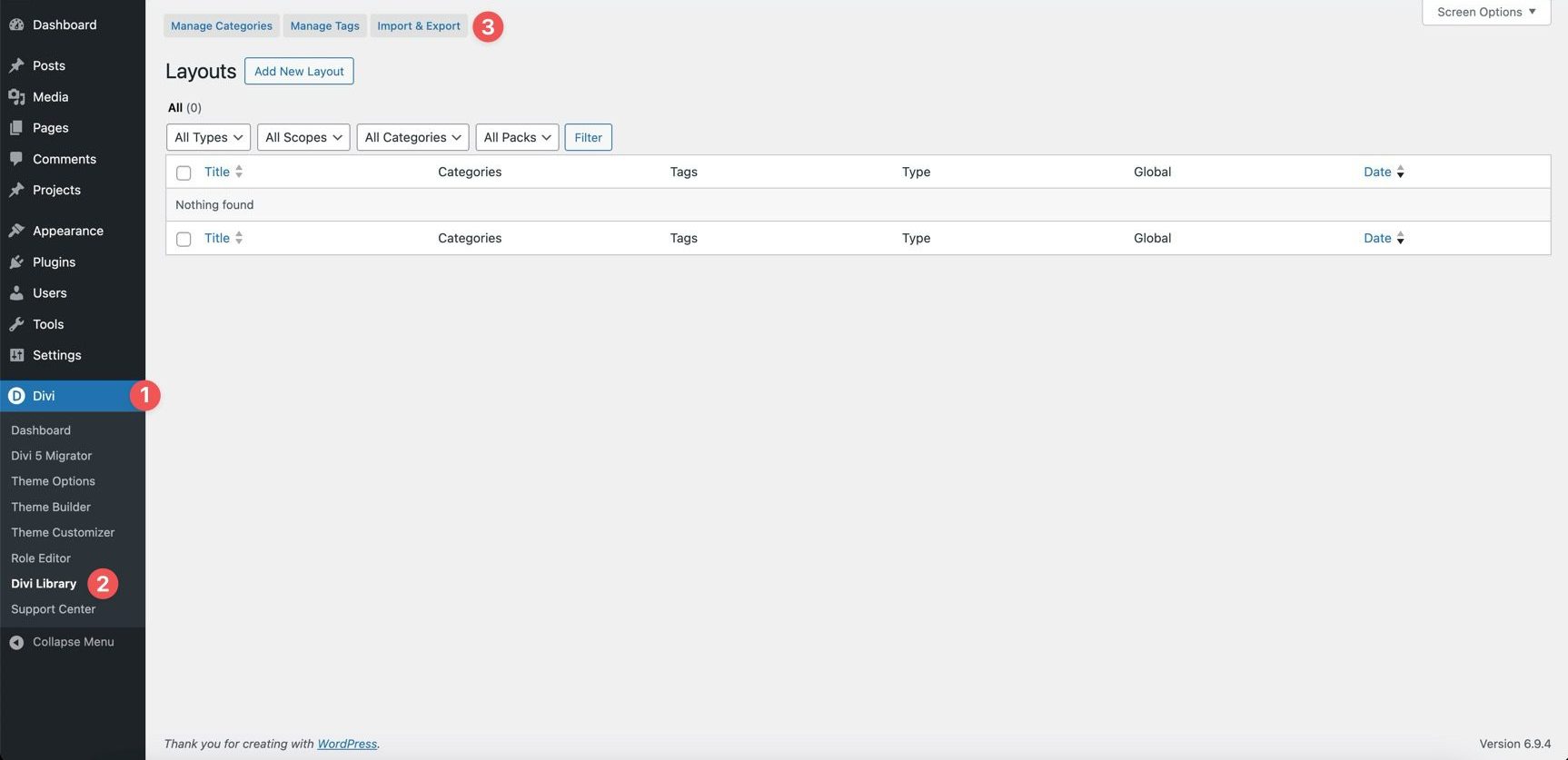
In the Import & Export Layouts modal, switch to the Import tab, then click Choose File and select your JSON file. Choose any Gutterless Section JSON you’d like to use, then click Import Divi Builder Layouts.
2. Add A Gutterless Section To Any Page
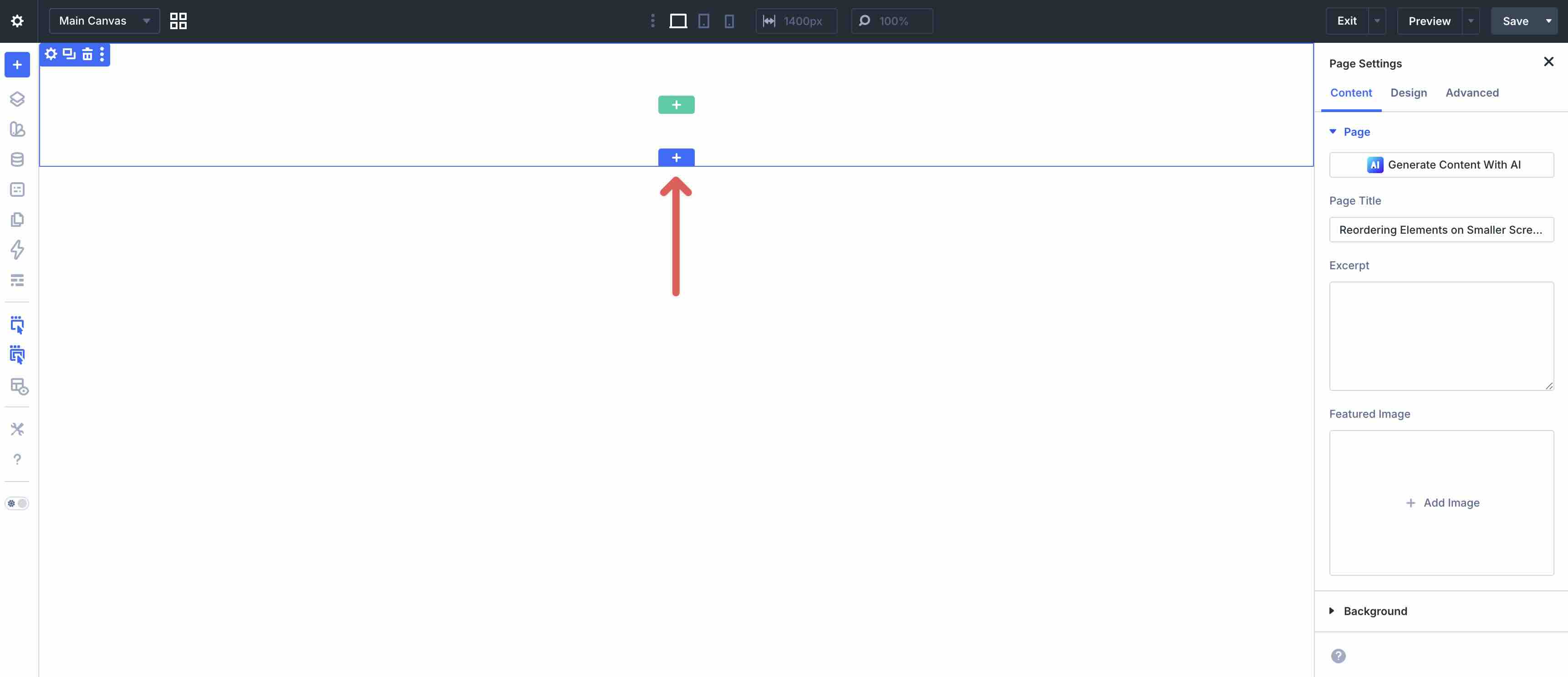
Open a page in the Visual Builder and add a new Section.
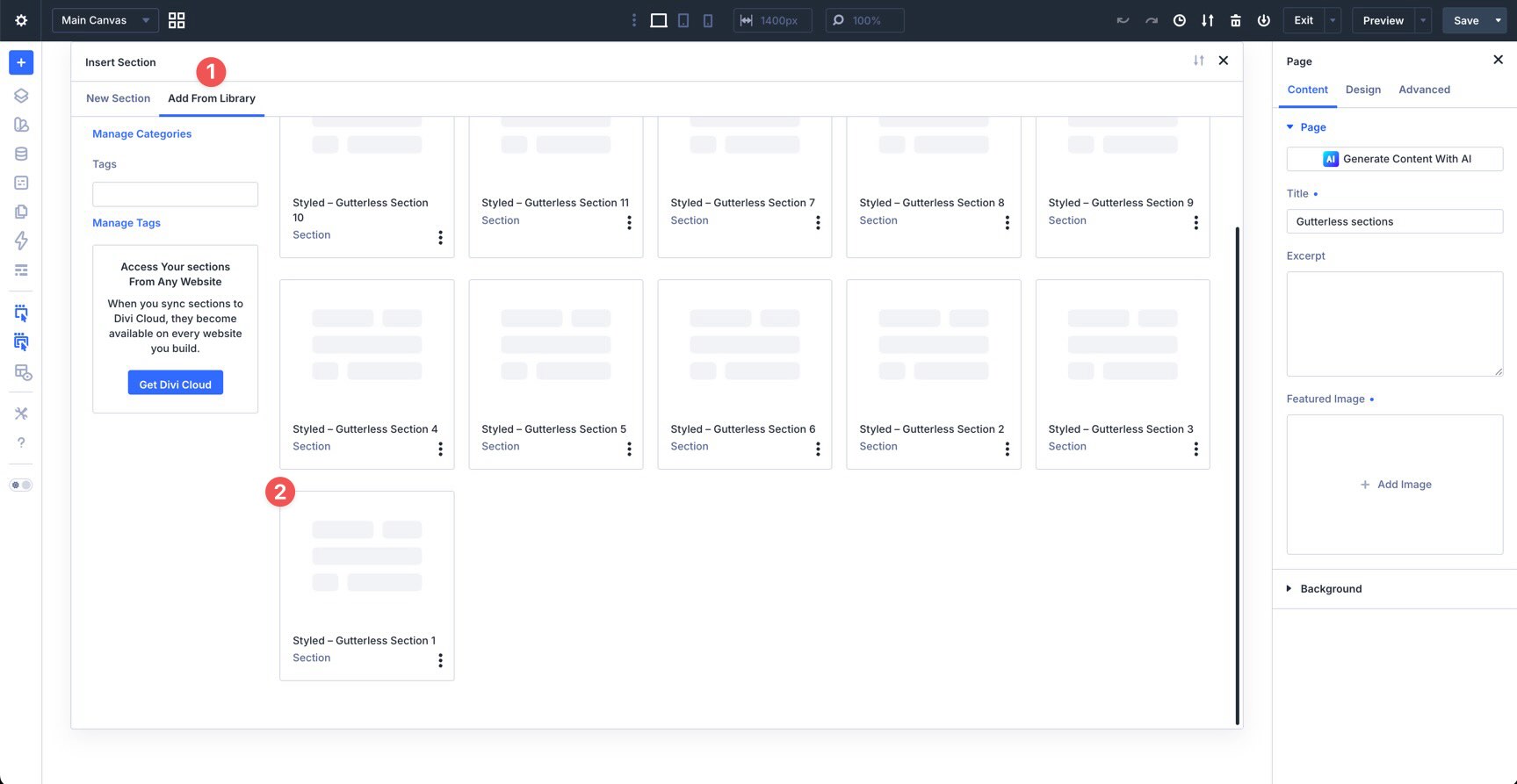
Click Add From Library and select one of your Gutterless sections.
3. Swap The Content
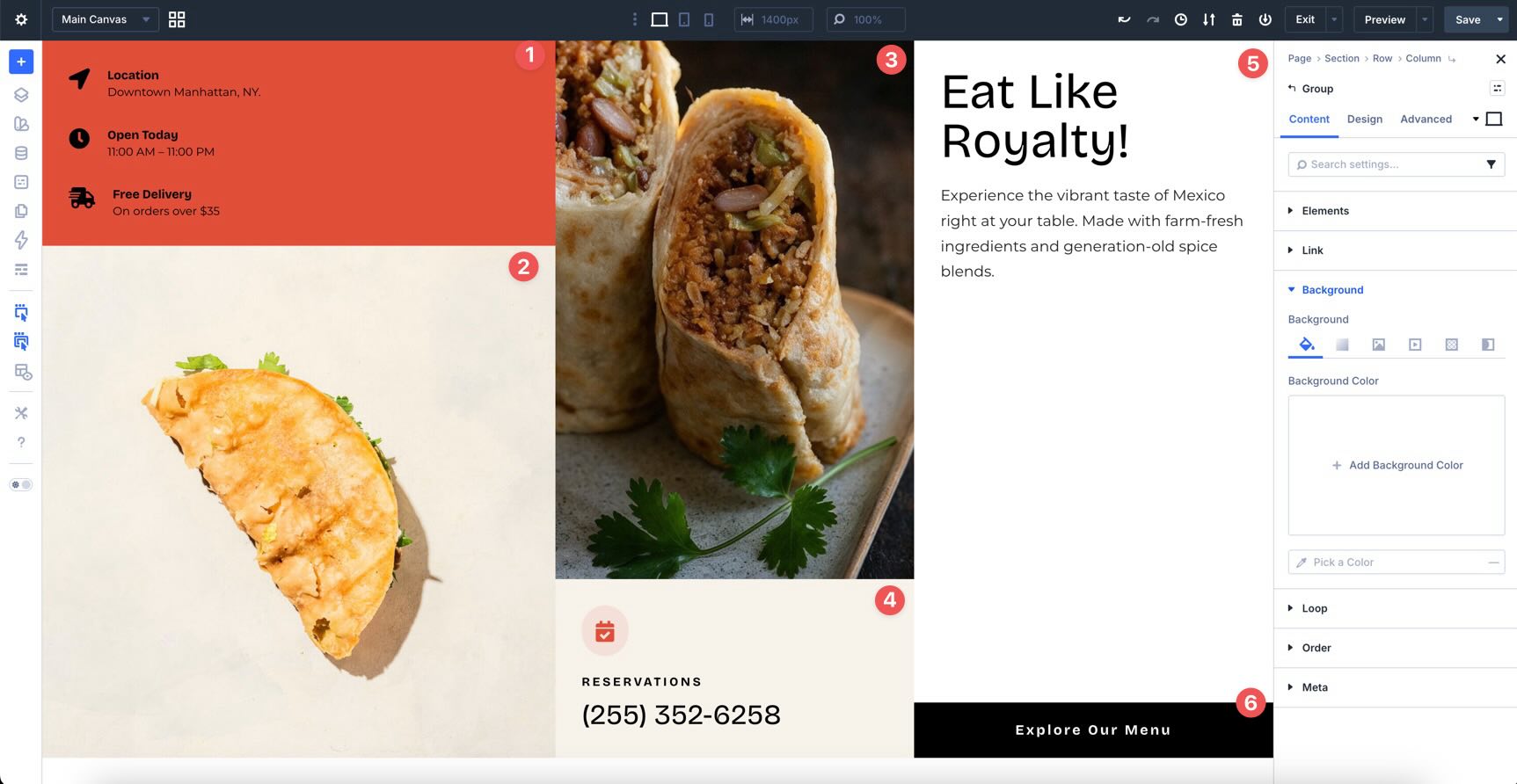
Once the section is on the page, replacing the placeholder content only takes a few clicks. Start by updating the heading, body copy, buttons, links, labels, service names, feature text, menu details, portfolio copy, and supporting content to ensure the section aligns with your brand and message. Then swap in your own images, videos, icons, featured content, or supporting details as needed.
Because gutterless sections rely on tight alignment, strong image placement, and seamless column relationships, it’s best to replace content one area at a time. This helps preserve the balance between text, imagery, buttons, overlays, and negative space as you customize the design.
If you want to expand or simplify a section, duplicate or remove existing rows, columns, groups, content blocks, or modules, rather than rebuilding the design from scratch. That’s the easiest way to preserve the original structure, alignment, spacing, and visual rhythm of the layout.
4. Adjust Styles (Optional)
These gutterless layouts are already styled, so you can use them right away or refine them to better match your site. Update typography, colors, imagery, overlays, borders, shadows, spacing, backgrounds, buttons, and image treatments as needed using the settings in the Content and Design tabs.
To change typography, open any Text or Heading module and go to the Design tab. Expand the relevant text settings to adjust Font, Font Weight, Text Alignment, Text Color, and more.

To refine the layout styling, open the row, column, group, or module you want to adjust and use the Content and Design tabs to tweak Background, Border Width, Border Color, Border Radius, Box Shadow, Sizing, and Spacing.
If your section uses full-bleed images, split content blocks, overlapping media, dark overlays, side-by-side cards, or editorial-style compositions, keep those relationships in mind as you edit so the layout remains intentional and balanced.
Use Divi’s responsive editing tools to fine-tune spacing, stacking, image height, column order, text alignment, and button placement on smaller screens so the layout stays polished across devices.
Tips For Effective Gutterless Sections
Gutterless sections work best when every content block feels connected and intentional. Use these quick tips to keep your sections clean, modern, and easy to customize.
Use Strong Imagery
Gutterless layouts often rely on edge-to-edge images to create impact. Choose high-quality visuals with strong composition so the section feels polished and purposeful.
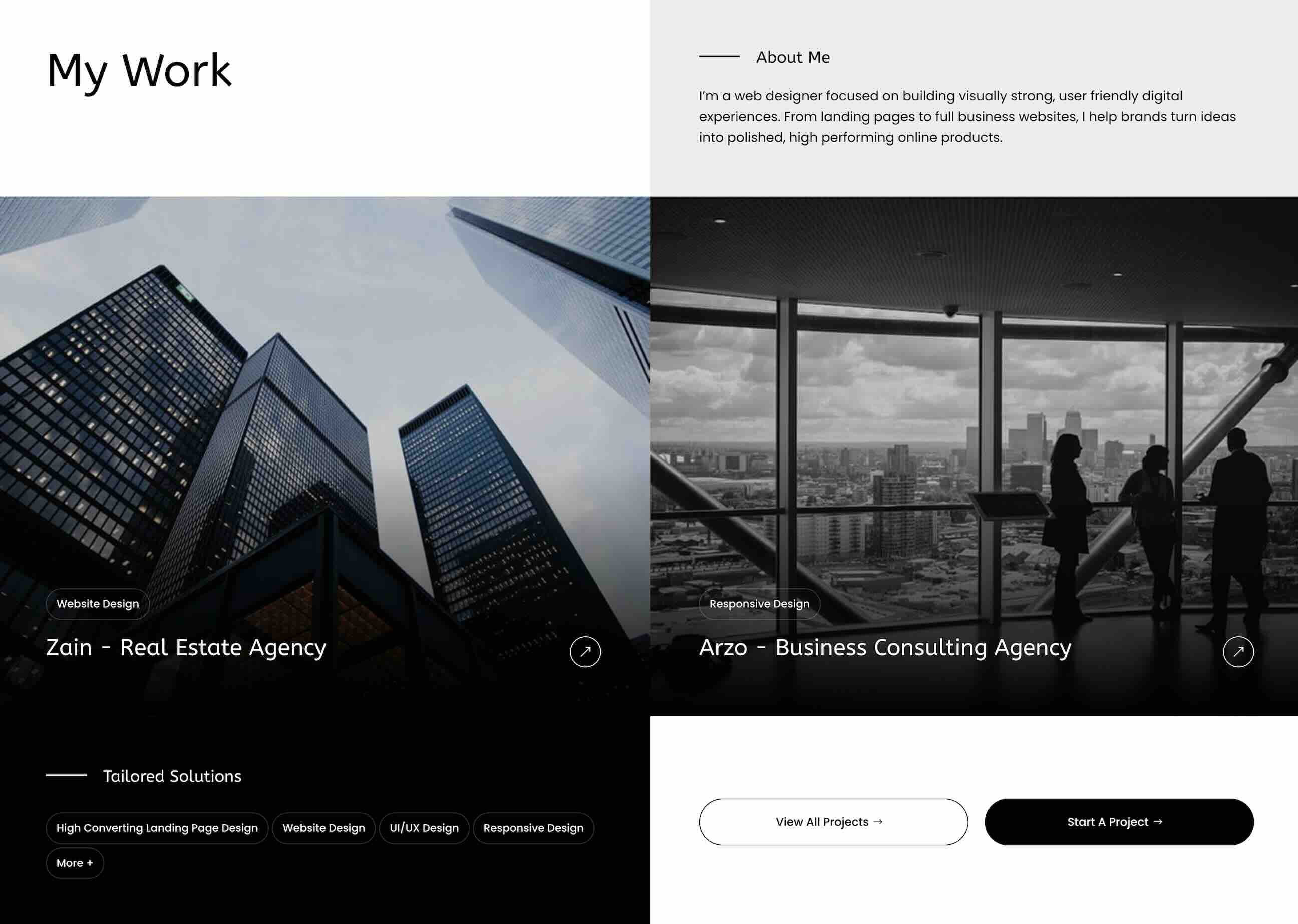
Keep Content Blocks Focused
With columns sitting directly next to one another, clutter can become noticeable quickly. Keep headings, copy, buttons, and supporting details focused so each area remains easy to scan.
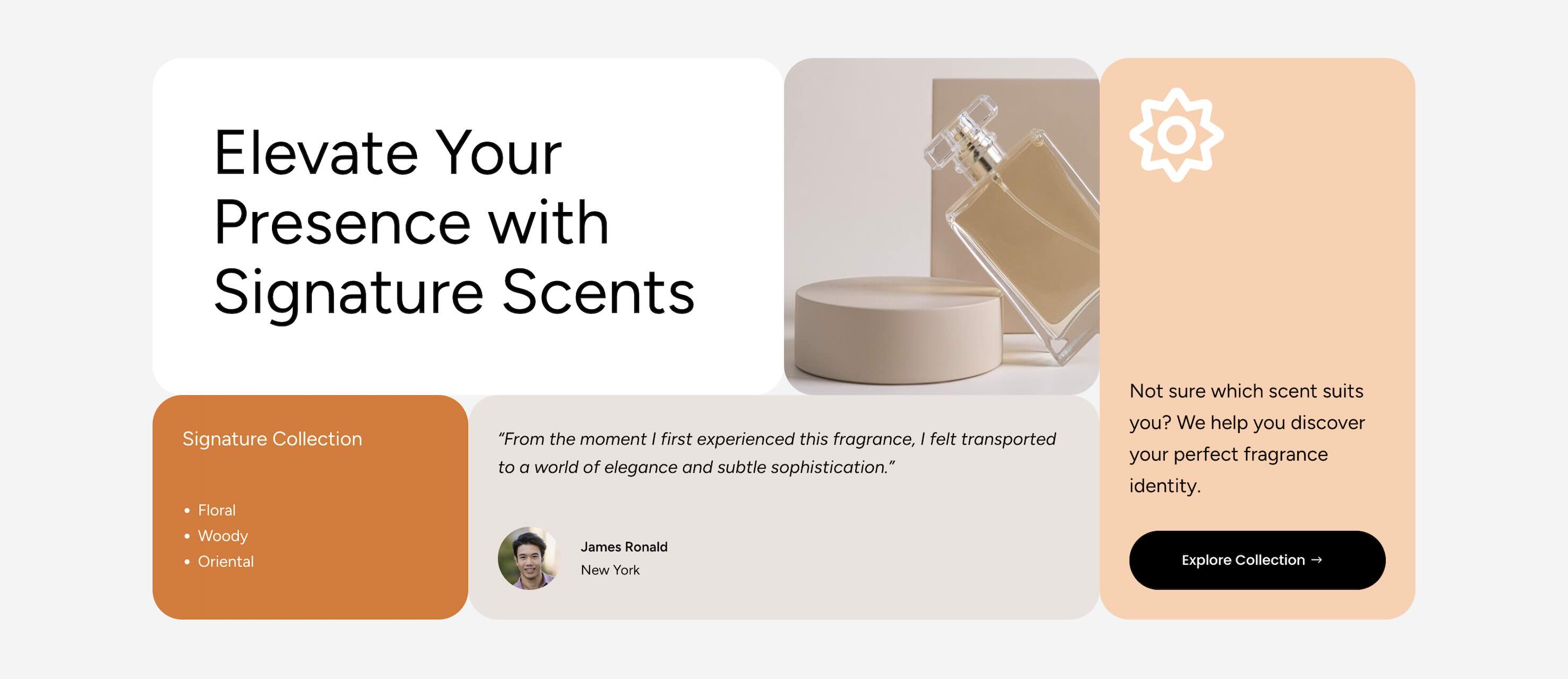
Create A Clear Visual Hierarchy
Use typography, color, contrast, image scale, and button placement to guide visitors through the section. The most important message or call to action should be easy to spot.
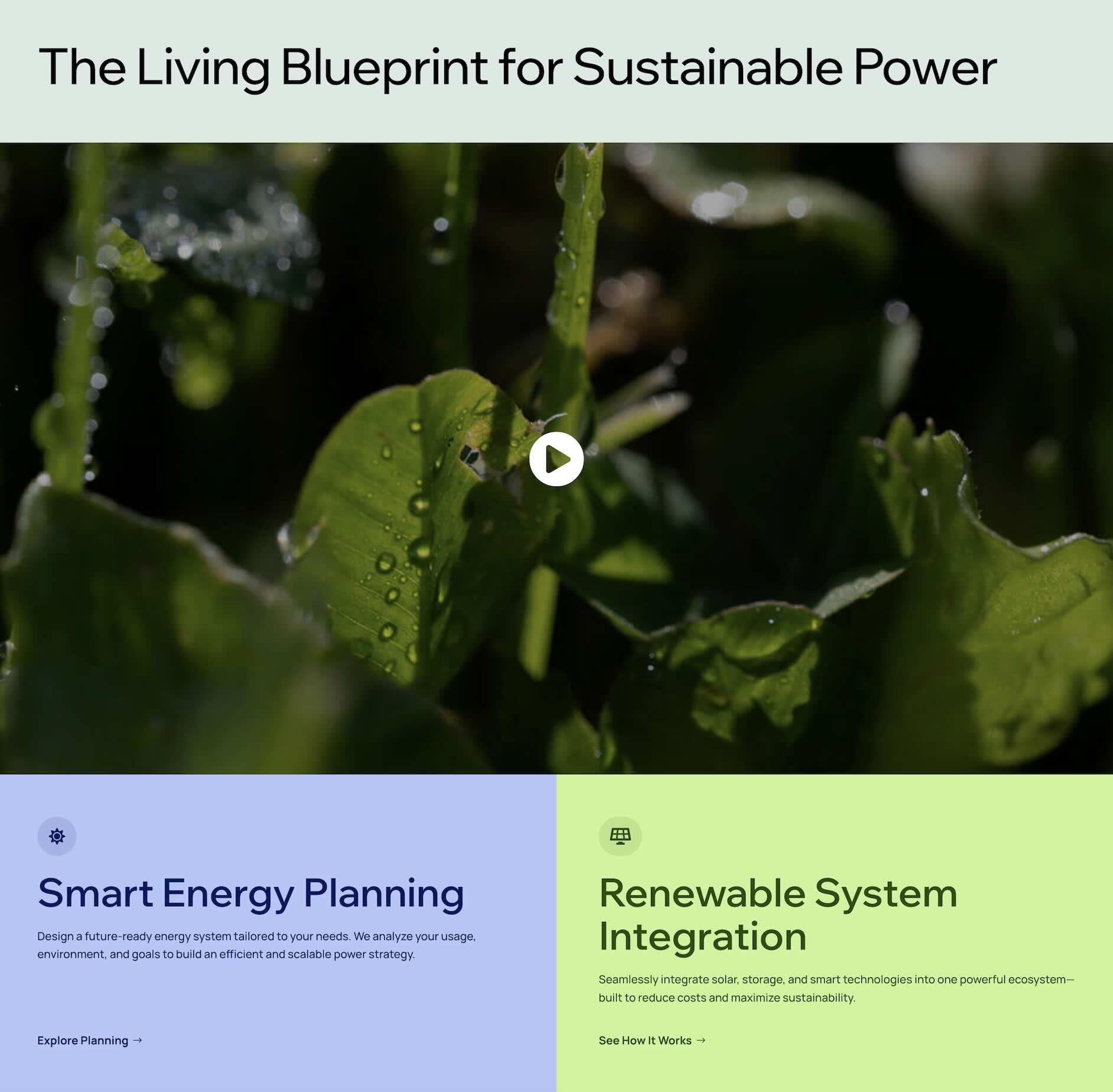
Balance Edge-To-Edge Layouts With Breathing Room
Even without gutters, your content still needs space to feel comfortable. Use padding inside text areas, cards, overlays, and buttons so the layout feels intentional instead of cramped.

Check The Layout On Mobile
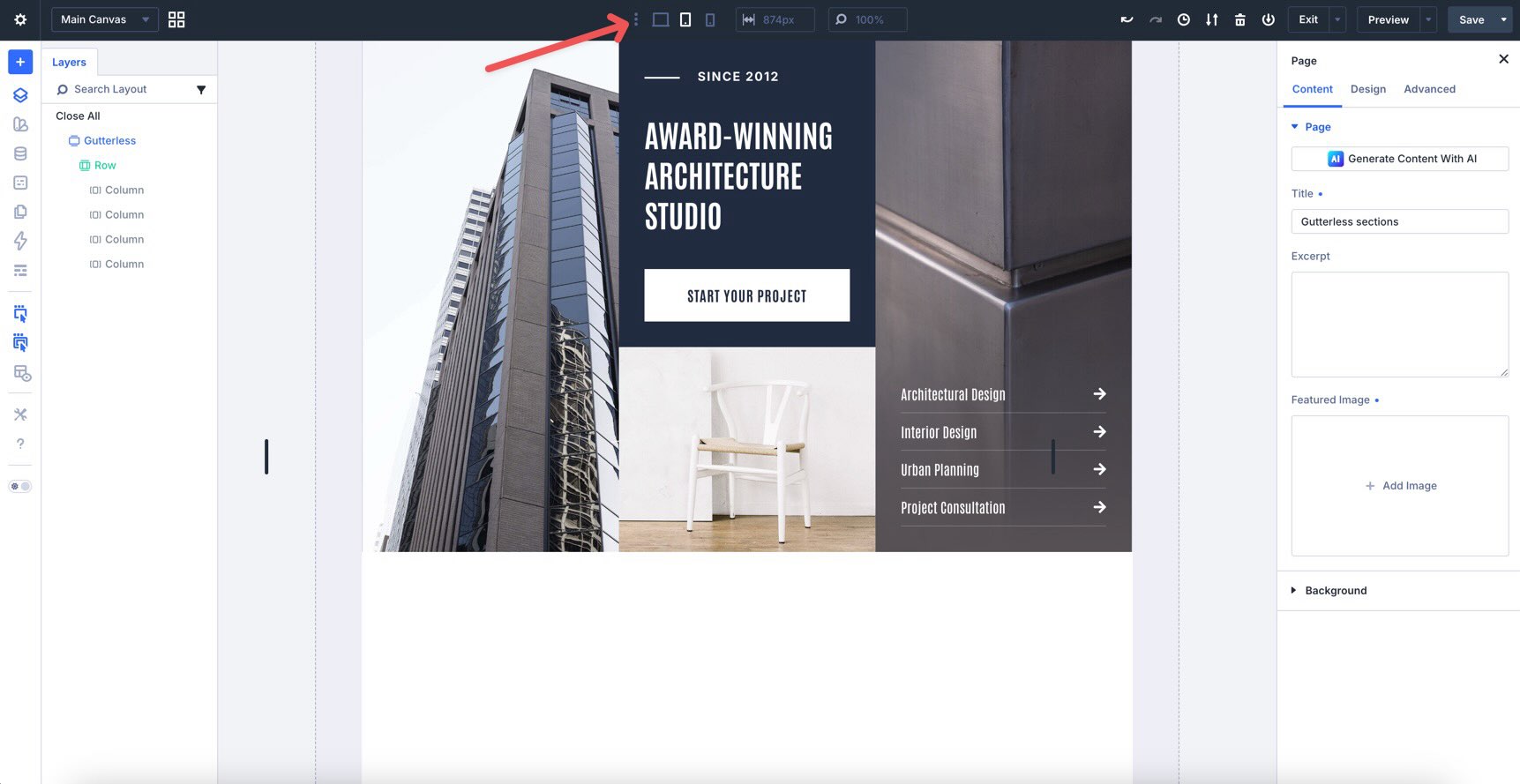
Gutterless sections can change noticeably on tablet and phone screens as columns stack. Review your layout on smaller devices to ensure images crop well, content remains readable, spacing feels balanced, and calls to action stay easy to tap.
Start Building In Divi 5 Today!
These 11 Gutterless Sections give you a fast way to build bold, full-width page sections for landing pages, portfolios, restaurant websites, service pages, product highlights, agency layouts, architecture studios, and more. Swap in your content, customize the styling if needed, and you’ll have a professional section ready in minutes with Divi 5’s Visual Builder.










Leave A Reply