

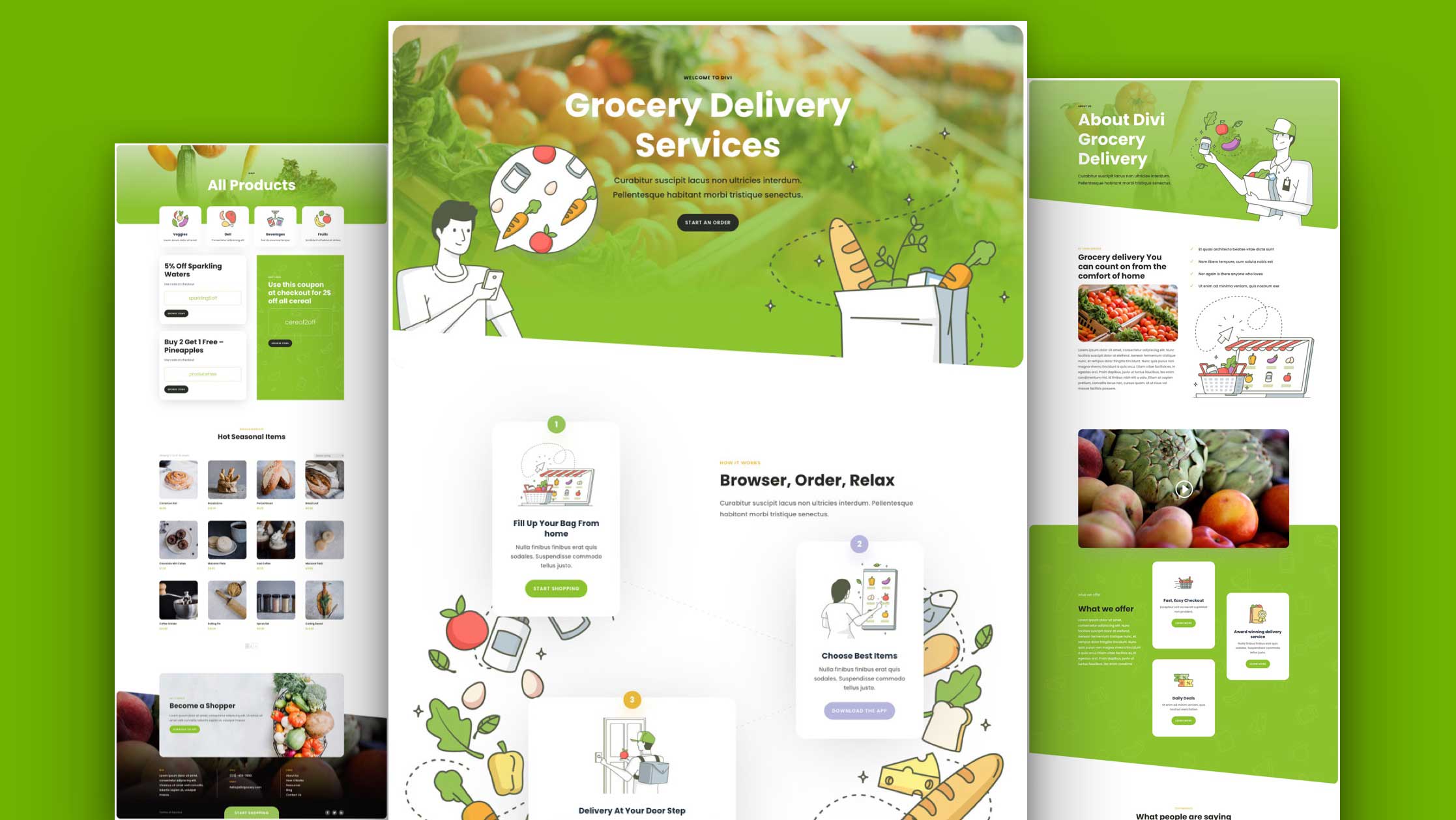
Hey Divi Nation! Thanks for joining us for the next installment of our weekly Divi Design Initiative where each week, we give away brand new, free Layout Packs for Divi.
This time around, Kenny and his team have created a beautiful Grocery Delivery Layout Pack that’ll help you get your next grocery delivery website up and running in no time!

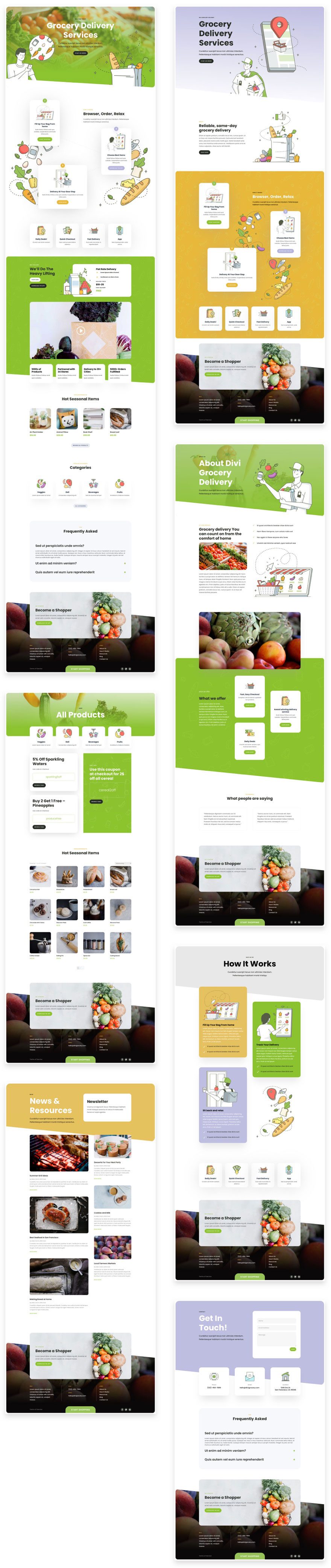
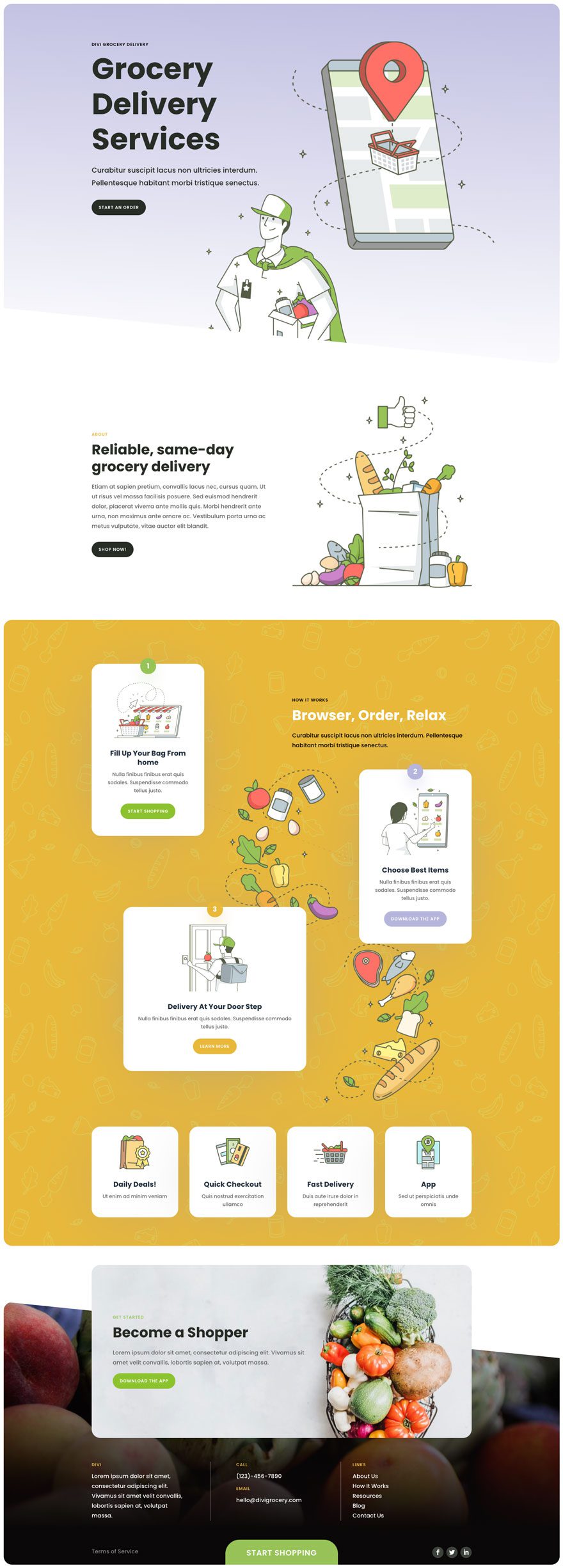
Landing Page Design
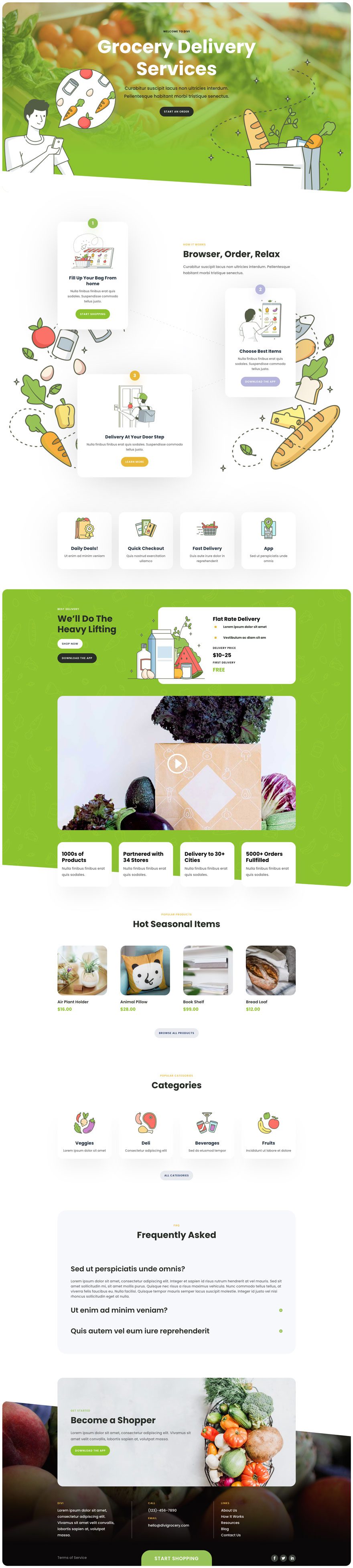
Home Page Design
About Page Design
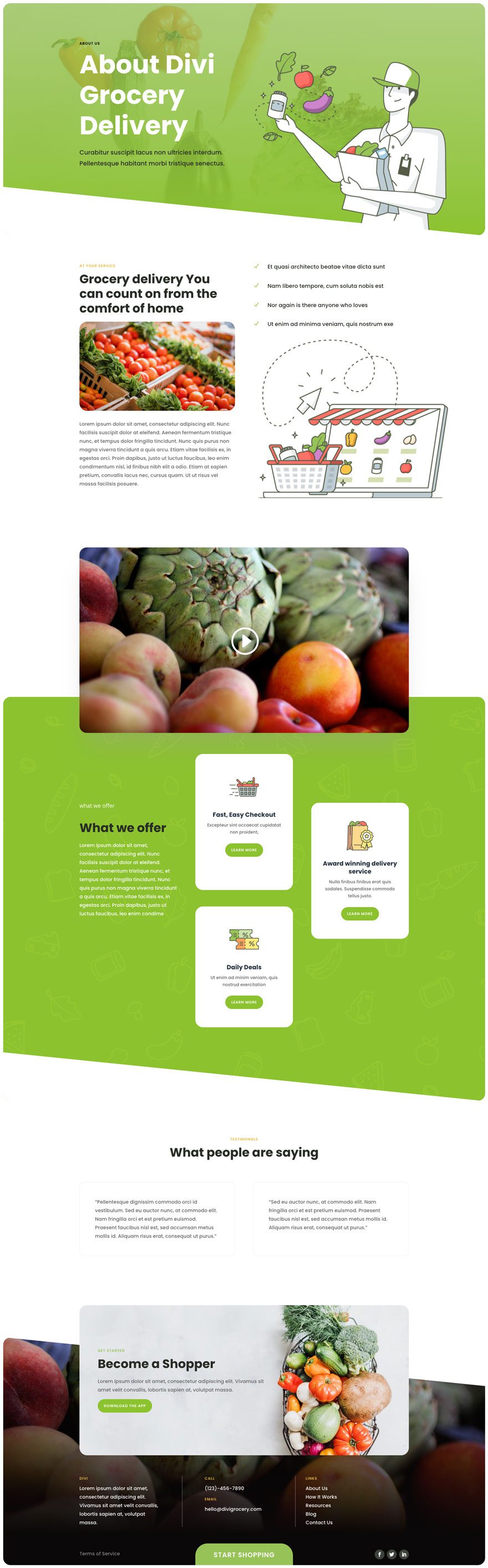
Contact Page Design
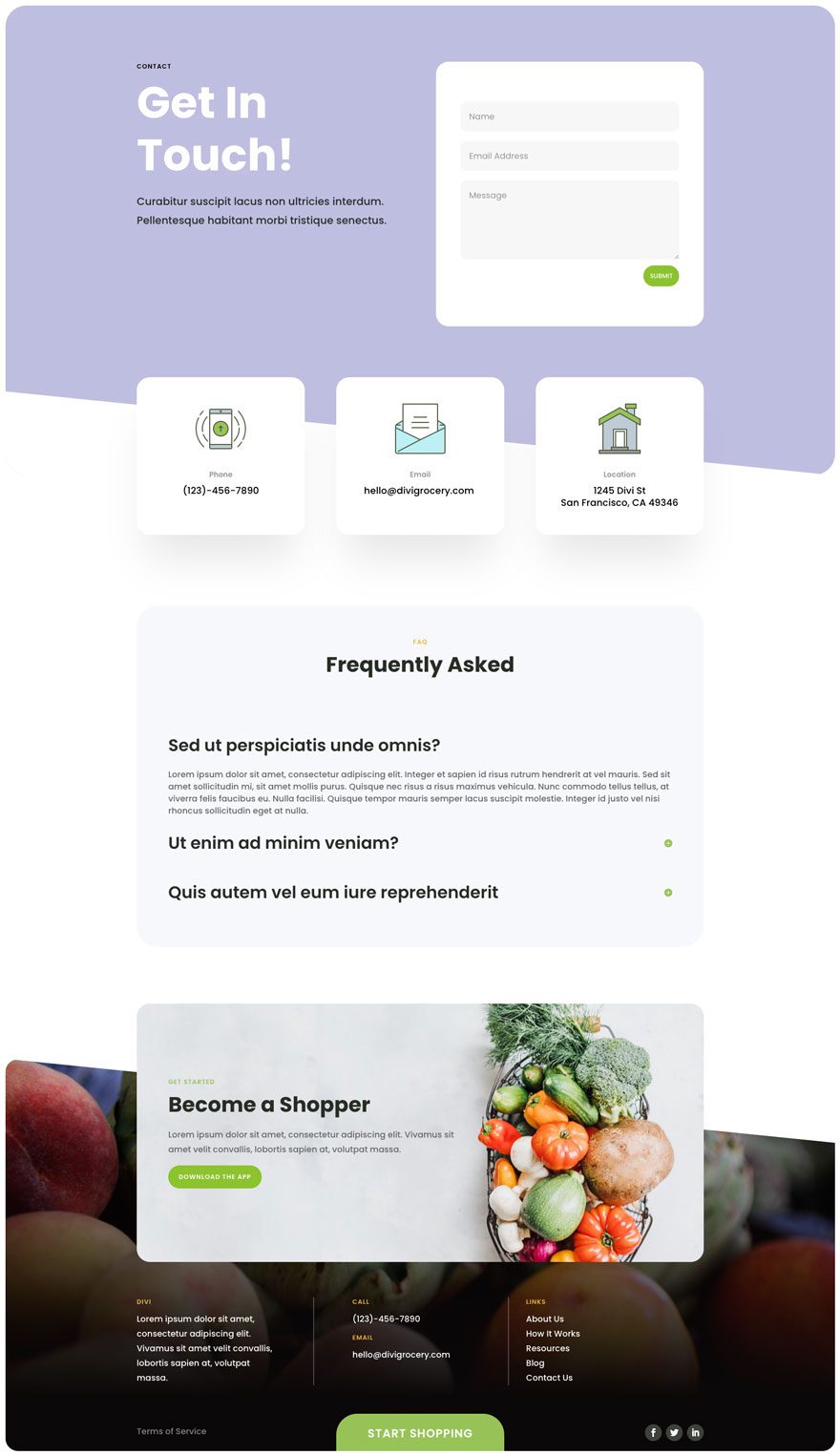
Blog Page Design
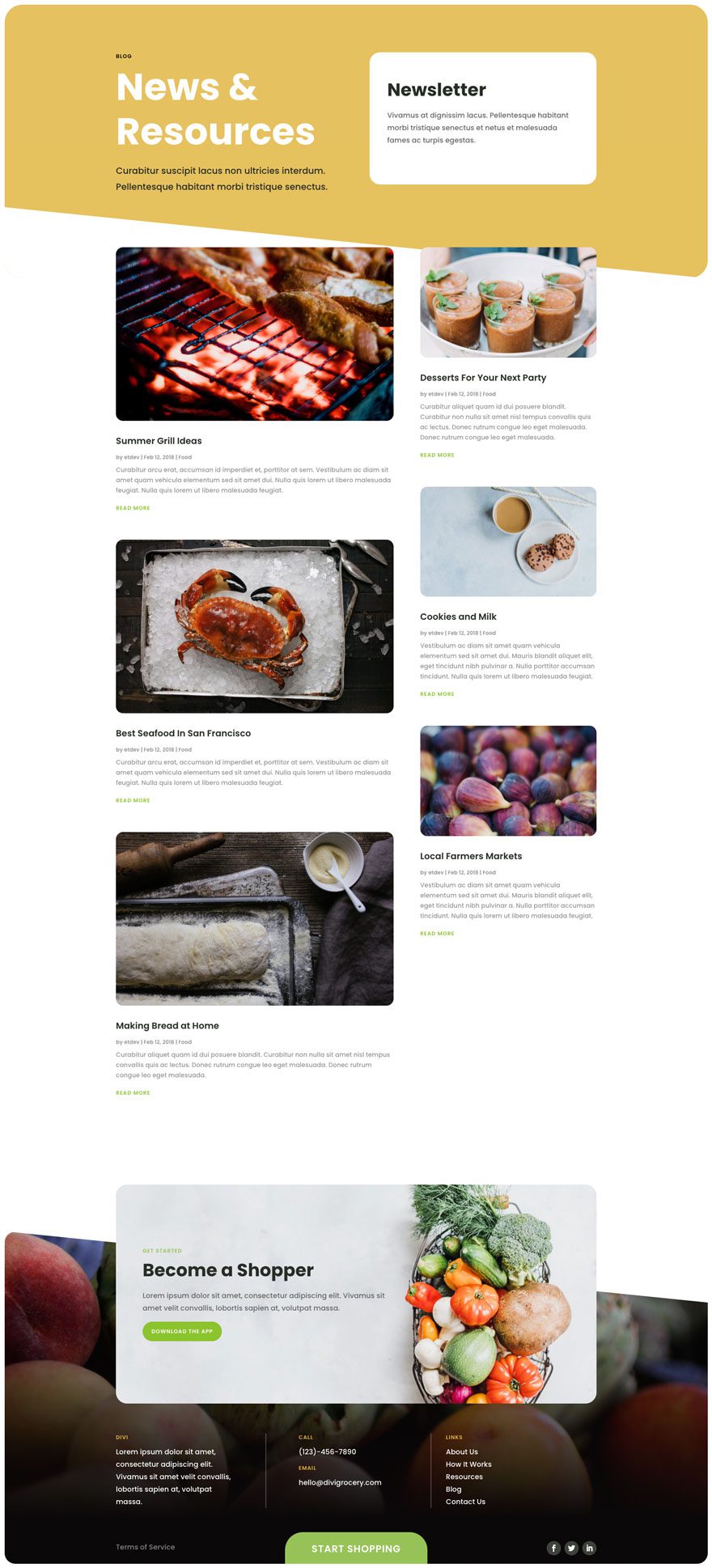
How it Works Page Design
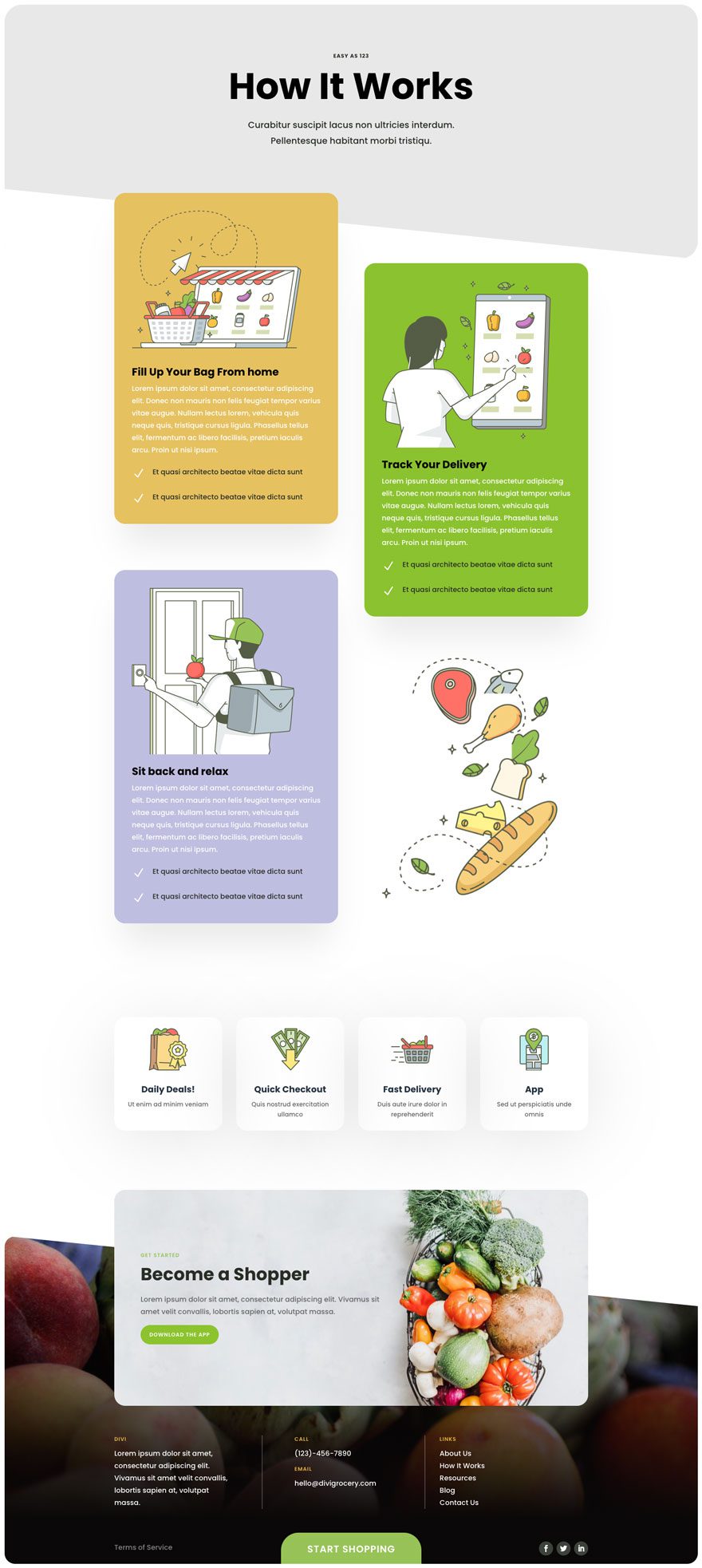
Shop Page Design
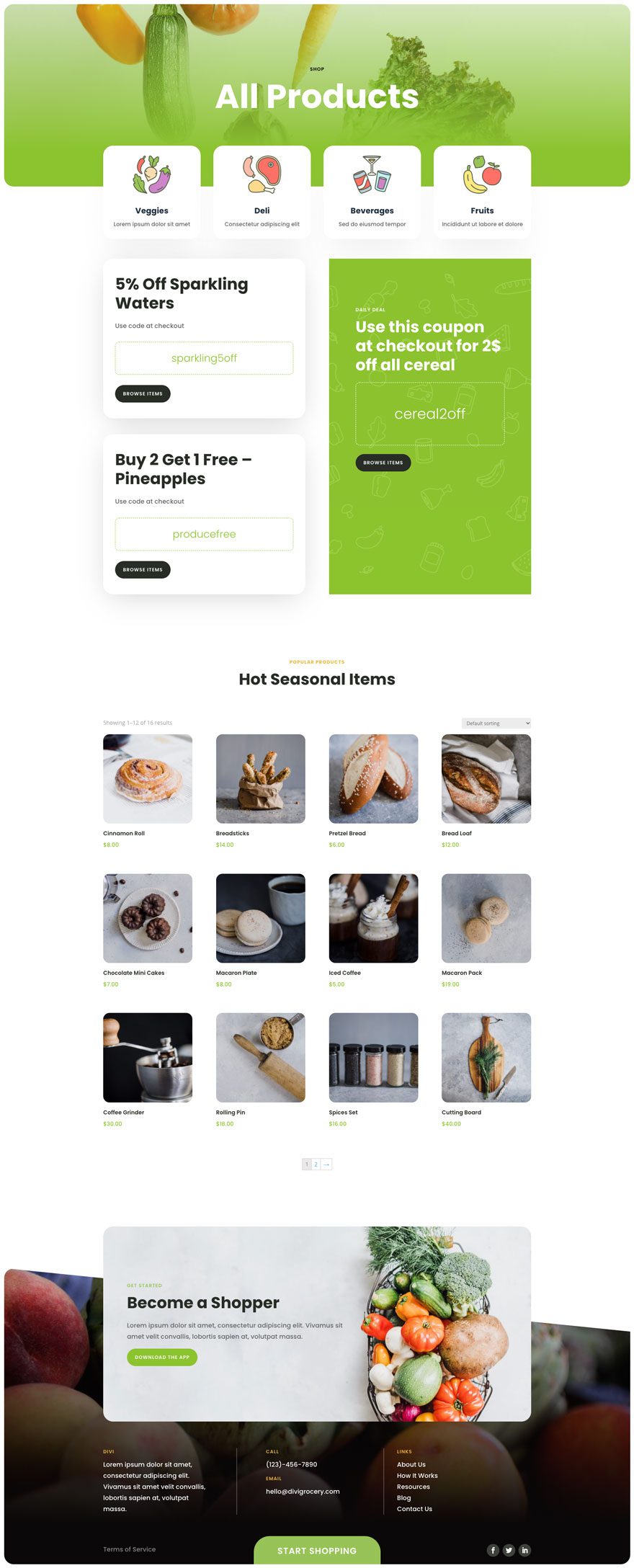
Key Features
If you’re looking for a beautiful illustration-based layout pack to build a grocery delivery website, you’ll love the Grocery Delivery Layout Pack for Divi. This layout pack is modern, clean, and full of visuals that you can download and tweak however you want!
Live Demos
Click the links below to see a live demo for each of the layouts included in the pack.
- Grocery Delivery Landing Page (live demo)
- Grocery Delivery Homepage (live demo)
- Grocery Delivery About Page (live demo)
- Grocery Delivery Contact Page (live demo)
- Grocery Delivery Blog Page (live demo)
- Grocery Delivery How it Works Page (live demo)
- Grocery Delivery Shop Page (live demo)
Access This Layout Right Now
Directly from Your Divi Builder
Subscribe To Our Youtube Channel
Since Version 3.0.99 of Divi, you can find and import any of the layouts included in this pack (along with ALL of Divi’s Premade Layout packs) directly from the Divi Builder. They are already waiting for you.
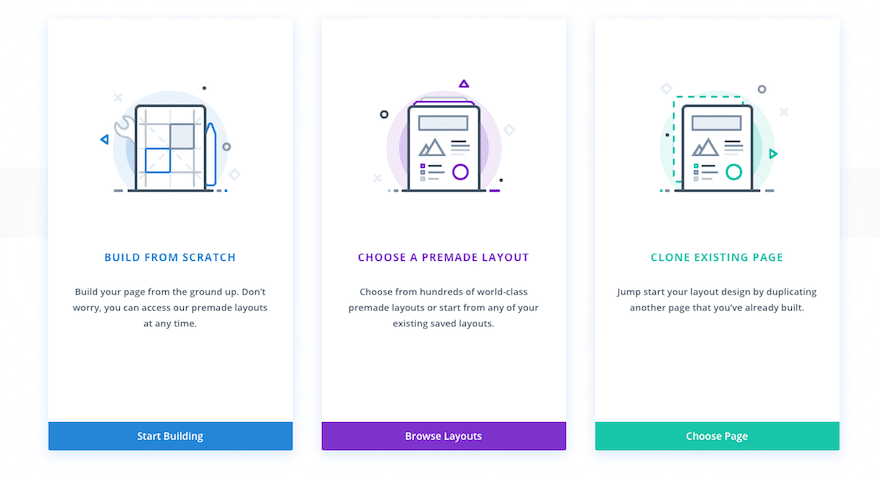
When you add a new page from the WordPress Dashboard, deploy the Visual Builder. You will be prompted with three choices regarding how you want to start building your page. Select the option “Choose A Premade Layout”.
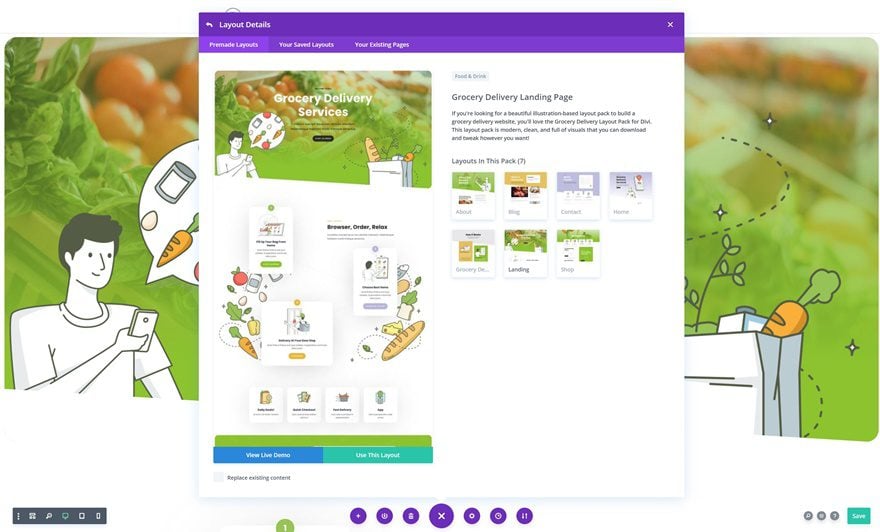
Under the Premade Layouts tab, you can easily find the new layout by scrolling through the list of layout packs. Once you find the Layout Pack, click on it. You will see all the individual page layouts included in the pack. Select the page layout you want to use and then click the “Use This Layout” button.
You can also access new layouts at any time within the Visual Builder by clicking the “Load From Library” icon in the page settings bar (it looks like a plus symbol). Inside the Load From Library popup you can choose the new layout you want to use.
Authentication Required
Before you can download Premade Layouts from the Divi Library you must authenticate your Elegant Themes Subscription. If you have already activated updates for Divi under Divi > Theme Options > Updates, you have already authenticated your subscription and will have access to the layouts without a problem. If not, when you click to import a layout to your page, you will be prompted to enter your Elegant Themes Membership Username and API Key.
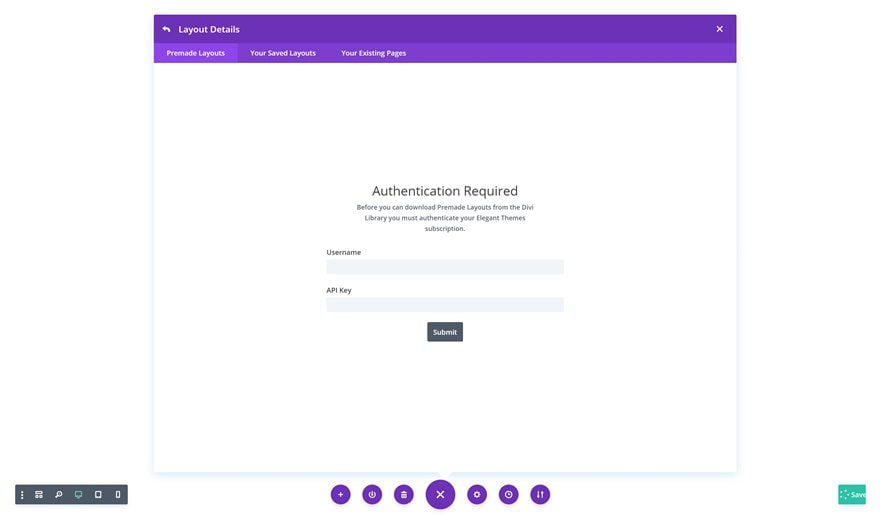
After you enter the Username and API Key, you will gain immediate access to the layouts. You can find your API Key under your members area on the Elegant Themes site.
No Licensing Restrictions
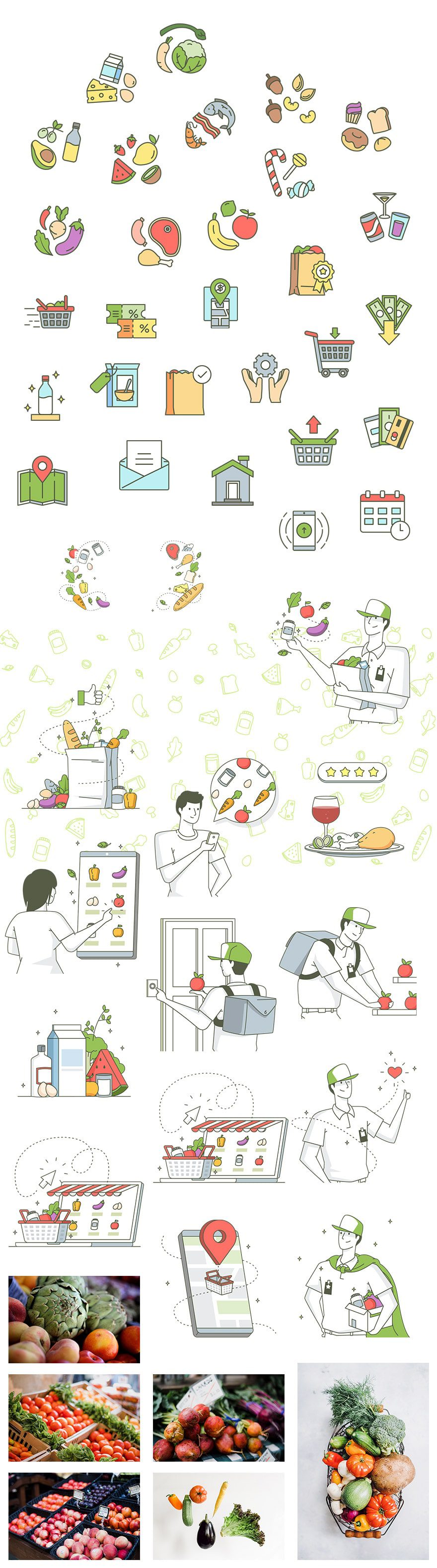
The photos included with these layouts have no licensing restrictions. This means you can use them in all of your commercial projects without having to worry about paying licensing fees or attributing the photographer. Use them in your commercial websites, sell them within your Divi child themes, include them in your own Divi layout packs or just use them on your blog. We know how challenging it can be to find good photos and how confusing and scary the licensing that governs those photos can be. We want to fix that problem for our users.
Download the Full Res Image Assets
New Layout Packs Every Week!
We hope you enjoy this layout pack. We look forward to hearing your opinions in the comment section below. Make sure you check back next week for more layout packs!










How to use this?
Is it for WooCommerce? WooCommerce only or is there any other plugin?
Thanks
Amazing design
Thank you for sharing that!
Good design. But i can’t use one of the FREE Layout Packs for my customers. Maybe this is a German Problem 😉
I like the flow of the homepage on this one. Good job.
I am always so disappointed when Divi uses cartoon for the themes they create. They are beautiful except for that fact.
Nice artwork on this one!