

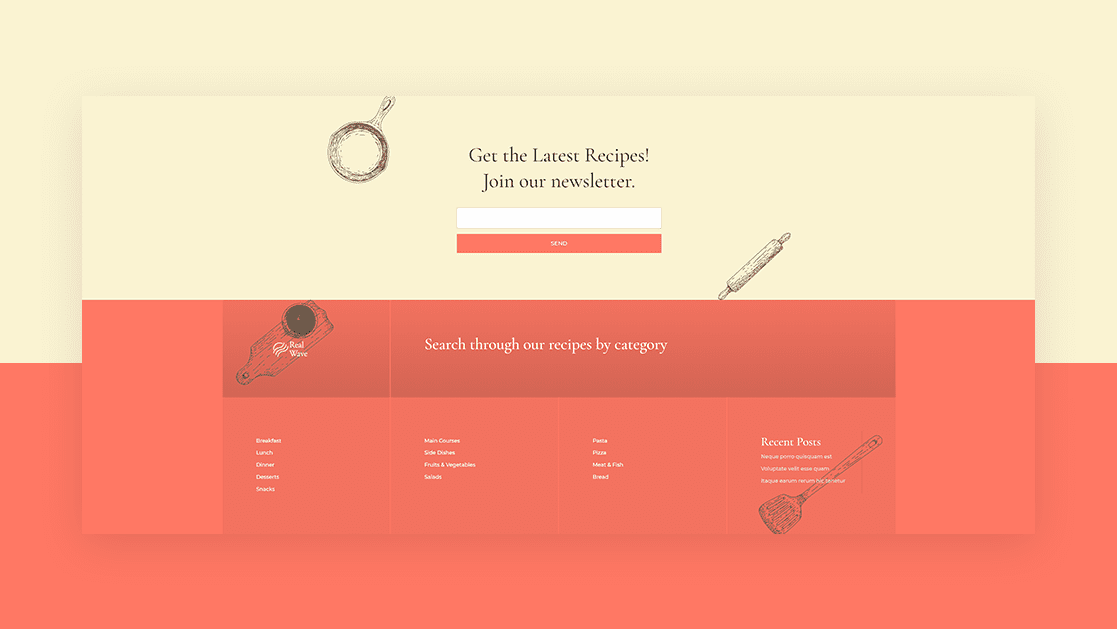
When you’re building a custom footer inside Divi’s Theme Builder, there are several ways to approach adding the footer items. You could go for a module-based footer, where you add page footer items inside Text Modules with proper links, but you could also decide to add different footer widgets to your design, using Divi’s Sidebar Module, and style them using Divi’s built-in options. In today’s tutorial, we’ll show you how to go about the second option. More specifically, we’ll show you how to add post category menu widgets to your footer. The design style we’re using matches the Food Recipes Layout Pack perfectly. We’ll start by adding the different post categories to our website. We’ll then build the footer menus inside WordPress. Next, we’ll create our widgets and last but not least, we’ll add a the widgets to our custom-built Divi footer inside the Divi Theme Builder. You’ll be able to download the JSON file for free as well!
Let’s get to it.
- 1 Preview
- 2 Download The Global Footer Template for FREE
- 3 Download For Free
- 4 1. Set up Post Categories for Your Website
- 5 2. Create Several Category WordPress Menus
- 6 3. Create Footer Widgets
-
7
3. Build Global Footer Inside Divi Theme Builder
- 7.1 Go to Your Divi Theme Builder & Start Building Footer Template
- 7.2 Section Settings
- 7.3 Add Row #1
- 7.4 Column 1 Settings
- 7.5 Column 2 Settings
- 7.6 Add Image Module to Column 1
- 7.7 Add Text Module to Column 2
- 7.8 Add Row #2
- 7.9 All Column Spacing
- 7.10 Column 1 Border
- 7.11 Column 2 Border
- 7.12 Column 3 Border
- 7.13 Add Sidebar Module to Column 1
- 7.14 Clone Sidebar Module Twice & Place Duplicates in Column 2 & 3
- 7.15 Add Sidebar Module to Column 4
- 8 Preview
- 9 Final Thoughts
Preview
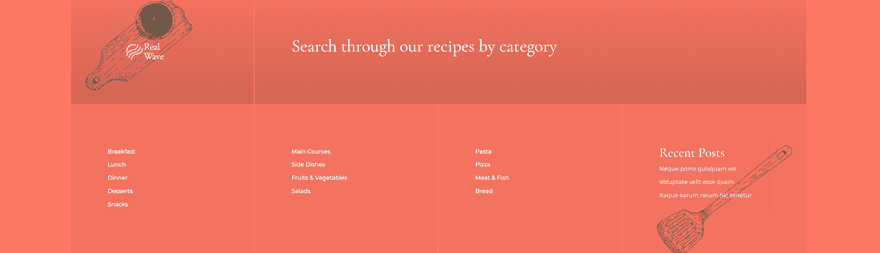
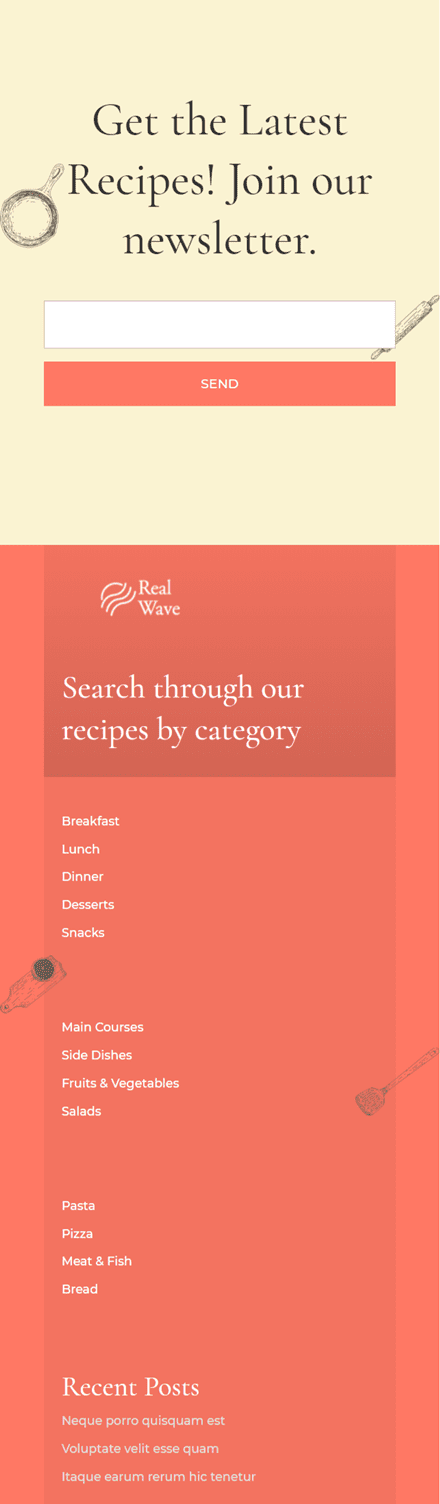
Before we dive into the tutorial, let’s take a quick look at the outcome across different screen sizes.
Desktop
Mobile
To lay your hands on the free global footer template, you will first need to download it using the button below. To gain access to the download you will need to subscribe to our newsletter by using the form below. As a new subscriber, you will receive even more Divi goodness and a free Divi Layout pack every Monday! If you’re already on the list, simply enter your email address below and click download. You will not be “resubscribed” or receive extra emails.

1. Set up Post Categories for Your Website
Go to Your Post Categories
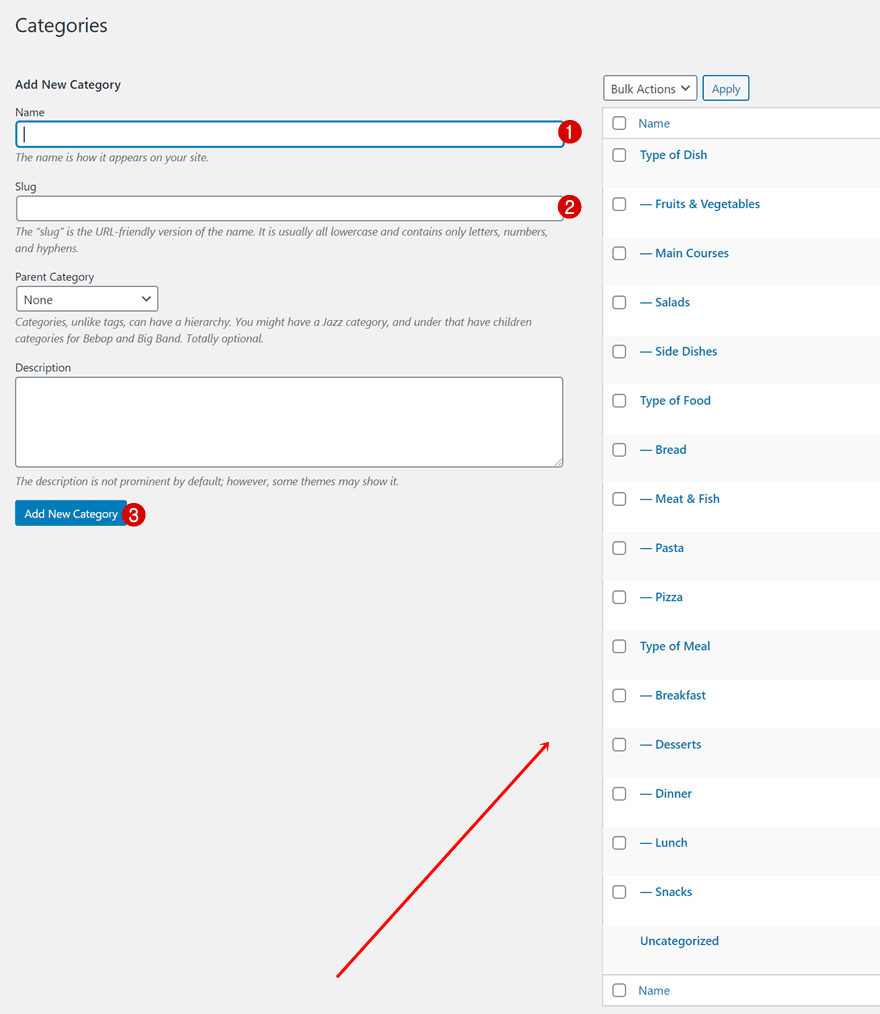
In the first part of this tutorial, we’re going to make sure all post categories are set up before we start adding them to custom footer menus. To do that, navigate to your post categories inside your WordPress backend.
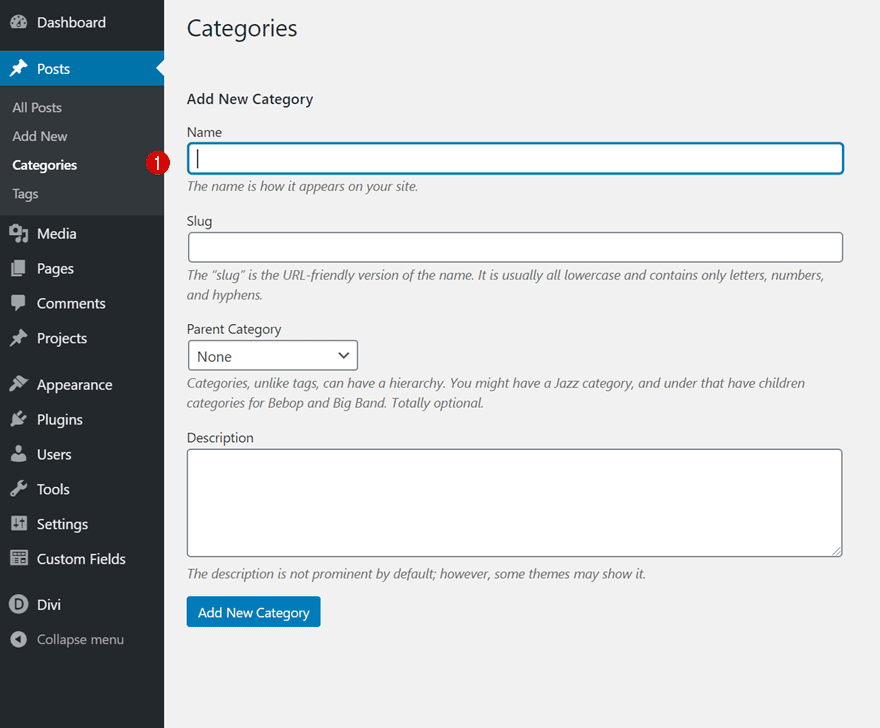
Setup Post Category Structure of Your Choice
Set up all different post categories you want to include in your footer if you haven’t done that already. For this tutorial, we’ll need three different groups of post categories as we’re going to include three different post category menu widgets in our custom footer.
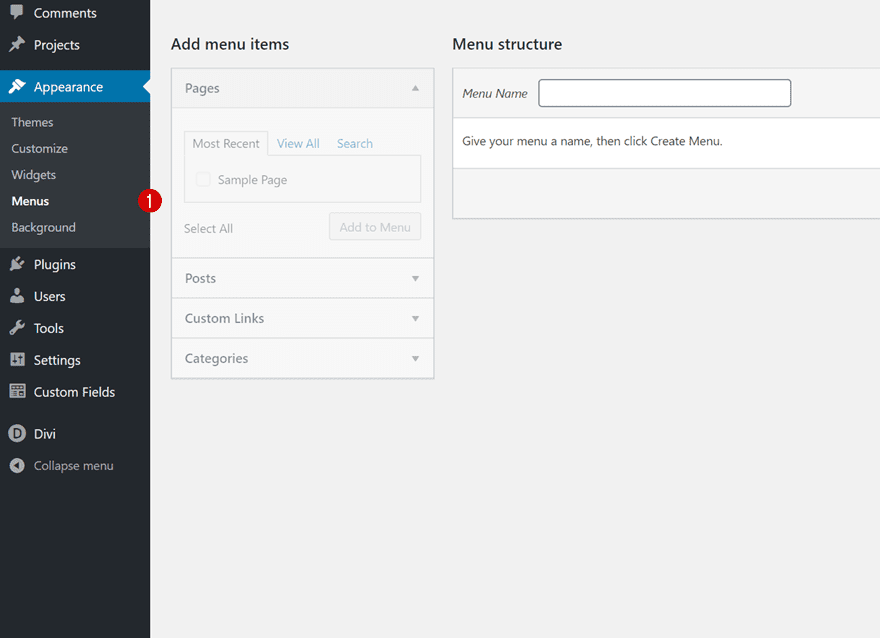
Next up, we’ll create a separate menu for each group of post categories. Navigate to menus inside the appearance settings of your WordPress website.
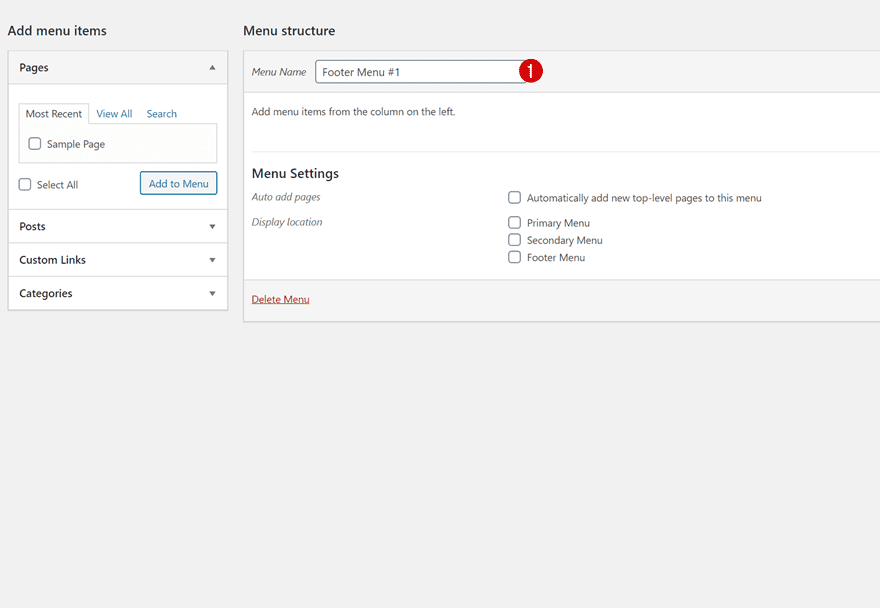
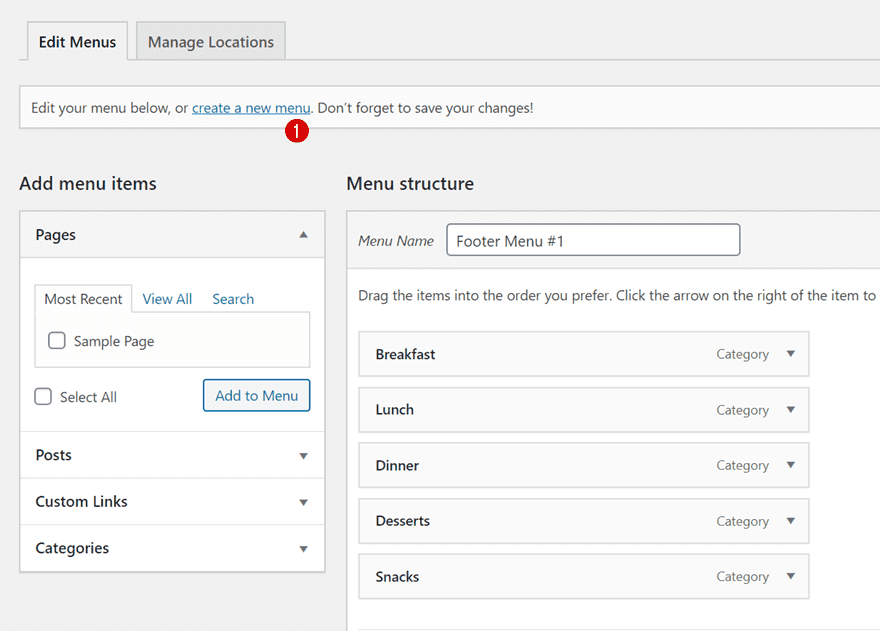
Add a first footer menu and by giving it a recognizable name.
- Menu Name: Footer Menu #1
Add Post Categories
Add your first group of post categories to this new menu.
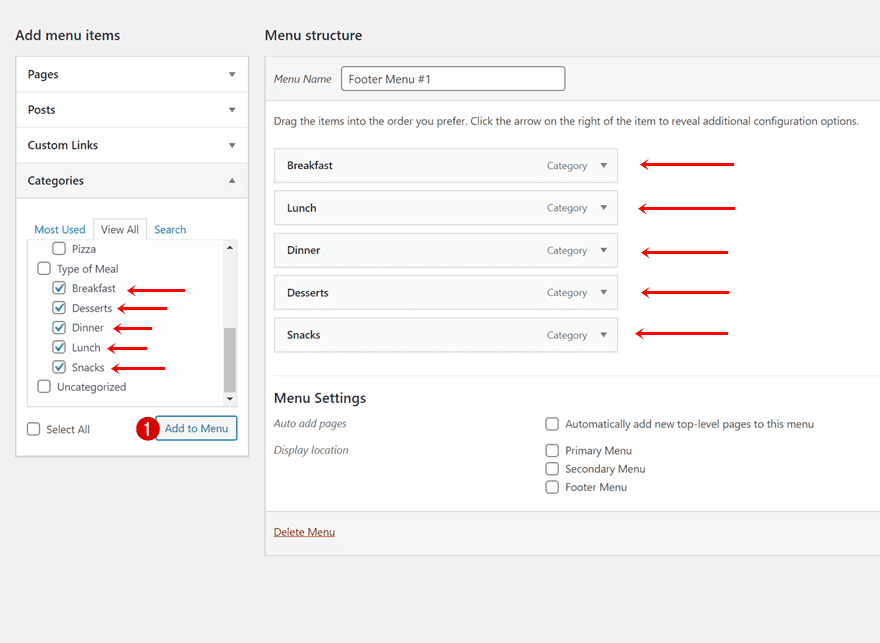
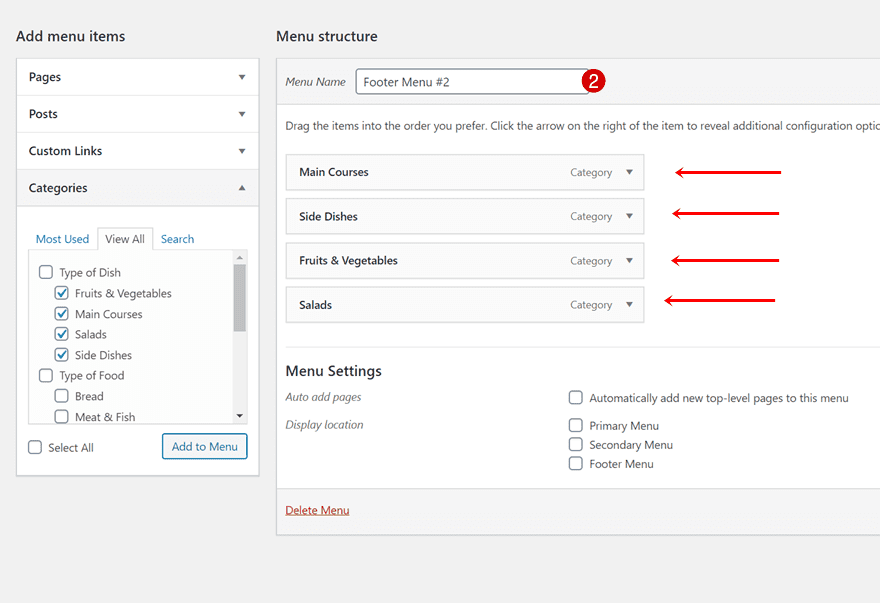
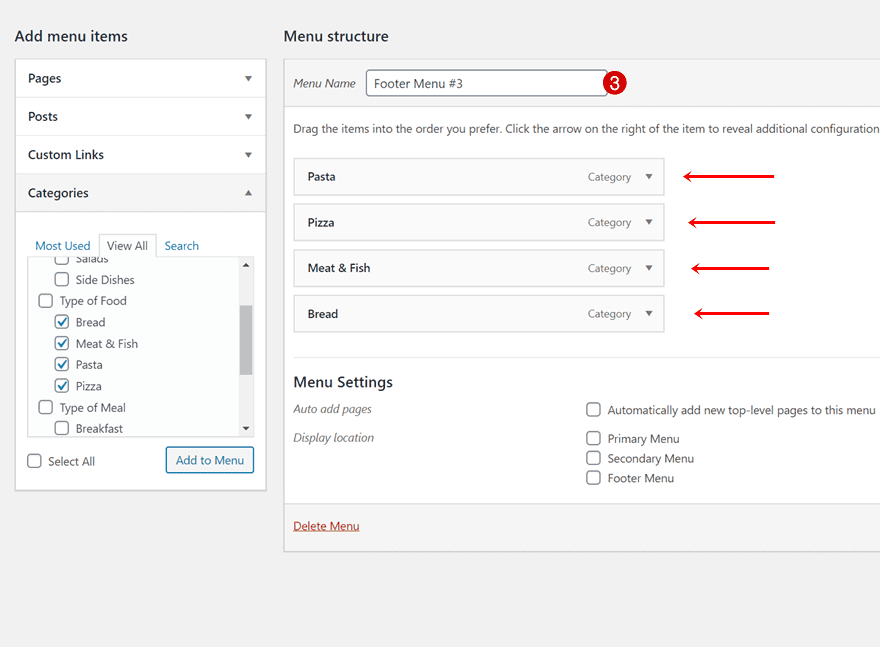
Do the same thing for two other post category groups.
- Menu Name: Footer Menu #2
- Menu Name: Footer Menu #3
Go to Widgets
Now that we have our post categories and post category menus in place, we can place them inside our footer area widgets. To do that, navigate to widgets in your WordPress backend.
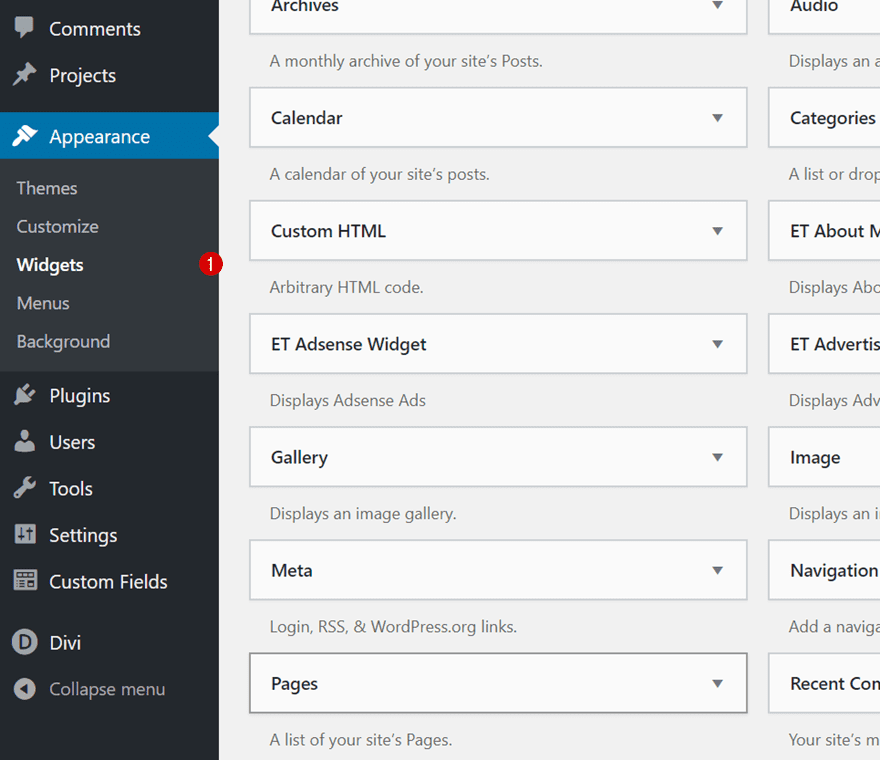
There, add a first navigation menu widget to your Footer Area #1. Inside the navigation menu, select the first footer menu you’ve created in the previous part of this tutorial.
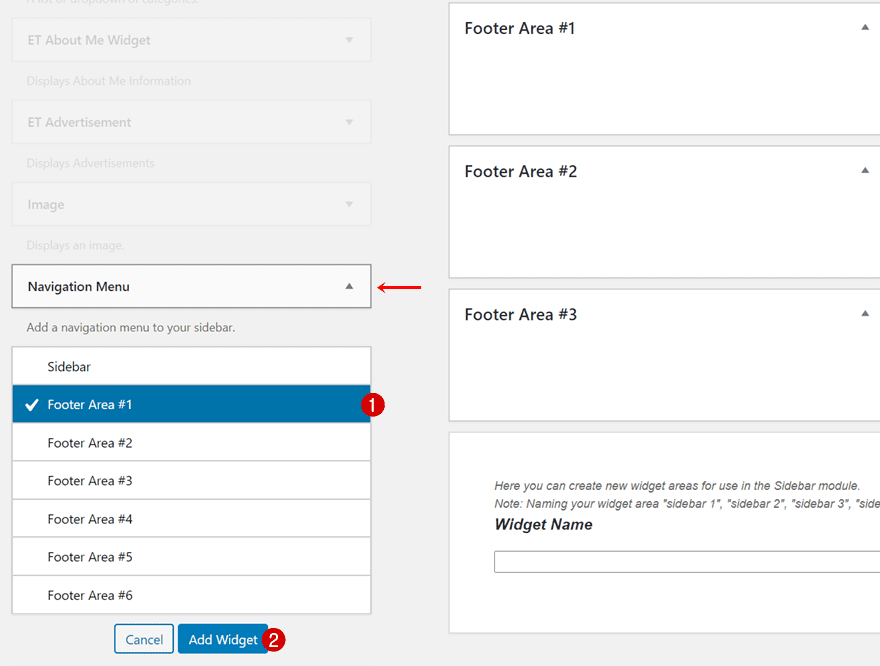
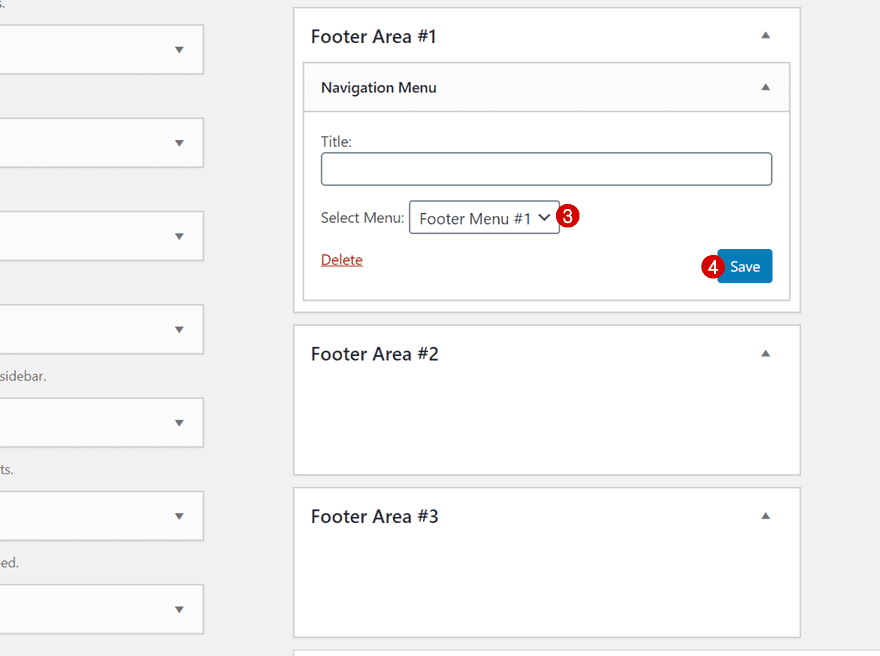
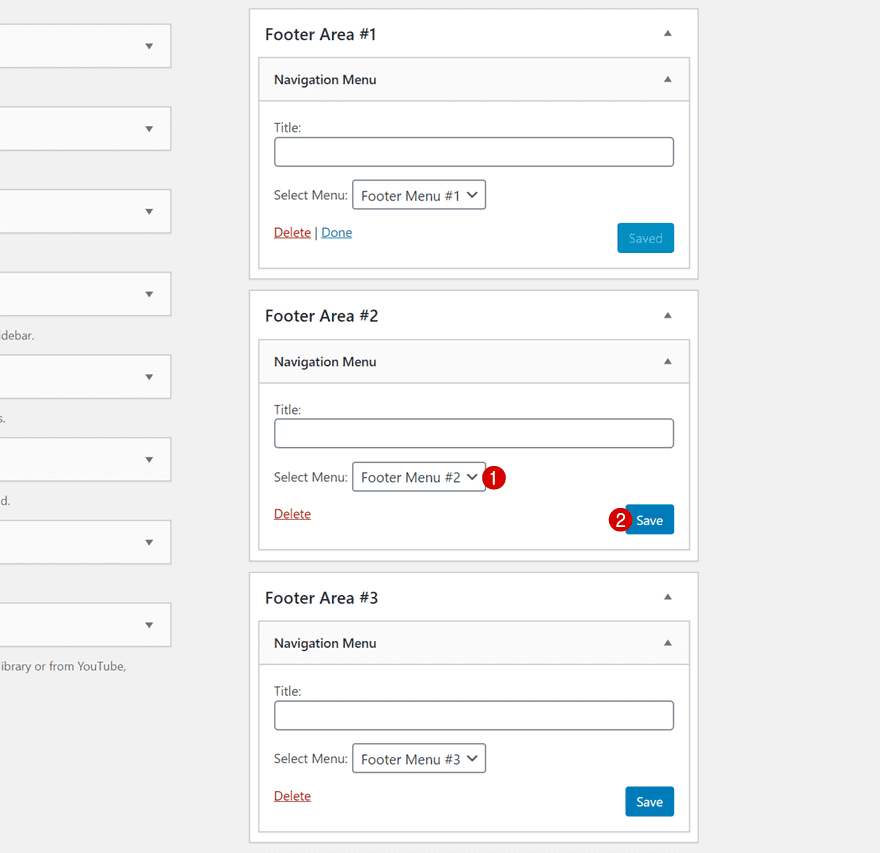
Place the second post category menu in the second footer area.
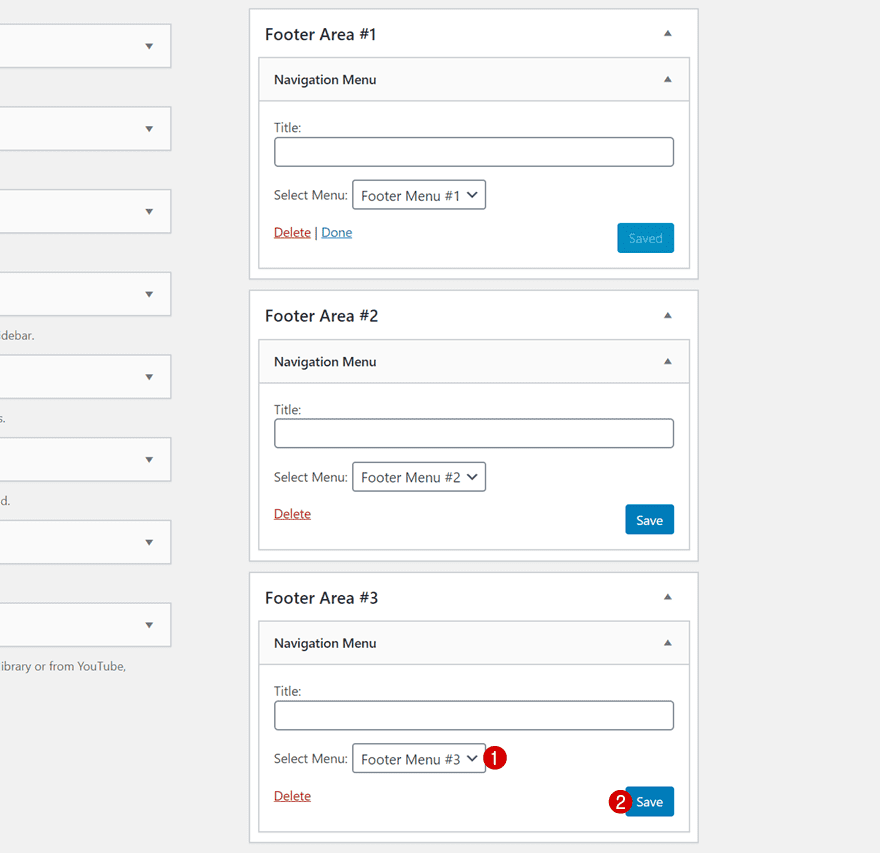
And the third footer menu in the third footer area.
The last widget we need, which we’ll add to the fourth footer area, is the recent posts widget. This widget will dynamically show your 5 last recent posts as links.
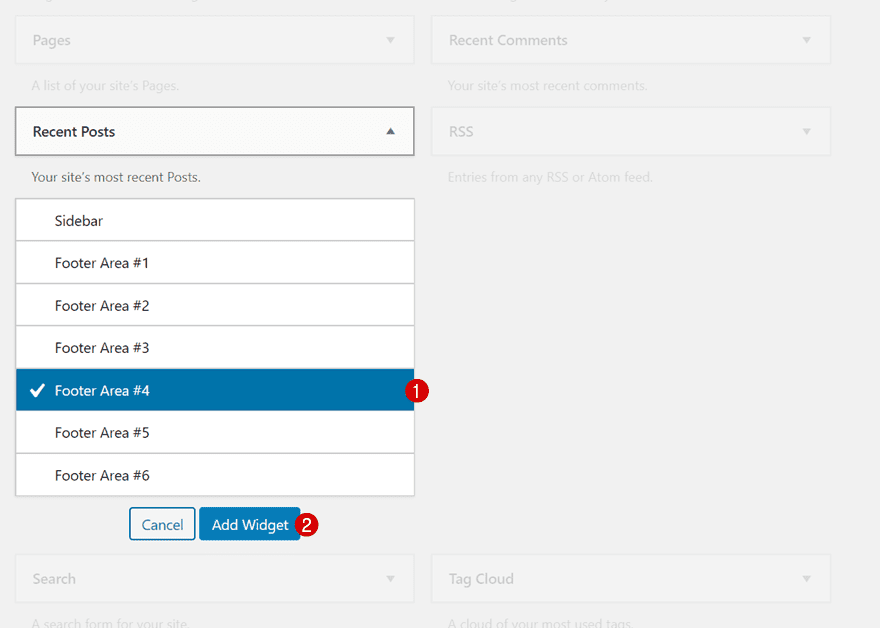
Now that our post categories, post category menus and widgets are in place, it’s time to switch over to Divi! Go to your Divi Theme Builder and start building a global or custom footer.
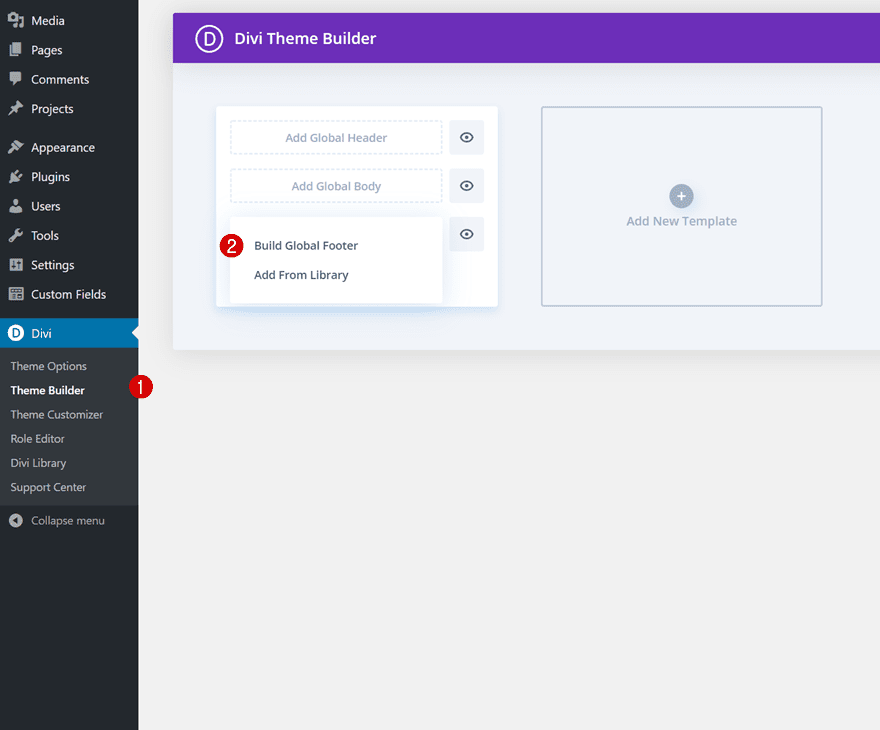
Section Settings
Background Color
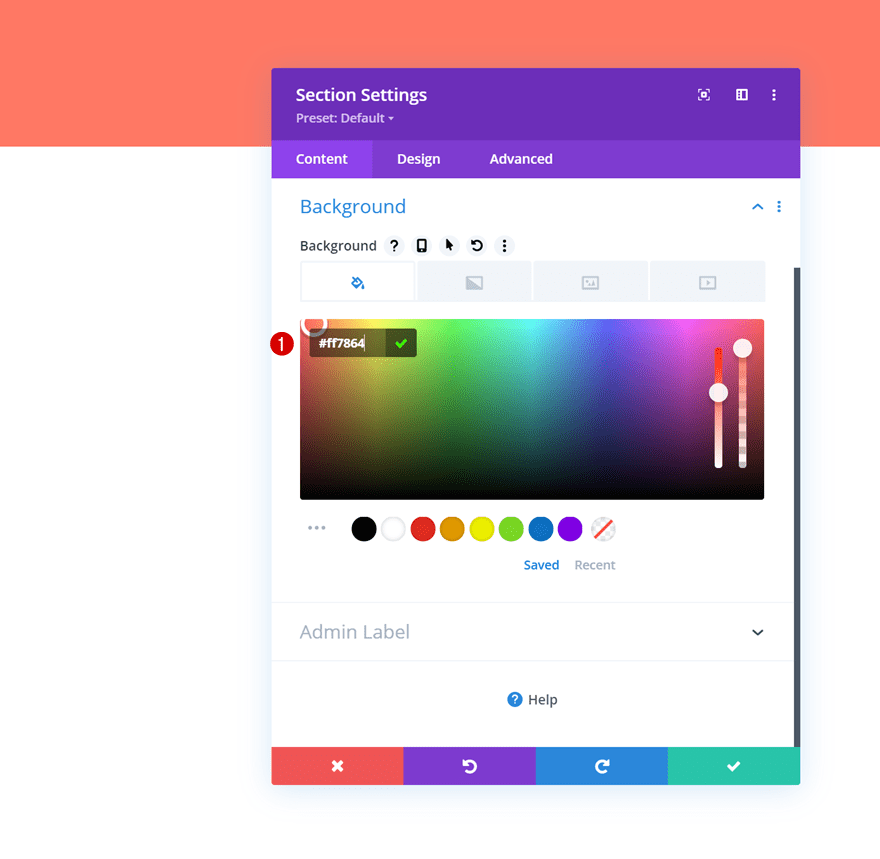
Once inside the footer template, you’ll notice a section. Open that section and add a background color to it. The style we’re using throughout this design matches the Food Recipes Layout Pack perfectly, but the approach will work with any kind of design you choose.
- Background Color: #ff7864
Background Image
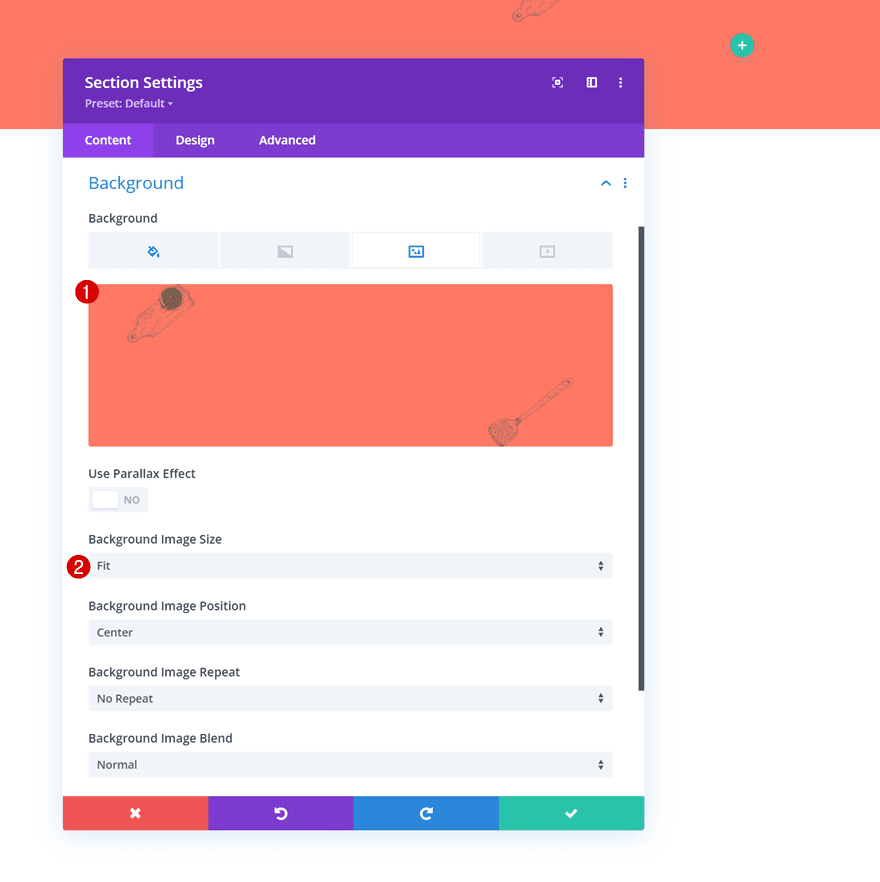
Add a background image next. If you want to use the exact same one as in this tutorial, you can find it in the folder that you are able to download at the beginning of this tutorial.
- Background Image Size: Fit
Spacing
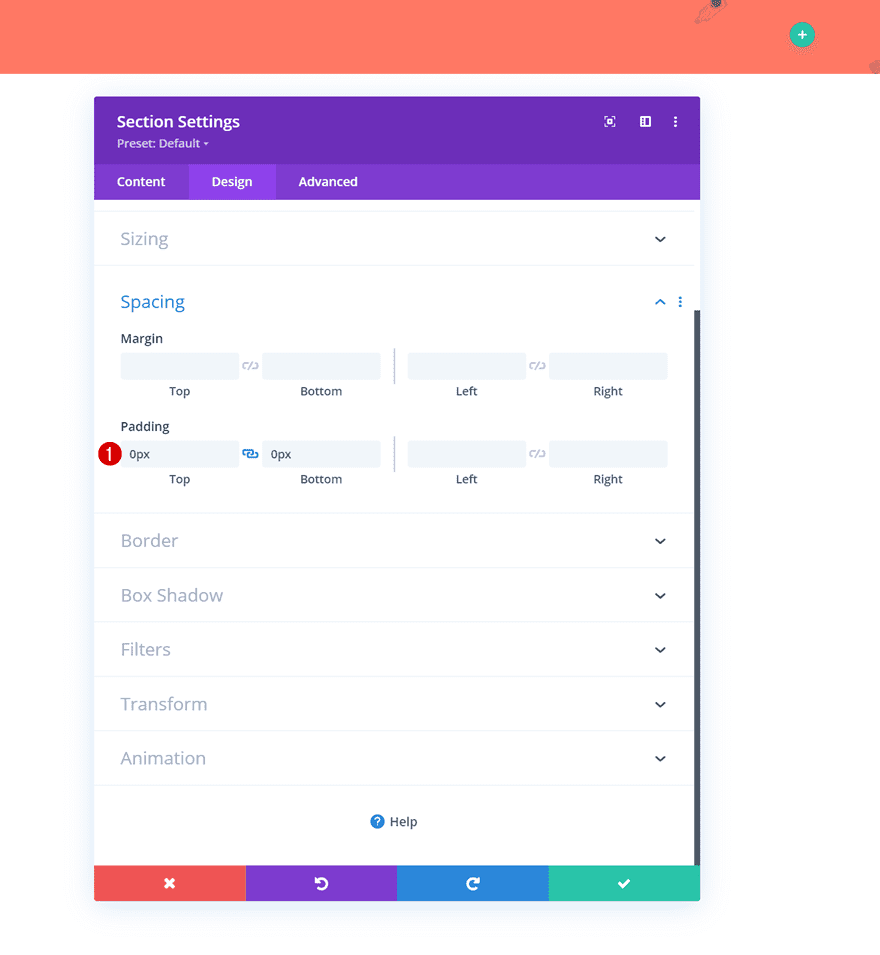
Move on to the section’s design tab and remove all default top and bottom padding next.
- Top Padding: 0px
- Bottom Padding: 0px
Add Row #1
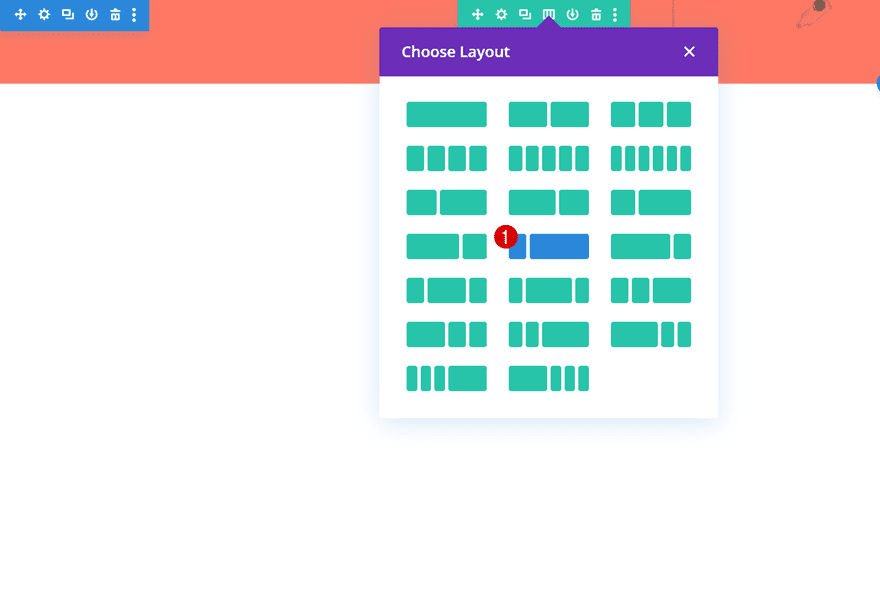
Column Structure
Continue by adding a new row using the following column structure:
Gradient Background
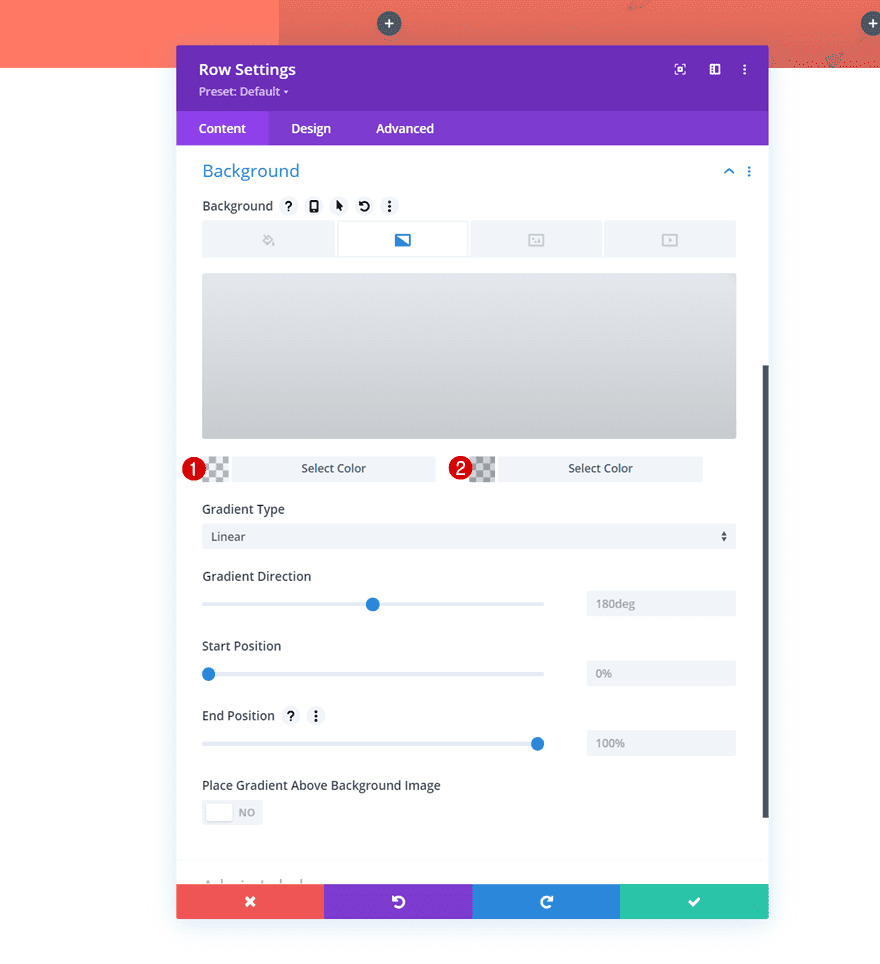
Without adding any modules yet, open the row settings and apply a gradient background.
- Color 1: rgba(10,10,10,0.05)
- Color 2: rgba(10,10,10,0.18)
Sizing
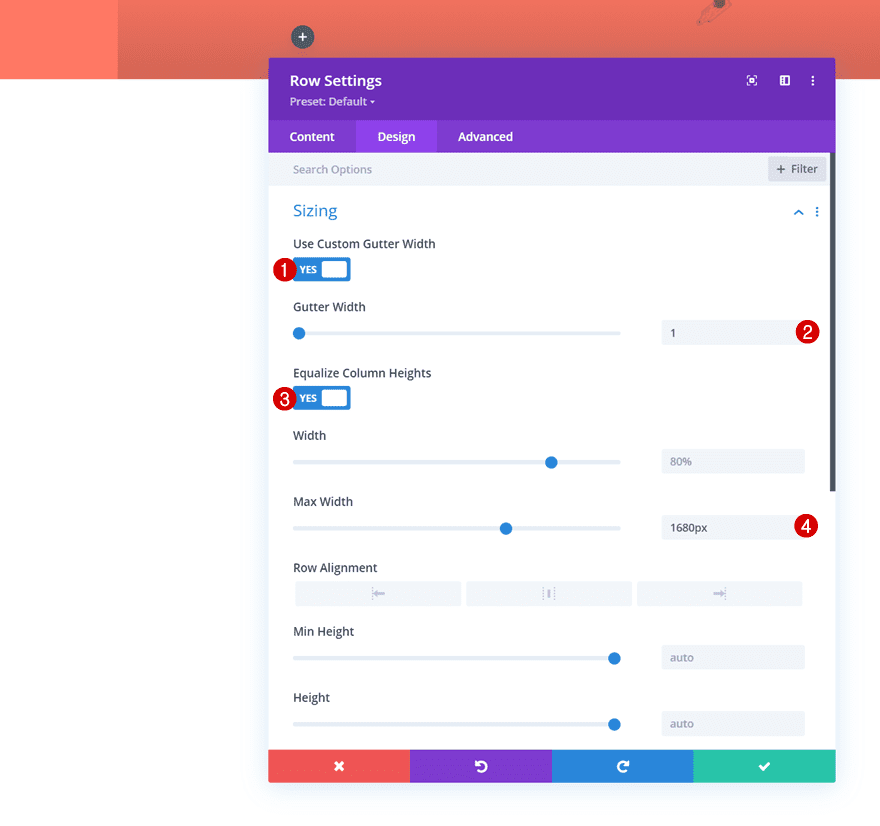
Move on to the row’s design tab and modify the sizing settings as follows:
- Use Custom Gutter Width: Yes
- Gutter width: 1
- Equalize Column Heights: Yes
- Max Width: 1680px
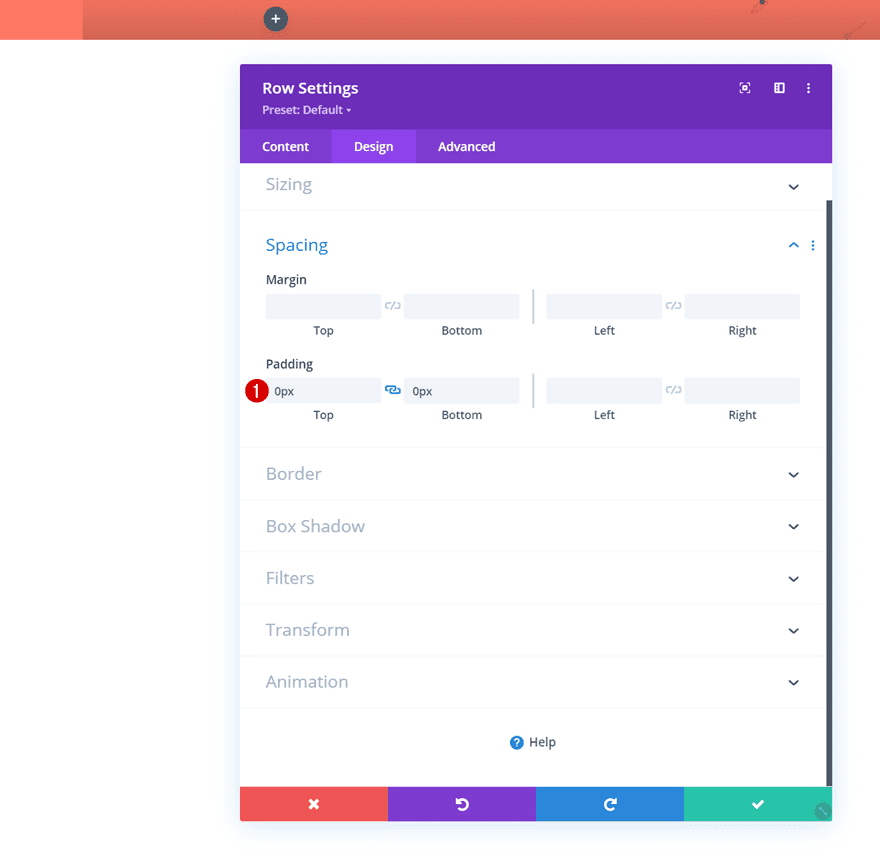
Spacing
Remove all default top and bottom padding next.
- Top Padding: 0px
- Bottom Padding: 0px
Column 1 Settings
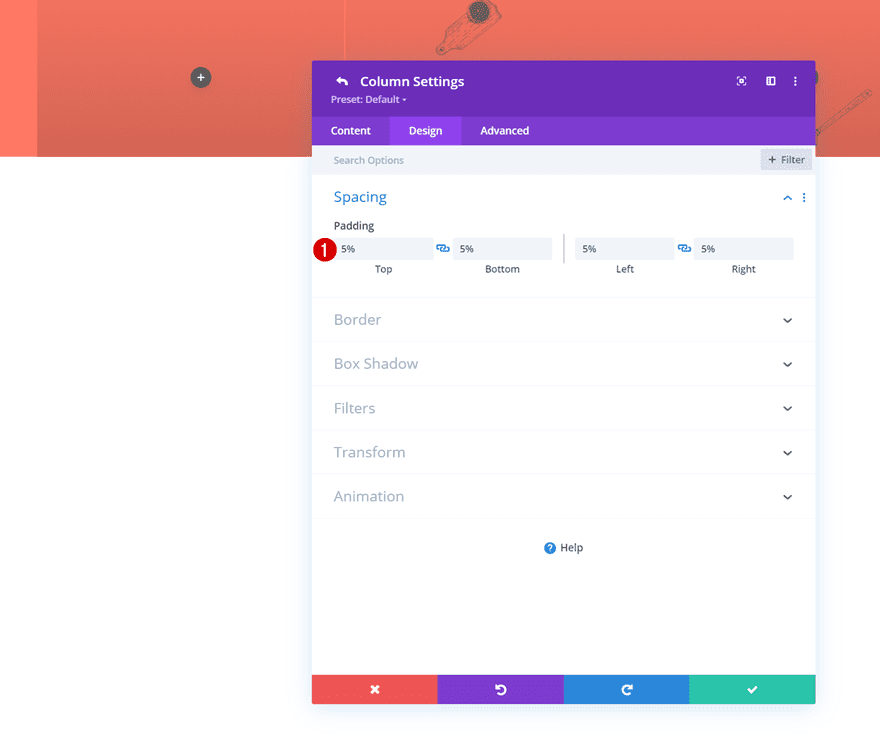
Spacing
Then, open the column 1 settings and add some custom padding values in the design tab.
- Top Padding: 5%
- Bottom Padding: 5%
- Left Padding: 5%
- Right Padding: 5%
Border
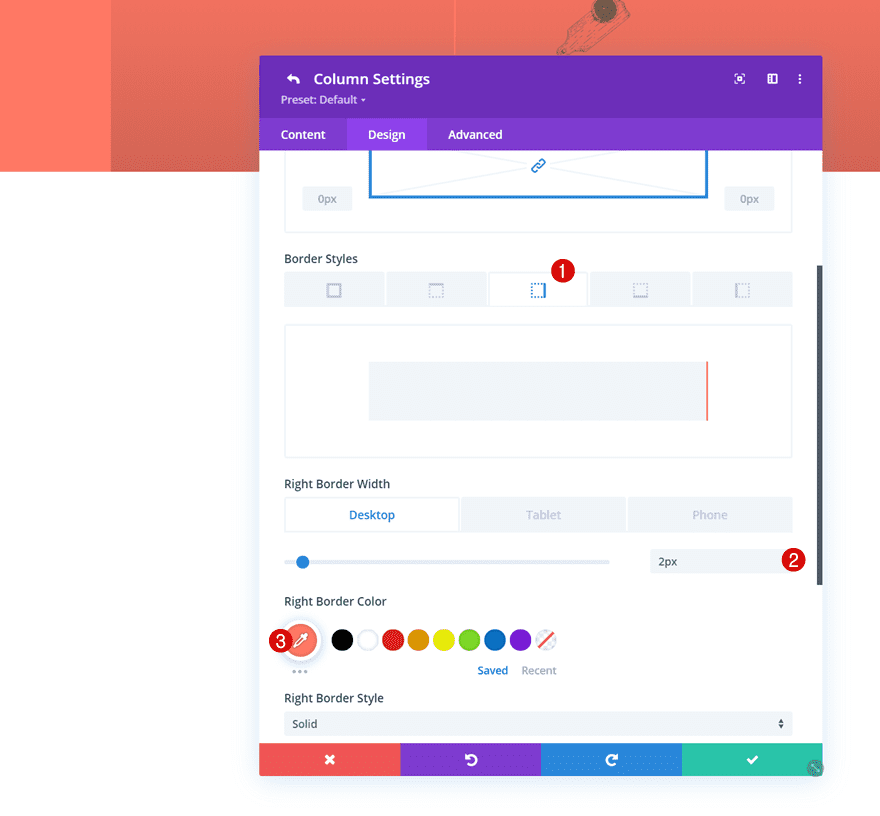
We’re using a right border on desktop too.
- Right Border Width:
- Desktop: 2px
- Tablet & Phone: 0px
- Right Border Color: #ff7864
Column 2 Settings
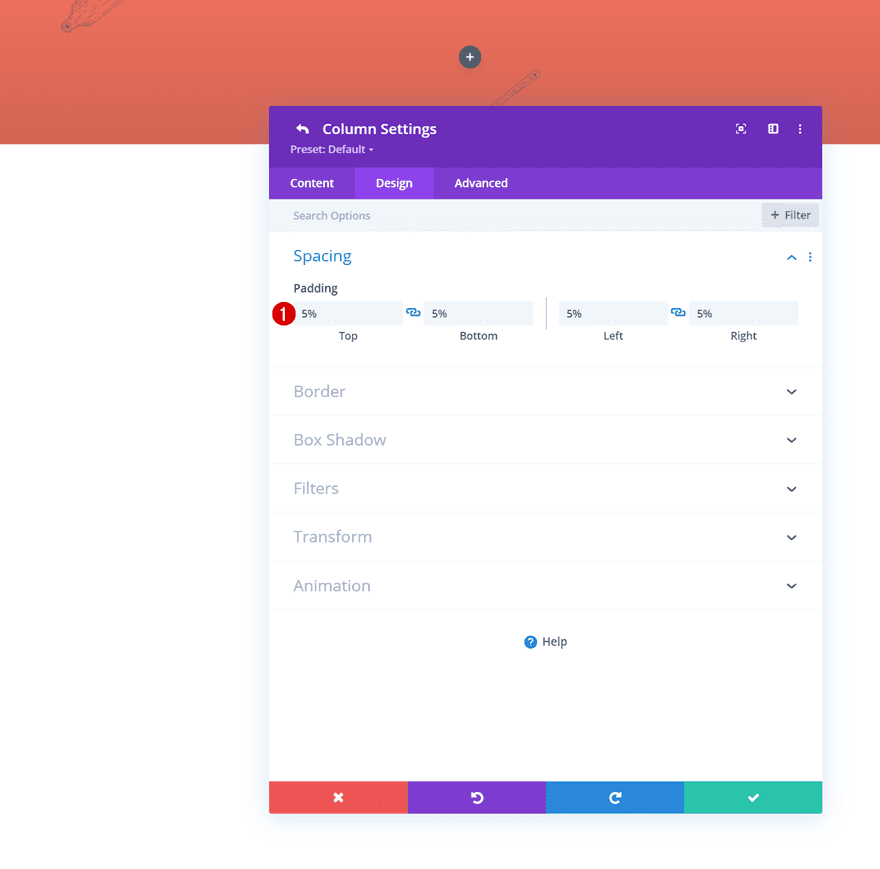
Spacing
Next, open the column 2 settings and apply the following padding values to it:
- Top Padding: 5%
- Bottom Padding: 5%
- Left Padding: 5%
- Right Padding: 5%
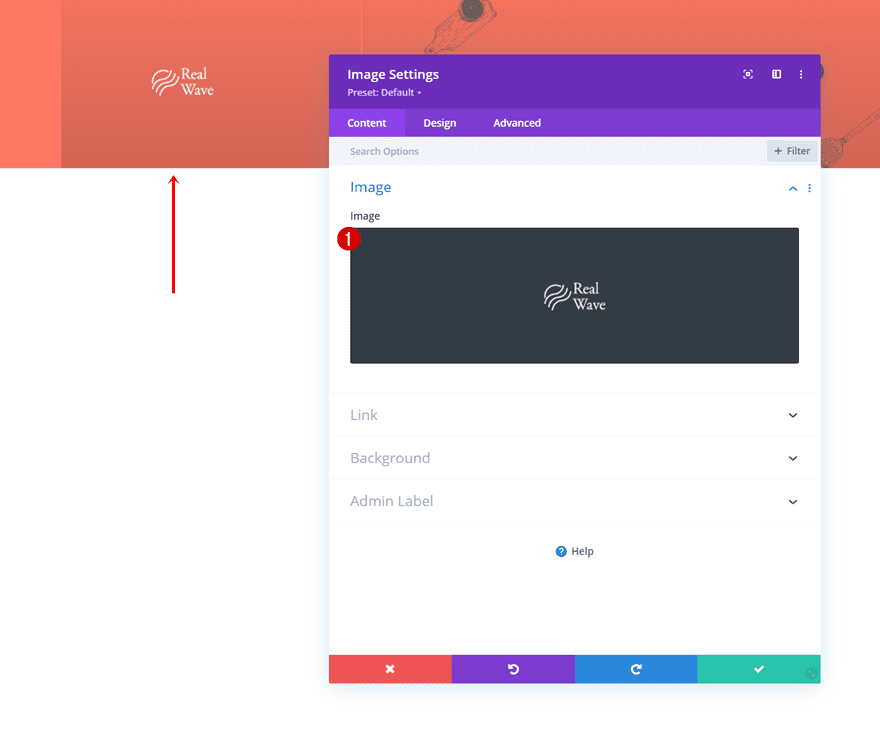
Add Image Module to Column 1
Upload Logo
Time to add modules, starting with an Image Module in column 1. Upload a logo of your choice and style it however you want.
Add Text Module to Column 2
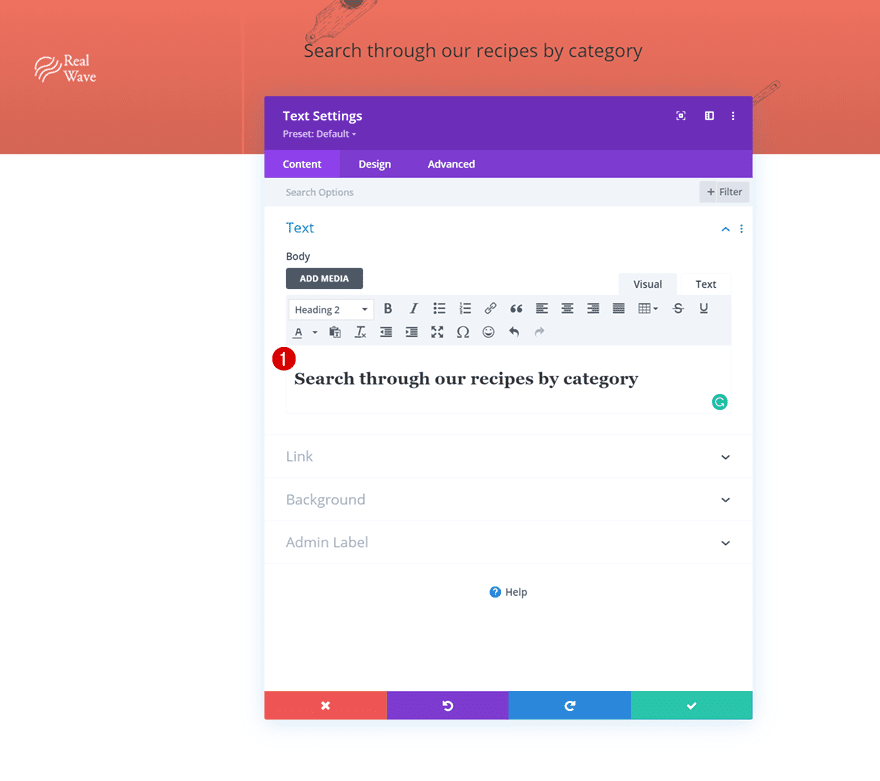
Add H2 Content
In the second column, we’re adding a Text Module with some descriptive H2 content.
H2 Text Settings
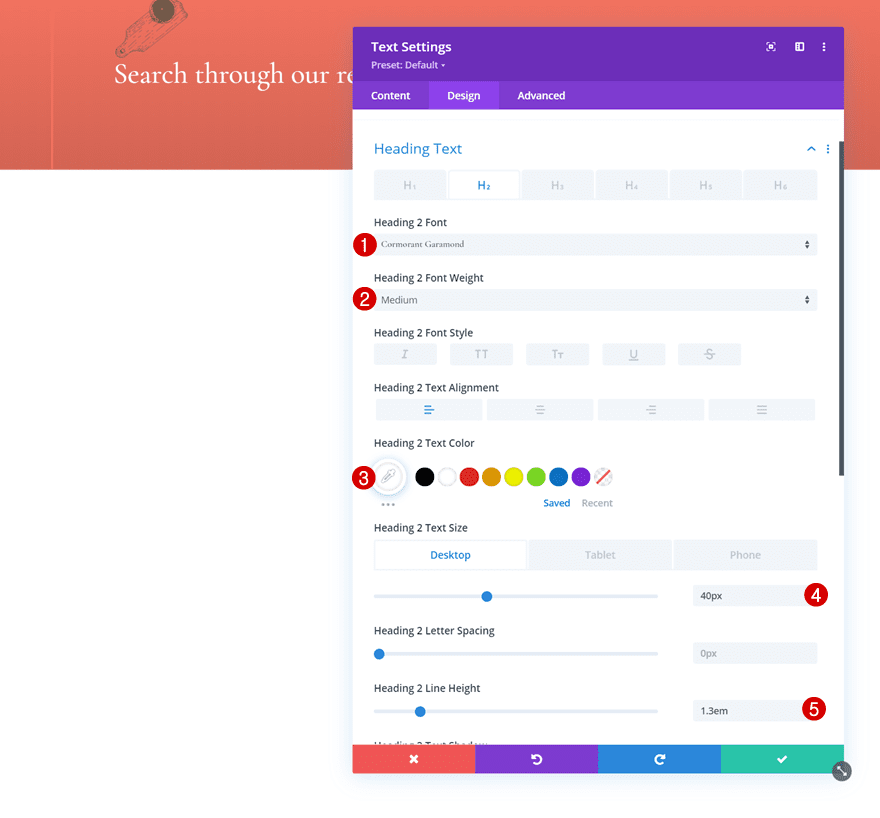
Move on to the design tab and change the H2 text settings accordingly:
- Heading 2 Font: Cormorant Garamond
- Heading 2 Font Weight: Medium
- Heading 2 Text Color: #ffffff
- Heading 2 Text Size:
- Desktop & Tablet: 40px
- Phone: 35px
- Heading 2 Line Height: 1.3em
Add Row #2
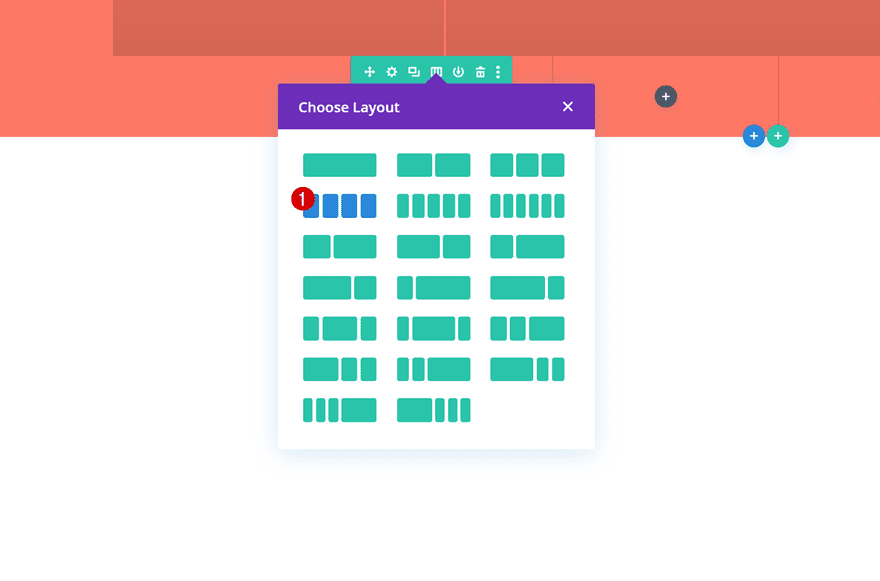
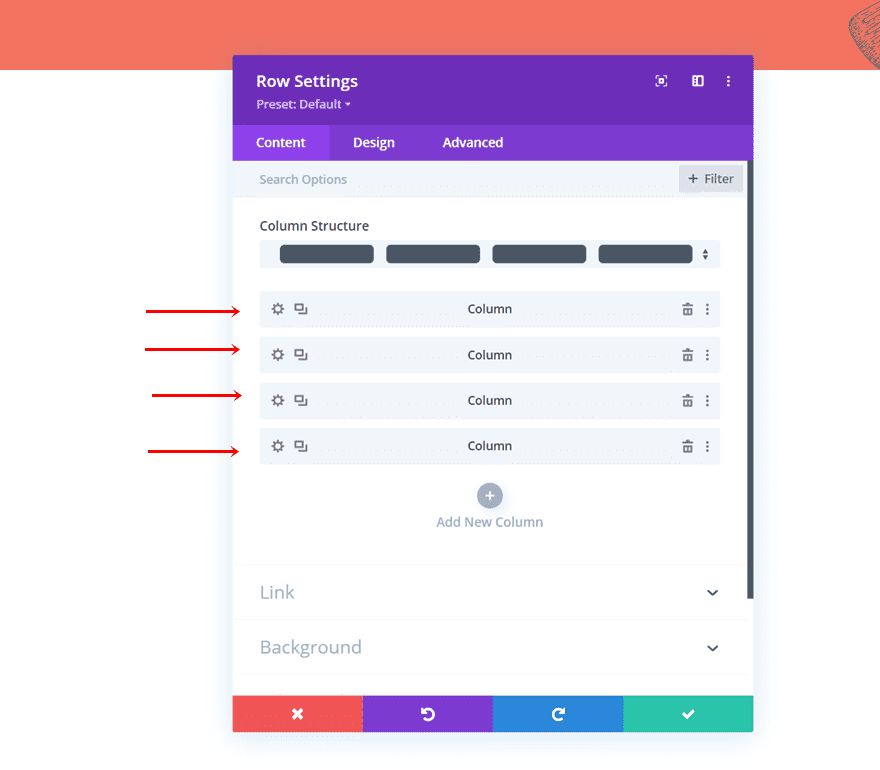
Column Structure
On to the next row. In this row, we’ll place all our widgets. Choose the following column structure:
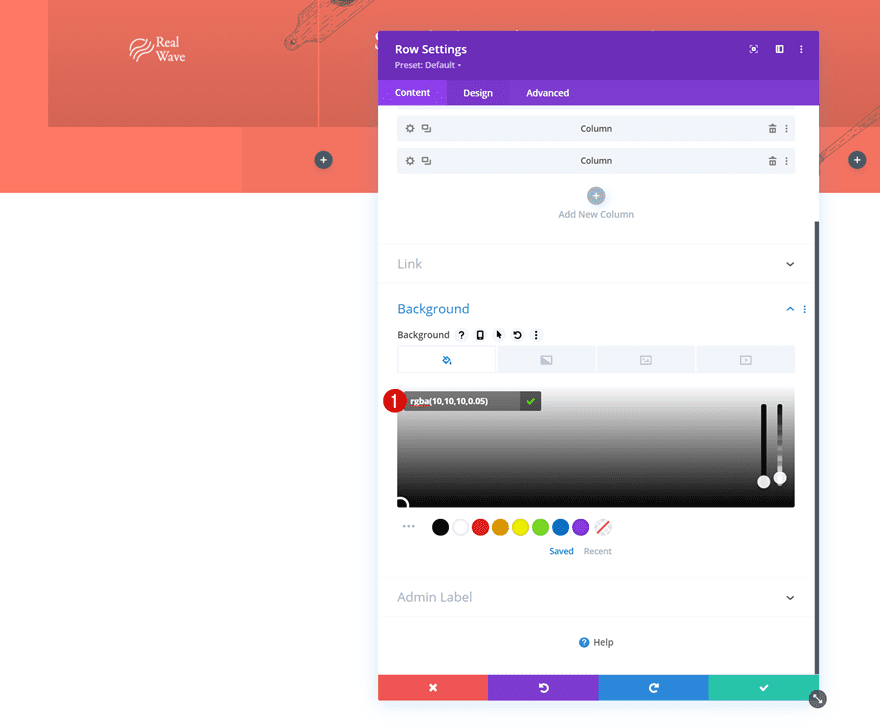
Background Color
Without adding any modules yet, open the row settings and apply a background color.
- Background Color: rgba(10,10,10,0.05)
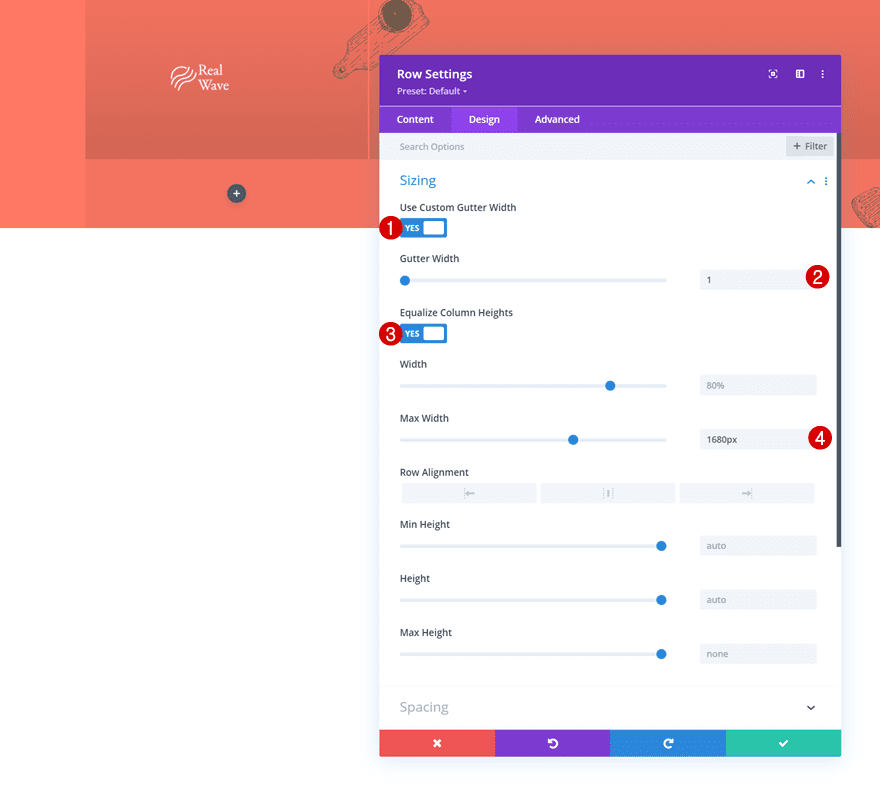
Sizing
Move on to the design tab and change the sizing settings as follows:
- Use Custom Gutter Width: Yes
- Gutter Width: 1
- Equalize Column Heights: Yes
- Max Width: 1680px
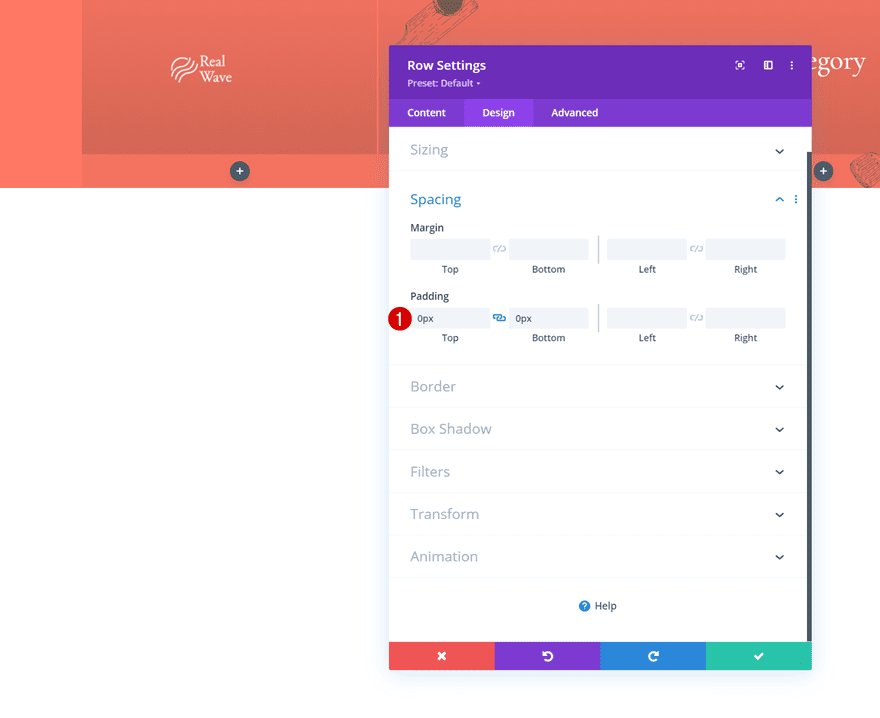
Spacing
Remove all default top and bottom padding as well.
- Top Padding: 0px
- Bottom Padding: 0px
All Column Spacing
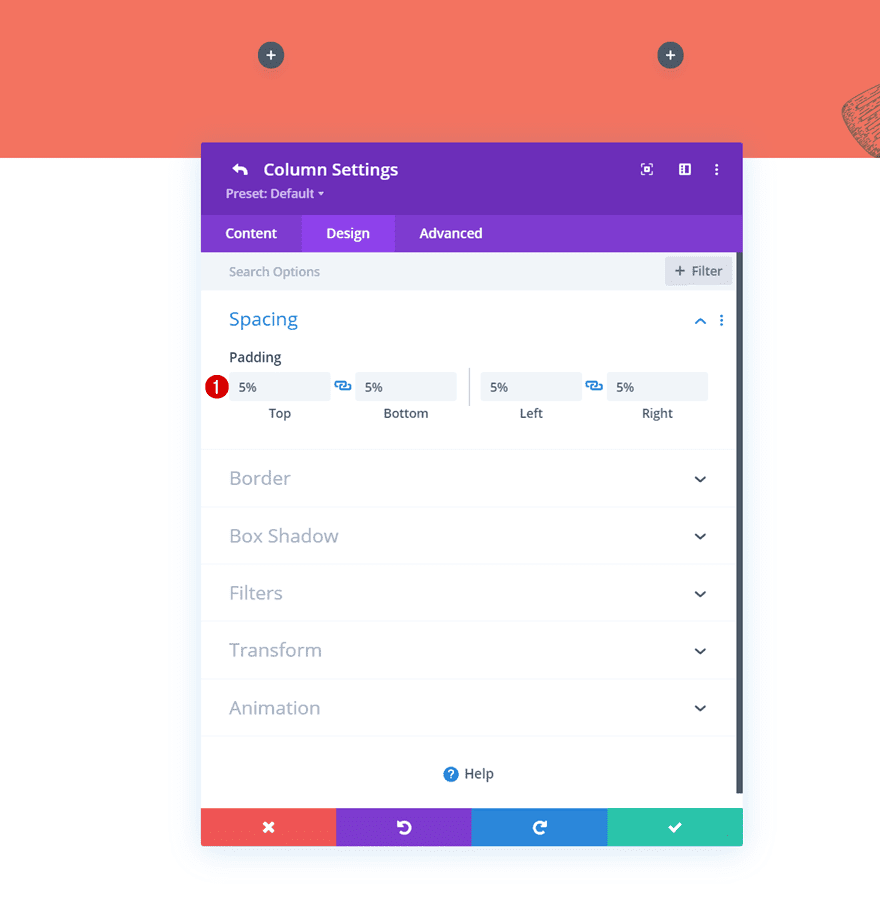
Then, open the columns individually and apply the following padding values to each one of them:
- Top Padding: 5%
- Bottom Padding: 5%
- Left Padding: 5%
- Right Padding: 5%
Column 1 Border
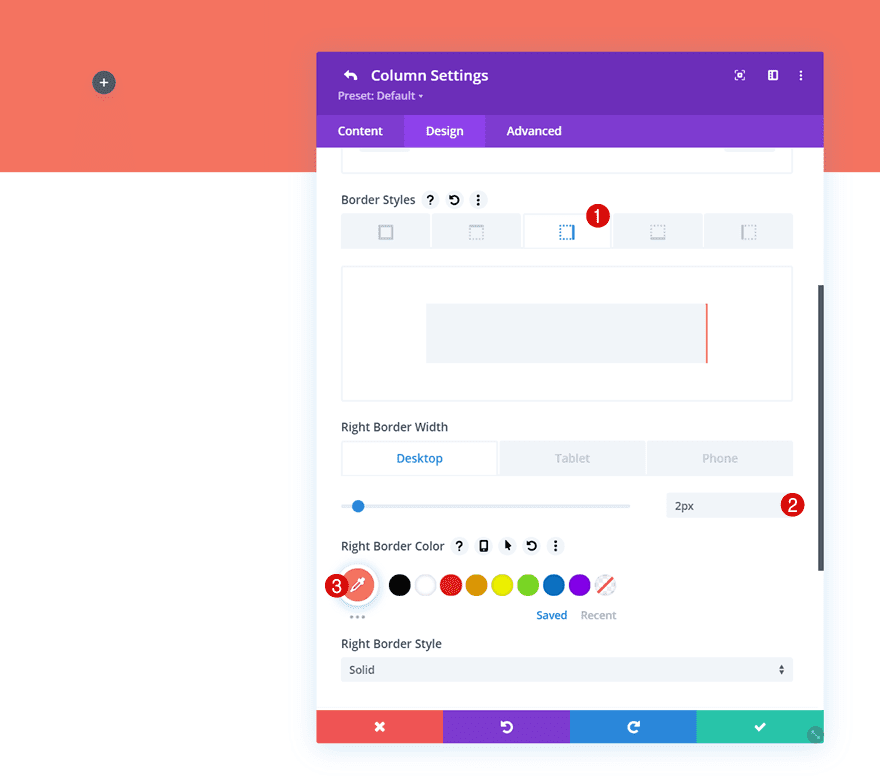
Next up, we’ll add a border to column 1.
- Right Border Width:
- Desktop & Tablet: 2px
- Phone: 0px
- Right Border Color: #ff7864
Column 2 Border
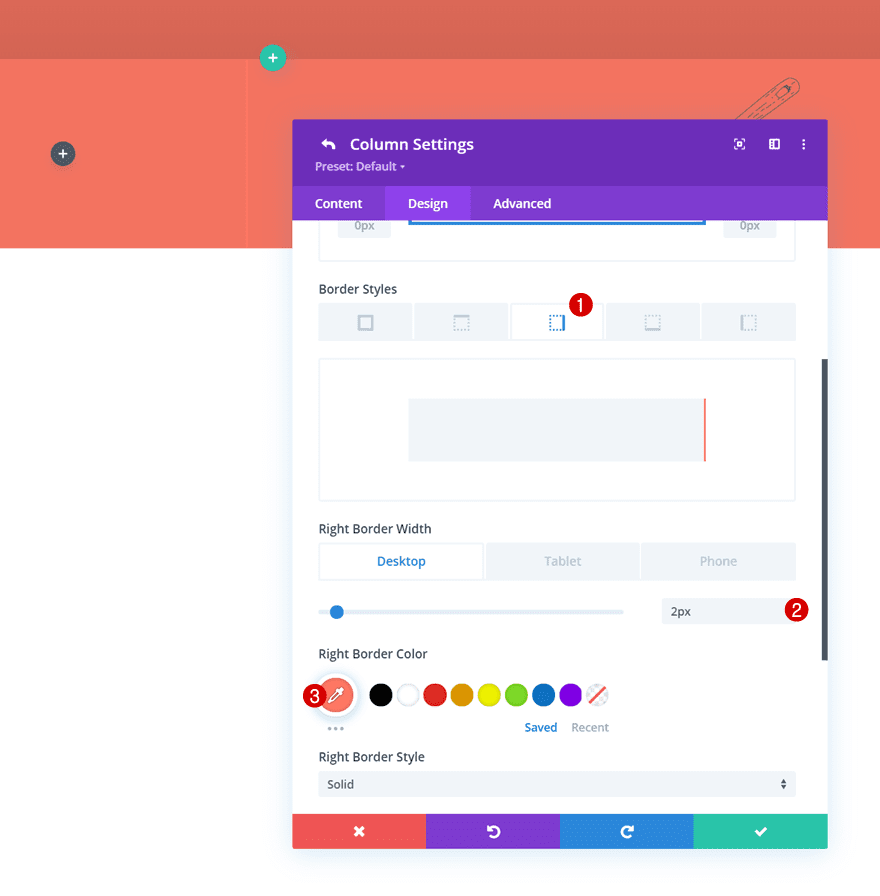
We’re using the same border, with some different responsive values, for the second column.
- Right Border Width:
- Desktop: 2px
- Phone & Tablet: 0px
- Right Border Color: #ff7864
Column 3 Border
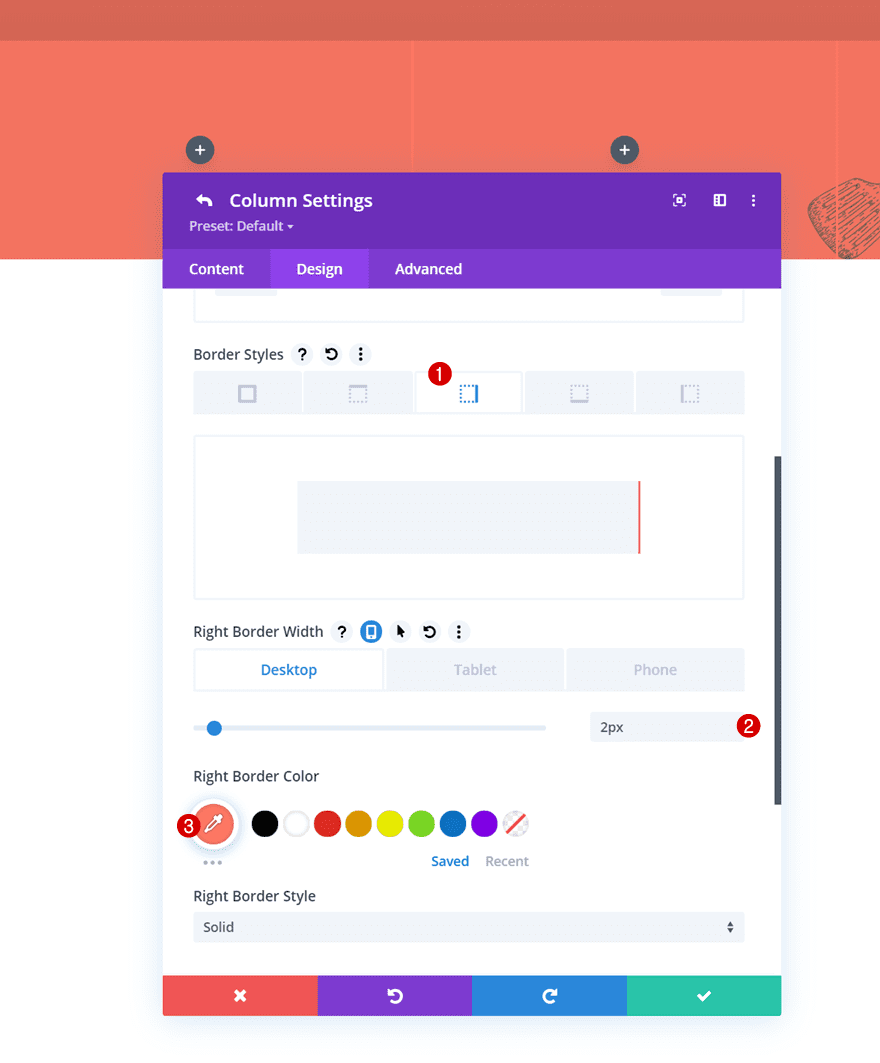
And last but not least, we’ll add a right border to the third column as well.
- Right Border Width:
- Desktop & Tablet: 2px
- Phone: 0px
- Right Border Color: #ff7864
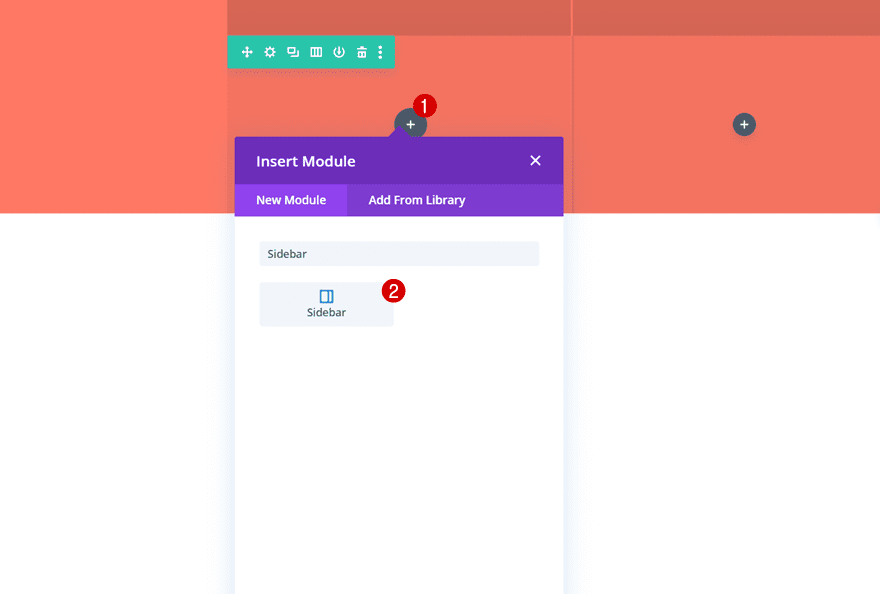
Time to add our post category menu widgets! To do that, we’ll use Divi’s built-in Sidebar Module. Add one to the row’s first column.
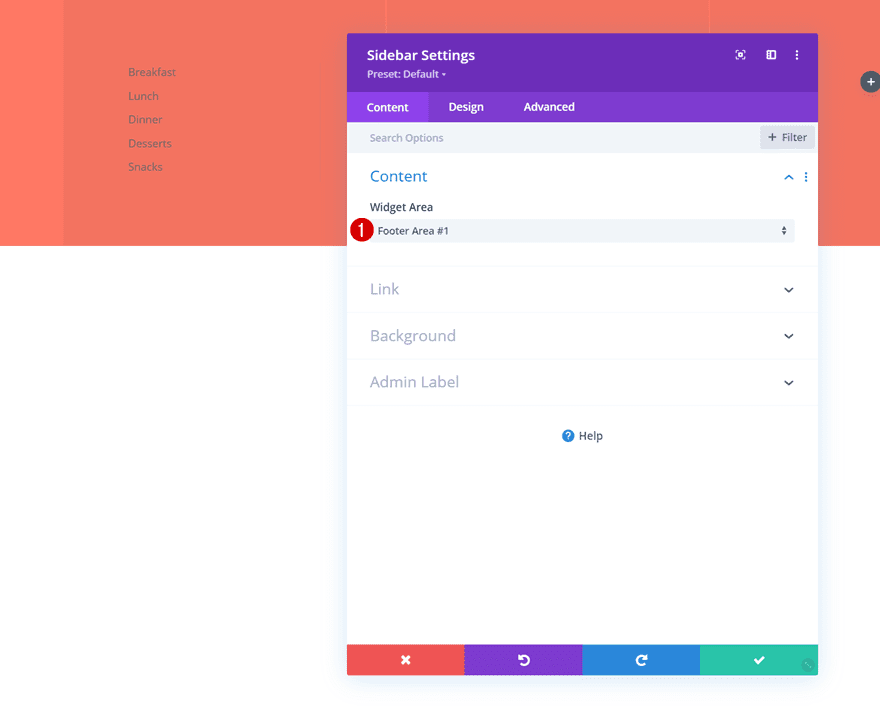
Select Footer Area #1
Select the first footer area. This is linked to our first post category menu we’ve created.
- Widget Area: Footer Area #1
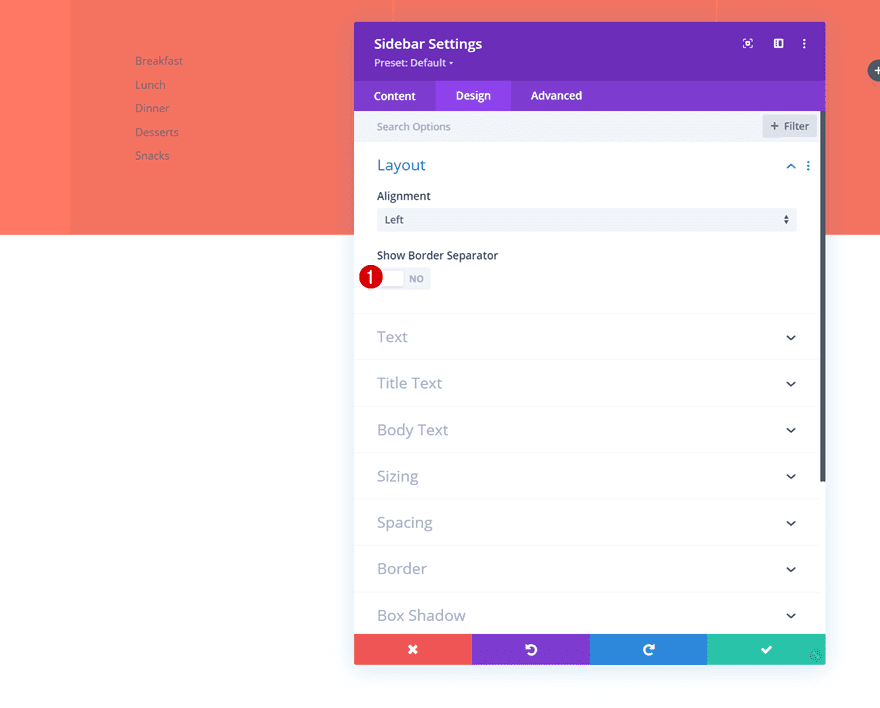
Layout
Move on to the module’s design tab and disable the border separator.
- Show Border Separator: No
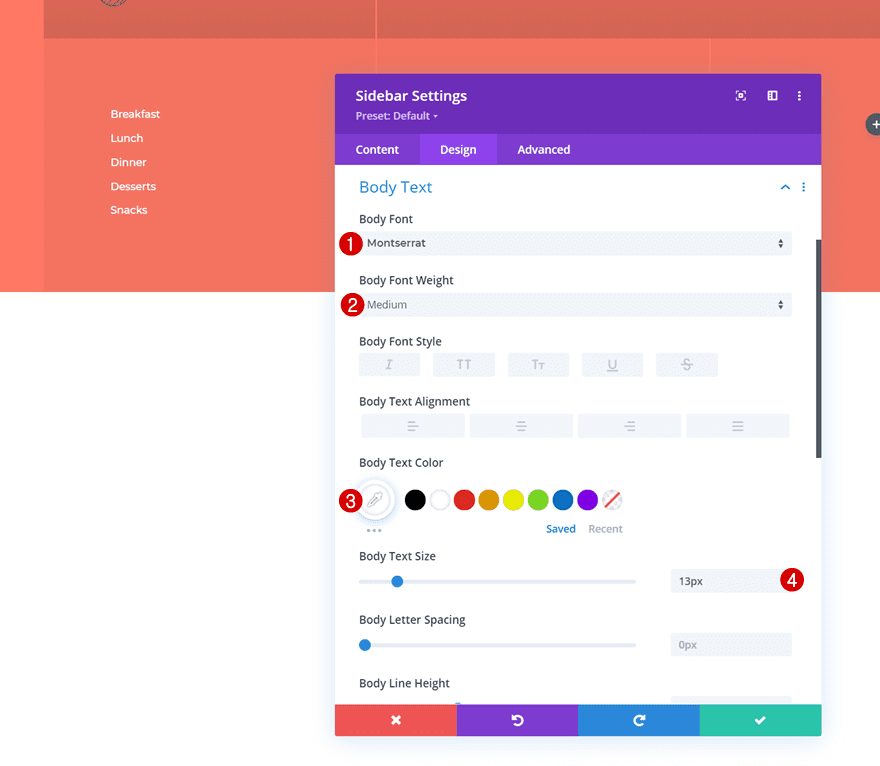
Body Text Settings
Modify the body text settings as well.
- Body Font: Montserrat
- Body Font Weight: Medium
- Body Text Color: #ffffff
- Body Text Size: 13px
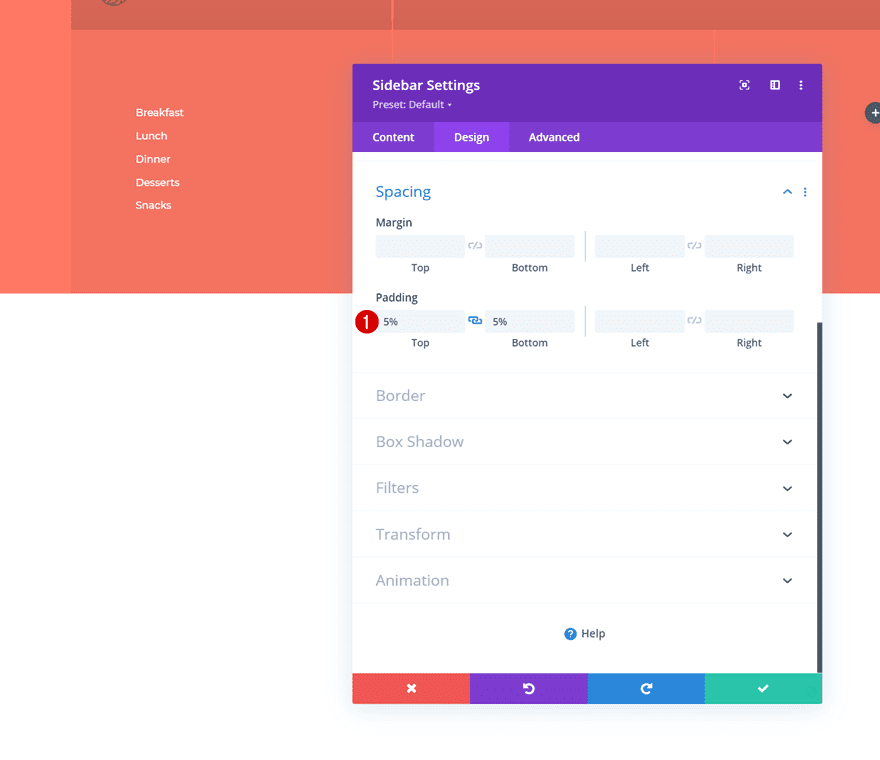
Spacing
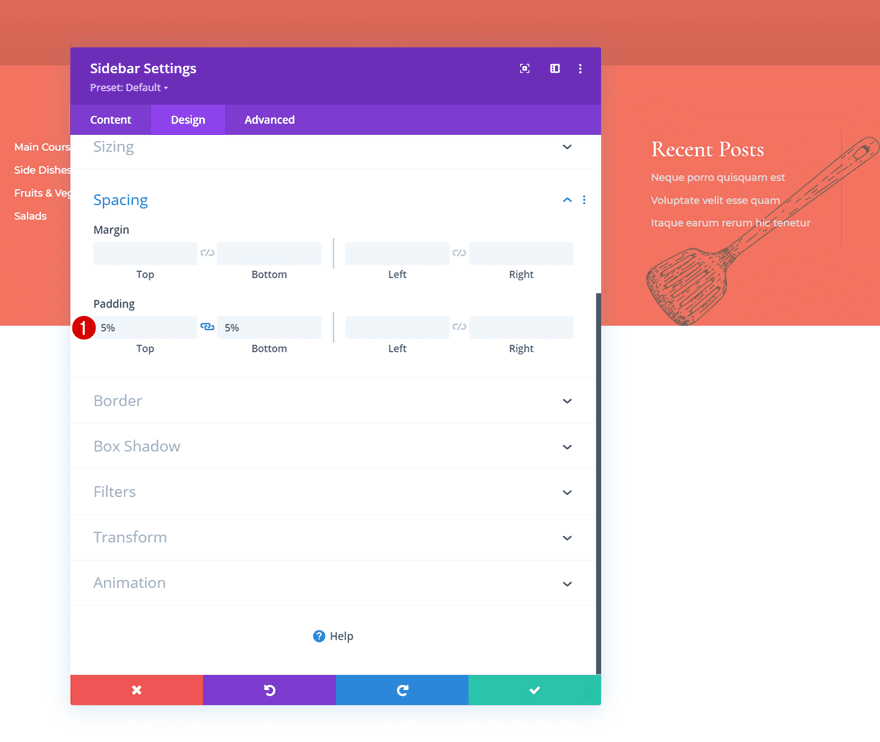
And complete the module settings by adding some top and bottom padding to the spacing settings.
- Top Padding: 5%
- Bottom Padding: 5%
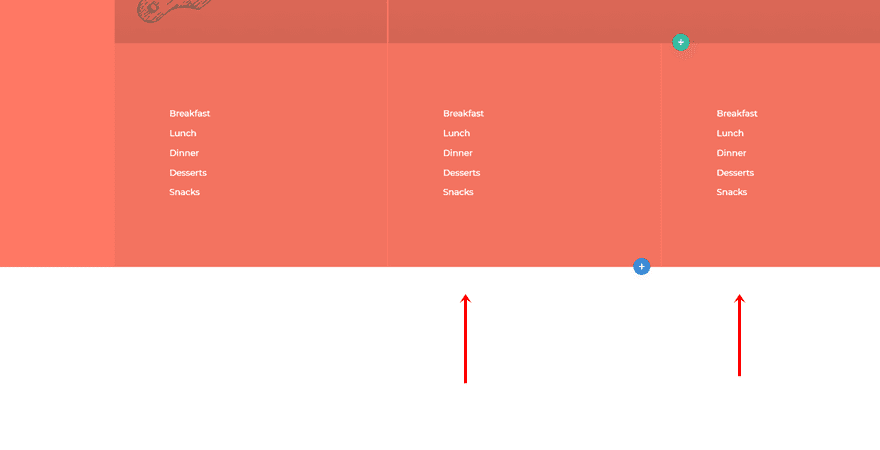
Once you’ve completed the first Sidebar Module, you can clone it twice and place the duplicates in column 2 and 3.
Change Footer Areas
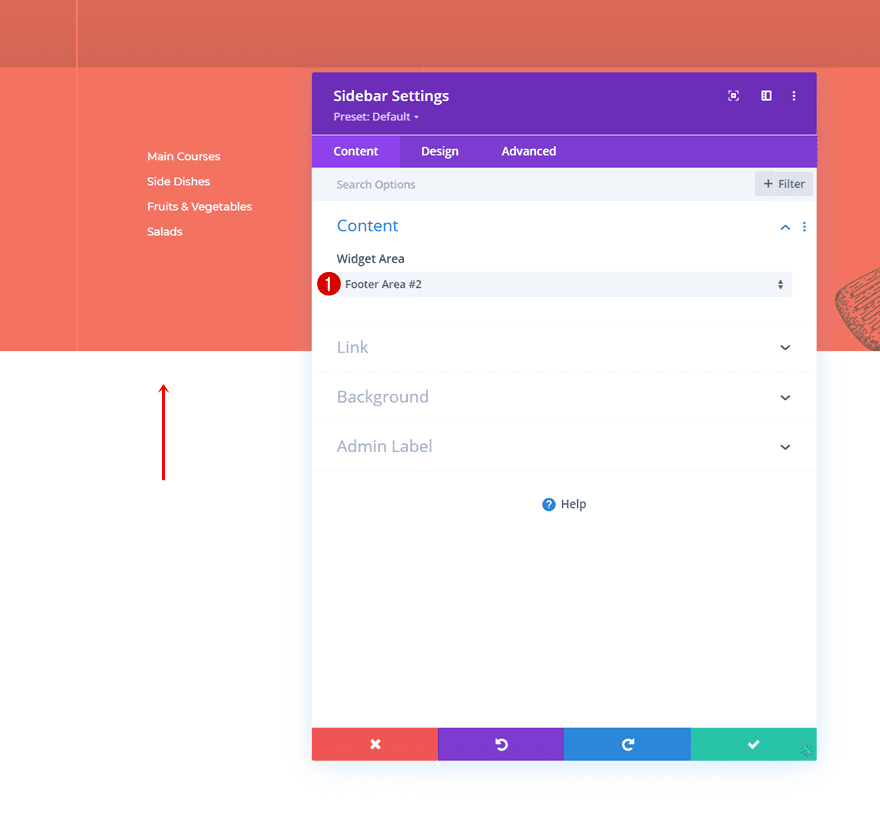
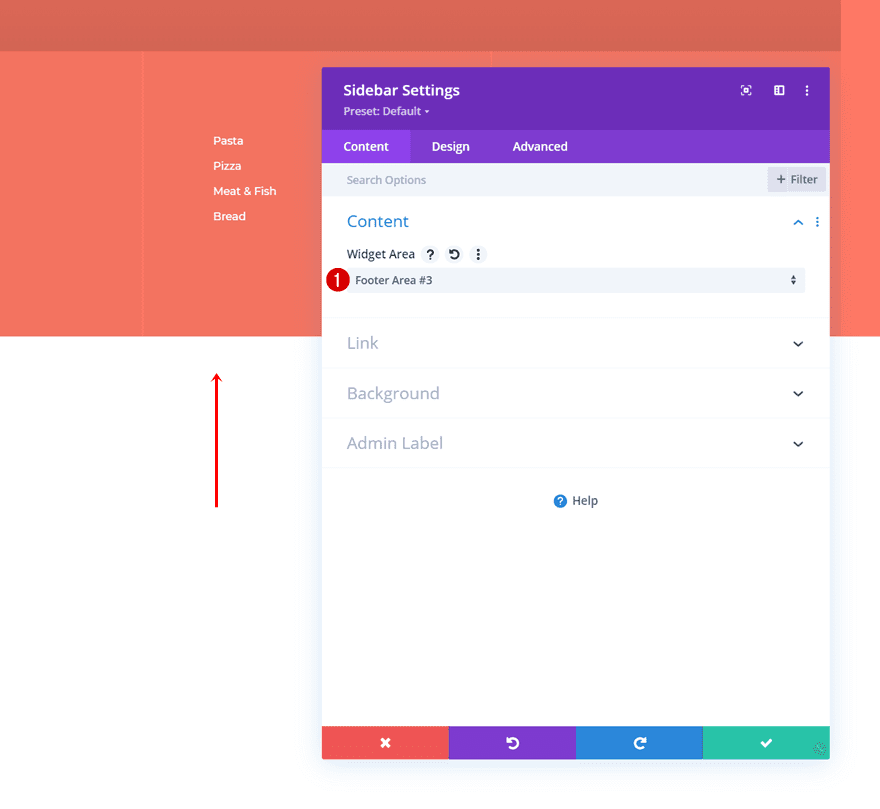
Modify the widget area for each duplicate to display the different post category menus you’ve created.
- Widget Area: Footer Area #2
- Widget Area: Footer Area #3
Now, in the last column, we’re adding a new Sidebar Module.
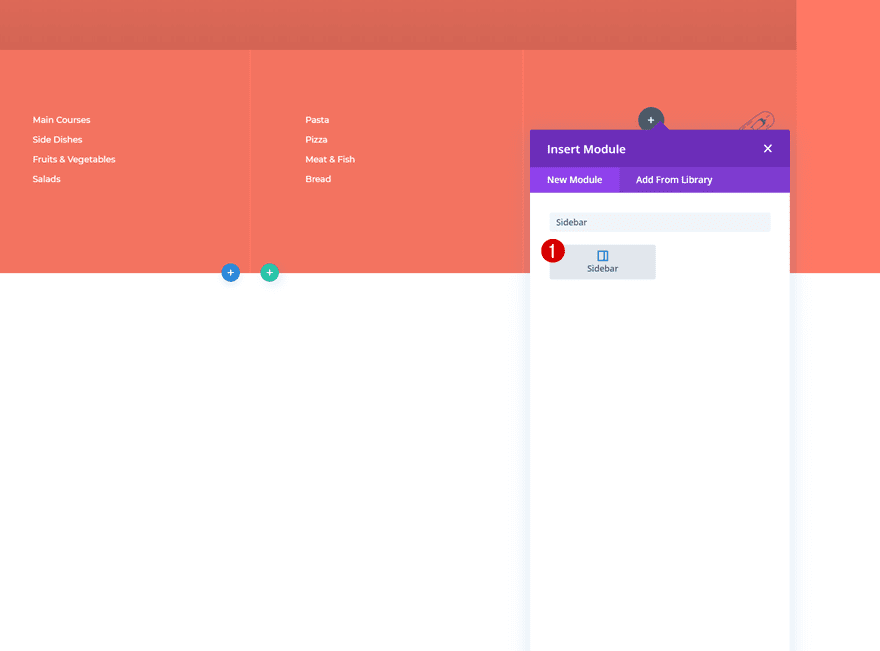
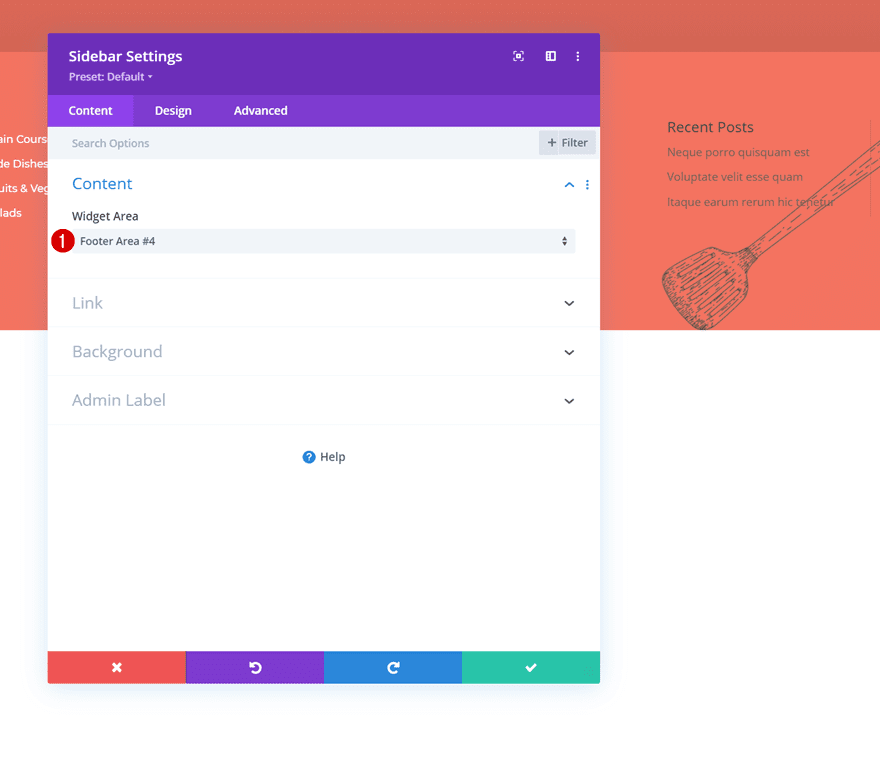
Select Footer Area #4
In this module, we’re selecting the fourth footer area we’ve created containing our recent posts.
- Widget Area: Footer Area #4
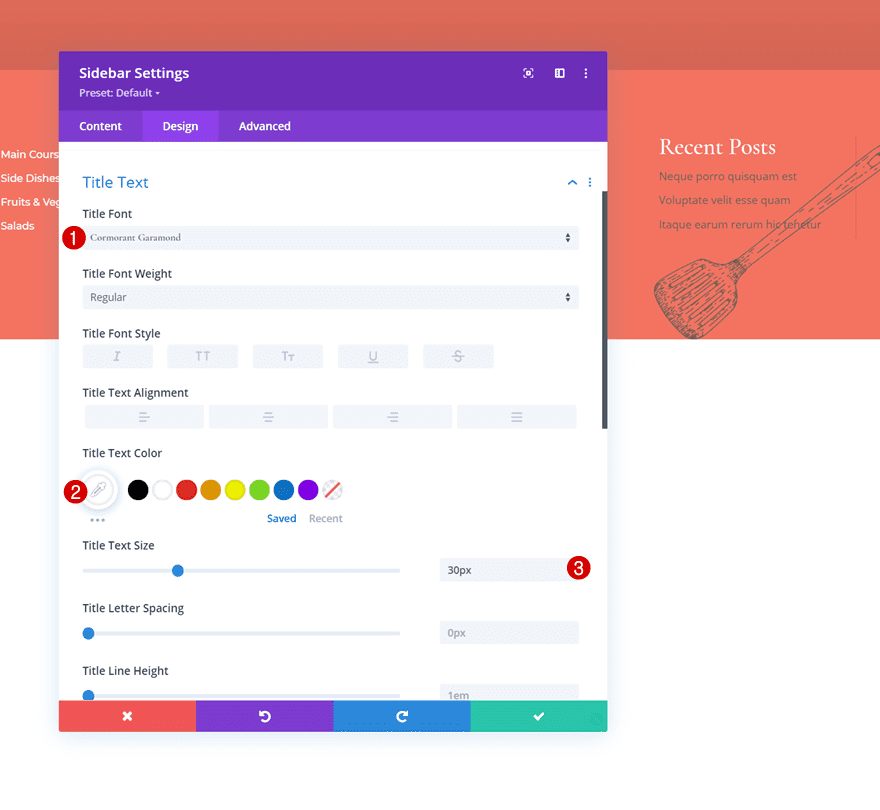
Title Text Settings
Move on to the module’s design tab and modify the title text settings as follows:
- Title Font: Cormorant Garamond
- Title Text Color: #ffffff
- Title Text Size: 30px
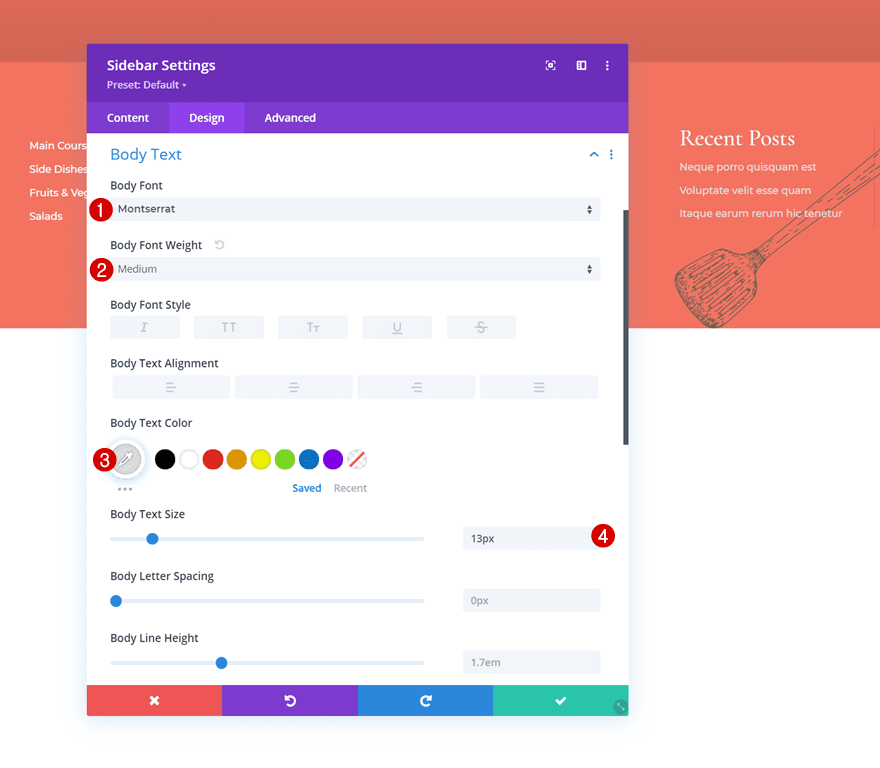
Body Text Settings
Make some changes to the body text settings too.
- Body Font: Montserrat
- Body Font Weight: Medium
- Body Text Color: #dddddd
- Body Text Size: 13px
Spacing
And complete the module settings, and this tutorial, by adding some custom top and bottom padding to the module’s spacing settings. That’s it! Make sure you save all Divi Theme Builder changes before viewing the outcome on your website.
- Top Padding: 5%
- Bottom Padding: 5%
Preview
Now that we’ve gone through all the steps, let’s take a final look at the outcome across different screen sizes.
Desktop
Mobile
Final Thoughts
In this tutorial, we’ve shown you how to combine the Divi Theme Builder with WordPress footer widgets and the Divi Sidebar Module. More specifically, we’ve shown you how to add post category menu widgets to your global footer to make your visitors’ navigation journey easier. This approach will help you style the footer items using Divi’s built-in options while keeping the footer menus and widgets inside your WordPress backend. You were able to download the JSON file for free as well! If you have any questions or suggestions, feel free to leave a comment in the comment section below.
If you’re eager to learn more about Divi and get more Divi freebies, make sure you subscribe to our email newsletter and YouTube channel so you’ll always be one of the first people to know and get benefits from this free content.











I’m curious when you formatted the 4 footer columns, you added the same exact attributes to each, one at a time. Couldn’t you have formatted one and then selected copy module style and simply pasted the style to the three remaining columns?